Yes — a temp email for IBM MaaS360 can be a practical way to verify a trial, test device enrollment flows, and keep early admin follow-up out of your main inbox.
It works best while the account is still temporary and exploratory; once the evaluation turns into a real pilot with shared ownership, switch to a permanent monitored address your team controls.
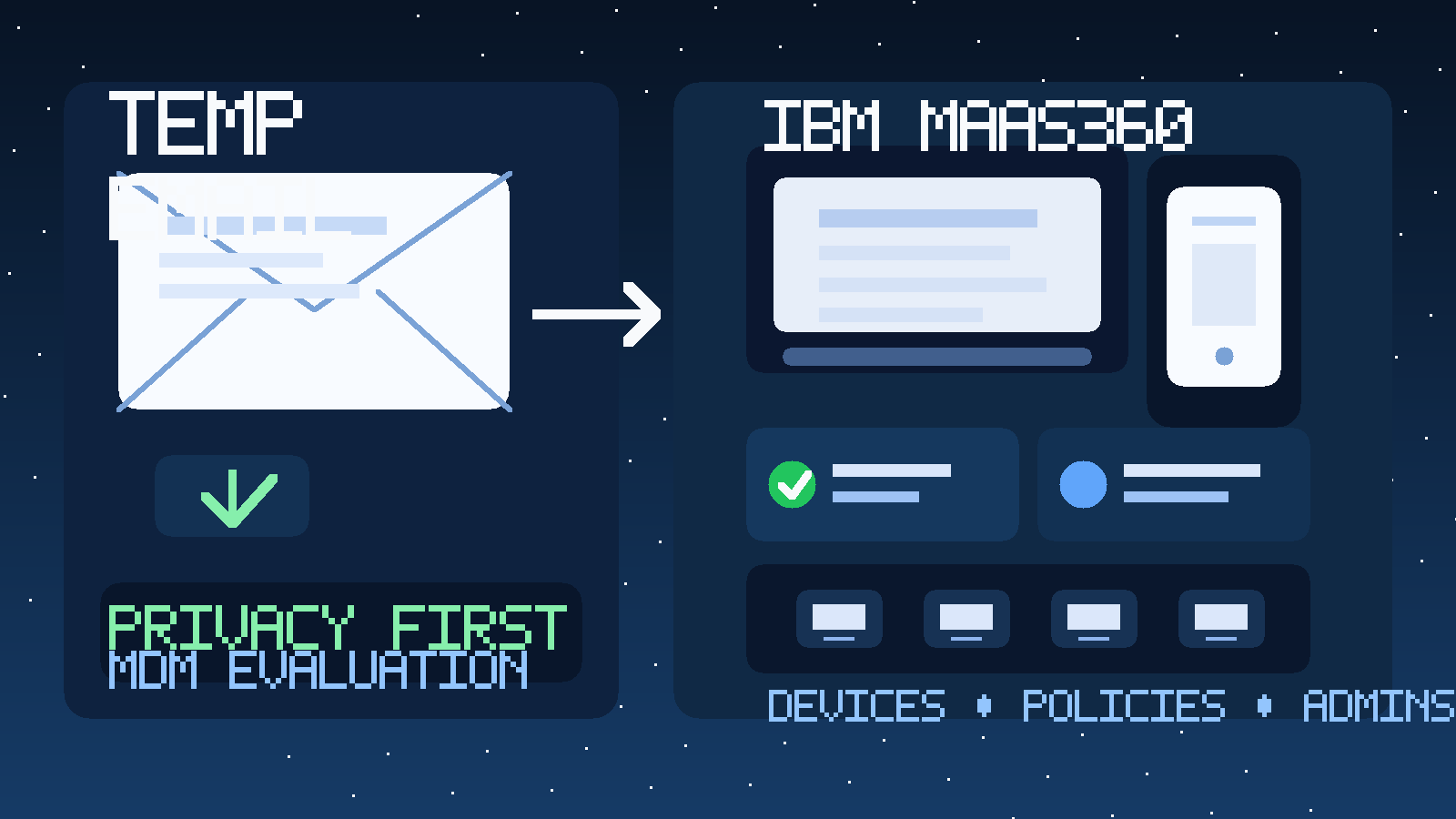
That balance matters with IBM MaaS360 because trials in this category rarely stop at one confirmation message. After signup, it is normal to receive verification emails, setup prompts, onboarding guides, webinar invites, demo requests, and repeated follow-up meant to move the evaluation into a sales conversation. None of that is unusual, but it can get noisy fast when you are still deciding whether the platform belongs on the shortlist.
A temporary inbox gives you a cleaner first step. You can open the account, receive the activation message, review the early admin workflow, and compare the experience against other mobile device management tools without immediately tying your long-term work email to every test. A service like Anonibox fits that early stage well because it helps you keep exploratory signups separate from the inbox you use for daily operations.
Why people look for a temp email for IBM MaaS360
Most teams are not searching this keyword because they want to hide from legitimate account ownership forever. They are usually trying to stay organized during evaluation. MDM and UEM platforms often need real setup time before you can judge them properly, and that creates a lot of email traffic before you even know whether the tool is a fit.
IBM MaaS360 sits in the same evaluation bucket as other device-management platforms already covered on the site, including Jamf, Microsoft Intune, Kandji, and the broader mobile device management software free trials topic. The intent is straightforward: test the product first, then decide whether it deserves a permanent relationship.
That makes temporary email useful in a few common situations:
- you want to compare multiple MDM vendors in the same week
- you are checking enrollment and policy basics before involving a larger team
- you need access to the trial but do not want your main inbox pulled into every nurture sequence right away
- you are consulting for a client and want to keep vendor exploration separated from your long-term mailbox
- you are running a proof of concept and only need a clean evaluation environment at the start
When a temp email makes sense for IBM MaaS360
A temporary inbox is most helpful during the screening stage. That is the period when you are still asking simple but important questions: Is setup reasonable? Can the console be understood quickly? Do enrollment steps feel clear enough for the device types you care about? Is the product worth deeper testing at all?
If those are your current questions, a temporary inbox can be a good boundary. You still receive the emails required to get started, but you do not automatically commit your main team address to months of follow-up before the platform proves itself useful.
This approach is especially practical if you are testing IBM MaaS360 alongside several alternatives. Device-management evaluations can blur together quickly when every vendor is sending welcome sequences, help-center prompts, security overviews, and meeting invitations into the same mailbox. A separate inbox keeps those streams easier to isolate.
When a temporary inbox is the wrong tool
There is also a point where temporary email stops being the right choice. If the trial is moving into a real pilot, if multiple admins need continuity, if the account will hold meaningful configuration work, or if procurement and security review are beginning, you should move to a durable business email. The goal is to keep early exploration tidy, not to build a serious endpoint-management project on top of a disposable inbox.
The same rule applies if you expect password recovery, long-lived admin ownership, or shared operational responsibility to matter soon. Once the account becomes important, use an address your team monitors and controls.
How to use a temp email for IBM MaaS360 without creating problems later
1. Generate the inbox before signup
Create the temporary inbox first so the entire evaluation starts clean. That gives you a dedicated place for the verification message, welcome notes, and first admin prompts.
2. Use it for activation and early exploration
The best use case is verification, first-login setup, basic dashboard review, and an initial pass through enrollment or policy workflows. This is the stage where you are deciding whether the product deserves more time, not the stage where you are locking in permanent ownership.
3. Save important details outside the inbox
Temporary email is a filter, not your long-term documentation system. If the trial sends important setup information, copy the useful details into your own notes. Save the workspace URL, trial expiration timing, device-enrollment observations, and any configuration points you want to compare with other vendors.
4. Judge the platform by workflow quality
Do not confuse energetic email follow-up with product quality. A strong MDM evaluation should focus on enrollment experience, policy clarity, device visibility, administrative controls, and reporting usefulness. The real question is whether the platform helps your team manage devices well, not whether its email sequence is polished.
5. Switch finalists to a permanent address
If IBM MaaS360 becomes a serious contender, move the account to a stable monitored email before ownership, recovery, shared admin access, and internal approvals start depending on it. That handoff matters more than squeezing every last minute out of a temporary inbox.
What to evaluate inside an IBM MaaS360 trial
A temporary inbox only helps if it buys you more attention for the actual product. Use that breathing room to inspect the parts of the evaluation that really matter.
Device enrollment flow
Look at how clean the first device-enrollment steps feel for your environment. Are instructions understandable? Do the steps seem realistic for the operating systems and ownership models your team cares about? A trial does not need to cover every edge case, but the fundamentals should feel coherent.
Policy and restriction basics
Review how easy it is to find and understand policy settings, restrictions, and baseline management controls. Even at a high level, the interface should make it obvious how you would reason about device rules instead of hiding important settings behind confusing navigation.
Admin workflow and invites
If the platform supports inviting additional admins or evaluators, pay attention to how that process feels. Early-stage admin workflow is a real part of product quality. A messy invite process often signals future operational friction.
App and configuration management signals
You do not need a full rollout during a short evaluation, but you should be able to tell whether the platform appears practical for distributing apps, pushing profiles, or handling routine device-management tasks. The question is not whether you can test every feature immediately. The question is whether the product looks manageable enough to deserve a deeper pilot.
Reporting, inventory, and visibility
Check whether the console gives you useful visibility into the devices and states that matter. Good dashboards should reduce confusion, not create it. If the product makes it hard to understand basic device status, ownership context, or management posture during the trial, that is a meaningful signal.
Overall usability
MDM tools often live or die on day-to-day usability. A trial should help you answer whether the interface feels teachable, whether the terminology is understandable, and whether the platform appears maintainable for the people who would actually run it. If simple tasks already feel awkward, implementation will not magically fix that.
A practical checklist for this evaluation
As you test IBM MaaS360, try to leave the trial with answers to a few concrete questions:
- Can we understand the enrollment path quickly enough for our device mix?
- Do the policy and admin workflows feel manageable rather than brittle?
- Is the dashboard useful enough to support real operational visibility?
- Would we trust the platform for a deeper pilot if the first setup experience goes well?
- Are we ready to move this account to a permanent shared address if it becomes a finalist?
That checklist keeps the evaluation grounded. It also helps you compare IBM MaaS360 fairly against other MDM options instead of getting lost in vendor messaging.
Common mistakes to avoid
- Using one inbox for every vendor: that removes most of the organizational value.
- Forgetting to save important setup details: verification and admin links still matter.
- Keeping the temporary inbox too long: once the evaluation becomes serious, continuity matters more than convenience.
- Judging the tool by its email campaign: focus on enrollment, usability, and admin workflow instead.
- Using temporary email to abuse trials or bypass rules: the smart use case is privacy and organization during legitimate evaluation, not evasion.
Final takeaway
A temp email for IBM MaaS360 is a sensible option when you want to verify the trial, inspect early MDM workflows, and keep exploratory vendor email out of your main inbox. It is most useful during comparison and screening, when you are still deciding whether the platform deserves deeper attention.
Use the temporary inbox to get through activation and early testing, keep your notes outside the inbox, and move the account to a permanent monitored address as soon as the evaluation becomes real. That gives you the privacy and organization benefits of temporary email without creating ownership problems later.