If you only need to test signup, verification, or a first product walkthrough, a temp email for Intellum can be useful. If you are setting up real admin ownership, learner access, certificates, or recovery flows, use a permanent address instead.
That tradeoff matters because training and customer education platforms often start with a low-friction evaluation, then quickly become tied to invites, user roles, notification emails, and account recovery. A disposable inbox is fine for the first stage, but risky once the account becomes operational.
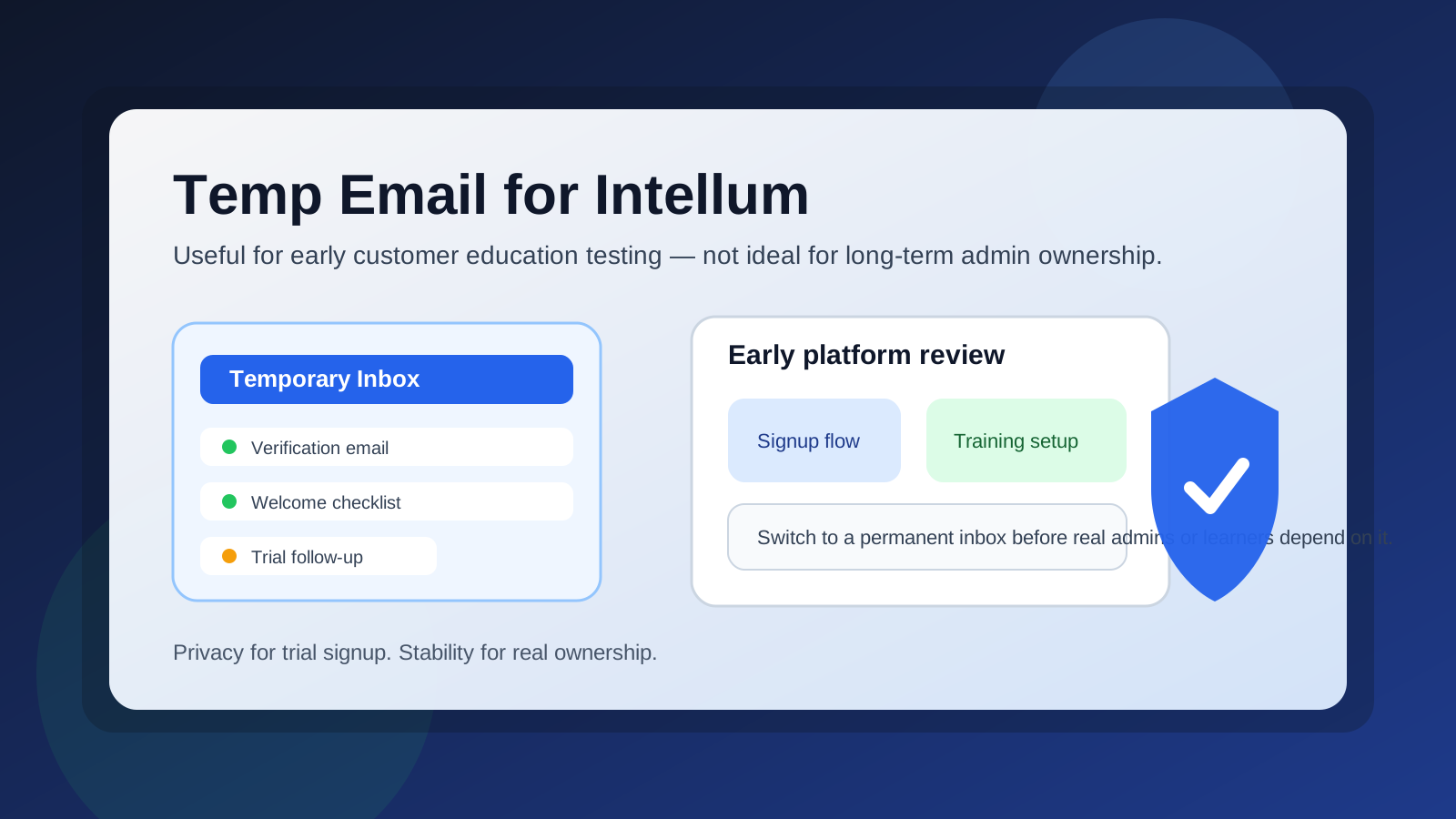
Why someone would use a temp email for Intellum
People usually look for a temporary email when they want to explore a platform without dumping another long sales-and-onboarding sequence into their main inbox. That makes sense in early evaluation. If you are comparing customer education tools, internal learning systems, or training platforms, you may want to verify an account, open the first welcome email, and see how the product feels before deciding whether it deserves a real work address.
That is where a disposable inbox can help. It keeps the first-touch messages isolated while you answer a simple question: is this worth deeper testing?
When a temporary inbox makes sense
A burner or temporary address is usually reasonable when your goal is limited and short-term. Good examples include:
- Checking whether a signup flow works the way you expect
- Reviewing an initial trial, demo, or sandbox invitation
- Comparing multiple learning or customer education platforms at once
- Keeping exploratory vendor emails out of your main work inbox
- Testing how quickly verification or welcome emails arrive
In other words, a temp inbox works best when you are still in the evaluation stage, not the ownership stage.
When it stops being a good idea
A temporary email becomes a poor fit as soon as the account starts to matter beyond a quick trial. That usually happens faster than people expect. Training platforms often depend on email for account confirmation, password resets, role changes, notifications, learner invitations, and shared admin workflows.
Using a disposable address becomes risky when:
- You are inviting real teammates or learners
- You are storing valuable course, onboarding, or training work
- You need reliable password resets and account recovery
- You are tying the account to production training operations
- You need a stable owner address for long-term administration
Once the account carries business value, convenience is no longer the priority. Stability is.
A simple rule: temporary for evaluation, permanent for ownership
If you want the shortest practical answer, use this rule:
- Temporary email: fine for first-look testing, trial verification, and inbox privacy
- Permanent email: better for admins, long-term learners, shared teams, and anything you cannot afford to lose
That rule is boring, but it is the one that avoids most headaches.
What you should actually test during an early signup
If you do use a temp email for Intellum, make the limited window count. Do not spend all your time thinking about the inbox itself. Use that first session to answer practical product questions.
1. Check the verification flow
See how quickly the first email arrives and whether the welcome flow is clear. If verification feels slow, confusing, or fragile, that matters.
2. Review the first-time setup experience
Look at what happens after account creation. Are you dropped into a blank admin area? Is there a guided checklist? Are the first steps obvious for a training or customer education team?
3. Judge whether the platform fits your use case
Early evaluation should focus on your real use case: internal learning, partner training, customer onboarding, certification, or external education. A temp inbox gives you access; it does not replace good evaluation discipline.
4. Decide when to switch to a permanent address
If the platform becomes a serious candidate, migrate your testing to a real controlled email before you build too much around a disposable one.
Benefits of using a temp email for Intellum
- Less inbox clutter: vendor follow-ups and trial sequences stay out of your main mailbox.
- Cleaner comparisons: if you are reviewing several tools, each can be isolated to a dedicated temporary inbox.
- More privacy during research: you can explore without immediately exposing your long-term work address.
- Faster filtering: you can decide quickly whether the platform deserves a deeper internal review.
Risks people underestimate
The biggest mistake is assuming a temporary address is harmless forever because the first login worked. In reality, training platforms can become central to onboarding, education, and enablement workflows. That means the email tied to the account often becomes more important over time.
Here are the most common risks:
- Lost recovery access: if you cannot reach the inbox later, password resets become harder.
- Broken admin continuity: a temporary owner email is a bad foundation for a real team account.
- Missed learner or system notifications: useful alerts may go to an inbox you no longer monitor.
- Confusion in shared testing: teammates may not know who controls the throwaway address.
Best practices if you start with a temporary inbox
If you want the privacy benefits without creating future mess, follow a few rules.
Use it only for first-stage evaluation
Treat the account like a scratchpad. Do not let it quietly become the production owner.
Save anything important immediately
If the welcome email or setup instructions matter, document them while you still have access. Temporary inboxes are useful because they are disposable, which is also exactly why they are unreliable later.
Move to a controlled address before real rollout
If your team decides to continue, switch to a permanent monitored inbox before adding real users, admins, or training content.
Keep account ownership clear
If multiple teammates are testing, assign one owner and make the transition plan explicit. “We will change this to team-training@…” is better than hoping someone remembers later.
Where Anonibox fits naturally
If your goal is simply to open a verification email, view a welcome sequence, and protect your main inbox during early software evaluation, a temporary inbox tool like Anonibox is a practical fit. It helps separate low-commitment testing from long-term operational communication.
That said, Anonibox is best used as a first-step privacy layer, not as the permanent identity behind a business-critical learning account. Once the test becomes real, the email should become real too.
A quick checklist before you decide
- Am I only validating signup and the first onboarding steps?
- Do I expect to keep this account beyond a short evaluation?
- Will this account own content, users, or admin permissions later?
- Would losing access to this inbox create a recovery problem?
- Am I comparing several platforms and trying to reduce inbox noise?
If your answers point toward a short experiment, a temp email is probably fine. If they point toward real ownership, skip the disposable address and start with a permanent one.
Bottom line
Using a temp email for Intellum is a smart move for early evaluation, inbox privacy, and quick verification testing. It is a bad move for long-term admin control, real learner access, recovery workflows, and anything your team will depend on later.
The safest approach is simple: use a temporary inbox to explore, then move to a permanent managed address before the account becomes important. That gives you the privacy benefit without turning a quick trial decision into an avoidable account-management problem.