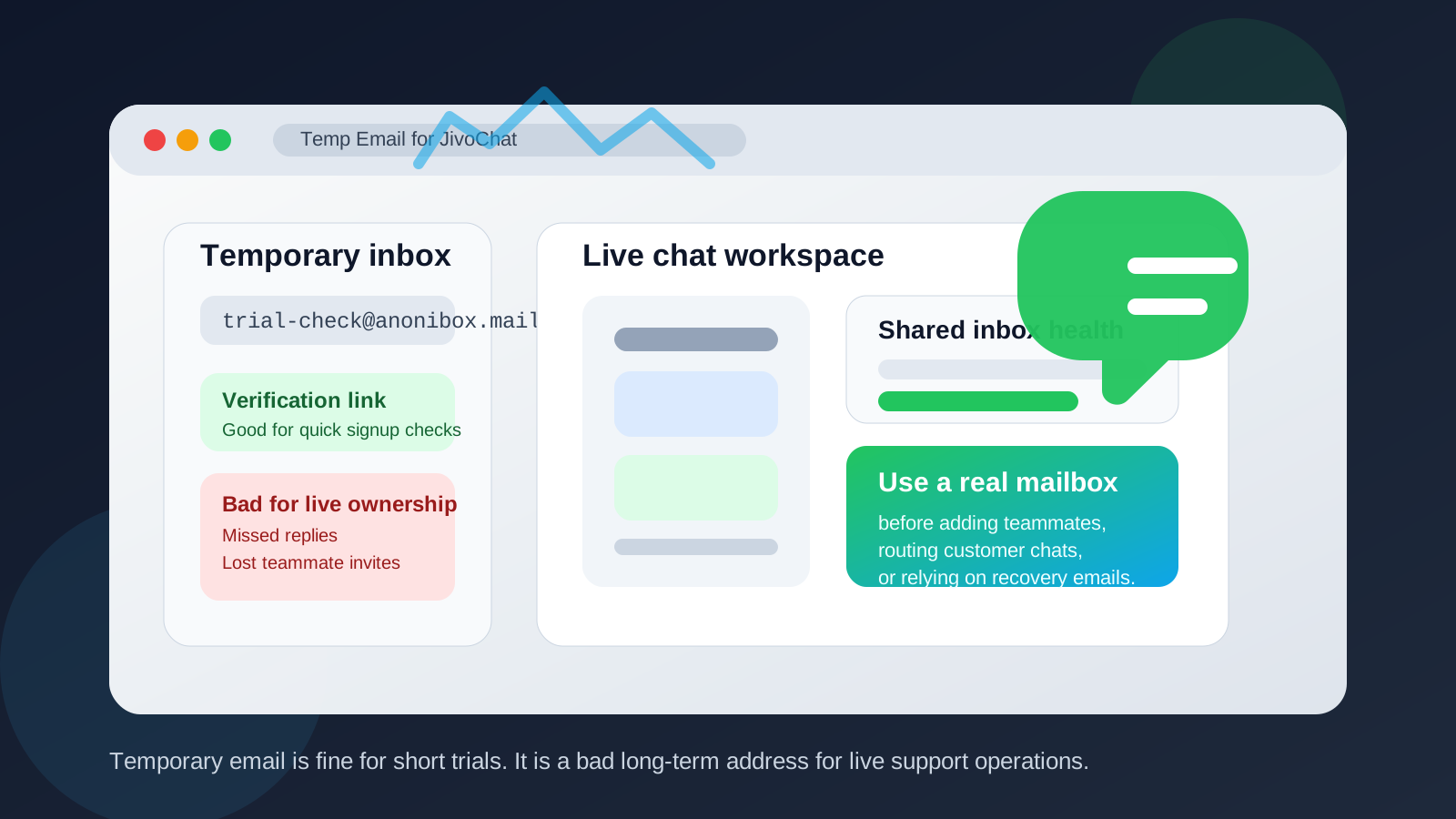
Yes, you can use a temp email for JivoChat if you only need to verify a signup or look around a short trial, but it is a weak choice for a real support inbox or a long-running customer chat setup.
JivoChat depends on email for account verification, teammate invites, notifications, and recovery, so a disposable inbox is best treated as a temporary testing step — not the address you keep once real customers or teammates are involved.
When a temp email makes sense for JivoChat
A disposable address is most useful at the very beginning, when you are still deciding whether JivoChat belongs on your shortlist. If you want to confirm the signup flow, see what the dashboard looks like, test a widget install on a staging site, or compare a couple of live-chat tools without giving every vendor your permanent work inbox, a temporary address is perfectly reasonable.
That is especially true if your goal is simply to answer questions like these:
- How fast is the initial setup?
- Can you create and style the chat widget easily?
- Does the inbox feel intuitive for agents?
- What do routing, canned replies, and chat history look like?
- Does the trial offer enough features to justify a deeper review?
For that kind of low-risk evaluation, a throwaway inbox keeps your main address out of long nurture sequences and sales follow-ups. Tools like Anonibox are useful here because they let you capture the verification email, open the account, and decide whether the product is worth more serious time.
Where a temp email starts to break down
JivoChat is not just a one-click widget. Once you move past curiosity and start using it as part of a real support, sales, or customer-success workflow, email becomes operational. That is where a disposable address starts causing problems.
Here are the biggest weak points:
- Account recovery: if you lose access to the inbox, recovering the workspace gets harder.
- Teammate invites: support and sales tools often send invitations, role changes, and confirmations by email.
- Ownership clarity: a shared inbox or live-chat account tied to a temporary address can create confusion about who actually owns the workspace.
- Notifications: missed alerts about chats, settings changes, billing, or security events can create avoidable friction.
- Long-term continuity: support software is usually not a one-day experiment. If the tool stays in use, the email behind it needs to stay reachable too.
In other words, a temp email is fine for the front door. It is a bad foundation for the house.
The real question: are you testing JivoChat or running it?
This is the simplest way to decide.
If you are testing JivoChat, a temporary email can be smart. If you are running JivoChat — or even preparing to run it with live visitors, agent handoffs, and customer conversations — switch to a real mailbox before you go further.
That distinction matters because live chat tools are connected to actual customer expectations. Visitors open a chat box because they want a reply, a handoff, or help from a real person. Anything that makes your account harder to manage or recover becomes a business risk, not just a privacy preference.
Best use cases for a temp email in a JivoChat workflow
There are still several good reasons to use one early on:
- Trial comparison: you are comparing JivoChat with tools like Tidio, Crisp, Freshchat, Userlike, or Olark and want separate inboxes for each trial.
- Staging-site checks: you want to install the widget on a test site before involving your real support address.
- Procurement privacy: you are doing early research and do not want your main team inbox pulled into every sales funnel immediately.
- Short demo validation: you only need the verification email and a few onboarding messages to inspect the product.
Those are all light-touch situations. None of them require the disposable address to remain the permanent owner of the account.
When you should switch to a real email address
If any of the following is true, it is time to move off the temporary inbox:
- You are adding teammates or agents.
- You are connecting the tool to a public website.
- You are relying on chat transcripts or notifications.
- You are discussing billing or plan changes.
- You expect the workspace to stay active beyond a short evaluation.
- You may need clean ownership for admin, procurement, or compliance reasons later.
A good rule is to switch as soon as JivoChat becomes more than a test. Do it before the account becomes operational, not after something breaks.
A practical low-risk setup
If you want privacy without creating future admin headaches, use a two-step approach:
- Start with a temp email for the first signup, trial access, and immediate product tour.
- Switch to a controlled team mailbox once the tool looks promising.
That permanent address does not have to be your founder’s personal inbox. It can be a dedicated operations mailbox, a shared admin address, or another real business inbox that your team can maintain over time. The important part is that it stays accessible, documented, and recoverable.
This setup gives you the privacy benefit up front without creating a fragile account structure later.
Common mistakes to avoid
- Leaving the temp inbox in place too long: what begins as a trial can quietly turn into a production account.
- Adding agents before switching the owner email: this creates confusion if the original inbox disappears.
- Ignoring recovery risk: many teams only think about the email after they need a reset link.
- Mixing privacy with neglect: protecting your main inbox is sensible; making the account unreachable is not.
Quick checklist before you go live
- Confirm the account owner email is a real mailbox your team controls.
- Make sure recovery emails go somewhere monitored.
- Document who has admin access.
- Check that teammate invites and notifications reach the right people.
- Only then treat the workspace as your real customer-facing chat channel.
So, should you use a temp email for JivoChat?
Yes — for a short evaluation, signup test, or quick product comparison.
No — not for a real shared inbox, a long-running support workflow, or any account you may need to recover later.
That is the cleanest answer. JivoChat can be worth testing with a disposable address, but once customers, teammates, or billing enter the picture, a stable mailbox is the safer move. Use the temp inbox to reduce noise during research, then migrate to a real one before the workspace becomes part of your live support stack.