Yes, a temp email for Jobgether can make sense if you are only signing up, testing remote job alerts, or checking whether the platform is useful without sending more hiring noise into your main inbox.
It works best at the exploration stage; once a role becomes serious, switch to a stable email address you check every day so you do not miss recruiter replies, interview scheduling, or account recovery messages.
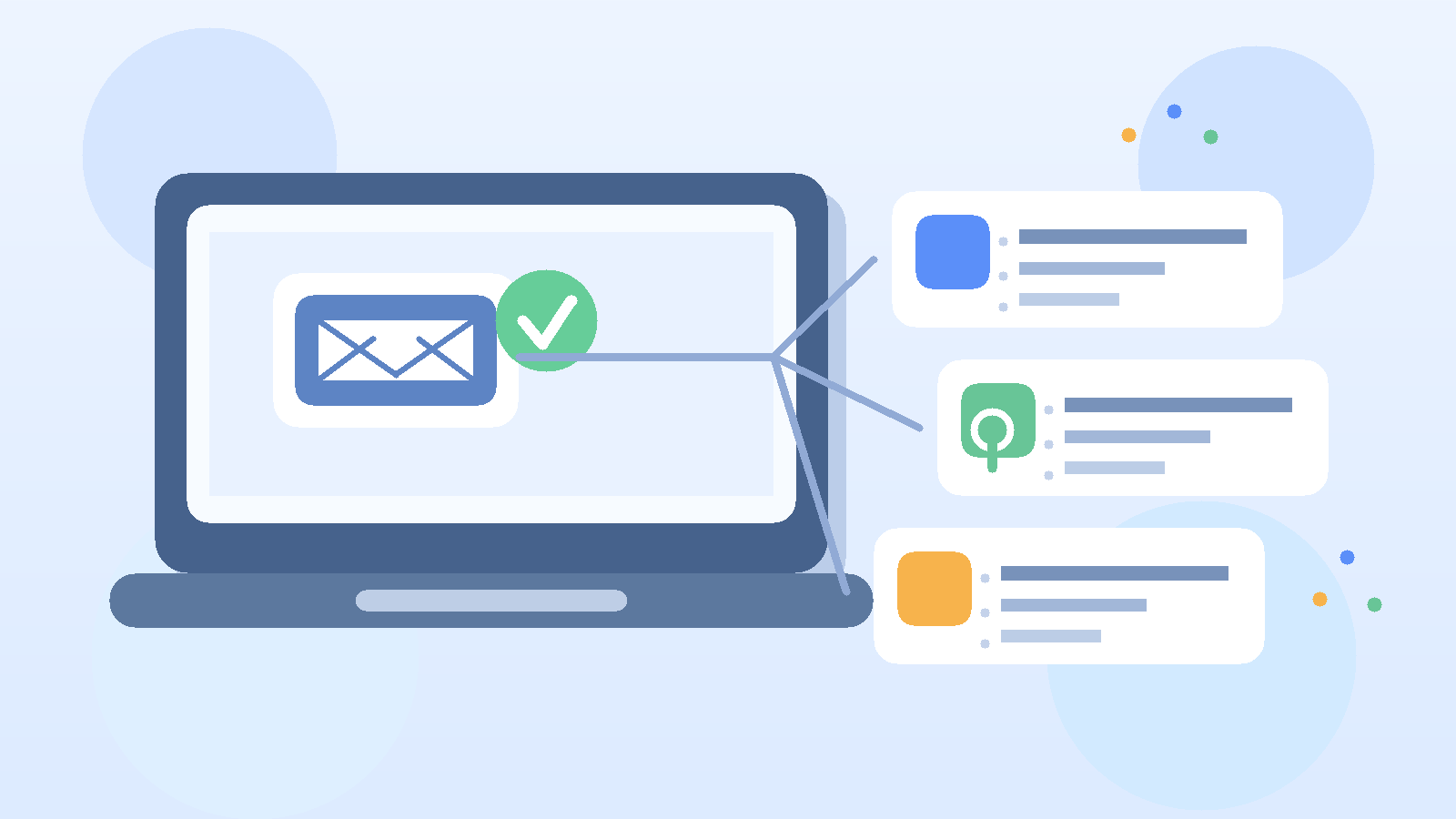
That is the practical answer most job seekers need. A remote-job platform can be genuinely useful, but it can also become another source of alerts, newsletters, follow-up messages, and account emails before you know whether it deserves a permanent place in your search. If you are comparing several remote job boards at once, inbox clutter becomes a real problem fast.
A temporary inbox gives you a buffer between curiosity and commitment. You can create an account, receive the first verification message, and see what kind of communication the platform sends without immediately tying your long-term personal address to another stream of hiring-related email. For privacy-conscious job seekers, that small layer of separation is often enough to make the whole search feel calmer and easier to manage.
Why people look for a temp email for Jobgether
Most people searching this are not trying to hide from legitimate employers. They usually want more control over how much inbox exposure comes with an online job search.
Remote job hunting often means signing up for multiple platforms in a short period. You may be testing broad job boards, startup-focused sites, remote-only directories, résumé tools, and alert services all at once. Every signup adds another potential stream of confirmation messages, saved-search emails, product updates, and recruiter outreach. Even useful platforms can create a lot of noise before they create real opportunities.
That is where a temporary inbox helps. It lets you explore first and commit later. Instead of giving every platform the same permanent address you use for work, bills, and personal conversations, you can decide whether the platform actually earns a place in your long-term workflow.
When a temp email for Jobgether makes sense
1. You are still testing remote job boards
If you are comparing several remote-job platforms, a temporary inbox is a sensible way to keep the testing stage separate from your real application workflow. You can see whether the listings feel relevant, whether the alerts are useful, and whether the site is worth checking regularly.
2. You want a more confidential early-stage search
Not everyone wants their main inbox tied to every job platform right away. Maybe you are quietly exploring a career move while still employed. Maybe you simply do not want another service holding your long-term address unless it proves valuable first. Using a temporary inbox during the earliest stage gives you more control over who gets what.
3. You want to reduce long-tail inbox clutter
A lot of job-search email is not harmful, but it is distracting. Weekly digests, reminder emails, profile prompts, and “jobs you may have missed” messages add up. A disposable inbox helps you test whether the signal is worth the noise before you let those messages into the inbox that handles everything else in your life.
4. You are browsing before you are truly ready to apply
Sometimes you are just assessing the market. You want to see salary ranges, role titles, location expectations, or the overall volume of remote work in your field. That kind of research does not always justify handing over your main address immediately. A temporary inbox is a good fit for this lower-commitment phase.
What a temporary inbox is actually good for
A temp email for Jobgether is most useful for the top of the funnel rather than the entire hiring process.
- Account creation and verification: you can receive the first signup message without using your primary inbox.
- Testing alerts: you can judge whether the platform sends relevant remote roles or mostly generic noise.
- Inbox separation: platform email stays apart from personal, financial, and family communication.
- Side-by-side comparison: if you are testing several job tools at once, separate inboxes make it easier to see which platform is creating value.
- Lower-trust exploration: you can browse unfamiliar companies more cautiously before giving them a long-term contact point.
This is the real benefit: not anonymity for its own sake, but cleaner decision-making. When early platform traffic is separated from your main inbox, it becomes easier to notice whether the platform is helping your search or simply creating more digital clutter.
Where a temp email can backfire
Temporary email is useful, but it is not the right tool forever. The main trade-off is reliability.
Serious recruiter conversations
If a recruiter or hiring manager reaches out about a role you genuinely want, you do not want that conversation stuck in an inbox you might stop checking. Early privacy is helpful; losing track of a promising lead is not.
Interview scheduling across time zones
Remote hiring often involves recruiters, hiring managers, and candidates working in different time zones. Scheduling messages can move quickly. A temporary inbox becomes risky if you are not monitoring it consistently while a live opportunity is developing.
Password resets and account recovery
Even if the platform itself is only one part of your search, losing access at the wrong time can still be annoying. If you saved roles you care about or built part of your workflow around the account, a disposable address can become a weak link.
Anything tied to a real application pipeline
Once a platform becomes part of your daily search, your contact method should stop being disposable. The more real the opportunity, the more you want continuity instead of cleverness.
How to use a temp email for Jobgether safely
Step 1: Create the temporary inbox before you sign up
Open the inbox first so you can complete verification without bouncing between tabs and losing track of messages. If you use Anonibox for the trial stage, keep the inbox visible while you register so you can confirm the account quickly.
Step 2: Use it for exploration, not for your entire job search forever
The temporary address is there to help you evaluate the platform. Use it for signup, early alerts, and first-pass browsing. Do not assume it should remain your permanent contact method if the platform starts producing real opportunities.
Step 3: Check the inbox intentionally while you are active
A temporary inbox only works if you still manage it responsibly. During the days when you are actively testing the platform, look at the messages on purpose. Ask yourself:
- Are the roles actually relevant to your field?
- Are the alerts useful enough to justify another account?
- Are you seeing serious opportunities or just generic volume?
- Would you be comfortable moving a promising conversation to a stable inbox now?
You can usually answer those questions within a short testing window.
Step 4: Save anything important immediately
If you receive a message tied to a real opportunity, save the details right away. That could mean copying the company name, contact information, interview details, or application link into your notes or moving the conversation to a long-term email address you control.
Step 5: Switch once a role becomes real
A good rule is simple: the moment a role becomes valuable enough that missing a message would hurt, it is time to move off the temporary inbox. Privacy matters, but continuity matters more once money, momentum, or a strong opportunity is on the line.
Signs it is time to switch to a permanent email address
- You are speaking with a real recruiter or hiring manager.
- You have an interview to schedule or reschedule.
- You need a dependable record of the conversation.
- You are completing assessments, sharing documents, or coordinating next steps.
- The platform has become part of your daily job-search routine rather than a short test.
If any of those are true, a stable inbox is the better choice. The goal is not to stay disposable forever. The goal is to protect your main inbox until the relationship earns a more permanent contact method.
Privacy mistakes to avoid
Using one throwaway inbox for every platform
If you sign up for every job site with the same temporary address, you lose a lot of the organizational benefit. Separate testing inboxes make it much easier to tell which platform is creating which messages.
Forgetting to monitor the address
A temporary inbox is not magic. If you use it for active applications but never check it, the problem is not the platform; it is the workflow. Use temporary email only when you are willing to manage it properly.
Sending sensitive personal information too early
Whether you use a temporary inbox or a permanent one, be careful with sensitive documents and identity information. A privacy tool can reduce clutter, but it does not remove the need for basic judgment about who you are talking to and why.
Assuming temp email solves scams by itself
A temporary address can limit exposure, but it does not guarantee safety. You still need to verify employers, watch for suspicious requests, and avoid sharing anything unnecessary before a role is clearly legitimate.
A practical workflow that balances privacy and reliability
If you want a useful middle ground, keep your process simple:
- Use a temporary inbox to test Jobgether and see whether the platform fits your search.
- Reserve a stable job-search email for serious recruiter conversations and applications you genuinely care about.
- Keep your main personal inbox out of the early-stage mess whenever possible.
This layered approach usually works better than either extreme. You do not need to expose your long-term personal address to every new platform on day one, but you also should not run a serious job search forever through throwaway contact details.
Final answer
Using a temp email for Jobgether is a smart move when you want to explore remote roles, test alerts, and protect your main inbox from yet another stream of hiring-related email. It is especially useful if you are comparing several job boards at once or quietly researching the market before committing to a full search.
Just do not let “temporary” become your whole strategy. Once the platform starts producing real conversations, interview coordination, or opportunities you care about, switch to a stable email you monitor every day. That way you get the privacy benefits of a disposable inbox early and the reliability of a permanent inbox when it actually matters.