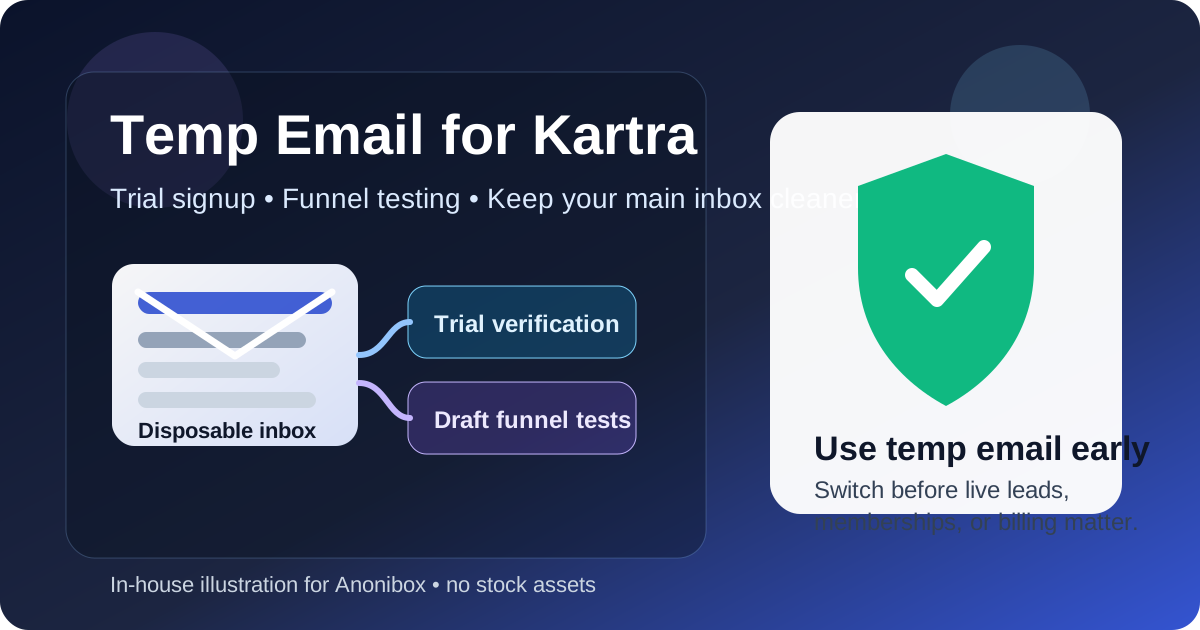
Yes — a temp email for Kartra can be useful for trial signup, dashboard exploration, and early funnel testing without handing your main inbox to another marketing platform right away.
No — it is a bad long-term choice once real leads, membership access, billing receipts, automation alerts, or account recovery depend on that inbox.
That split matters because Kartra is not just a page builder. It can sit at the center of lead capture, email automation, checkout flows, memberships, customer communication, and internal business operations. In the first hour of testing, the email on the account mostly acts like a gatekeeper for verification and onboarding. A few days later, the same inbox can quietly become tied to customer notifications, login recovery, receipts, admin changes, and revenue-related workflows.
If you are only evaluating whether Kartra belongs on your shortlist, a temporary inbox can be a practical privacy move. If you are about to run live funnels, collect real leads, sell products, host membership content, or hand the account to a team, you should switch to a stable monitored email before anything important depends on it.
Why people look for a temp email for Kartra
Kartra attracts exactly the kind of user who wants to test before committing. You may want to preview templates, inspect the page builder, review forms, compare checkout flows, explore email automation, or see how memberships and products are organized before you let another platform into your real inbox. That is a normal reason to use a disposable address.
Early testing often triggers a predictable stream of messages: verification emails, onboarding walkthroughs, webinar invitations, demo prompts, pricing reminders, upgrade nudges, and follow-up sequences from a vendor that you may only evaluate for an afternoon. A temporary inbox helps you keep that low-stakes research separate from your main work address.
Used that way, it is a simple filtering tool. It does not make the platform safer, and it does not solve long-term ownership questions. It just gives you cleaner boundaries while you decide whether Kartra is actually worth deeper setup.
When a temporary email makes sense for Kartra
A disposable inbox is usually reasonable when you are still in evaluation mode and none of the account activity affects real customers or real revenue.
- Trial signup: You only need the verification email and the first onboarding steps.
- Dashboard exploration: You want to click through pages, products, forms, automations, and settings before making a commitment.
- Draft funnel testing: You are experimenting with page layouts, forms, and sample automations that are not yet live.
- Tool comparison: You are putting Kartra next to alternatives like ClickFunnels, Leadpages, Instapage, Unbounce, Webflow, or GoHighLevel.
- Inbox protection: You do not want months of marketing follow-up attached to your main address if the tool never makes the final cut.
That is the sweet spot. Kartra is still a product under review, not a system your business relies on.
Where a temp email becomes risky fast
Kartra can stop being a harmless trial surprisingly quickly. The moment the account starts touching real leads, real customers, or real money, a disposable inbox becomes fragile.
1. Live lead capture and form notifications
If your landing pages, lead forms, or opt-in workflows are live, email is no longer just a login detail. It can become part of how your team notices new activity, handles issues, and keeps track of follow-up work. Missing alerts or losing access to the account inbox can create confusion at exactly the wrong time.
2. Memberships, courses, and gated content
Kartra is often used for member portals, course delivery, or restricted content. Once customers depend on access rules, password resets, or support replies, you want the account owned by a permanent monitored inbox that your business controls. A disappearing address is the opposite of that.
3. Billing receipts and payment-related workflows
If Kartra is connected to paid funnels, offers, subscriptions, or product delivery, billing notices and transaction-related updates matter. Even if customer receipts go elsewhere, the account owner still needs a reliable inbox for administrative notices, security events, and subscription changes.
4. Automation troubleshooting
Marketing automation can be powerful and messy at the same time. When a rule misfires, a sequence behaves unexpectedly, or a form breaks, you want stable access to every important account message. Disposable inboxes are fine for play mode, not for diagnosing live workflow problems.
5. Team ownership and handoffs
Once multiple people touch the account, the signup email becomes an operational detail, not a personal convenience. A team should not inherit a business-critical system that was originally tied to a throwaway inbox used during a one-hour test.
The safest way to use a temp email for Kartra
If you want the privacy benefits without creating a future mess, the best approach is simple: use the temporary inbox for the evaluation phase only, then migrate to a permanent address before going live.
- Create the temporary inbox first. Use it only for the initial Kartra signup and verification.
- Test the basics quickly. Review the dashboard, page builder, forms, products, automations, and membership structure without overbuilding.
- Decide whether Kartra is a serious finalist. If the answer is no, you walk away with less inbox clutter.
- Switch the account email before launch. Do this before collecting real leads, inviting teammates, or connecting live billing workflows.
- Use a monitored long-term inbox for ownership. Make sure the permanent address is one your business will still control months later.
This avoids the most common mistake: letting a trial setup quietly become production infrastructure.
Practical scenarios
Good use case: comparing funnel builders
You are deciding between Kartra, ClickFunnels, and Leadpages. You want to see how Kartra handles forms, sequences, product setup, and page design before you commit. A temp email is fine here because the goal is evaluation, not live operations.
Bad use case: running a real launch
You have already connected a domain, built opt-in pages, set up a product, and are preparing to drive paid traffic. At that point, the account is part of your business. A disposable inbox is a weak foundation for anything involving real leads or revenue.
Borderline use case: building the funnel before launch
This is where people get sloppy. If you are building seriously and expect to launch soon, switch earlier than you think. The more setup work you do, the easier it is to forget that the account still belongs to an inbox that was meant to be temporary.
What to check before you switch from temp to permanent
Before Kartra moves from sandbox mindset to real workflow, run through a short checklist:
- Is the account email one that you or your team will still control long-term?
- Would you be comfortable receiving security alerts, billing notices, and login recovery emails there?
- Are live forms, sequences, memberships, or products about to depend on this account?
- Will teammates need a stable owner address for handoff or support?
- If the temporary inbox vanished today, would anything important break?
If the last question makes you even slightly uncomfortable, it is time to switch.
Common mistakes people make
- Treating a serious build like a casual test. Kartra often starts as an experiment and turns into a real funnel stack very quickly.
- Forgetting account recovery. People think about welcome emails, but not about what happens when they need password resets or security notices later.
- Leaving billing tied to a disposable inbox. That is needlessly risky once subscriptions or product sales enter the picture.
- Keeping the original signup email out of inertia. The easiest path is to never change it, which is exactly why temporary setups often stick around too long.
- Confusing privacy with permanence. A temp inbox is a privacy tool for early evaluation, not a durable account management strategy.
How Anonibox fits naturally into this workflow
Anonibox makes sense at the point where you want to verify Kartra, inspect the platform, and keep your main inbox cleaner while you decide whether the tool belongs in your stack. That is the practical use case. It is not about pretending a disposable inbox should manage a full customer funnel forever. It is about reducing noise while your decision is still reversible.
That distinction is what keeps temporary email useful instead of reckless. For low-stakes exploration, it saves time and reduces clutter. For long-term ownership, it is the wrong tool.
Final answer
A temp email for Kartra is a smart move when you only need trial access, onboarding messages, and a safe way to compare the platform without committing your main inbox too early. It becomes a poor choice when Kartra starts handling real leads, memberships, billing activity, or team-owned workflows.
Use temporary email for the testing phase. Use a stable monitored inbox before anything customer-facing or revenue-related goes live. That gives you the privacy benefit up front without creating an avoidable mess later.