Yes, you can use a temp email for LearnUpon when you are testing a trial account, checking learner invites, or reviewing notification flows without pushing every LMS experiment into your main inbox.
No, it is a poor long-term address once a real admin, manager, or learner depends on that inbox for account recovery, course access, certification notices, or production ownership.
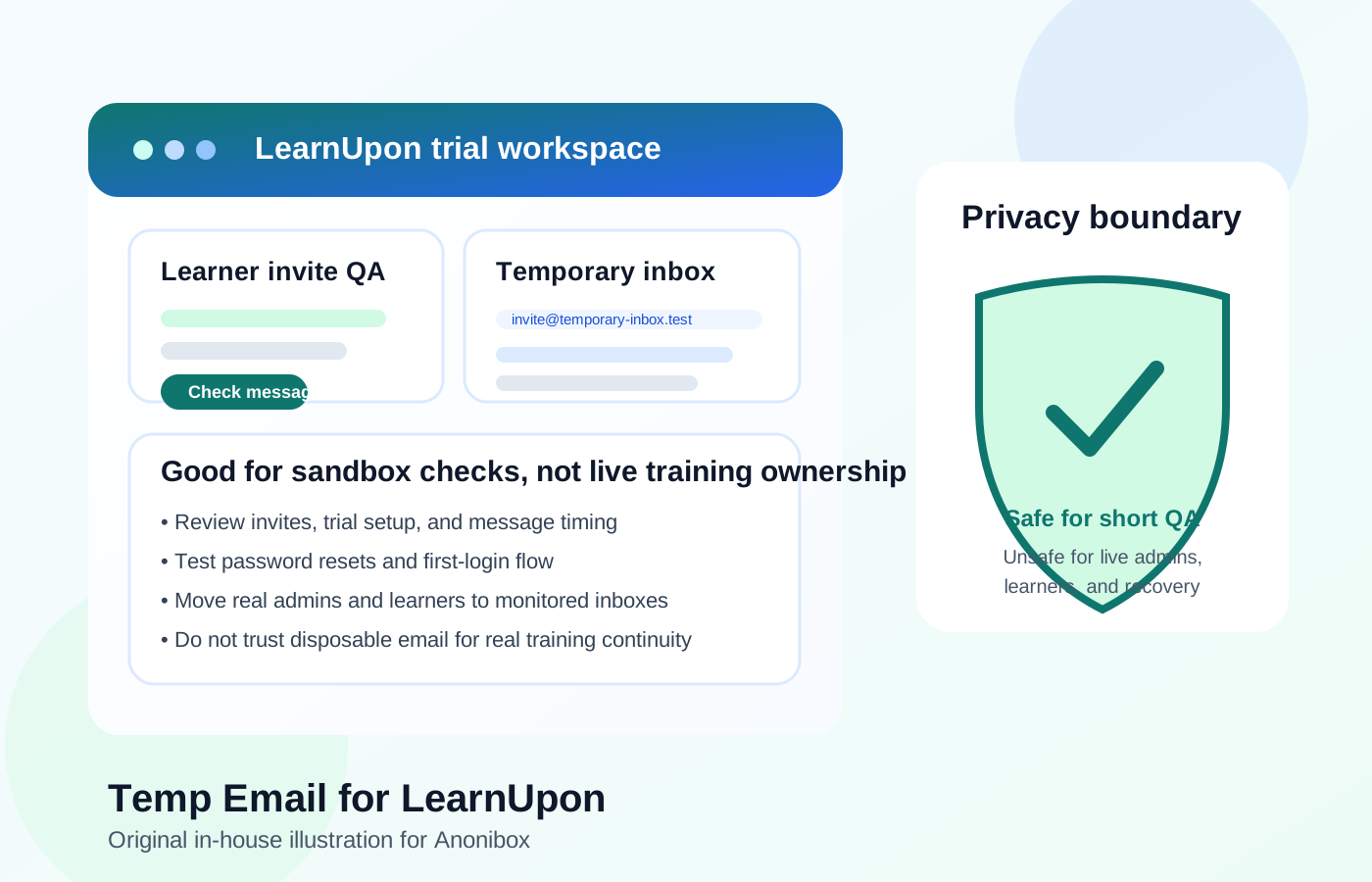
That is the practical answer. Temporary email can be useful during short-lived LearnUpon evaluation and QA, but it becomes risky the moment the account matters to live training, real people, or ongoing access. If you are piloting LearnUpon for onboarding, customer education, partner enablement, or compliance work, the safest pattern is to use a disposable inbox only during the early test phase and then move important accounts to permanent monitored addresses before anything becomes production-critical.
Why people look for a temp email for LearnUpon
LearnUpon is the kind of platform that can generate a surprising amount of email during setup. Trial registration, learner invites, first-login prompts, password resets, reminders, course-assignment notices, and completion-related messages can all show up quickly, especially if you are creating multiple test users or comparing several LMS options at once.
That is why a temporary inbox sounds appealing. You may want to inspect the invitation flow, see how learner emails are worded, test reminder timing, or compare the admin setup experience without giving every trial vendor another direct line into your everyday inbox. A tool like Anonibox is helpful at that stage because it keeps early-stage evaluation separate from your permanent work email while still letting you receive the messages needed for testing.
The risk appears later. A disposable inbox is fine when the account is genuinely short-lived, but many LMS pilots quietly become operational systems. A test admin turns into the real admin, a sandbox learner keeps being reused, or a throwaway account becomes attached to real training history. Once that happens, a temporary email stops being convenient and starts becoming fragile.
When a temp email makes sense for LearnUpon
A temp email works best when both the account and the environment are clearly temporary. Good examples include:
- Free-trial evaluation: You want to see the admin experience before tying the platform to your permanent inbox.
- Learner invite testing: You need to validate how invitation emails, setup links, and first-login instructions actually arrive.
- Notification QA: You want to review course reminders, enrollment messages, and reset flows without cluttering your normal inbox.
- LMS comparisons: You are comparing LearnUpon with platforms like Litmos, Canvas LMS, Blackboard, Brightspace, Schoology, TalentLMS, 360Learning, or Moodle and want a cleaner workflow.
- Short pilot work: You are helping HR, L&D, customer education, or a client team evaluate the product before assigning real ownership.
In those cases, a disposable inbox can make evaluation cleaner and faster. The key is that the identity has to stay disposable in practice, not just in name.
When it becomes a bad idea
LearnUpon stops being low-stakes as soon as real admins, managers, instructors, or learners depend on the account for ongoing access. At that point the email address behind the profile is no longer just a signup detail. It becomes part of the system’s continuity.
A disposable inbox becomes risky when it is attached to:
- The primary admin account that owns setup, permissions, integrations, branding, or user management
- Managers or training owners who need reliable access to reporting, completions, and learner administration
- Real learners who may need password recovery, assignment reminders, and long-term course access
- Certification or compliance workflows where missing a message can create operational headaches
- Production processes where fallback recovery and dependable communication matter after the trial period ends
If the account supports real onboarding, partner training, customer education, or compliance learning, a disposable address is the wrong long-term foundation.
LearnUpon-specific complications people underestimate
Email matters beyond the initial signup
With LearnUpon, email is not just about confirming the trial. Invite flows, password resets, reminders, assignments, completion communication, and account-recovery paths can all matter later. A temp inbox is fine for observing those messages during testing, but it is weak as the long-term home for a real user identity.
Training systems often outlive the “pilot” label
Learning platforms are notorious for staying in place once people start using them. A quick proof of concept can become the system teams rely on for weeks or months. If a disposable admin or learner account survives into that phase, recovery and ownership get messy fast.
Certification and compliance increase the downside
When LearnUpon is used for recurring compliance training, regulated onboarding, or customer certification, inbox reliability matters more than privacy convenience. You do not want an important training account tied to an address that was only meant to survive the first few hours of testing.
A safe way to use temporary email during LearnUpon evaluation
If you want the privacy benefits without the long-term risk, use a clear boundary:
- Create the disposable inbox only for testing. Use it for trial signup, invite review, reset checks, and notification QA.
- Label the account clearly. Make it obvious that it is a sandbox admin, demo learner, or short-term QA user.
- Capture the useful messages. Save examples of invitation wording, reminder timing, and onboarding emails you actually want to review.
- Do not let the test identity become the owner. If the pilot becomes serious, migrate the important accounts to permanent monitored inboxes before launch.
- Retire throwaway accounts when testing ends. That keeps the LearnUpon environment cleaner and reduces future confusion.
This approach gives you the convenience of temporary email during evaluation without turning a disposable address into part of your long-term learning infrastructure.
What to test while the temporary inbox is active
If you are going to use temp email during the LearnUpon testing stage, make it count.
Invitation and first-login flow
Create a fresh learner or admin-style account and walk through the entire invitation process. Does the email arrive quickly? Is the call to action clear? Is the first-login experience friction-free?
Password reset behavior
Do not stop at account creation. Trigger a reset on purpose. Recovery flows often expose usability issues that the initial welcome email does not.
Reminder and notification cadence
Once assignments and reminders are enabled, message volume can rise quickly. A temporary inbox lets you see the real cadence before exposing your main inbox or live users to the whole stream.
Role-based differences
Admin, manager, and learner journeys are not always identical. Test separate roles instead of reusing one generic identity for everything.
Common mistakes to avoid
Using one temp inbox for every test role
This makes message review harder and hides differences between learner, admin, and manager experiences.
Letting a pilot admin survive into production
This is a classic problem. The temporary account seems to work, so nobody replaces it, and months later it is still the account everyone depends on.
Forgetting long-term recovery needs
People focus on the welcome email and ignore the fact that resets, ownership changes, and unexpected access problems are part of the real lifecycle too.
Confusing privacy with durability
A temp inbox can improve privacy during early evaluation by keeping your permanent address out of another vendor funnel. It does not improve reliability. Once the account matters, reliability usually matters more.
What teams should do instead
If you are managing a serious LearnUpon evaluation, the smartest middle ground is not “use a disposable inbox forever” and not “use your personal or primary work inbox for every trial.” The better pattern is to separate testing identities from production identities.
Use temporary email for short-lived verification, throwaway learners, and notification QA. Then move real admins, course owners, and any account tied to live training or meaningful reporting to monitored inboxes that someone intentionally owns. If the pilot lasts long enough to need persistence, a separate permanent project inbox is usually safer than a disposable one.
Quick decision checklist
Before using a temp email for LearnUpon, ask:
- Is this account only for short-lived testing or trial work?
- Will a real admin, manager, or learner depend on it later?
- Do I need dependable password recovery for this account?
- Am I testing notification flows, or am I creating a real operational identity?
- Could this account become part of onboarding, certification, or compliance workflows?
If the account is truly temporary and the answers stay low-stakes, a disposable inbox is probably fine. If the account is becoming real, switch to a permanent monitored address before it turns into a liability.
Final answer
A temp email for LearnUpon is useful for early LMS testing, trial setup, learner-invite review, and notification QA. It helps you evaluate the platform without turning your main inbox into a holding pen for every pilot message.
It is a poor choice for production admins, real learners, certification records, manager oversight, or any account that may need reliable recovery and ongoing communication. Use temporary email to test LearnUpon early. Do not let it become the long-term home of an account people actually depend on.