A temp email for Logto can be useful when you are testing sign-up flows, email verification, or a demo app and do not want another early identity project tied to your main inbox.
It becomes a bad idea once production users, admin ownership, or account recovery depend on that mailbox, so it is best reserved for short-lived evaluation and QA.
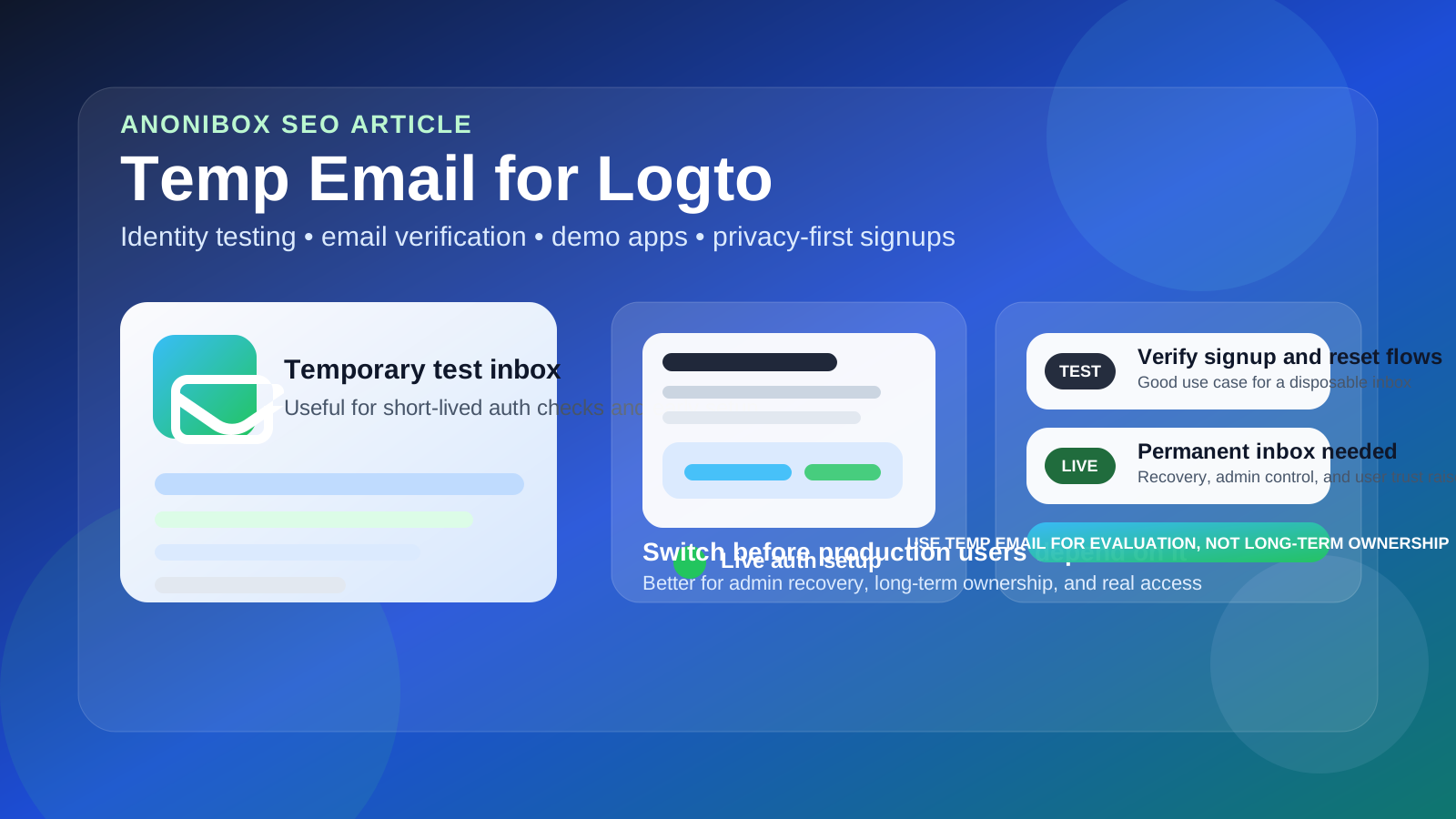
That is the practical answer most people actually need. Identity platforms often start as harmless experiments. You want to see whether the sign-in flow feels clean, whether verification emails arrive, whether a reset link works, or whether a demo app can be stood up quickly. In that stage, using a temporary inbox is reasonable because the entire project may still be disposable.
The trouble is that auth projects have a habit of becoming permanent before anybody admits it. A test environment becomes staging. Staging becomes the version used in a real internal tool, customer pilot, or client demo. The email that felt temporary during setup slowly turns into the mailbox behind admin control, reset links, and long-term ownership. That is exactly where convenience starts becoming risk.
If you already use Anonibox or another disposable inbox during software evaluations, Logto is a sensible place to apply the same rule: temporary email works well for short-lived testing, but it is the wrong foundation for any identity environment you may actually need later.
Why people look for a temp email for Logto
Most people searching this keyword are not trying to hide anything dramatic. They usually want a cleaner testing workflow and less inbox clutter. Identity products tend to generate more mail than people expect, especially during the first round of evaluation.
Common reasons include:
- Testing email verification: you want to see whether a new user can receive and complete the first verification step.
- Checking password-reset behavior: reset emails, timing, redirect behavior, and wording all matter during QA.
- Creating throwaway demo users: a short-lived app or proof of concept may need a few users that are never meant to exist long term.
- Comparing identity stacks: if you are evaluating multiple auth options, a temporary inbox helps keep those experiments separate.
- Protecting your main inbox: even early testing can trigger notices, onboarding messages, and follow-up communication you may not want attached to your everyday address.
Those are all fair reasons. The key is understanding that a test-user mailbox and an owner mailbox are not the same thing.
When a temp email for Logto makes sense
A disposable inbox is most useful when the account is temporary in practice, not just in theory.
1. You are running an early proof of concept
If the goal is simply to verify the setup, inspect the dashboard, connect a demo app, and decide whether Logto belongs on your shortlist, a temporary inbox can be efficient. You get the verification link, complete the initial setup, and keep your real inbox out of another trial-stage workflow.
2. You are testing user-facing email flows
Identity products are not just about the login box. The email experience matters too. Verification messages, password resets, and other account emails all shape the quality of the user journey. A temp inbox is useful when you only need to confirm that those messages arrive and behave as expected.
3. You need short-lived demo or QA users
Sometimes you want a few test identities for a preview build, staging app, or internal review. If those users are clearly disposable, using a temporary mailbox for them can keep the test clean and separate from your real accounts.
4. You are comparing several identity tools at once
When you are evaluating multiple providers, it helps to keep each trial in its own lane. Temporary inboxes make it easier to see which messages belong to which experiment and stop your main account from filling with setup mail from products you may never use again.
5. You want privacy during the research phase
Sometimes the benefit is not only about spam. It is also about separation. A throwaway mailbox can make it obvious which messages came from a short test versus the inbox you use for real work.
When it becomes risky
The answer changes the moment the mailbox starts carrying long-term responsibility.
Do not use it for a real admin or owner account
If the email belongs to the person who may ultimately control the environment, approve settings, or recover access later, a disposable inbox is the wrong tool. Admin ownership should sit behind a durable mailbox you can actually monitor over time.
Do not keep it once production users depend on the system
As soon as an identity setup is connected to a real app, live internal users, or external customers, the stakes change. What looked like a temporary experiment is now part of a working sign-in system. The mailbox behind that setup needs continuity.
Do not rely on it for recovery-critical paths
Reset links, security notices, and ownership changes are exactly the kinds of messages you do not want tied to a mailbox that might disappear, go unmonitored, or be forgotten.
Do not treat shared responsibility like a throwaway project
If teammates, contractors, or clients may need the environment later, a disposable inbox creates weak ownership. Even if the setup is simple now, handoffs are much easier when the account is anchored to a stable address from the start.
The important distinction: test user mailbox vs owner mailbox
This is the line that saves people trouble. There are really two separate roles involved:
- test-user mailbox: used to receive verification messages, reset links, and short-lived QA mail during evaluation
- owner mailbox: used by the person or team responsible for the environment over time
A temp email fits the first role well. It is risky for the second. Problems start when teams create an account for convenience and never upgrade the ownership model after the project becomes real.
That happens constantly with auth tooling because early success can be misleading. If the test worked, people keep building on top of it. Weeks later, the environment still depends on the same mailbox that was only meant to survive a quick experiment. By then, replacing it feels annoying, so everyone delays it. That is how a small shortcut turns into a future recovery problem.
A safer way to use a temp email with Logto
If you want the privacy benefits without the long-term downside, use a staged workflow.
Step 1: generate the temporary inbox before signup
Create the address first so the whole test stays isolated. That keeps verification messages, onboarding mail, and demo-user notifications away from your main inbox from the beginning.
Step 2: use it only for short-lived evaluation tasks
Keep the disposable inbox limited to things like setup checks, email verification, password-reset QA, and disposable demo users. That is the clean, low-risk use case.
Step 3: document what you learn outside the mailbox
If you are reviewing template wording, link timing, redirect behavior, or workflow issues, capture those notes elsewhere. A temporary inbox is good for receiving messages, not for being your long-term record.
Step 4: switch early if the environment starts to matter
The best time to move to a permanent mailbox is before the environment becomes important, not after. If the setup may support a real product, real sign-ins, or ongoing team work, make the transition while it is still easy.
Step 5: use a durable mailbox for real ownership
For anything long-lived, a stable work mailbox or team-owned address is the better foundation. You still get clean ownership, but without building critical recovery paths on top of something disposable.
Common mistakes to avoid
- Using one throwaway inbox for too many identity tests and losing track of which message belongs to which app.
- Leaving a temporary mailbox attached after the project has clearly moved beyond testing.
- Assuming you can “fix it later” without choosing a real cutoff point.
- Treating admin ownership like a demo account.
- Confusing inbox privacy with security architecture. A temp inbox can help your workflow, but it does not replace good ownership and recovery practices.
Quick checklist before you use one
- Is this just a short test, or could the environment end up supporting real users?
- Will I need this mailbox later for admin recovery or security notices?
- Am I creating a disposable test user or a long-term owner account?
- Could someone else depend on this environment later?
- Would a separate permanent project mailbox be smarter than a fully disposable one?
If your answers point to short-lived testing, a temp inbox is reasonable. If they point to continuity, responsibility, or live ownership, switch to a durable mailbox early.
Final answer
A temp email for Logto is useful for early identity testing, verification flows, password-reset checks, and short-lived demo users. It helps keep your main inbox clean and makes trial-stage QA easier to organize.
Just do not let a temporary testing convenience quietly become the mailbox behind production ownership. Once real users, admin access, or account recovery matter, move to a permanent monitored address. That gives you the privacy benefit during evaluation without turning a disposable inbox into a long-term liability.