Yes, a temp email for Lucidchart can be useful if you only want to test sign-up, explore the workspace, or try a few private diagrams without giving your main inbox to another SaaS tool right away.
It becomes a bad idea once the account matters, because shared diagrams, collaborator invites, billing notices, export history, and account recovery all work better with a long-term inbox you control and check regularly.
Why people look for a temp email for Lucidchart
Lucidchart sits in the category of tools people often want to try before they commit. Maybe you need a quick flowchart for a side project. Maybe you want to compare diagramming tools before bringing one into a team workflow. Maybe you only need a mind map, org chart, process sketch, or one-off wireframe for a short window.
That kind of evaluation phase is exactly where temporary inboxes make sense. You may want the verification email, but you may not want months of product emails, upgrade prompts, webinar invites, and follow-up sequences landing in your primary mailbox while you are still deciding whether the tool is worth keeping.
In that narrow early stage, using a temporary address through a service like Anonibox is practical. You get through the sign-up gate, you see the product, and you keep your long-term inbox cleaner.
Short answer: good for testing, weak for anything important
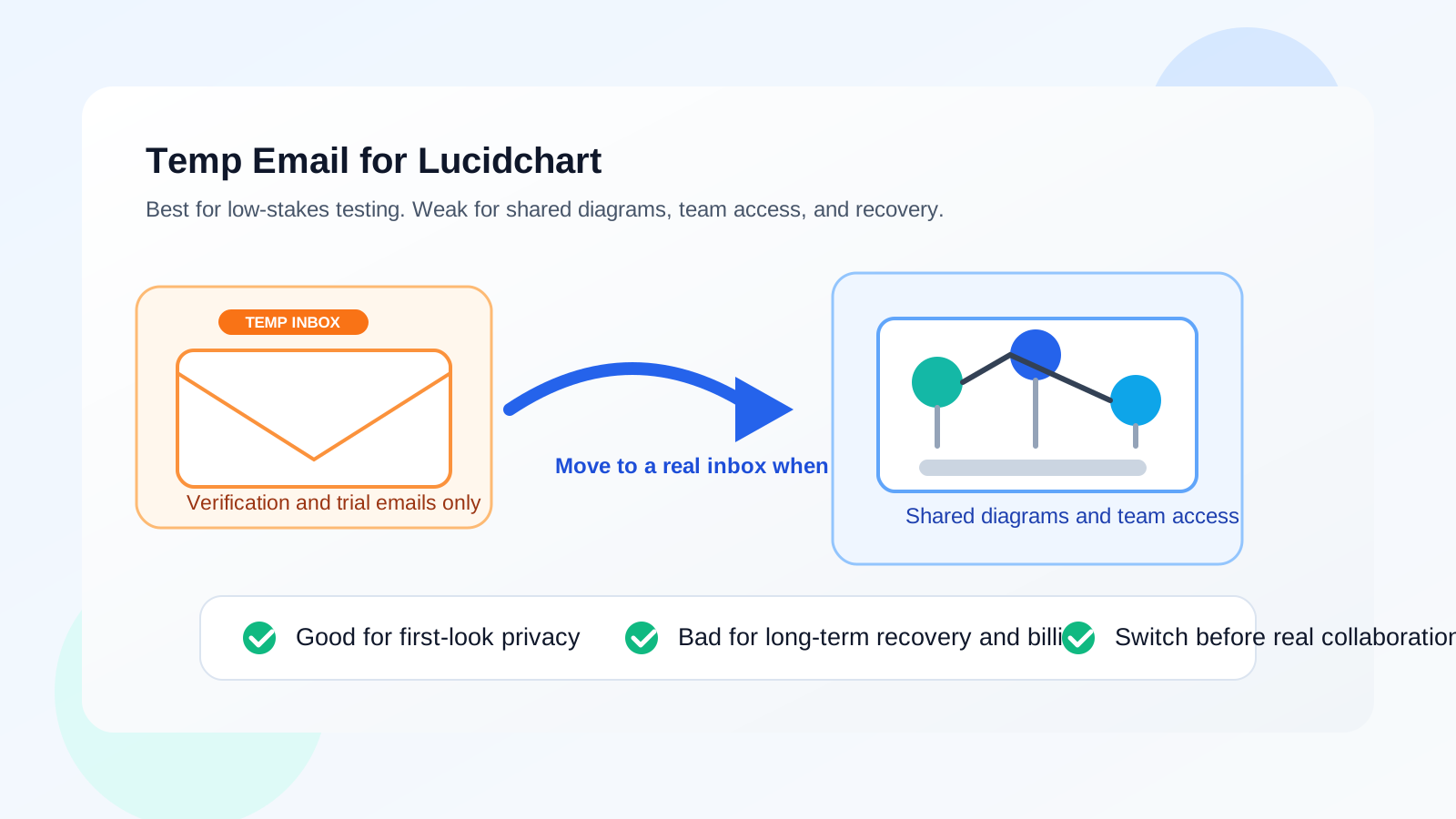
The simplest answer is this: a temp email for Lucidchart is fine for low-stakes exploration, but not for durable work.
If you are only checking the interface, seeing what the templates look like, or comparing Lucidchart against other visual collaboration tools, a temporary inbox can be enough. But if the diagram is tied to a client, a team, an interview task, a class project, a business process, or anything you may need to revisit later, the smarter move is switching to a stable inbox before the work becomes real.
When a temporary email for Lucidchart makes sense
1. You are just evaluating the product
If your goal is “Let me look around and see whether this is even the right tool,” a temporary inbox is a reasonable starting point. You still receive the verification link you need, but you avoid handing over your everyday address before the tool has earned a place in your workflow.
2. You want to compare several diagram tools without inbox clutter
A lot of people compare multiple collaboration or whiteboard tools in one sitting. Lucidchart may be on the shortlist next to Miro, Mural, FigJam, Whimsical, or other visual planning tools. If you use your main inbox for every trial, the follow-up stacks up fast. A temporary inbox helps keep the comparison phase separate from your long-term email life.
3. You are making a disposable personal draft
Sometimes the diagram itself is low stakes. You might be sketching an internal idea, a quick decision tree, a personal roadmap, or a rough process chart that does not need ongoing collaboration. In that case, the account may not need to survive for months or years.
4. You do not trust the sign-up stage enough yet
Even reputable SaaS tools can produce a lot of lifecycle email. A temporary inbox gives you a way to keep the first interaction narrow until you decide whether the product is genuinely useful.
When a temp email for Lucidchart becomes the wrong tool
Shared diagrams change the risk
The moment other people are involved, the cost of using a throwaway inbox goes up. Collaboration tools are not just about logging in once. They often depend on invite emails, comment notifications, permission changes, shared asset updates, and recovery messages that may arrive later than you expect.
If a teammate invites you to edit a diagram next week, or a client replies on a thread tied to the account, a temporary inbox can turn from convenient to annoying very quickly.
Recovery matters more than the original sign-up
People often focus on the first verification email and forget the more important question: what happens if you need the account again later? Password resets, security notices, ownership changes, and billing updates all rely on email continuity. That is where temporary email setups become fragile.
Work that starts casual can become important
A lot of diagrams begin as “just a test” and quietly become real assets. Maybe you sketch a hiring workflow and later share it with a recruiter. Maybe a project map becomes part of a presentation. Maybe a rough architecture chart turns into documentation your team keeps using. If the account is tied to a short-lived inbox, that transition can get messy.
Main risks of using a temporary inbox for Lucidchart
1. You can lose access at the worst time
A temporary inbox is great when you only need one message. It is much worse when the account needs to stay reachable. If the inbox disappears or you stop monitoring it, you may miss a login reset, an ownership prompt, or an invite that matters later.
2. Team invites and permission changes may get buried or lost
Visual collaboration tools often create more email traffic than people expect. Comments, shares, mentions, exports, and access changes can all depend on the address attached to the account. If you care about staying in sync with other people, a durable inbox is safer.
3. Billing and subscription housekeeping become harder
If you upgrade, start a paid plan, or attach the account to any real business use, email stops being a disposable detail. Receipts, renewal notices, plan changes, and cancellation confirmations are not messages you want tied to an inbox you do not plan to keep.
4. Account recovery gets weaker
This is the big one. A diagramming account is only useful as long as you can get back into it. If the email address is short-lived, recovery becomes more brittle than it needs to be.
A better workflow: temporary first, permanent before the project matters
The strongest approach is not “always use a temp inbox” or “never use one.” It is using the right inbox at the right phase.
- Use a temporary inbox for the first look. If you only want to test the product, keep the sign-up isolated.
- Decide quickly whether the account will matter. If the tool is going to hold real diagrams, real collaboration, or real business value, do not stay in temporary mode too long.
- Switch to a stable inbox before sharing widely. Move to an address you control long term before teammates, clients, or paid features are involved.
- Save important diagram links and exports. Do not rely on memory or email alone if the content has value.
This keeps the privacy benefit where it actually helps: at the beginning, before you know whether the tool deserves long-term access to your real inbox.
Where Anonibox fits naturally
Anonibox is most useful when you want a clean, temporary intake point for sign-up verification and early product testing. That is a good fit for browsing Lucidchart without immediately tying the account to your main identity footprint.
What Anonibox is not for is pretending a temporary inbox is the same as a durable account foundation. Once the Lucidchart workspace becomes tied to real diagrams, colleagues, classwork, or client deliverables, privacy should come from smart account boundaries and a dedicated inbox strategy, not from staying on a throwaway address forever.
Practical examples
Good use case
You want to compare Lucidchart with a couple of other diagram tools on a Sunday afternoon, see which interface feels best, and maybe build a sample workflow chart. A temporary inbox is fine here. You need access to the verification message, not a permanent identity anchor.
Bad use case
You are building a team process diagram, collecting feedback from coworkers, and may need the same workspace again next month. In that case, using a temp email is asking for needless friction. The account should live on an inbox that will still exist and still be monitored later.
Borderline use case
You are doing an interview assignment or freelance trial task. This can go either way. If the work is truly one-off and low risk, a temp inbox might be okay. If there is any chance the company may come back with revisions, feedback, or a follow-up discussion, a stable inbox is safer.
How to decide in under a minute
- Will I need this account after today?
- Will anyone else collaborate with me through this workspace?
- Would losing the email address make recovery annoying or expensive?
- Am I likely to upgrade, keep diagrams, or revisit exports later?
- Am I using this tool casually, or is it about to become part of real work?
If the answers point toward real collaboration, real value, or real continuity, use a normal inbox you plan to keep. If the answers point toward quick testing and low stakes, a temporary inbox can be a smart privacy move.
Best practices if you start with a temp email
- Keep the evaluation short. Temporary inboxes are best for quick decisions, not indefinite accounts.
- Export or save anything you care about. Do not leave valuable diagrams trapped behind a fragile setup.
- Switch before inviting people. Collaboration is the point where durability matters more than sign-up privacy.
- Use one temp inbox per tool trial. That keeps product comparisons cleaner and easier to track.
- Do not confuse privacy with permanence. A protected sign-up is useful, but long-term control still needs a real inbox.
Final answer
A temp email for Lucidchart is useful when you want to test the platform privately, compare diagram tools, or avoid filling your main inbox with messages before you know whether the product is worth keeping.
But once the account holds real diagrams, team collaboration, billing, or anything you may need to recover later, a stable inbox is the better choice. Use temporary email for the trial phase, then move to long-term email before the workspace becomes something you actually depend on.