A temp email for Magento can make sense for early Adobe Commerce or Magento testing, demo requests, and low-stakes store setup when you want to keep your main inbox out of another trial cycle.
It becomes a bad idea once real customer orders, admin recovery, billing alerts, or long-term store ownership depend on that inbox.
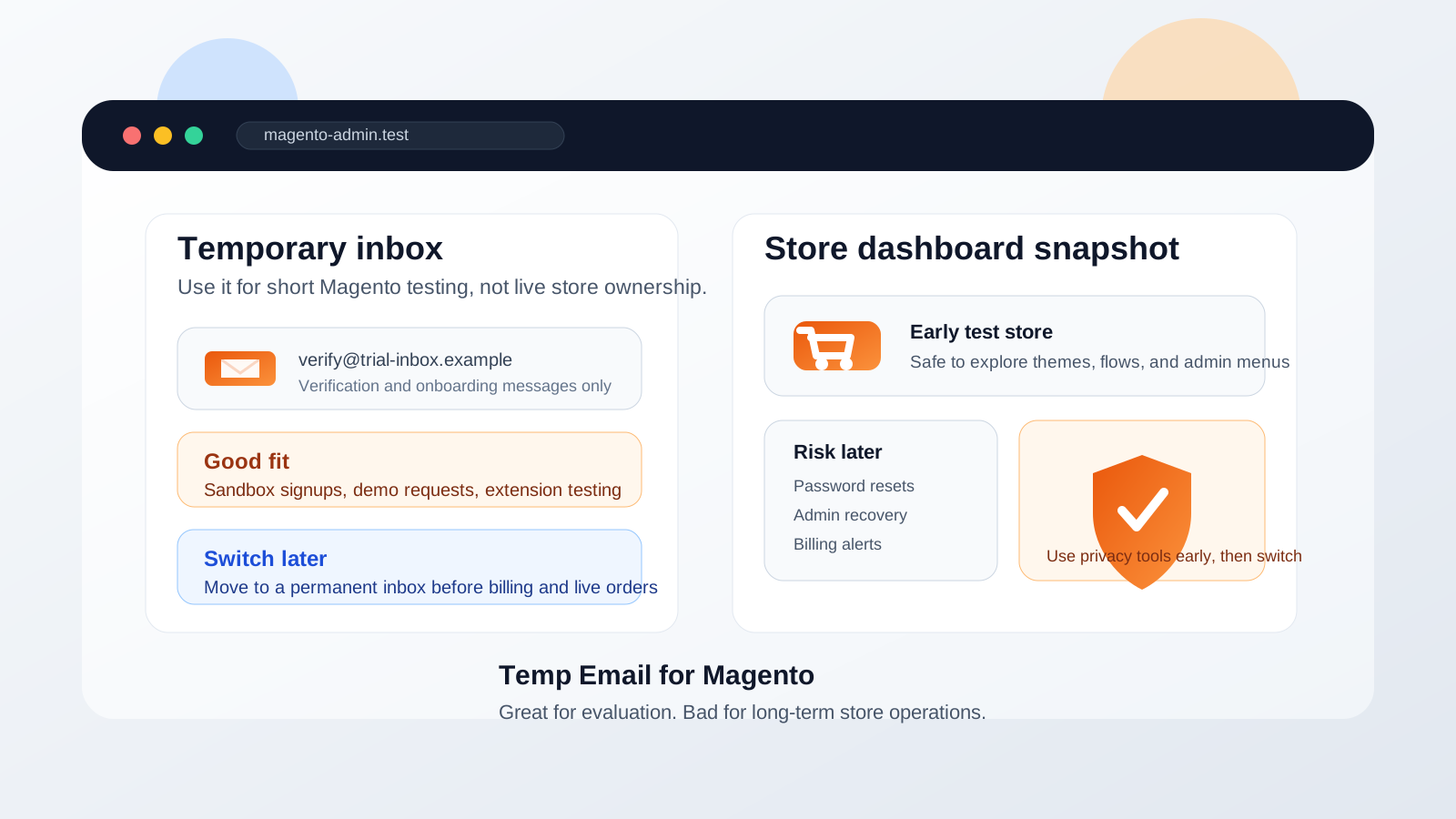
That is the practical answer most people actually need. A disposable address is useful at the evaluation stage, but Magento projects often grow from “quick test” to “real store” faster than expected. What begins as a staging environment, agency proof of concept, extension trial, or short Adobe Commerce comparison can quietly become the store your team keeps, bills against, and depends on during a launch.
If your goal is privacy and inbox control during early evaluation, a disposable address from a tool like Anonibox can be reasonable. If your goal is to run an actual store, manage real admins, recover access later, and receive important operational notices, you need a durable inbox behind the account. The trick is not avoiding temporary email completely. It is using it for the right phase.
Why people look for a temp email for Magento
Magento sits in a different bucket from a lightweight single-purpose SaaS signup. People use it for trial builds, agency demos, extension evaluations, sandbox stores, B2B storefront planning, migration testing, and platform comparisons. That means even short-term experiments can trigger verification messages, marketplace notices, product updates, onboarding emails, meeting nudges, and follow-up from vendors or partners.
Common reasons people look for a temp email for Magento include:
- Comparing Magento with Shopify, WooCommerce, or BigCommerce without filling a primary inbox with trial follow-up.
- Testing a proof-of-concept store before deciding whether the platform is worth deeper setup time.
- Reviewing an extension, integration, or onboarding path tied to a temporary environment.
- Keeping client experiments or side projects separate from day-to-day work mail.
- Avoiding long-term marketing email from a platform or partner you may never use again.
Those are sensible reasons. Privacy-conscious testing is not the problem. The problem is leaving a temporary inbox in place after the store becomes something real.
When a temp email for Magento makes sense
Temporary email is most useful when the store itself is temporary in practice. If the goal is evaluation, exploration, or a short-lived internal build, the trade-off can be worth it.
1. You are evaluating Magento before a real commitment
Maybe you want to see how the admin feels, whether a theme approach fits your team, or how Adobe Commerce compares with another commerce stack. A temp inbox can help you get through the early access or vendor-contact stage without giving every exploratory click permanent access to your real email address.
2. You are building a staging or proof-of-concept store
Agencies, developers, and in-house teams often spin up early builds to test product structure, checkout flow, extensions, or migration logic. In a contained environment where no real customer communication depends on the account, temporary email can be a clean way to separate the experiment from production operations.
3. You are testing extensions or integrations
Magento ecosystems can involve marketplaces, add-ons, payment gateways, shipping tools, tax connectors, and CRM or ERP integrations. If you are only checking whether a workflow is worth deeper setup, you may not want all those early messages mixed into the inbox you use for actual business operations.
4. You only need short-term verification and setup messages
Sometimes you just need the initial confirmation email, a setup link, or a short onboarding sequence so you can look around. That is where temporary email performs best: short access, low long-term commitment, and clear boundaries.
When it becomes risky fast
The convenience drops sharply once the store stops being a throwaway build. Magento accounts can end up tied to security settings, admin access, partner communication, and expensive business decisions. At that point, the inbox behind the setup matters a lot.
1. Live orders or real customers are involved
If the store is taking actual orders, the project is no longer low-stakes. Even if customer notifications route elsewhere, account-level alerts, issue notices, and admin messages still need a reliable home. A temporary inbox is a brittle foundation for revenue activity.
2. Admin recovery matters
Password resets and security confirmations are the most obvious reason to stop relying on a throwaway address. A Magento store can sit untouched for weeks, then suddenly need urgent access during a launch, promotion, catalog update, or outage. That is exactly when an expired or forgotten inbox becomes painful.
3. Billing, contracts, or vendor notices start to matter
Once a plan, service agreement, extension license, or marketplace relationship is tied to the account, you need dependable communication. Missing a billing notice, renewal reminder, or critical admin message is not a clever privacy win. It is just avoidable operational risk.
4. Multiple admins or clients may depend on the account
If the store belongs to a client, a marketing team, or a growing business, the ownership model has to survive handoffs. Disposable inboxes are fine for isolated tests, but they are weak choices for shared long-term responsibility.
5. You may reuse the store longer than you think
This is one of the most common traps. The store starts as a quick experiment, but then the catalog is loaded, stakeholders review it, a few workflows get approved, and suddenly the “trial” store becomes the base for a real rollout. That is the moment when short-term inbox privacy stops being the main concern.
A better workflow: temporary first, permanent before launch
If you want the privacy upside without the predictable downside, use a staged approach instead of treating temporary email as a forever solution.
Start with a clear purpose
Before using a disposable inbox, decide what the session is for. Are you comparing platforms? Testing an extension? Reviewing the admin? Checking whether the stack fits your use case? Temporary email works best when the goal is narrow and short-lived.
Save the important messages immediately
If you receive a setup link, vendor note, or onboarding instruction you may need later, save it while you still have access. Disposable inboxes are useful for quick verification, not dependable long-term records.
Evaluate the right things during the test
Do not waste the test on random clicking. Use the session to answer real selection questions:
- Can your team manage the admin comfortably?
- Does the extension ecosystem fit your needs?
- How much effort will setup, maintenance, and ongoing ownership require?
- Does the platform make sense for your catalog, checkout, and operational model?
- Will this remain a test, or is it likely to become the real store?
Switch to a permanent inbox before the store becomes important
The best time to swap in a stable address is before launch pressure, billing, or recovery issues appear. If the project survives the testing phase, graduate the account to an inbox you control and monitor long-term. Do it while everything is still calm.
Temporary inbox or separate project inbox?
Many teams do not actually need disposable email forever. What they really want is separation. In that case, a dedicated permanent project inbox is often the smarter end state.
A separate project address gives you the organizational benefit of keeping Magento work out of your personal inbox without creating a recovery problem later. That is especially useful for agencies, multi-brand stores, side businesses, client pilots, or internal commerce experiments that may evolve into ongoing operations.
Realistic examples
Good use case
You are comparing Magento with a few other ecommerce platforms, want to review the workflow, and are not sure whether the store will survive beyond this week. A temp inbox is a reasonable tool for that early pass.
Borderline use case
You are building a serious staging store for a client and telling yourself it is “just a test,” but several people are already reviewing it and the project may move straight toward launch. That is usually when a separate permanent project inbox becomes safer than a burner.
Bad use case
You are attaching real billing, live products, team admin access, or actual customer workflows to the account. At that point, the cost of losing email continuity is much higher than the benefit of short-term inbox privacy.
Quick checklist before you use one
- Is this truly a temporary Magento environment, or is it likely to become a real store?
- Will real orders, billing, or vendor notices depend on the account later?
- Could password recovery matter six months from now?
- Will a client, teammate, or future admin inherit this setup?
- Do you need a disposable inbox, or do you really need a separate long-term project inbox?
If the answers lean toward short-lived evaluation, a temp inbox is probably fine. If they lean toward long-term store ownership, continuity matters more than trial privacy.
Final takeaway
A temp email for Magento is useful for early testing, platform comparisons, demo requests, and low-stakes proof-of-concept work. That is where it shines.
It becomes risky once the account sits behind a live store, important admin access, billing alerts, or recovery flows you may need later. Use temporary email for the evaluation phase, then switch to a durable inbox before the store becomes something you would actually hate to lose.