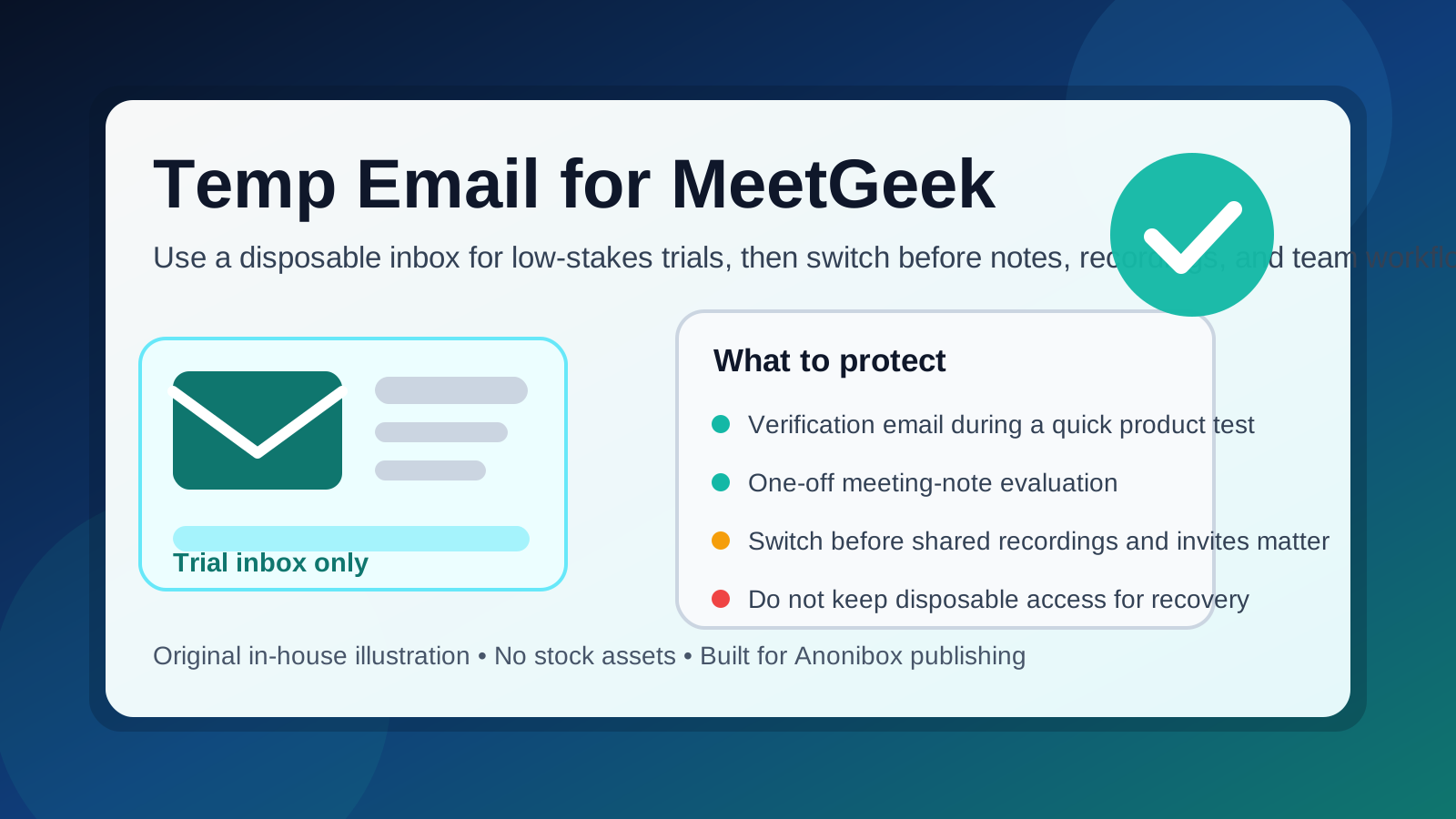
A temp email for MeetGeek can work for a quick trial, a one-off signup, or a first-pass product test when you only need verification and the first onboarding emails.
It becomes risky once the account starts holding meeting notes, recordings, shared outputs, calendar-linked workflows, or recovery details you actually care about keeping.
Why people look for a temp email for MeetGeek
Meeting productivity tools often sit in the “interesting enough to try, not yet important enough to trust” category. You may want to see how MeetGeek handles summaries, notes, follow-ups, or meeting organization before you decide whether it deserves a place in your real workflow. That is exactly when a disposable inbox feels attractive.
- You want to verify a trial without adding more vendor email to your main inbox. A lot of software starts with one confirmation email and then continues with onboarding sequences, feature updates, webinar invites, and sales follow-up.
- You are comparing several meeting tools at once. If you are evaluating MeetGeek alongside Otter AI, Fireflies AI, Fathom AI, Grain, Read AI, Avoma, or tl;dv, separate signups make the comparison cleaner.
- You are still in the research phase. Sometimes you only want to answer a simple question like “Is this worth a second look?” before handing over a permanent inbox.
- You care about privacy during software testing. Not every product trial needs immediate access to the same inbox you use for work, banking, clients, or important personal communication.
That is where Anonibox can be useful. A temporary inbox lets you receive the signup email, access the platform, and make an informed decision before your real email becomes part of another long sales funnel.
When a temp email for MeetGeek makes sense
A temporary inbox is most sensible when the trial is short, the stakes are low, and you do not expect long-term dependence on the account.
1. You only want a quick product test
If the goal is to open the dashboard, see how the product is structured, and decide whether the interface feels useful, a disposable email is usually fine. At that stage you are evaluating access, not building a long-term home for important work.
2. You are doing a side-by-side comparison
Teams and consultants often review several tools before picking one. Separate inboxes can keep trials from blurring together. That makes it easier to track which product sent which verification link, which onboarding sequence felt helpful, and which one started spamming too early.
3. You want to reduce inbox clutter from low-intent trials
Some signups never move beyond curiosity. You try the product once, decide it is not a fit, and move on. A temp inbox helps prevent those dead-end experiments from lingering in your primary inbox for months.
4. You are testing alone, not rolling the tool out to a team
Disposable email is much less risky when you are exploring on your own. The moment teammates, clients, or shared processes depend on the account, the convenience drops and the downside grows.
When a temp email becomes a bad idea
MeetGeek becomes harder to treat like a throwaway account once the product starts storing things that are useful beyond the first test session.
Shared meeting outputs
If the account starts collecting notes, summaries, follow-up items, or recordings that you may want later, a short-lived inbox becomes a weak foundation. Losing recovery access is much more annoying when the account holds material tied to real conversations.
Recurring use
A disposable email is fine for a quick look. It is not a great long-term choice if you start using the tool every week. The more the account becomes part of your routine, the more you need a stable address behind it.
Team invites and collaboration
Once coworkers or clients are involved, account stability matters more. People assume shared tools will still be reachable next month. A burner inbox can create confusion if the account later needs verification, a password reset, or an ownership change.
Account recovery and plan changes
Even if the trial starts casually, it can stop being casual very quickly. If you ever upgrade, connect more workflows, or rely on the account for actual work, you need a real inbox you control for password resets, notices, and ownership continuity.
How to use a temp email for MeetGeek safely
The safest way to use a disposable inbox is to treat it as a staging tool, not a permanent identity.
1. Generate the inbox before signup
Start with the temporary address rather than switching halfway through. That keeps the whole evaluation contained from the beginning and prevents your main inbox from being pulled into the trial by accident.
2. Keep the first session focused
Know what you are trying to learn before you sign up. For example:
- Do the summaries feel useful or generic?
- Is the interface easy to review after a meeting?
- Does the workflow feel practical for your real schedule?
- Would you trust this tool with recurring work later?
If you can answer those questions quickly, you get the benefit of the trial without building unnecessary dependence on a temporary inbox.
3. Save the messages that matter
Verification links, welcome emails, and any early setup instructions are usually the only pieces that matter during the first test. Save what you need while the inbox is active instead of assuming you will come back later.
4. Do not let the trial quietly become production
This is the mistake people make with all kinds of SaaS tools. A low-stakes experiment slowly turns into real usage. Then one day the account contains important history, and the email address behind it is something temporary that no longer exists. If the tool proves useful, switch the account to a permanent inbox early.
5. Move to a stable email before collaboration matters
If you begin sharing outputs, inviting colleagues, or depending on the account for ongoing work, stop using the disposable address. A real email gives you recovery access, continuity, and fewer unpleasant surprises later.
Better alternatives than a pure burner inbox
A temp email is not always the best answer. Sometimes you want privacy without fragility.
Email alias
An alias can be a better fit if you want separation but still need long-term control. You receive messages in a real inbox, but you can filter or disable the alias later if it attracts noise.
Dedicated software-testing inbox
If you evaluate a lot of tools, a separate permanent testing inbox may be more practical than relying on a fully temporary one every time. It keeps clutter out of your primary inbox while preserving recovery options.
Temp inbox first, permanent inbox later
This is often the best middle ground. Use Anonibox for the first-pass evaluation, then switch to a permanent address once MeetGeek earns a place in your real workflow.
Common mistakes to avoid
- Using a temp inbox for an account you already expect to keep. If you know the tool will matter, skip the fragile setup.
- Forgetting about recovery. The value of a software account usually rises faster than people expect.
- Leaving the disposable email attached after a successful trial. That creates long-term risk for no real benefit.
- Mixing low-stakes privacy with high-stakes ownership. A burner inbox can protect your main email, but it does not create durable control over an important account.
- Waiting until something breaks to migrate. Change the account email while everything still works, not after you lose access.
A practical example
Imagine an operations manager comparing three meeting-note tools for internal team calls. They want to see which product produces the most readable summaries and which dashboard feels least annoying to review after a meeting. A temp inbox is perfectly reasonable at that stage. The goal is to test, not commit.
Now imagine that one of those tools starts becoming part of the weekly workflow. The manager begins referring back to notes, sharing outputs with teammates, and treating the account like a real system of record for meetings. That is the moment the disposable email stops being helpful. The account has moved from curiosity to utility, and the email setup should move with it.
Quick checklist before you use a temp email for MeetGeek
- Am I only testing the product, or do I expect to keep using it?
- Will this account hold notes, recordings, or follow-ups I may want later?
- Will other people depend on the account or anything shared from it?
- Have I saved the key verification or onboarding emails?
- Do I have a plan to switch to a permanent inbox if the trial goes well?
If the answers point to a quick low-risk evaluation, a temporary inbox is reasonable. If they point to recurring use, collaboration, or anything tied to long-term account value, a permanent inbox is the better move.
Final verdict
A temp email for MeetGeek is a smart choice for short trials, lightweight product comparisons, and protecting your main inbox from another stream of marketing and onboarding mail. It is a poor long-term choice once the account begins to matter for real meeting history, shared outputs, or account recovery.
The simplest rule is to use a disposable inbox for testing, not ownership. Try the tool privately, learn what you need to learn, and if MeetGeek turns out to be worth keeping, switch to a stable email before the account becomes important.