A temp email for Metaview can be useful for a quick first-pass evaluation and inbox hygiene. It stops being a good idea once shared interview notes, hiring-team access, or account recovery matter.
Yes, you can use a temporary email for Metaview during early testing if your goal is just to verify the account, explore the workspace, and decide whether it is worth a deeper review with a real work inbox.
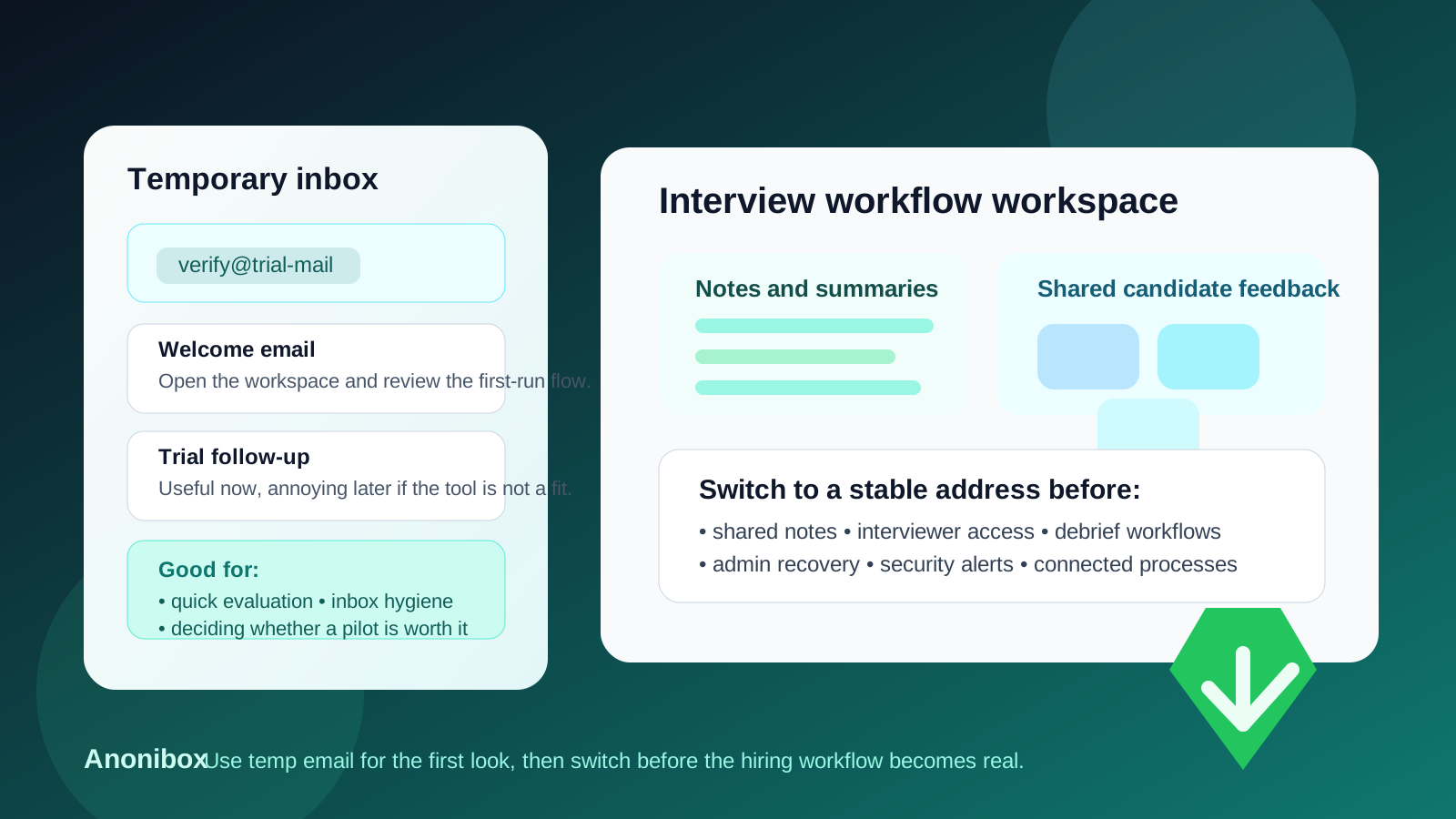
Why people look for a temp email for Metaview
Interview-intelligence and recruiting tools usually ask for a work email before they open a trial, product tour, or live workspace. That is normal, but it also means one curious signup can quickly turn into a stream of onboarding emails, demo nudges, meeting requests, feature updates, and follow-up sales messages.
If you are comparing several hiring or interview-workflow tools at once, that clutter gets old fast. A temporary inbox gives you a clean way to complete verification, inspect the first-run experience, and keep your main inbox out of another vendor nurture sequence until you know whether the product deserves a serious pilot.
That is the practical use case behind searches like temp email for Metaview. It is less about secrecy and more about control. You are separating early curiosity from real adoption. A tool like Anonibox can help if you want to evaluate the signup flow without committing your long-term inbox to every product you touch.
When a temporary email makes sense for Metaview
A disposable inbox can make sense when the account is still truly disposable. In other words, you are testing the waters rather than building a real hiring workflow around the tool.
- Completing email verification so you can see whether the workspace opens cleanly
- Reviewing the basic interface, setup friction, and first-round onboarding emails
- Comparing multiple interview-intelligence tools without flooding your primary work inbox
- Checking whether the product feels relevant before inviting teammates or connecting real processes
- Deciding whether the platform is worth a proper internal review at all
At this stage, the goal is simple: confirm that the tool feels promising enough to continue. If it does not, you can walk away without giving your permanent inbox one more long-term source of follow-up.
When a temp email becomes the wrong choice
The decision changes as soon as the account starts mattering operationally. A recruiting or interview-intelligence workspace becomes much more sensitive once it is tied to people, shared context, and ongoing hiring activity. That is where a temporary inbox becomes fragile instead of helpful.
A temp email is a poor long-term fit when any of these start to matter:
- Shared interview notes: if the workspace begins holding notes, summaries, or candidate-related feedback that other people rely on, the owner inbox should be durable and monitored.
- Team access: once recruiters, coordinators, hiring managers, or interviewers are involved, the account should not sit behind an address that may disappear.
- Debrief workflows: if the tool starts feeding real hiring conversations, scorecard discussions, or structured review workflows, stable ownership matters.
- Calendar or process integrations: anything tied to scheduling, notifications, or connected systems belongs with a real work-owned login.
- Account recovery and admin alerts: password resets, permission changes, and security notifications should go to an inbox somebody is actually responsible for checking.
This is where people get tripped up. A temporary inbox feels harmless because the first half hour feels low stakes. But the original login often becomes the root of account ownership. If a trial starts turning into a serious workspace, that foundation needs to be dependable early, not later.
A practical way to use a temp email for Metaview without creating future problems
1. Keep the burner inbox limited to first-pass evaluation
Use it to verify the account, read the first onboarding messages, and decide whether the product is worth your time. Do not quietly let “quick look” drift into “default permanent owner.”
2. Avoid loading real hiring context too early
If you are still using a disposable inbox, keep the test narrow. Do not treat it as the permanent home of meaningful interview notes, candidate context, or team process history before you decide the tool is staying.
3. Make the yes-or-no decision quickly
The cleanest workflow is not to keep a burner inbox forever. It is to use a temporary inbox while the decision is uncertain. If the answer is no, you leave with minimal spam. If the answer is yes, you move to a real work-controlled address before the workspace gets messy.
4. Switch to a stable address before inviting the wider hiring team
If teammates are about to join, that is your signal. It is much easier to clean up account ownership before several people depend on the workspace than after everyone assumes somebody else owns the setup.
5. Document who actually owns the workspace
If the tool becomes a real pilot, make ownership explicit. Whether that means a specific recruiter, recruiting-ops lead, or monitored shared mailbox, the account should have a clear adult in the room.
What can go wrong if you keep the disposable inbox too long?
Most problems are not dramatic. They are just annoying enough to slow down a hiring team at the worst time.
- You need a password reset and the temporary inbox is gone
- An important admin email lands in an address nobody watches anymore
- Teammates assume someone else controls the original account owner
- A promising pilot gets stuck because the workspace was created casually and never cleaned up
- Useful interview context starts accumulating before ownership is stabilized
These are the boring operational failures that teams underestimate. They are also exactly the kinds of failures that make a product feel less trustworthy than it actually is.
Privacy-conscious best practices
- Separate evaluation from adoption. Use a disposable inbox for exploration, not for long-term administrative control.
- Switch early if the tool becomes real. Move to a stable work-owned address before team workflows depend on the account.
- Limit sensitive context during the trial phase. Early evaluation does not need every piece of candidate or interview information flowing through the workspace.
- Track who signed up for what. A simple vendor-evaluation note can save a lot of confusion later.
- Treat recovery as part of setup. If the tool is worth using, the inbox behind it should also be worth trusting.
Common mistakes people make with a temp email for Metaview
- Using a disposable inbox for the trial and forgetting that it quietly became the owner account
- Inviting teammates before ownership and recovery details are cleaned up
- Letting shared notes or debrief context accumulate behind a throwaway address
- Assuming easy signup means easy long-term administration
- Waiting until there is an urgent access problem before moving the account to a permanent inbox
Most of these mistakes are preventable with one simple habit: if the product starts looking like a real fit, stop treating the login like a temporary experiment.
Should you use a temp email for Metaview?
Yes, for a narrow early evaluation. No, for long-term hiring-workflow ownership.
That is the clean answer. A temporary email can be genuinely useful when you want a quick look, less inbox clutter, and enough access to judge whether the platform deserves a real review. It becomes risky once shared notes, team access, admin recovery, or other operational dependencies start to build around that account.
If your goal is to keep the trial phase tidy, a disposable inbox from Anonibox is a practical way to start. Just do not let a disposable login quietly become the permanent foundation of a real interview workflow.