Yes, using a temp email for Microsoft Forms can make sense when you are only testing a form, comparing tools, or keeping one more software experiment out of your main inbox.
No, it is a bad long-term setup once real responses, school or work workflows, follow-up messages, or team notifications depend on that address.
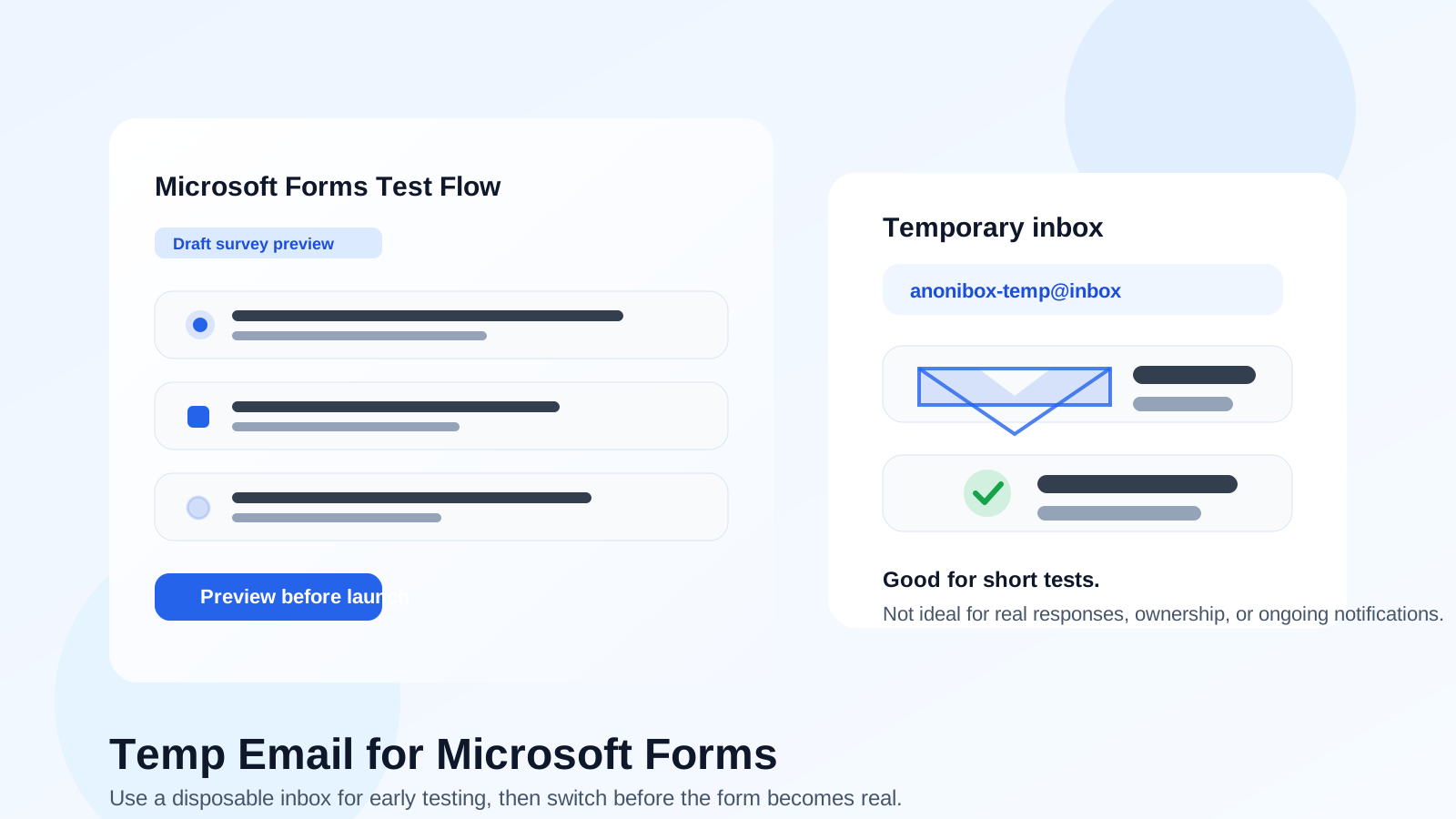
That is the practical answer most people need. Microsoft Forms is simple on the surface, but it is often tied to more important context than a throwaway signup page. People use it for surveys, quizzes, event registration, feedback collection, internal requests, lightweight intake flows, and early prototypes. In other words, it often starts small and then quietly becomes part of something real.
If you are using a service like Anonibox to separate trial signups and short-lived tests from your everyday inbox, Microsoft Forms can fit that early-stage privacy workflow. The trick is knowing where the safe boundary ends. A temporary inbox can help during experimentation. It becomes a liability when the form is collecting real information, triggering follow-up, or sitting inside an ongoing school, team, or business process.
Why people look for a temp email for Microsoft Forms
Most people searching for this are not trying to game the system. They usually want one of a few practical things: less spam, cleaner software testing, better separation between personal and work accounts, or a safer way to preview a new form workflow without handing out a permanent address too early.
That is understandable. Modern form tools create email noise fast. Even a simple test can turn into verification messages, reminders, shared-edit access emails, announcement sequences, updates, or related Microsoft account prompts. If you are comparing Microsoft Forms with Typeform, SurveyMonkey, Paperform, Fillout, or Formstack, your main inbox can start carrying the cost of every experiment.
A temporary inbox solves that specific problem well. It gives you a sandbox for quick verification and short-lived testing. What it does not do is magically turn a real operational workflow into a low-stakes one. That difference matters.
When a temp email for Microsoft Forms actually makes sense
1. You are only testing the form builder
If your goal is simply to see how Microsoft Forms feels, a temporary inbox is reasonable. You may want to test question types, branching logic, layout, notifications, or the sharing flow before deciding whether the product is good enough for your use case. In that stage, the inbox is only there to help you get in and look around.
2. You are comparing Microsoft Forms against other tools
Many people do not evaluate a form tool in isolation. They compare a few options in the same week, then decide which one deserves a permanent place in their workflow. A temp inbox helps keep those experiments separate. You can review the setup experience, see what confirmation emails arrive, and avoid months of leftover product messaging from tools you never adopt.
3. You are running a short-lived internal experiment
Maybe you are mocking up a staff poll, a class survey, a simple RSVP page, or a prototype intake form just to see whether the product fits. If nobody important is relying on that inbox and the test is genuinely disposable, a temp email can be fine.
4. You want to keep a one-off test out of your primary inbox
Not every software test deserves your permanent email address. If you are trying Microsoft Forms for fifteen minutes to judge the editor, preview the sharing options, or confirm whether it is too limited for your needs, using a separate temporary address is a perfectly sensible privacy habit.
When it starts becoming a bad idea
This is where people get into trouble. A temporary inbox feels harmless when the form is new, but the stakes change as soon as real people, responses, or follow-up actions enter the picture.
Real responses need a stable owner
If the form is collecting actual customer requests, employee feedback, student submissions, event registrations, or internal reporting, the inbox connected to that workflow should be stable and monitored. Even if Microsoft Forms itself is easy to set up, the surrounding communication is often not disposable. Lost notifications, missed updates, or inaccessible account messages can create avoidable friction fast.
Notifications matter more than people expect
A lot of users assume they only need the inbox once, during signup. In reality, forms often continue to generate useful email: sharing invites, response summaries, workflow updates, or access-related messages. If the address expires or disappears from your routine, you risk losing visibility right when the form becomes useful.
Team workflows should not depend on a throwaway address
Microsoft Forms is often used inside teams, departments, schools, and small organizations because it is easy to understand and quick to deploy. That is exactly why a temporary inbox becomes risky. If the form is tied to colleagues, recurring review, or shared operational work, a disposable address is the wrong foundation.
Temporary access can create long-term mess
Even if nothing breaks immediately, a throwaway setup can leave cleanup work behind. Someone has to remember where the form lives, who owns it, which inbox receives important messages, and how future changes get handled. That overhead is not worth it once the form stops being an experiment.
What makes Microsoft Forms different from a generic throwaway signup
Some disposable-email use cases are fairly isolated. A free trial for a random marketing tool is one thing. Microsoft Forms is different because it often sits closer to a broader account environment and a broader workflow.
Many people encounter it in school or work contexts. Others use it because it is already available inside an existing Microsoft setup. That means the decision is not only about spam reduction. It is also about ownership, reliability, and whether the inbox you choose matches the seriousness of the form itself.
For example, a quick practice survey for yourself is low risk. A hiring questionnaire, club signup, classroom quiz, volunteer intake, internal request form, or event registration form is not. In those situations, the email attached to the account is part of the trust model. People assume the form owner can still access the account, still receive updates, and still manage the form later.
Safe ways to use a temp email for Microsoft Forms
If you do want the privacy benefits without creating future chaos, a few rules make a big difference.
Use it only for the testing phase
The cleanest rule is simple: a temp inbox is for evaluation, not production. Use it to explore the builder, preview a template, or compare the setup flow. Once the form is going live or collecting real responses, move to a permanent address you actually monitor.
Save anything you need right away
If a confirmation email, access link, or setup note matters, save it early. Temporary inboxes are useful precisely because they are not built for permanence. Do not treat them like durable record systems.
Switch before sharing the form widely
Do not wait until you already have active respondents. If the form is going public, being shared with a class, being sent to clients, or becoming part of a recurring process, switch to a proper long-term address first.
Prefer a separate permanent inbox when privacy still matters
Sometimes the right answer is not your personal inbox, but it is also not a disposable one. A dedicated project inbox, alias, or separate work address is often the best middle ground. You keep your main inbox cleaner without betting real workflow on a temporary mailbox.
Be honest about the form’s purpose
If you are collecting real information from real people, treat the workflow like something that deserves stable ownership. Temporary email is a tool for separation and testing, not a shortcut around responsibility.
Common scenarios and the better choice
- You are previewing Microsoft Forms for fifteen minutes: a temp email is fine.
- You are comparing it with Typeform or SurveyMonkey: a temp email is practical.
- You are building a draft club signup or internal mock form: maybe fine, as long as it is genuinely temporary.
- You are sending a real survey to coworkers, customers, students, or event attendees: use a stable monitored address instead.
- You expect ongoing responses or future edits: use a permanent inbox or dedicated project account.
- You want privacy without losing control: use a separate long-term mailbox rather than a disposable one.
Better alternatives if privacy is the main goal
If your real concern is inbox separation rather than anonymity, you have better options than a fully disposable address.
- A dedicated project inbox: good when a form may stay active for months.
- An email alias: useful if you want filtering and separation without account fragmentation.
- A role-based address: helpful for teams, clubs, departments, or shared ownership.
- A temporary inbox like Anonibox: best during early testing, trial signup, and short-lived evaluation only.
Those options preserve privacy better than dumping everything into your main personal inbox, while still giving you continuity when the workflow becomes real.
Final answer: should you use a temp email for Microsoft Forms?
Yes, if you are only testing Microsoft Forms, checking the builder, or keeping a one-off experiment separate from your main inbox. In that narrow phase, a temp email is efficient and sensible.
No, if the form is tied to real responses, recurring notifications, school or work processes, or anything that needs dependable long-term access. Once the form matters to other people, the inbox behind it should matter too.
The best rule is easy to remember: use a temporary inbox for temporary evaluation, then switch to a stable address before the form becomes part of real life. That keeps your privacy habits useful without creating a preventable mess later.