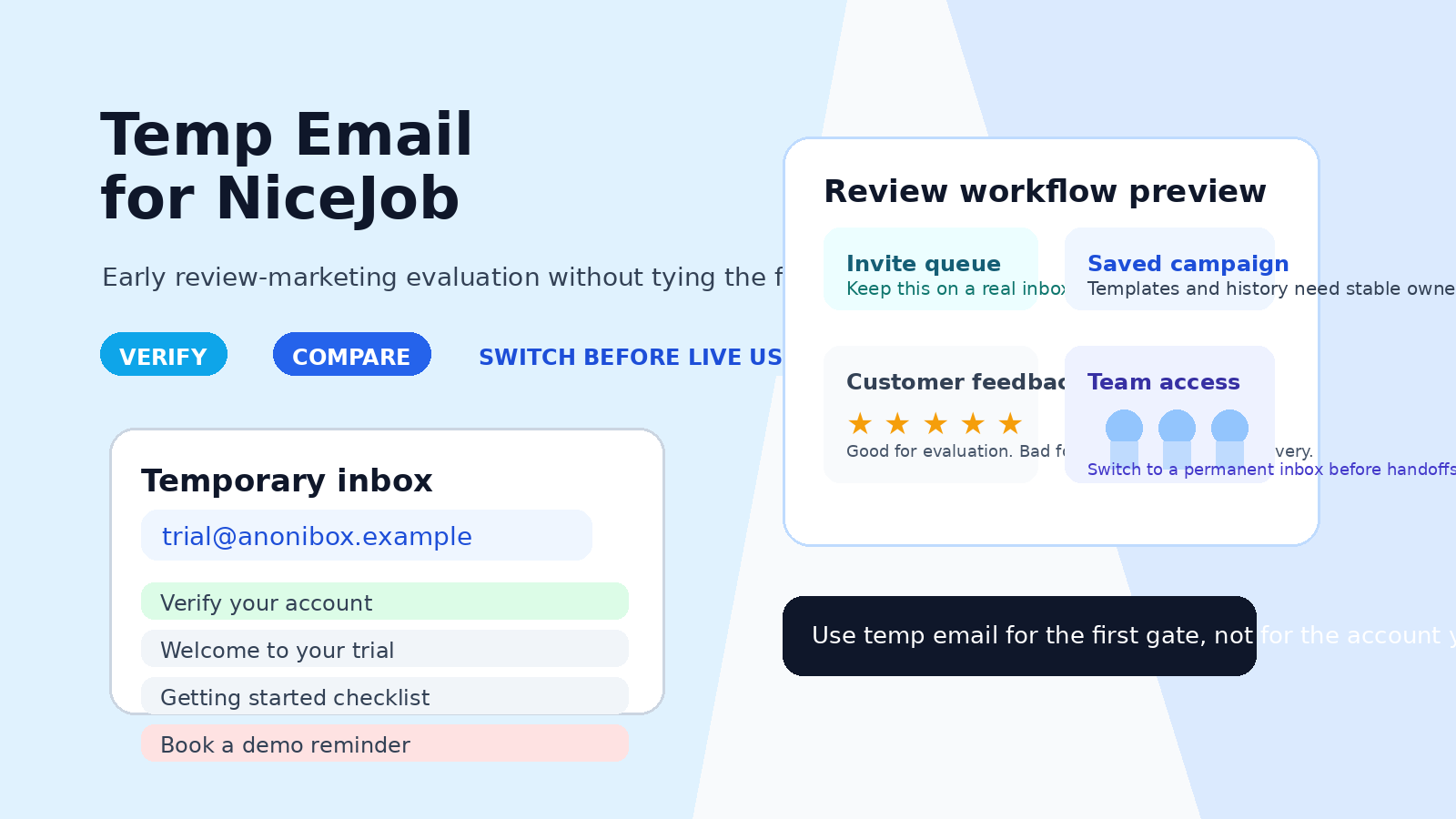
A temp email for NiceJob can work for a short early product trial, but a permanent inbox is safer once live review invites, saved campaigns, or team access start to matter.
Use a temporary inbox for signup verification and first-pass evaluation; switch to a long-term address before you rely on NiceJob for real customer-facing workflows.
Why people look for a temp email for NiceJob
Review-marketing and reputation-growth platforms often sit in an awkward middle ground. They are not just simple utilities, but they are also not something most teams want to commit to blindly. Before a local business, agency, franchise operator, or marketing lead decides to trust a platform with live outreach, they usually want a closer look at the dashboard, the setup flow, the messaging, and the reporting.
That is where a query like temp email for NiceJob makes sense. People want a way to get through account verification, see what the software feels like, and avoid turning one trial into weeks of vendor follow-up. A temporary address can help with that first stage. It keeps the evaluation organized and protects your main inbox while you decide whether the platform deserves more attention.
The key is understanding the boundary. A temporary inbox is useful for a low-stakes first pass. It is a weak foundation for anything you expect to keep, recover, share, or run live. If the account may become part of your real review-request workflow, long-term ownership matters much more than short-term inbox convenience.
When a temporary inbox makes sense
There are a few situations where using a disposable address is reasonable.
- You only want to inspect the product: You are trying to understand the onboarding flow, dashboard layout, and basic value before giving a permanent work address.
- You are comparing several tools at once: Separate trial inboxes make it easier to keep one vendor’s messages from mixing with another’s.
- You want less sales noise: Early evaluation often triggers welcome emails, reminder sequences, demo nudges, and promotional follow-up.
- You have not decided whether the platform belongs on your shortlist: There is no reason to commit your main address to every trial you open.
That is the sweet spot for something like Anonibox: quick verification, low-friction testing, and less inbox clutter while you make an early decision.
What you can realistically evaluate in an early NiceJob trial
If you use a temp email for NiceJob, keep the trial focused on questions you can answer quickly. That gives you useful signal without building dependence on a disposable login.
1. Onboarding clarity
Good software should make the first ten minutes easy to understand. Can you tell what the platform expects from you? Is the setup path obvious? Do the first screens explain the value clearly, or do they push you into forms and prompts before you understand the workflow?
2. Dashboard usability
A review-marketing platform should not feel confusing at a glance. During an early trial, you can judge whether the layout is intuitive, whether the key sections are easy to find, and whether the interface feels built for real daily use rather than just sales screenshots.
3. Invite and campaign logic
Even before you run anything live, you can often tell how the platform thinks about customer invites, follow-up sequences, and review-generation workflows. Are the options clear? Does the product seem opinionated in a helpful way, or does it feel clumsy? That first impression matters because these tools often become operational very quickly.
4. Reporting style
Can you imagine handing the output to a manager, client, or business owner? Early trial access may not reveal every advanced reporting feature, but it usually tells you whether summaries are readable, whether progress is presented clearly, and whether the product seems capable of supporting real decision-making later.
5. General fit for your use case
Some platforms look polished but do not match the way your business or clients actually work. A quick trial can help you answer a simple question: does this feel like a tool you could imagine adopting, or are you already forcing the fit?
When a temp email becomes a bad idea
The risk changes as soon as the account starts to matter. That change often happens faster than people expect.
Live invites and customer-facing workflows
If you move from “I am exploring the product” to “I am about to send real invites or use this with actual customer interactions,” the account email stops being a throwaway detail. It becomes part of a live workflow. If you lose access to the inbox tied to the account, recovery can get messy at exactly the wrong time.
Saved campaigns and real setup work
Once you build real campaigns, store business details, tweak messaging, or put time into the account configuration, the cost of losing that account goes up. Disposable inboxes are fine for quick access; they are not ideal for anything you would hate to rebuild.
Login recovery and account ownership
Email is often the recovery path when passwords change, devices are replaced, or access needs to be restored. If the account is tied to a short-lived inbox, you are making ownership more fragile than it needs to be.
Billing and procurement handoff
If a trial turns into a real vendor conversation, the inbox behind the account starts to matter for pricing, approvals, billing notices, and contract-adjacent communication. That is not where you want uncertainty.
Team access and future handoffs
The moment more than one person cares about the platform, a disposable login becomes a liability. Shared ownership, permissions, and internal handoffs work better when the primary account lives under an address your team actually controls long term.
How to use a temp email for NiceJob without creating future problems
Start with the inbox before you sign up
Create the temporary address first. That keeps all confirmation and onboarding messages in one place from the beginning instead of leaking them into your daily inbox.
Use it for verification and first-pass evaluation only
The safest pattern is simple: use the disposable address to get through the first gate, review the experience, and decide whether the software deserves deeper attention. Do not treat the temporary inbox as the permanent home of the account.
Keep the trial deliberately narrow
Do not overbuild during a disposable-email trial. Focus on reading the interface, exploring how the product is structured, and understanding the workflow. The more real setup you do, the more painful it becomes if you need to recover the account later.
Save the details that actually matter
Keep a short note with the login URL, what you tested, what you liked, what felt weak, and what questions remain. That is more useful than relying on a temporary inbox to preserve your evaluation trail.
Switch to a permanent inbox before anything operational begins
If the platform looks promising, move to a real address before launching live invites, storing meaningful account history, or adding coworkers. That is the clean handoff point. Early exploration can be disposable; operational ownership should not be.
A practical checklist before you decide
- Am I only testing the product, or am I about to use it with real customer activity?
- Would losing access tomorrow be mildly annoying or seriously disruptive?
- Have I started saving real work inside the account?
- Will anyone else on my team need access soon?
- Do I expect billing, procurement, or recovery emails to matter?
If the answers stay light and temporary, a disposable address is probably fine for the first pass. If the answers start sounding operational, it is time to switch.
Common mistakes to avoid
Using one throwaway inbox for every vendor
That saves almost no mental load. It is better to isolate evaluations cleanly than create a single messy bucket for unrelated trials.
Letting the trial drift into real usage
This is the most common mistake. People start by “just looking,” then slowly add real data, settings, and workflow steps without ever changing the account email. That turns a convenience choice into a recovery risk.
Judging the tool only by email volume
Too many follow-up emails can be annoying, but the product itself still matters more. Use the temporary inbox to reduce noise so you can judge the software on its actual usefulness, not just its marketing habits.
Forgetting internal ownership
If the platform might survive the trial, think ahead. Who should own the account? Which team inbox or permanent address should hold the long-term login? Solving that early is cleaner than fixing it after the tool is already in use.
So, should you use a temp email for NiceJob?
Yes, for a short early evaluation it can be a smart move. A temp email for NiceJob is useful when you want to verify the account, inspect the onboarding, compare the interface, and avoid filling your main inbox with early vendor follow-up.
No, it is not the best choice once the account starts carrying real weight. If live invites, saved campaigns, recovery access, billing conversations, or team handoffs matter, switch to a permanent inbox you control.
That is the practical balance: use a disposable address to learn quickly, then move to a stable address before the software becomes part of real work. Done that way, you get the privacy and organization benefits of a temporary inbox without creating unnecessary ownership problems later.