A temp email for OnceHub can be useful for one-off booking links, routing forms, and early demo requests.
It becomes a weak setup once reminders, reschedules, account recovery, or ongoing client communication start to matter.
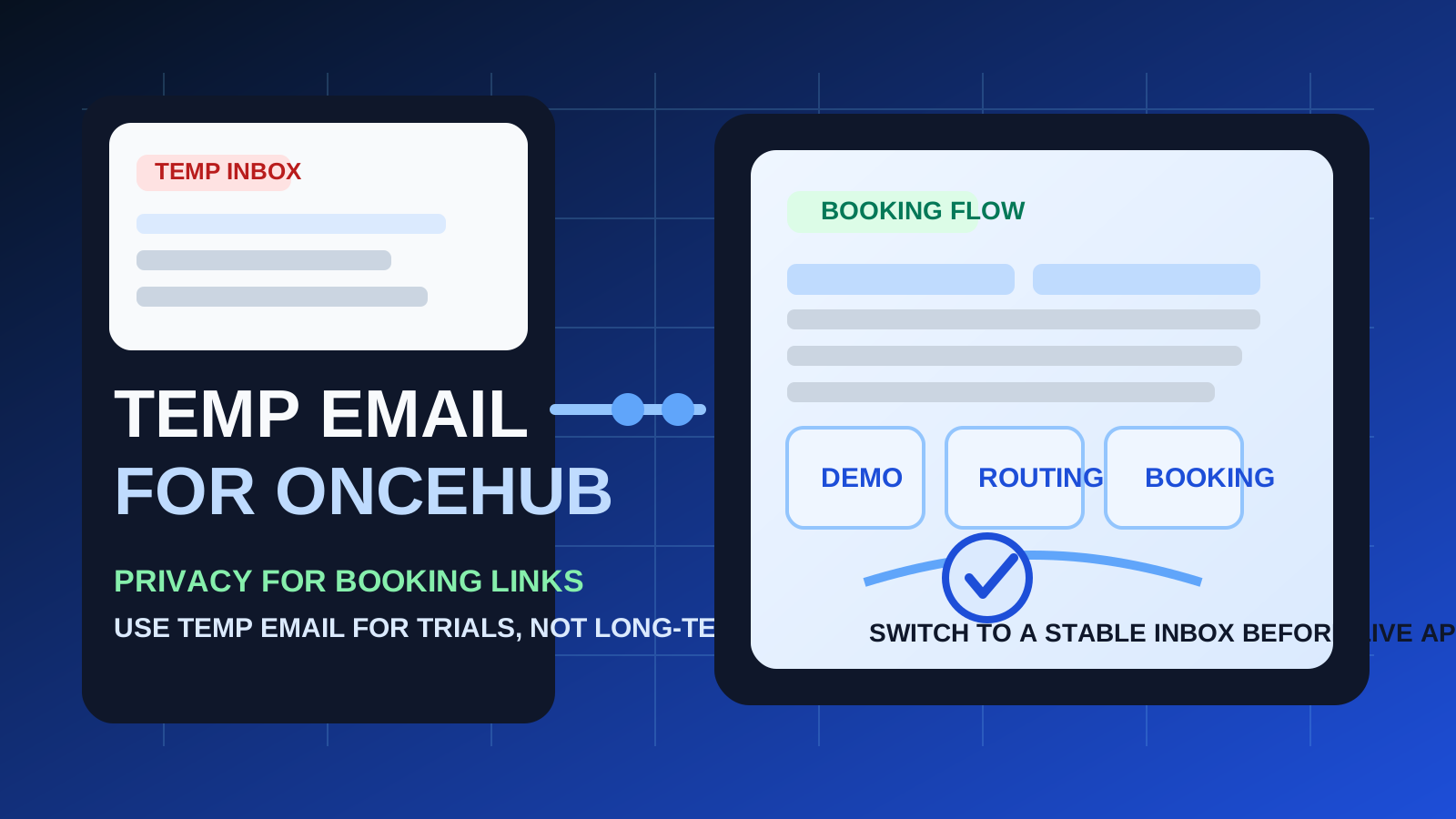
If you are testing OnceHub for scheduling, demo routing, or inbound qualification, using a temporary inbox can reduce clutter in your main email account. That is especially helpful when you are comparing several scheduling tools at once and do not want every trial, nurture sequence, and follow-up message landing in the same permanent inbox.
That said, OnceHub is the kind of platform where email continuity starts mattering quickly. Booking confirmations, reminder messages, reschedule links, routing updates, handoffs, and account recovery are all more painful when they are tied to an inbox you do not plan to keep. The smart move is to use a temporary address only for low-stakes evaluation, then switch to a permanent inbox as soon as the workflow becomes real.
When a temp email for OnceHub makes sense
There are a few situations where a disposable inbox is practical.
- Quick product evaluation: you want to see the signup flow, initial dashboard, and onboarding sequence before deciding whether the tool is worth a deeper look.
- One-off demo requests: you are gathering information from multiple scheduling or routing platforms and want to avoid weeks of follow-up emails.
- Low-stakes testing: you are reviewing forms, booking pages, or routing logic in a temporary setup and do not need a long-lived account.
- Inbox hygiene: you want to keep trial emails separate from real client work and your primary calendar operations.
In those cases, a temporary inbox can help you verify the account, read the welcome emails, and judge the product without handing out your main address too early. A service like Anonibox is useful for that first-pass filtering stage when you want less noise and more control.
Where a temporary inbox starts breaking down
OnceHub is not just a newsletter signup. It sits close to appointment logistics, lead routing, and communication that may need to stay reliable over time. That creates a few weak points for disposable email.
1. Reminders and reschedules can matter more than the original signup
The first confirmation message is only part of the picture. In a real scheduling workflow, the important email may arrive later: a reminder, a booking change, a routing update, or a notice tied to a live conversation. If your inbox disappears or you stop monitoring it, the workflow falls apart exactly when it becomes useful.
2. Account recovery is harder
If you plan to keep the account, recover access, or return to the setup later, a disposable inbox becomes fragile. A temporary address is fine when you are treating the account as disposable too. It is a poor match for anything you might depend on next week.
3. Shared workflows need continuity
If a teammate, client, or sales handoff is involved, your email address stops being a private testing detail and becomes part of a larger workflow. That is the point where a stable inbox is usually the safer choice.
4. Important messages can get mixed up with low-value testing
A temporary inbox is good at reducing clutter, but it is also easy to neglect. That works for throwaway trials. It is not great once the messages actually matter.
A simple rule of thumb
Use a temp email for OnceHub when you are evaluating the tool, not when you are depending on it.
If you are just testing the product, screening the onboarding flow, or seeing whether the booking experience fits your workflow, temporary email is reasonable. If you are about to send real booking links, coordinate with actual leads, or rely on reminders and follow-ups, switch to a permanent inbox first.
How to use a temp email for OnceHub safely
1. Decide whether this is a trial or a real workflow
Before you sign up, be honest about the goal. Are you comparing vendors? Checking the interface? Looking at routing forms? If yes, a temporary inbox can be fine. If you already expect this account to become part of your real booking process, start with a permanent address instead.
2. Save the emails that actually matter
During a short evaluation, you usually only need a few messages:
- account verification
- welcome or quick-start instructions
- any setup links you may want later
- trial or onboarding information worth comparing against competitors
Capture those details while you still have access instead of assuming the inbox will still be there when you come back.
3. Test the product quickly and on purpose
Do not open a trial and leave it half-finished. Move through the key questions in one focused session. For example:
- How easy is it to create booking pages?
- Can you understand the routing or qualification flow without a long setup?
- Does the tool make sense for your sales, support, or appointment process?
- What follow-up emails arrive after signup?
This is where temporary email adds value. It lets you review the product without committing your main inbox to every experiment.
4. Switch before anything customer-facing becomes real
The moment you plan to share live booking links, connect teammates, rely on reminders, or keep the account for long-term use, replace the temporary inbox with a permanent one. Do not wait until after important scheduling messages have already started flowing.
When a permanent inbox is the better choice
Use a stable email address from the start if any of these are true:
- you expect to keep the OnceHub account beyond a quick trial
- you are setting up booking pages that real prospects or clients will use
- you need dependable reminder and reschedule emails
- you may need account recovery later
- you are involving a team, shared calendars, or handoff workflows
For that kind of use, a permanent personal or work-appropriate inbox is more practical than a disposable one. The cost of missing one important message is usually higher than the convenience of avoiding a little inbox clutter.
Realistic examples
Example 1: comparing scheduling tools for internal research
If you are reviewing OnceHub alongside other tools such as Cal.com, YouCanBookMe, and SavvyCal, a temporary inbox makes sense. You can verify the trial, inspect the onboarding, and avoid turning your main address into a magnet for overlapping follow-up campaigns.
Example 2: testing a routing form before a sales rollout
If your team only wants to understand how qualification or booking flow works, disposable email is still reasonable. The goal is evaluation, not continuity.
Example 3: launching live booking pages for prospects
This is where the disposable setup stops making sense. Once real prospects are involved, your email address becomes part of a live communication chain. Missed reminder messages, account notices, or update links can create confusion fast.
Common mistakes to avoid
- Treating a real workflow like a throwaway test: temporary email is best for short evaluation windows, not live operations.
- Forgetting about reminder emails: the biggest risk is often not signup verification but what comes afterward.
- Waiting too long to switch: if the tool is clearly going to stay, move to a permanent inbox early.
- Using the same disposable address everywhere: separate trials are easier to track when you do not collapse them into one messy test inbox.
- Judging the product only by the inbox experience: the real test is whether the booking and routing workflow fits your needs.
A cleaner evaluation workflow
If you want the privacy benefits without creating unnecessary fragility, this is the practical middle ground:
- Use a temporary inbox for first-pass evaluation and low-stakes demo requests.
- Check the essential onboarding messages right away.
- Test the key scheduling or routing workflow in one session.
- Switch to a stable inbox before you rely on reminders, account recovery, or customer-facing bookings.
That approach gives you the best part of temporary email — less long-term inbox clutter — without pretending it is the right solution for every stage of a scheduling setup.
Final takeaway
A temp email for OnceHub is useful when you want to test signup flows, booking pages, or demo routing without giving your main inbox to another software trial too early.
It is not the best long-term setup once reminders, reschedules, client communication, and account continuity start to matter. Use temporary email for the evaluation phase, then switch to a permanent inbox before the workflow becomes something you actually depend on.