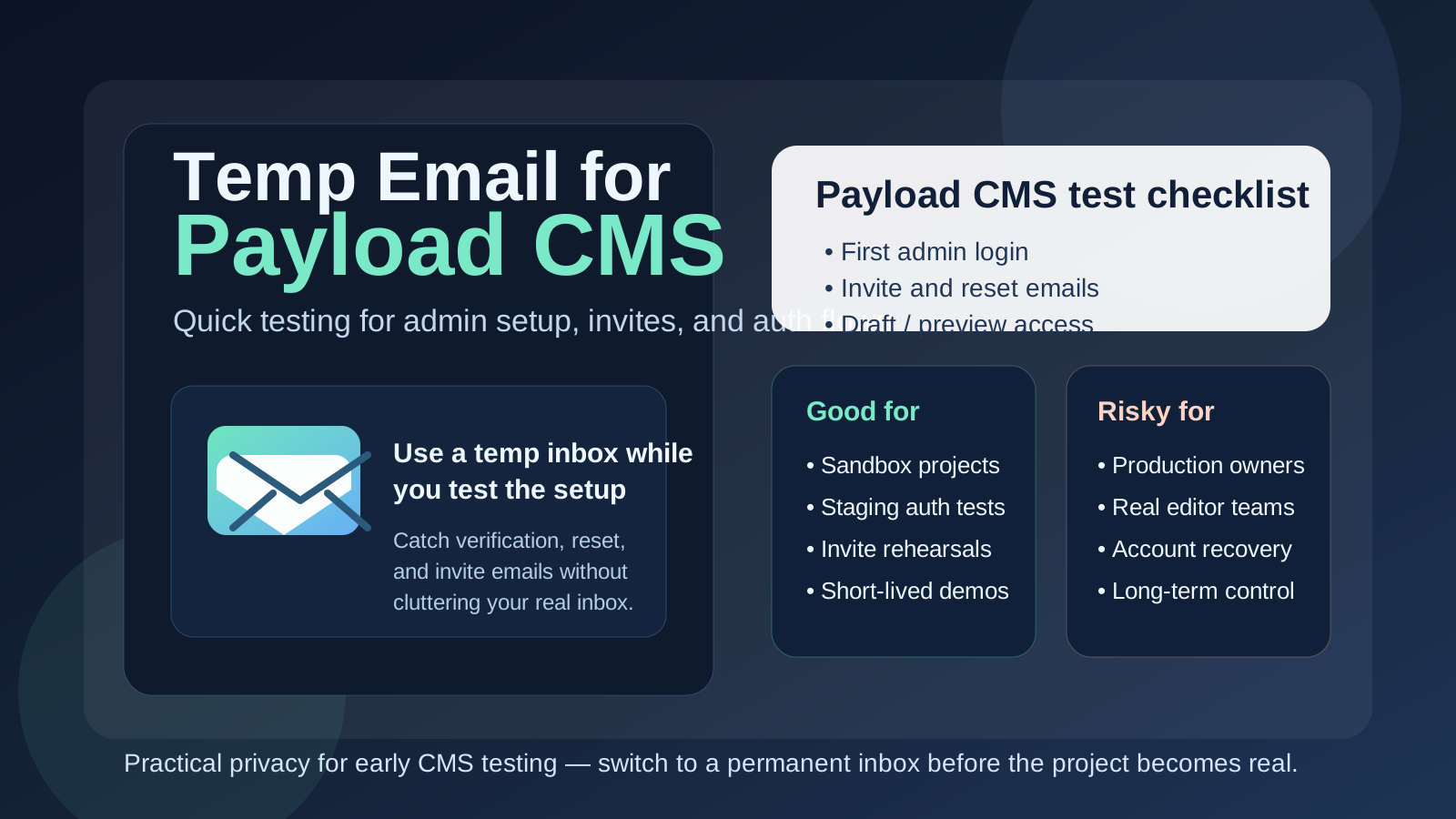
Yes, you can use a temp email for Payload CMS when you are testing a new project, admin setup, or auth flow. It is useful for short-lived staging work, but it is a bad choice for the long-term owner account because password resets, editor invites, and recovery emails can disappear with the inbox.
That makes temporary email a practical tool for early Payload CMS testing, not a smart foundation for production ownership. The trick is knowing where the line is.
Why this question comes up with Payload CMS
Payload CMS often gets evaluated in a hands-on way. Teams do not just read a pricing page and move on. They spin up a project, test the admin panel, try collections and globals, review auth behavior, experiment with media handling, and see how well the stack fits their actual workflow. That usually means creating accounts, sending verification messages, checking invite flows, and triggering password resets or access emails along the way.
If you are doing that across multiple prototypes, client demos, or internal proofs of concept, your real inbox can get cluttered fast. Welcome emails, account confirmations, testing alerts, draft-share messages, and follow-up from every half-serious environment add up quickly. A temporary inbox gives you a clean place to catch the emails that matter during setup without turning your main address into a permanent archive of experiments you may delete next week.
That is where a tool like Anonibox fits naturally. You can keep the test isolated, verify the email-driven parts of the setup, and decide later whether the project deserves a permanent team-owned address.
When a temp email makes sense for Payload CMS
A temporary inbox is most useful when the project is still clearly disposable, exploratory, or short-lived. Good examples include:
- Spinning up a sandbox project to understand how Payload CMS feels in practice
- Testing admin login, email verification, or password reset behavior
- Checking editor invite flows before you finalize a client or team setup
- Reviewing whether content workflows, access control, and drafts fit your use case
- Running a quick comparison between Payload CMS and other headless CMS options
- Keeping staging or throwaway demo environments separate from your real work inbox
In those cases, a temp email is doing exactly what it should do: keeping early evaluation tidy while still letting you complete the parts of setup that depend on email.
When a temp email is a bad idea
The problems start when a short-lived inbox gets attached to something that is no longer short-lived. Payload CMS can move from prototype to important project faster than people expect, especially if a promising test environment gradually turns into the real internal tool, client site, or production content stack.
A temp email is risky if it is tied to:
- The primary owner or super-admin account
- A real client environment
- Long-term editorial operations
- Shared team access that multiple people depend on
- Password recovery or security-related notifications
- Billing, account ownership, or vendor support conversations
Once the project matters, inbox stability matters too. You do not want the only recovery path for a production admin to live in an address that may vanish or be inaccessible when you need it most.
A good rule of thumb
If the account exists to help you test something, a temp email can be reasonable. If the account exists to own something, keep something secure, or hand off something real, use a permanent address you control.
That rule sounds simple, but it prevents most of the messy edge cases. It keeps disposable inboxes in the disposable stage and forces a deliberate switch once the project becomes operational.
How to use a temp email for Payload CMS safely
1. Decide what the account is for before signup
Do not create the email first and figure it out later. Be clear: is this for a two-hour prototype, a staging auth test, an editor invite rehearsal, or a project you may actually keep? If it is just evaluation, a temporary inbox is fine. If it might become the real environment owner, skip the disposable address and start clean with a permanent one.
2. Use one inbox per project or test branch
Mixing several CMS experiments into one temp inbox creates unnecessary confusion. It becomes harder to tell which verification email belongs to which install, which reset link belongs to which environment, and which invite is still relevant. One inbox per project keeps the trail easy to follow.
3. Save the messages that matter right away
If your setup sends a verification link, admin invite, or reset email, save what you need immediately. Temporary inboxes are useful because they are lightweight, but that also means you should not treat them like long-term records. Capture the URL, note the account, and move on.
4. Switch to a permanent address before the project becomes shared or important
The right time to switch is earlier than most teams think. Move to a permanent inbox before you invite real editors, before you start relying on the project daily, and definitely before it becomes the production owner account. A clean handoff is far easier before the environment is busy.
What to test inside Payload CMS while you still have the disposable inbox
If you are going to use a temp email during the evaluation stage, use that window well. The best test is not simply “did the login work?” It is whether the project structure and email-driven flows feel dependable enough for the kind of content operation you want to run.
Admin onboarding
How easy is it to create the first user, access the admin panel, and understand what needs configuration next? A good early Payload CMS test should make it obvious whether the initial setup flow is smooth or fragile.
Verification and reset behavior
If your project uses verification or password reset emails, test them on purpose. How quickly do they arrive? Are the messages clear? Does the reset flow behave the way your team or users would expect? Temporary inboxes are especially useful here because they let you trigger the full cycle without exposing your main inbox to every experiment.
Invite flows for editors or testers
If you expect editors, marketers, or clients to enter the system through invite-based access, test that path early. Invite emails are easy to ignore until go-live, but they often reveal rough edges in account setup, role assignment, and expectations around first login.
Preview or draft-related access
Many teams care about drafts, previews, review states, and controlled publishing. If your setup sends any email-assisted access, sharing, or review message, a temp inbox gives you a low-risk way to see the workflow from the recipient side rather than just the admin side.
General operational fit
The bigger question is whether Payload CMS fits the way your team works. Does the content model feel flexible enough? Are roles understandable? Can non-developers realistically use the interface? Is the project still manageable when you imagine three months of real content work instead of one hour of technical curiosity?
Common mistakes people make
- Leaving the temp email in place too long: what starts as a demo quietly becomes the real environment.
- Using the same inbox for multiple installs: verification and recovery trails get messy fast.
- Forgetting who owns the admin account: later, nobody remembers which inbox controls the account.
- Testing only signup but not recovery: the reset and invite paths often matter more than the first login.
- Assuming a disposable inbox is “private enough” forever: it is a convenience tool, not a permanent governance strategy.
What to do once the Payload project becomes real
As soon as the environment moves beyond experimentation, tighten the process. Replace the temp address with a durable inbox your team controls. Make sure account ownership is clear. Document who receives resets or security notifications. If the CMS will support production content, client workflows, or internal publishing, the admin and recovery setup should look boring and reliable, not clever.
This is also the point where a separate long-term project inbox often beats a personal inbox. Even if you started with a temp email, the mature version of the workflow is usually a stable role-based address tied to the project, team, or client relationship.
Temp email vs separate work inbox
It helps to separate these two ideas:
- Temp email: best for early testing, short-lived signups, and disposable evaluation environments
- Separate permanent work inbox: best for real admin ownership, production notifications, shared workflows, and long-term recovery
People often treat them like interchangeable privacy tools, but they solve different problems. A temp inbox reduces short-term clutter and exposure. A separate permanent inbox creates long-term control and organization. For serious Payload CMS use, you will usually want both at different stages rather than only one forever.
A practical workflow that works well
- Create a temp inbox for the prototype or staging test.
- Use it to complete admin verification, reset checks, and invite-flow testing.
- Decide whether the project is disposable, ongoing, or likely to become production.
- If the project survives the test phase, migrate account ownership to a permanent controlled inbox.
- Only then invite real collaborators or depend on the account for ongoing operations.
This approach keeps your inbox cleaner without creating long-term admin risk. You get the convenience of fast testing and the stability of proper ownership once the project matters.
Final takeaway
A temp email for Payload CMS is a smart move when you are evaluating, prototyping, or rehearsing email-driven workflows. It helps you test verification, resets, and invites without filling your primary inbox with messages from projects that may never become real.
But once the Payload CMS environment starts looking like something you will keep, share, or depend on, switch to a permanent address immediately. Temporary email is great for early CMS testing. It is not the right home for production admins, team continuity, or account recovery.