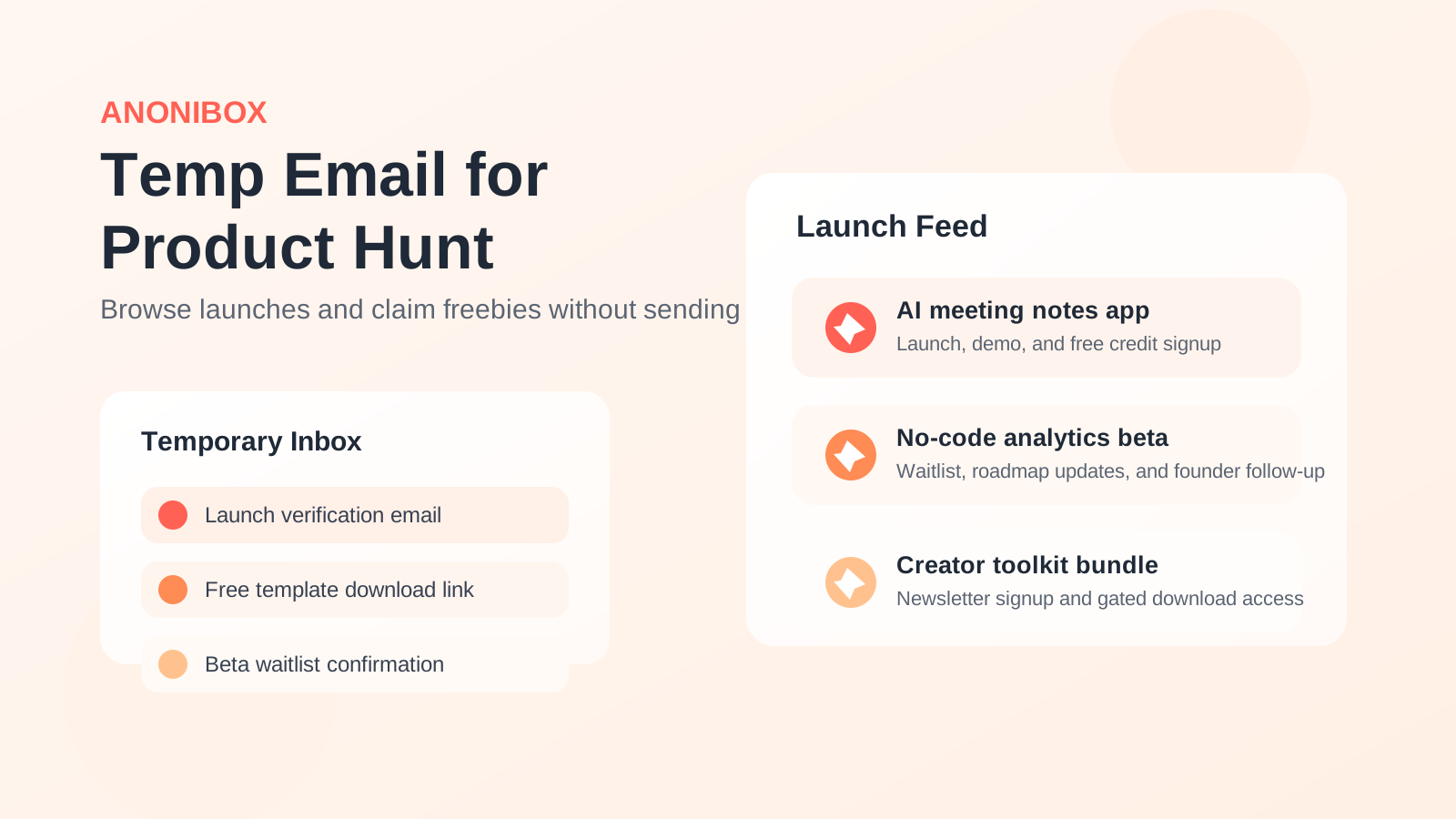
Yes, you can use a temp email for Product Hunt to protect your primary inbox while browsing launches, claiming freebies, and testing whether the platform is worth keeping in your routine.
But if you plan to comment, follow makers, save products, or rely on account recovery later, a separate long-term inbox is usually smarter than a throwaway address.
That distinction matters because Product Hunt sits in an awkward middle ground. On one hand, it can feel casual: you sign up, browse launches, upvote a few tools, maybe download a template or grab a limited-time perk, and move on. On the other hand, it can turn into a real discovery channel with saved products, discussion history, launch follows, bookmarks, and a surprisingly steady stream of email. If you treat it like a disposable one-day experiment, temporary email can make sense. If you treat it like part of your startup, creator, or software-research workflow, it deserves a more stable setup.
Why people look for a temp email for Product Hunt
The reason is usually simple: Product Hunt can expose your inbox to more than one source of email at once. There is the platform itself, and then there are the products you discover through it.
- Launch digests and follow-up email: Even if the platform is useful, not everyone wants another recurring source of product-update mail in a primary inbox.
- Freebies, waitlists, and early-access offers: Many Product Hunt launches invite you to sign up elsewhere for templates, credits, beta access, or newsletters.
- Inbox separation: Some people want startup tools, experiments, and side-project signups kept away from work, finance, or family email.
- Privacy by default: If you browse lots of products but only seriously keep a few, it is reasonable to avoid giving every service your everyday address on day one.
That makes temp email for Product Hunt a pretty natural query. People are not trying to do anything shady. They usually just want to test the waters without turning one browsing session into a long trail of launch updates and marketing follow-up.
When a temp email for Product Hunt makes sense
1. You are only evaluating the platform
If you want to see how Product Hunt works before committing to it, a temporary inbox is perfectly reasonable. You can create the account, handle any verification step, browse launches, and decide whether the community or discovery flow is useful enough to keep.
2. You are browsing low-stakes launches and freebies
A lot of Product Hunt activity is curiosity-driven. You may just want to look at a launch page, claim a template, test a lightweight app, or join a waitlist for something you are not even sure you need. A temporary inbox helps contain that early-stage experimentation.
3. You want to protect your main inbox from product noise
If your primary inbox already handles real work, invoices, travel, legal notices, and personal communication, adding another stream of launch and SaaS messages may not be worth it. A temporary inbox gives you breathing room while you decide what deserves a permanent place.
4. You are comparing several tools in one sitting
Product Hunt often sends people into a rapid-evaluation loop: open launch, check screenshots, visit site, sign up, test it, move to the next one. If you do that across multiple tools, a throwaway inbox can stop those quick tests from spilling into your main mailbox for the next six months.
Where a throwaway address starts to break down
The trouble starts when the account stops being casual.
You may want your history later
If you begin saving products, following makers, tracking launches, or using the account to keep your discovery feed organized, the account gains continuity value. Losing access is no longer harmless.
You may care about comments, credibility, or maker activity
For some users, Product Hunt is not just a browsing tool. It becomes a place where they comment on launches, follow discussions, or keep tabs on tools relevant to their industry. If the account becomes part of your public or semi-public online footprint, a disposable inbox is a flimsy foundation.
You may need account recovery when you least expect it
This is the classic temp-email failure mode. Everything feels fine until you change devices, forget how you logged in, need to confirm a security step, or simply come back months later. If the email address is gone, recovery can become messy or impossible.
You may blur Product Hunt signups with product signups
Even if you use a temporary inbox for the Product Hunt account itself, the bigger inbox problem often comes from the products you click through to. If you start using the same throwaway address everywhere, you may lose track of which beta, waitlist, or free tool sent which message. A little separation helps.
Temporary inbox vs separate long-term inbox
For most people, the best comparison is not “primary email or temp email forever.” The more useful comparison is:
- Primary inbox: easiest, but most exposed to long-term product and platform noise
- Separate long-term inbox or alias: strong balance of privacy, organization, and recoverability
- True temp email: best only for testing, browsing, and low-stakes signups
If you think there is a decent chance you will keep using Product Hunt, the separate long-term inbox is usually the sweet spot. It gives you most of the privacy benefit without making future access fragile.
That is where Anonibox fits naturally in a cautious workflow. You can start with a temporary address while exploring the platform, then move to a more stable setup once Product Hunt earns a lasting place in your tool-discovery stack.
How to use temp email for Product Hunt without creating a mess
Use it for exploration, not ownership
A temporary inbox is best for the first phase: browsing launches, checking whether the platform feels useful, and deciding whether you even want an account long term.
Do not attach valuable habits to a disposable address
If you start building lists of products to revisit, relying on bookmarks, or checking the platform weekly, stop pretending the account is disposable. Move it to an inbox you control long term before the habit turns into real dependence.
Separate the platform from the products
You do not have to use the same email setup for everything. One practical approach is:
- use a temporary inbox for the initial Product Hunt account or first few experiments
- use a second disposable address for truly throwaway waitlists or one-off downloads
- use a stable separate inbox for any tool you may actually keep using
That is more organized than sending every test signup into one pile.
Save the important details early
If you use a temporary inbox at all, save anything you might need during the evaluation window: the login email, the exact sign-in method, and any product links you care about. Temporary access only works well when you assume it may not last forever.
When your primary inbox is probably fine
Sometimes the answer really is “just use your normal email.” If you already like Product Hunt, expect to keep the account, and are comfortable managing subscriptions or filters, your primary inbox may be perfectly acceptable.
This is especially true if you are a founder, operator, investor, product manager, or creator who genuinely uses Product Hunt as part of your regular workflow. In that case, reliability may matter more than an extra layer of inbox separation.
Who should avoid a throwaway address here?
- Makers planning to launch: if you expect to engage with comments, updates, or follow-up around your own launch, use a stable email address.
- People who track many saved products: if Product Hunt is part of your research process, you will probably want reliable access later.
- Users building a recognizable profile: if your comments, follows, or identity on the platform matter, do not tie them to an inbox you may lose.
- Anyone who hates rework: if you know account recovery headaches will annoy you, skip the throwaway approach unless the account is truly temporary.
Practical examples
Good use case for temp email
You heard about Product Hunt from a friend, want to browse this week’s launches, maybe claim a couple of free resources, and see whether the platform is relevant to you. A temporary inbox is a solid fit.
Borderline use case
You started casually, but now you are checking Product Hunt every few days, saving products to revisit, and following launch discussions. That is usually the moment to move from a throwaway inbox to a stable separate address.
Bad use case
You are planning to launch your own product, network with makers, or keep a long-running discovery profile. That should not depend on a disposable inbox.
Quick checklist before you sign up
- Am I only browsing, or do I expect to keep using this account?
- Would I care if I lost access six months from now?
- Do I need a throwaway inbox, or do I really need a separate long-term one?
- Will I just browse launches, or will I comment, follow, save, and return?
- Am I trying to avoid platform email, product email, or both?
Those questions usually make the answer obvious. If the account is just a short-term experiment, temporary email is fine. If Product Hunt is likely to become part of your real workflow, stable separation beats disposable access.
Final takeaway
A temp email for Product Hunt is useful when you want sign-up privacy, cleaner inbox boundaries, and a low-friction way to browse launches or claim freebies without immediately exposing your main email address.
It becomes a weak choice once the account starts holding anything you would miss: saved products, comment history, maker follows, or future recovery access. For that stage, a separate long-term inbox is usually the smarter privacy move. Use temporary email for testing, not for accounts you expect to keep.