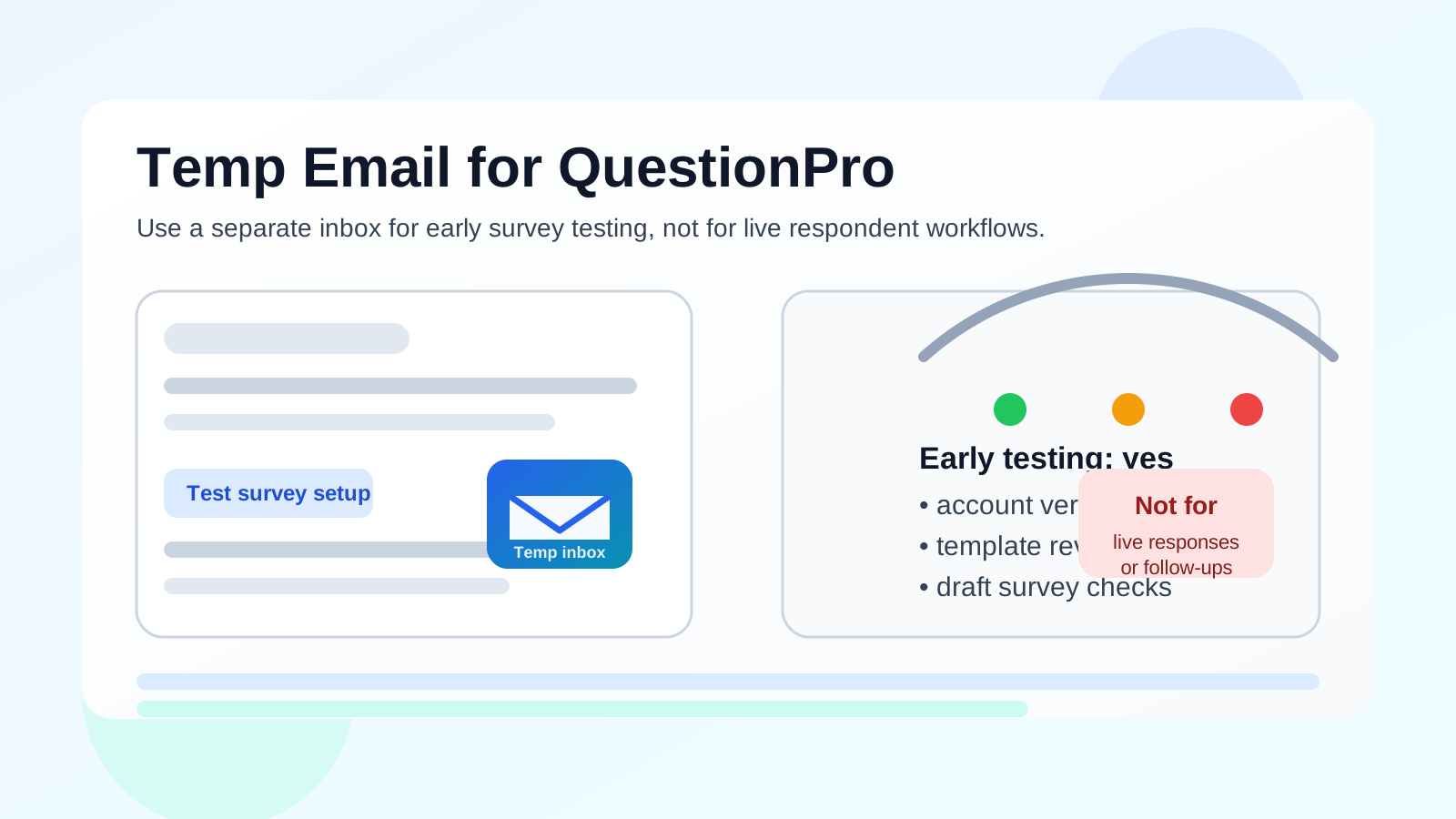
A temp email can work for opening a QuestionPro trial, verifying the account, and testing early survey setup without sending every onboarding message to your main inbox. It is a poor fit for live surveys, panel invites, respondent follow-ups, and any workflow that depends on a stable address you control long term.
If your goal is simple evaluation, a separate inbox can keep things tidy. Once real responses, notifications, or team handoffs matter, you should switch to a permanent address you plan to keep.
Why people look for a temp email for QuestionPro
QuestionPro is used for surveys, research projects, customer feedback, forms, and experience programs. That usually means signup emails, onboarding tips, feature tours, follow-up nudges, and trial reminders start arriving almost immediately. If you are comparing several survey tools at once, those messages stack up fast.
That is why the query temp email for QuestionPro makes sense. Many people do not want to hand over their everyday inbox before they know whether the platform is worth deeper setup. A temporary inbox gives you a low-commitment lane for account verification and first-pass testing.
Short answer: useful early, risky later
The easiest way to think about this is by stage. In the earliest stage, when you want to inspect the dashboard, create a draft survey, test logic, and compare features with other survey tools, a temporary address is often fine. It helps you access the account without turning a quick experiment into long-term inbox clutter.
That answer changes once your project becomes real. If you plan to invite respondents, monitor notifications, route follow-ups, manage team access, or rely on the account for ongoing research operations, a burner inbox becomes fragile. At that point, convenience is no longer the main concern. Reliability is.
When a temporary inbox makes sense
- First-pass product evaluation: You want to see how QuestionPro feels before committing your main work address.
- Comparing several survey platforms: A separate inbox keeps vendor follow-up from taking over your normal email.
- Testing draft surveys with dummy data: Early experiments are a safer place for a temporary address than real projects are.
- Checking templates, logic, and workflow basics: You only need the verification link, welcome email, and a few setup notes.
- Protecting a personal inbox from trial spam: This is especially practical if you are researching solo rather than using a procurement workflow.
Used this way, a disposable inbox is a screening tool. It helps you answer a simple question: is this platform worth taking seriously?
When it becomes a bad idea
A temp email stops being smart when the account starts doing real work for you. That includes situations like these:
- Live respondent invites and reminders: If people need to receive, reply, or follow up reliably, you want a permanent address behind the account.
- Panel management or research communities: Ongoing recruiting and engagement workflows are not a good match for a throwaway inbox.
- Team ownership: Shared admin continuity is weak when the original address may disappear or become inaccessible.
- Important notifications: Quota updates, response alerts, export notices, or workflow errors matter more than inbox cleanliness once the project is real.
- Serious vendor conversations: If the tool survives your shortlist and you are booking demos, discussing pricing, or planning implementation, the account should live on an address you intend to keep.
In other words, temp email is best for early evaluation. It is not a solid foundation for production survey operations.
What can go wrong if you keep using it too long?
Lost access to important messages
A temporary inbox may not be available forever. If you need a password reset, an approval notice, or a reminder later, you may discover that the original address is no longer useful.
Broken respondent workflows
If your account depends on alerts, follow-ups, or response-related communication, a disposable address can create blind spots. That is a headache for a hobby project and a real risk for a live research program.
Messy team handoffs
Survey work often moves beyond the person who opened the trial. A researcher, marketer, CX lead, or operations teammate may need to inherit the account later. Disposable addresses are awkward for that kind of continuity.
Platform restrictions
Some services may limit or reject certain temporary email domains. Even when signup works, it is safer to assume that a burner inbox is for evaluation convenience, not guaranteed long-term compatibility.
How to use a temp email for QuestionPro without creating new problems
1. Decide what stage you are in
If you are just evaluating survey tools, a separate inbox is reasonable. If you already know this account may become part of a live research process, start with a permanent address instead.
2. Generate the inbox before signup
Create the temporary address first so the full trial stays separate from your main inbox. If you use Anonibox or another short-term inbox tool, keep the session open until you receive the verification message.
3. Use it for the smallest useful scope
The best use case is narrow: verify the account, open the dashboard, inspect templates, create a draft survey, and test basic logic. Do not treat a disposable inbox like the permanent home for live survey work.
4. Save anything you may need later
If the welcome email includes a link, setup checklist, or workflow detail you might want later, save it immediately. Disposable inboxes are convenient precisely because they are not built for deep retention.
5. Switch once the platform becomes a real contender
If QuestionPro moves from casual evaluation to serious implementation, update the account to a durable address you control. That is the point where stability matters more than keeping marketing emails away.
A practical example
Imagine a small team comparing QuestionPro, Qualtrics, SurveyMonkey, and another survey tool over the course of a week. They only want to inspect the builders, logic features, reporting, and ease of setup before deciding which two tools deserve real stakeholder review. In that case, a temporary inbox is helpful. It keeps each trial isolated and prevents a flood of onboarding sequences in the team’s normal email.
Now change the scenario. The team has picked QuestionPro for a live customer feedback project with recurring respondent invitations, internal notifications, export reviews, and team ownership. A temp email is no longer clever. It is now the weakest point in the workflow.
Best practices for privacy-conscious testing
- Use a disposable inbox for early comparison, not for final implementation.
- Keep test data separate from real respondent data.
- Do not rely on a burner inbox for password recovery or admin continuity.
- Move to a permanent work address before inviting real users or teammates.
- Store any setup instructions you actually need instead of assuming the inbox will always be there.
How this fits a wider survey-software workflow
People often use temporary email because the hardest part of software evaluation is not getting access. It is managing the follow-up. Survey vendors, form builders, and research platforms all want to nurture trial users. That is normal, but it also creates noise. A separate inbox gives you room to evaluate the product itself instead of constantly sorting email.
That said, the right long-term answer is usually not “keep everything disposable forever.” The better pattern is to use temporary email for early filtering, then move serious tools onto a permanent address once they earn a place in your real workflow.
Should you use a temp email for QuestionPro?
Yes, if you only need early access for testing. No, if you expect the account to support live respondents, follow-up campaigns, panel invites, team ownership, or anything important enough to revisit later.
That makes temp email for QuestionPro a smart privacy move for first-pass evaluation and a weak choice for long-term research operations. Use it to explore, compare, and protect your inbox during the trial phase. Then switch to a stable address before the work becomes real.
Final takeaway
A temporary inbox is helpful when you want to test QuestionPro without committing your everyday email to another vendor sequence. It becomes risky once the account matters operationally. Use the tool for quick evaluation, keep the scope narrow, and move to a permanent address before you depend on the platform for real responses, notifications, or shared ownership.