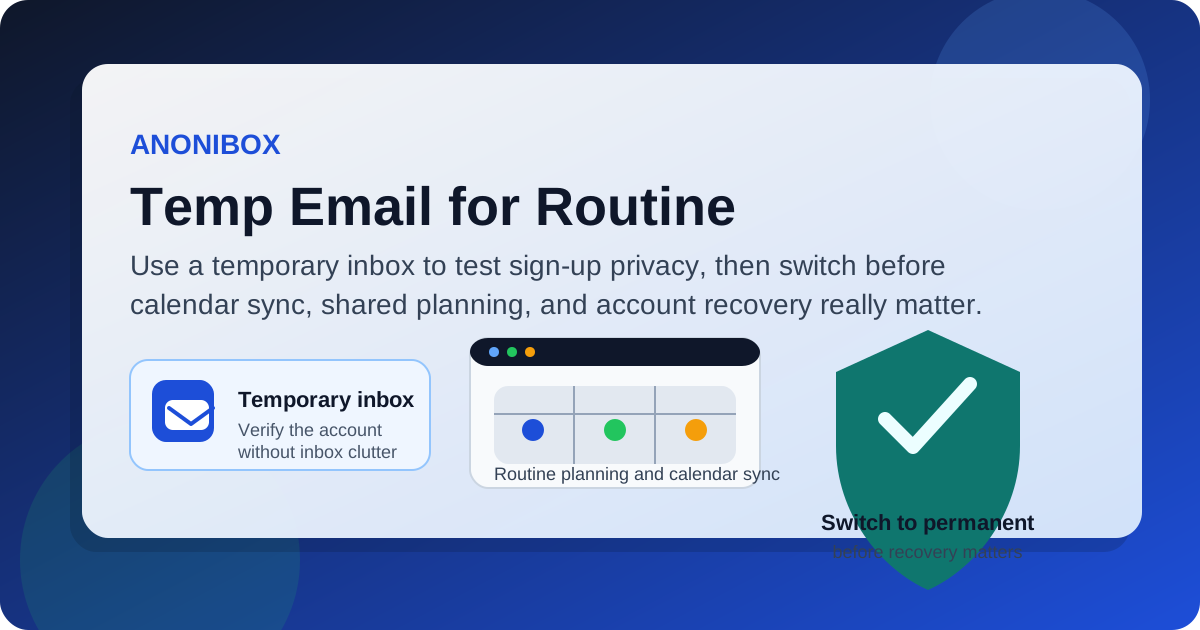
A temp email can work for Routine if you only want to test the signup flow, verify the account, and see whether the planner fits your workflow. It becomes a poor long-term choice once you rely on calendar sync, daily planning, reminders, shared spaces, or account recovery.
If your goal is early-stage sign-up privacy, a disposable inbox is reasonable. If your goal is to build a real planning system you trust every day, you should switch to a permanent address before Routine becomes part of your live calendar and task workflow.
Why this question matters for Routine
Routine is not just another app that asks for an email and then mostly leaves email behind. People use Routine because they want a cleaner way to manage time, notes, meetings, tasks, and calendar-driven planning. That means the email attached to the account can matter far beyond the first verification message.
A temporary inbox is useful when you are comparing tools and want to avoid handing your main address to every planner, calendar, or productivity app you test. That part makes sense. But the moment Routine becomes more than a quick look around, the trade-off changes. A planner that touches your real day is not something you want tied to an inbox you might stop checking or lose entirely.
When a temp email makes sense for Routine
Using a temp email for Routine is most reasonable during the evaluation stage. In that narrow context, you are trying to answer a simple question: do you even want this app in your stack?
- Signing up to see the onboarding flow
- Verifying the account and checking whether setup feels smooth
- Reviewing the interface for notes, tasks, and calendar planning
- Comparing Routine against tools like Motion, Sunsama, Akiflow, or NotePlan
- Keeping another product trial out of your long-term personal or work inbox
That is exactly where a temporary inbox helps. You get the confirmation email and the first setup messages, but you do not immediately invite weeks of follow-up sequences into the address you actually care about.
Where a temp email starts becoming risky
Routine stops being a simple trial the moment you connect it to live planning. Once that happens, a disposable address becomes fragile in ways that are easy to underestimate.
1. Calendar sync raises the stakes
If you connect your real calendar, the account is no longer a throwaway experiment. It is now attached to your actual schedule. If the app needs reauthorization, if an integration changes, or if you need to confirm an account-related action, you do not want those notices going to an inbox that may have expired or that you no longer monitor.
2. Daily planning depends on reliability
Routine is useful because it helps turn tasks, notes, and time blocks into something more organized. That only works well if the account itself is stable. When your planning system becomes part of your real workday, an unstable email foundation is unnecessary risk.
3. Shared work and collaboration can get messy
If you ever use Routine in a team context, or even just in a workflow where shared notes, meeting context, or coordinated planning matter, a disposable address becomes a bad identity anchor. Shared tools work better when the person behind the account can reliably receive important notices and recover access when needed.
4. Account recovery matters more than people expect
Lots of people think about recovery only after a problem shows up. If you change devices, lose a session, reset access, or come back after time away, the attached inbox becomes the safety net. A temp email is fine when losing the account would be mildly annoying. It is a bad fit when losing the account means rebuilding your planning setup from scratch.
The smartest way to test Routine with a temp email
If you want the privacy benefits without creating long-term headaches, the best approach is simple: use a temporary inbox only for the early evaluation phase, then switch once the product proves itself.
Step 1: Generate the temp inbox before you sign up
Create the temporary address first so the trial stays separate from your main inbox from the start. If you use Anonibox for this stage, keep the goal narrow: receive the verification link, scan the welcome messages, and move quickly into the product.
Step 2: Test a realistic but low-risk workflow
Do not judge Routine only by the homepage or the first screen. Create a sample set of tasks, block a few time slots, write a short planning note, and look at how the app handles context. That gives you a much better feel for whether the tool actually fits your habits.
Step 3: Avoid connecting too much too soon
During the temp-email stage, keep the stakes low. You can look around, but it is smart to avoid making the account central to your real work until you decide Routine is worth keeping. If you do connect a live calendar for testing, treat it as a short controlled experiment, not a permanent setup.
Step 4: Switch to a permanent address before full adoption
As soon as Routine becomes part of your real planning stack, move the account to an address you actually control long term. That way, reminders, account notices, recovery messages, and product updates reach an inbox you still own and check.
Signs you should switch away from the temp email immediately
- You started using Routine every day instead of just exploring it
- You connected a real calendar that matters to work or personal commitments
- You saved real tasks, notes, meeting plans, or recurring workflows
- You expect to keep the account after the trial
- You may need billing emails, recovery links, or account-security alerts later
If any of those are true, the disposable inbox has already done its job. Continuing to use it is usually just carrying risk for no practical gain.
Temp email vs email alias for Routine
If you like the privacy idea but want something safer for longer-term use, an alias is often the better tool. A true temp email is best for throwaway evaluation. An alias or separate permanent inbox is better when you want privacy plus continuity.
- Temp email: best for one-off testing and signup verification
- Email alias: better when you want filtering and privacy while still keeping reliable access
- Separate permanent inbox: best if you intentionally keep planning tools, job-search tools, or SaaS trials separate from your main address
For many people, the cleanest setup is a two-stage one: use a temp inbox to evaluate, then switch to an alias or dedicated permanent address if the tool makes the cut.
Common mistakes to avoid
Using a temp email for the entire life of the account
That defeats the point of good account hygiene. Disposable inboxes are useful because they are temporary, not because they are ideal long-term homes for important accounts.
Forgetting to save important setup details
If you use a temporary inbox during evaluation, save any setup steps, feature notes, or pricing details you care about before the mailbox disappears.
Confusing privacy with permanence
A temp email protects your main inbox from clutter and unwanted follow-up, but it does not automatically make the underlying account safer. In fact, once the account matters, a throwaway inbox can make recovery harder rather than easier.
Leaving billing or recovery on a disposable address
If the account becomes paid or important, move the email before that happens. Do not wait for the first problem.
A practical decision rule
If you are only asking, “Do I want to try Routine without giving out my main address yet?” then yes, a temp email is a reasonable choice. If you are asking, “Can I safely run my real planning life through Routine with a disposable inbox attached?” then the answer is no, not for long.
That rule keeps the decision simple. Use temporary email for experimentation. Use a stable address for anything you depend on.
Final answer
Temp email for Routine is fine for sign-up privacy and early testing, but it is not a smart long-term setup once calendar sync, meeting context, reminders, and recovery matter. The best move is to use the temporary inbox to evaluate the app, then switch to a permanent address before Routine becomes part of your real daily system.
That gives you the privacy upside without turning a useful planning tool into an account-recovery headache later.