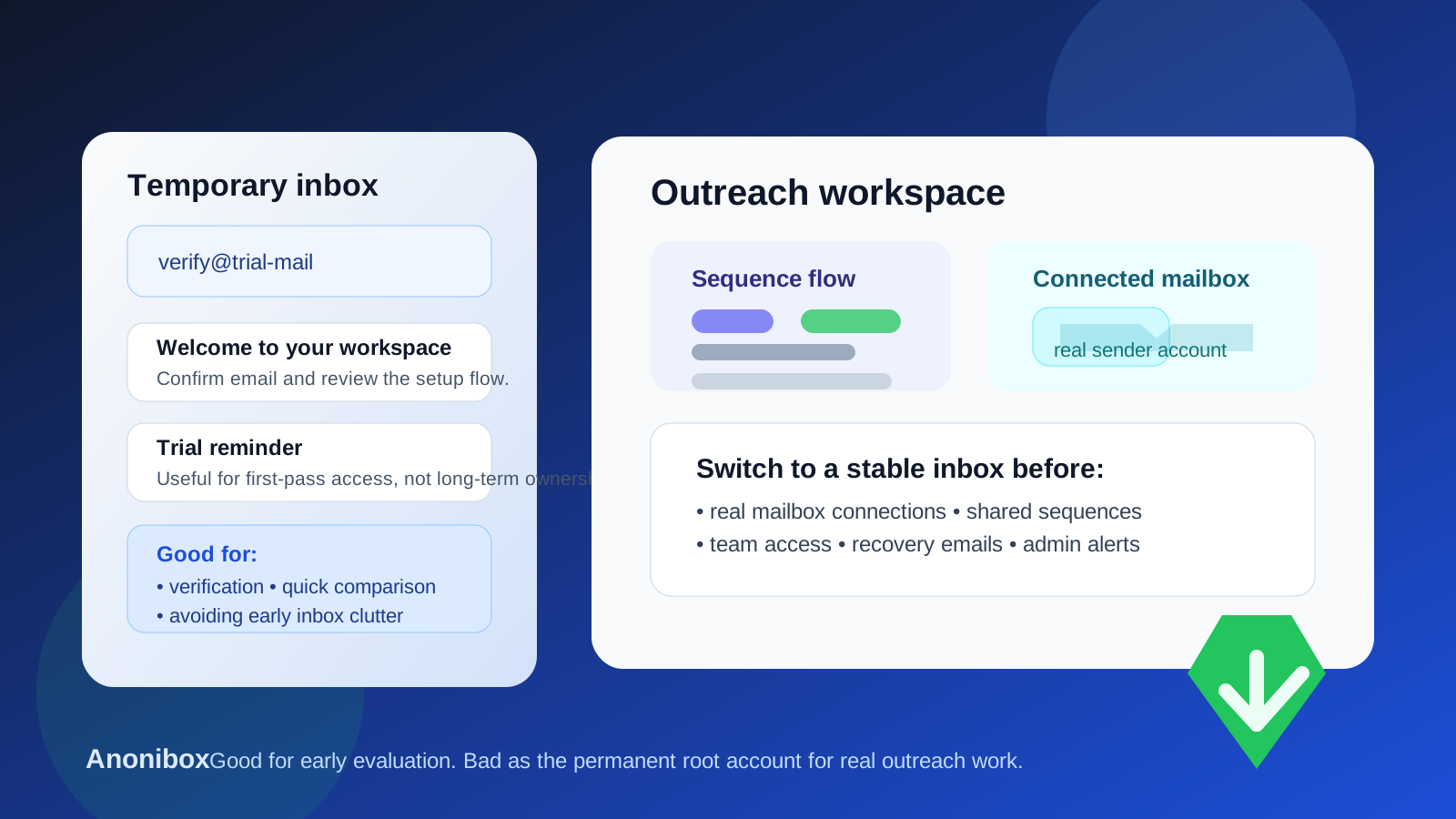
A temp email for Salesforge can make sense for a quick first-pass evaluation. It stops making sense once you connect real mailboxes, build shared sequences, or rely on that inbox for password resets and account ownership.
Yes, you can use a temporary email for Salesforge during early testing if your goal is simply to verify access, inspect the workspace, and decide whether the platform deserves a real pilot.
Why people look for a temp email for Salesforge
Outreach tools usually ask for an email address before they unlock a workspace, onboarding steps, follow-up prompts, or a sales conversation. That is normal, but it also means one curious signup can turn into a long stream of product emails before you even know whether the tool fits your process.
If you are comparing several outreach platforms at the same time, your inbox can fill up with trial reminders, demo nudges, setup tips, and “just checking in” messages almost immediately. That is the simple reason people search for a phrase like temp email for Salesforge. They want enough access to evaluate the product without handing another vendor a permanent place in their main inbox too early.
A temporary inbox can help with that first stage. Services like Anonibox are useful when you want a clean separation between early curiosity and real adoption. You still receive the verification email and the first onboarding steps, but you do not commit your long-term mailbox before you have earned a reason to do so.
When a temporary email is a reasonable choice
A burner inbox is usually fine when the account is still disposable in practice. In other words, you are testing whether the platform looks promising, not using it as part of a live revenue workflow yet.
- Signup and verification: you only need the inbox long enough to open the account and confirm the email.
- First-run product review: you want to see the workspace, navigation, and setup flow before involving real sender accounts.
- Vendor comparison: you are looking at multiple outreach tools side by side and want to limit inbox clutter during research.
- Low-stakes solo exploration: the account is only for one evaluator and does not yet carry team dependencies.
- Early fit check: you are deciding whether the platform is worth a deeper pilot at all.
At this stage, a temporary email works because the decision itself is temporary. If the platform turns out to be a bad fit, you can walk away without leaving your main work inbox attached to another sales sequence.
When a temp email becomes the wrong tool
The risk changes as soon as the account stops being a private trial and starts becoming a real operating environment for outreach. That shift usually happens earlier than people expect.
A disposable inbox is a poor long-term choice once any of the following become true:
- You connect a real mailbox: if the platform is tied to a real sending account, ownership and recovery suddenly matter a lot more.
- You build sequences your team may keep using: reusable outreach assets should not sit behind an inbox that may vanish.
- Teammates join the workspace: shared access means the original owner email becomes part of business continuity.
- You care about reply handling and follow-up workflow: once campaigns matter, account stability matters too.
- You need a durable admin contact: billing notices, login alerts, and recovery messages belong in a monitored inbox.
This is the point most people miss. A temporary inbox can feel harmless during the first hour, but the original login address often becomes the root of control. If the tool starts holding real value, the owner address needs to be stable.
What can go wrong if you keep the temporary inbox too long?
The failure modes are not dramatic, but they are annoying enough to create real operational problems.
- You need a password reset and the original inbox is gone.
- A security alert lands in a mailbox nobody checks anymore.
- Your team assumes someone else still controls the owner account.
- A useful trial gets stuck because the setup was casual and never cleaned up.
- Important templates, sequences, or workspace settings are attached to an address that was never meant to last.
In outreach software, these problems are especially frustrating because the tool can move from “just testing” to “part of our workflow” surprisingly fast. Once people start building inside it, the account is no longer throwaway even if the inbox was.
A safe way to evaluate Salesforge with a temp email
1. Keep the first session narrow
Use the temporary inbox for exactly what it is good at: verification, first login, and quick inspection. Ask basic evaluation questions. Does the workspace feel understandable? Is the setup friction low? Does the platform seem worth another hour of time?
2. Do not connect your primary mailbox immediately
If you are still using a burner inbox, keep the test light. Avoid turning a disposable trial into a real sending environment before you know the tool is worth it. The moment a real sender account or long-term workflow gets involved, your login strategy should change too.
3. Avoid loading meaningful shared assets too early
Do not treat the first temporary-login workspace like a permanent home for important templates, shared sequences, or team process documentation. Early exploration should stay easy to abandon.
4. Decide quickly whether the tool is a contender
The best use of a temp inbox is short-term clarity. If the answer is no, walk away cleanly. If the answer is yes, move to a stable inbox before the pilot starts accumulating real business value.
5. Transfer ownership before the account matters
The cleanest moment to switch from a temporary address to a real one is before teammates, real mailboxes, or repeatable outreach assets depend on the workspace. After that, changing ownership becomes more annoying and easier to postpone.
Best practices if privacy matters during outreach-tool evaluations
- Separate evaluation from production: a temporary inbox is for the first look, not for long-term ownership.
- Use a monitored work-owned inbox once the tool survives the first cut: that could be an individual owner or a shared revops/admin mailbox depending on how your team works.
- Write down who created the trial: a simple vendor log prevents confusion later.
- Be careful with real outreach assets: if something would be painful to lose or recreate, do not leave it tied to a disposable login.
- Treat recovery as part of setup: if the platform is worth keeping, the inbox behind it should be worth trusting.
Common mistakes people make
- Using a burner inbox for the trial and forgetting it quietly became the permanent owner account
- Inviting teammates before cleanup of ownership and recovery details
- Connecting real sender accounts while still treating the workspace like a throwaway test
- Letting shared sequences or templates accumulate behind a disposable login
- Waiting for an urgent access issue before moving the account to a durable email address
All of these mistakes come from the same bad assumption: “we can clean it up later.” Sometimes later never comes until there is a password reset problem, a teammate access issue, or a messy handoff.
Should you use a temp email for Salesforge?
Yes, if your goal is a quick and low-commitment evaluation. No, if the account is about to become part of real outreach operations.
That is the honest answer. A temporary inbox is useful when you want to verify the account, review the workspace, compare vendors, and avoid unnecessary sales follow-up in your main mailbox. It becomes risky once real mailbox connections, shared outreach assets, team access, or account recovery start to matter.
If you are still in the “is this even worth a pilot?” phase, a temporary inbox from Anonibox is a practical way to keep the trial tidy. If the product makes the shortlist, move to a stable work-owned address before the workspace becomes operationally important. That keeps your evaluation clean without letting a disposable login become the weak point in a real revenue workflow.
Quick decision checklist
- Do I only need access long enough to inspect the product?
- Am I still deciding whether this tool belongs on the shortlist?
- Have I avoided connecting real mailboxes or sharing the workspace widely?
- Would it be harmless if I abandoned this account tomorrow?
- If the answer is no, have I already moved ownership to a stable inbox?
If the account is still disposable, the inbox can be disposable too. If the workspace is becoming important, the email behind it should stop being temporary just as quickly.