Yes — a temp email for Salesloft can be useful when you only want to verify a trial, inspect the interface, and decide whether the platform deserves a place on your shortlist.
No — it is a poor long-term login once the account starts holding real cadences, sender connections, teammate access, notes, or recovery details you cannot afford to lose.
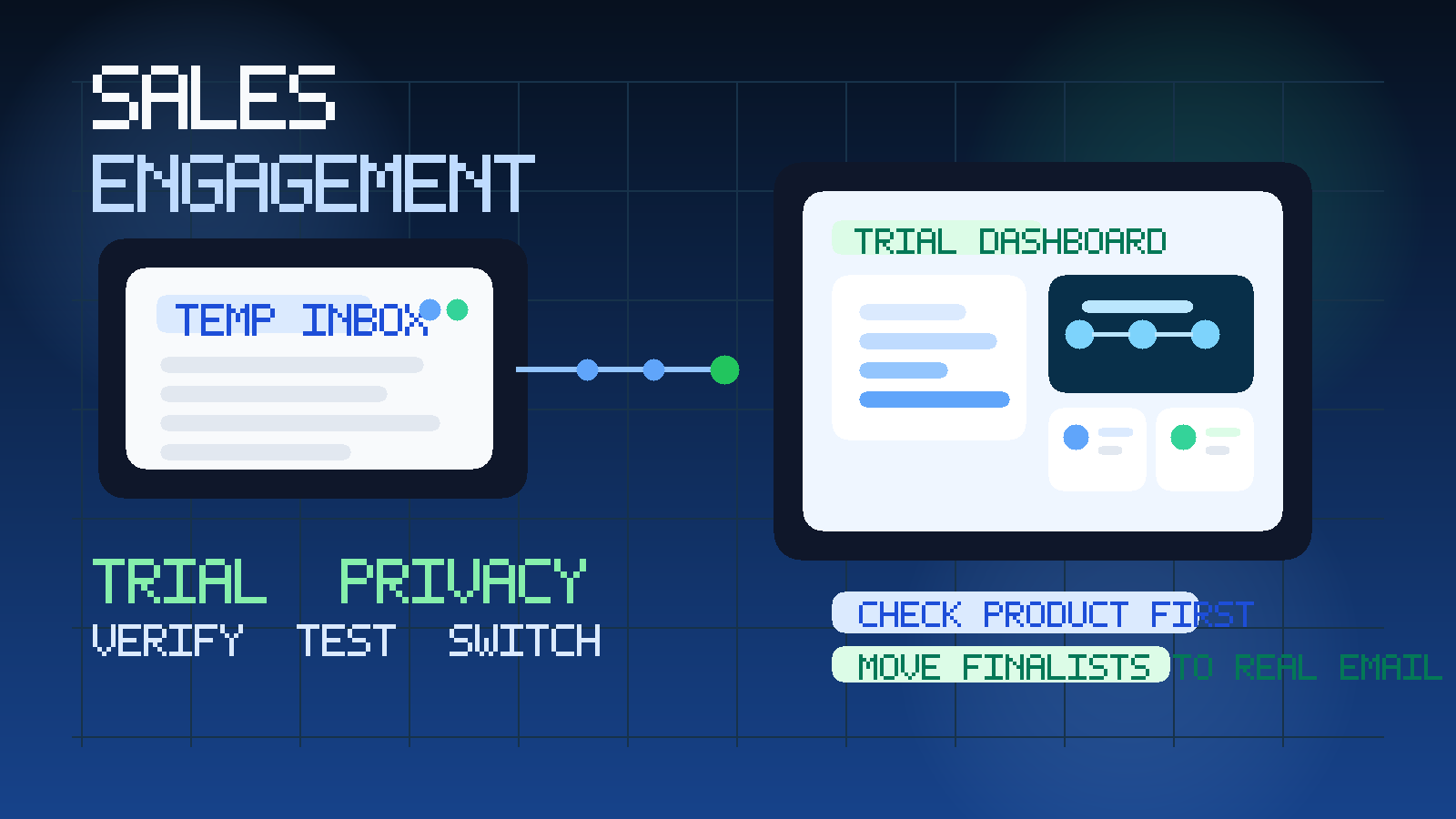
That is the practical answer behind the query temp email for Salesloft. A disposable inbox helps at the very beginning of the evaluation process, when you are simply trying to get through signup, confirm the account, and compare the product against other outreach tools without feeding your everyday inbox into another vendor sequence.
It becomes a different story once the account stops being a quick experiment and starts behaving like operating software. Sales engagement tools tend to move fast. One trial can turn into saved contacts, test cadences, email templates, prospecting notes, internal handoffs, and admin settings sooner than people expect. When that happens, the login address stops being a throwaway detail. It becomes part of account continuity.
That is why the smartest answer is stage-based, not absolute. Use a temporary inbox during early screening. Move to a permanent team-controlled address as soon as the trial becomes serious.
If you are already comparing tools in the same category, that approach also fits the rest of the live Anonibox library. The site already has adjacent coverage for sales engagement software free trials, plus dedicated pages for Mailshake, Lemlist, Apollo.io, and Hunter.io. Salesloft fits that same evaluation pattern, but the risk line is the same: useful for a first look, risky for real ownership.
Why people want a temp email for Salesloft in the first place
The reason is simple. Most software trials do not stop at a single verification email. Once you sign up, you may get onboarding prompts, feature tips, “book a demo” nudges, follow-up sequences, pricing reminders, webinar invites, and messages encouraging you to connect more parts of your workflow. That is normal vendor behavior, but it gets noisy if you are comparing several platforms in one week.
A temporary inbox gives you breathing room. You can open the account, click the verification link, inspect the dashboard, and decide whether Salesloft is worth deeper attention before your permanent work inbox becomes part of the sales process.
A tool like Anonibox is well suited to that stage. It keeps the early research phase separate from the inbox you use for real client communication, production outreach, or internal operations.
When a temporary inbox makes sense
- You are still building a shortlist. You may be comparing Salesloft against other cadence or prospecting tools and do not yet know which one is worth real onboarding.
- You only need access to evaluate the interface. Maybe you want to see how the workspace feels before agreeing to a longer conversation.
- You are trying to avoid extra vendor email. This is especially useful if your normal work inbox already handles real customer, hiring, or partnership messages.
- You are testing on behalf of a team. Sometimes one person does early filtering before sales leadership, revenue operations, or procurement gets involved.
- You are not ready to connect the product to real systems. Early-stage evaluation is a different job from operational rollout.
In that window, a temporary address is practical. You still receive the verification email and the first setup messages, but you do not immediately hand over your permanent inbox for every trial you touch.
When it becomes a bad idea
A temp email for Salesloft stops making sense when the account starts holding anything you would actually care about keeping.
Real cadences and message logic
If you begin building real cadence steps, message drafts, or prospect workflows, the account is no longer a casual demo. Losing access at that point is not just inconvenient. It can break continuity around work you already invested time in.
Teammate access and shared ownership
The moment coworkers are involved, disposable ownership becomes a liability. Shared workspaces need stable access, predictable recovery, and an address the business actually controls.
Sender settings and connected workflows
Any tool that touches outbound communication becomes more sensitive the moment you connect real mailboxes, sender identities, routing rules, or broader go-to-market workflows. That is not the stage for a throwaway inbox.
Account recovery and admin trust
If the login email expires or becomes inaccessible, recovery gets harder. That might be tolerable for a disposable experiment. It is a bad trade once the account matters.
Billing, procurement, and security follow-up
When the relationship moves beyond “show me the product” and into pricing, approvals, or implementation, a temporary inbox becomes the wrong tool. At that point you want durable ownership and a record that the team can find later.
A practical way to test Salesloft without creating a mess
1. Create the temporary inbox before signup
Do this first, not halfway through the process. Starting with the temporary address keeps the entire early evaluation clean from the beginning.
2. Use it for verification and the first round of onboarding
That is the strongest use case. You get the confirmation link, welcome messages, and the first guidance emails without routing them into your permanent inbox.
3. Keep your evaluation notes somewhere you control
Do not let the inbox become your only memory of the trial. Save product notes, pricing observations, workflow impressions, and next steps in your own document or spreadsheet.
4. Test the product, not just the marketing
Once inside, focus on the actual work: does the product make sequence management understandable, does the workflow feel efficient, and does the tool appear usable for the type of outreach process your team actually runs?
5. Switch to a permanent address if Salesloft becomes a finalist
The key transition point is when the product stops being a curiosity and starts becoming a candidate for real adoption. That is when the account should move to a durable email your team controls properly.
What to evaluate during the trial
If a temp inbox helps you avoid clutter, use that saved attention on the product itself. The most useful evaluation is the one that answers operating questions quickly.
Cadence and step design
Look at how easy it is to build, review, and understand multi-step outreach logic. A slick interface is nice, but it matters more whether the workflow feels clear under real use.
Templates and personalization
Ask whether the tool supports the level of message consistency and personalization your team actually needs. If the editing flow feels awkward during a trial, it will not improve once people are under quota pressure.
Task and contact handling
Good sales engagement software should help people know what to do next, not bury them in noise. Pay attention to how contacts, follow-ups, and next-step actions are presented.
Team fit
Even in a short evaluation, you can often tell whether the workspace feels designed for one person poking around or for a real team that needs shared visibility and reliable process. That difference matters.
Operational handoff risk
Imagine that the trial goes well and someone else inherits it. Would the account still make sense if a manager, revenue operations lead, or teammate needed to take over? If the answer is no, that is another sign to move off the temporary login once the tool becomes serious.
Common mistakes people make
- Letting a quick test become a real workspace. What starts as “I am just looking around” can quietly become a live operating account.
- Using one inbox for every vendor. If you are evaluating several tools, separate inboxes or very clear tracking will save confusion.
- Judging the trial by the email sequence instead of the product. Strong follow-up automation does not automatically mean the product is the right fit.
- Forgetting recovery risk. If you lose access to the inbox, what exactly do you lose with it?
- Waiting too long to switch. The earlier you move finalists to a durable address, the less cleanup you have later.
When a permanent address is the better choice from day one
There are cases where a temp email for Salesloft is not the right move even at the start. If you already know the tool is being evaluated seriously by leadership, if a team rollout is likely, or if the first account will probably become the real account, just begin with a business-controlled address.
The same is true if procurement, security review, or integration planning will happen almost immediately. A temporary inbox is best for screening and early comparison, not for structured implementation work.
A short checklist before you decide
- Am I only trying to inspect the product, or am I likely to keep this account?
- Will I be comparing Salesloft against multiple peers this week?
- Do I want the verification email without inviting months of follow-up into my main inbox?
- Could this workspace soon involve teammates, real outreach process, or account recovery needs?
- If the answer shifts from “quick test” to “real candidate,” am I ready to move to a permanent address?
If this is still a low-stakes first look, temporary email is reasonable. If it is already becoming part of real workflow, go permanent immediately.
Final verdict
A temp email for Salesloft is useful for early signup, trial verification, and first-pass evaluation. It helps you compare outreach tools without giving every vendor your main inbox before you know which platform deserves serious attention.
It becomes risky once the account starts holding real cadence work, teammate access, sender settings, recovery importance, or buying-process history. The safest pattern is simple: use a temporary inbox for the shortlist stage, then switch serious finalists to a durable business address before the trial turns into real operational software.
That keeps your evaluation cleaner, your inbox quieter, and your future account ownership a lot less fragile.