A temp email can be useful for SAP Concur during early evaluation, but it becomes risky once expense reports, travel profiles, approvals, reimbursements, or admin ownership depend on that inbox.
Yes, use a temporary inbox for demo requests, gated access, and first-pass comparison; no, do not keep it as the long-term email for a real Concur rollout.
That distinction matters because SAP Concur sits in a part of the software stack where small tests can turn into real operations surprisingly fast. A finance, travel, or operations team might start with a simple product walkthrough, then move into expense configuration, approval routing, policy checks, travel workflows, or reimbursement review within a few days. Early on, a throwaway inbox can help you avoid vendor-email clutter. Later, the same inbox can become the weakest part of the setup.
If you are using Anonibox or another temporary-email workflow, the smart play is to treat it as a screening tool, not as the permanent identity for an account your team may actually use.
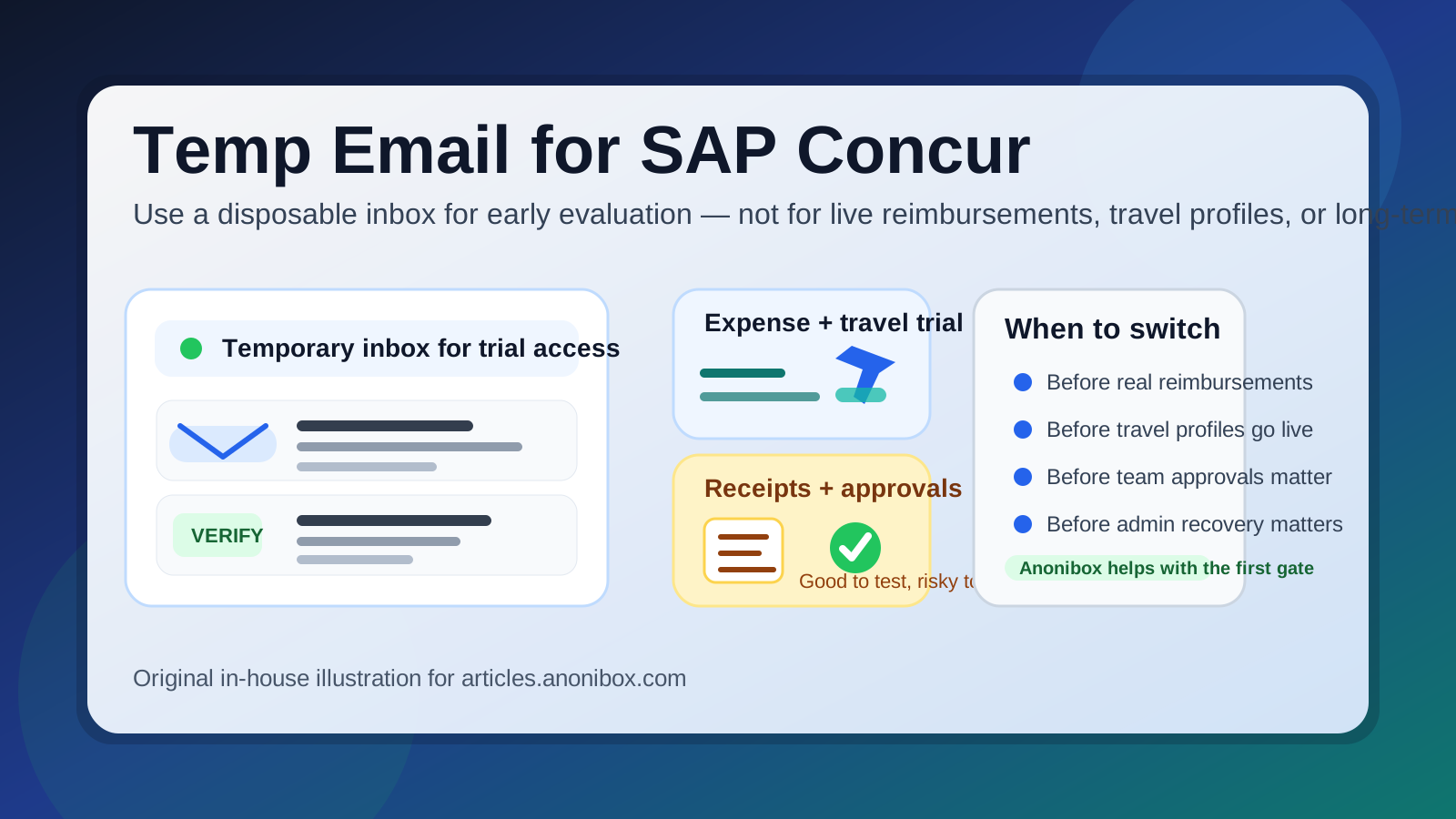
When a temp email for SAP Concur makes sense
There is a legitimate use case for temporary email here. During the earliest evaluation stage, your goal is often simple: see whether Concur is relevant enough to deserve deeper attention. In that phase, a temp inbox can be practical.
- Requesting a demo or gated product walkthrough
- Reviewing welcome emails, implementation promises, or onboarding material
- Comparing SAP Concur with tools like Expensify, Ramp, Spendesk, Airbase, or Brex
- Keeping exploratory vendor outreach out of a busy finance or operations inbox
- Separating early research from the mailbox your team uses for real reimbursements or travel coordination
That is the sweet spot. You still get the verification link and the first round of setup messages, but you do not immediately commit your main work inbox to every reminder, webinar invite, meeting nudge, and nurture sequence tied to the evaluation.
For teams testing multiple finance tools at once, this can make the buying process cleaner. One temporary inbox per vendor keeps the first-touch messages separated, which is often easier than letting several products pile into one shared mailbox before the shortlist is even clear.
Why teams try this in the first place
Software evaluations generate more email than people expect, and expense-and-travel software is especially noisy. A single signup can lead to account-verification notices, onboarding sequences, feature announcements, security materials, case studies, demo scheduling requests, implementation checklists, and repeated follow-ups from sales.
None of that automatically means the vendor is doing anything wrong. It just means the vendor wants to move a curious evaluator toward a buying process. From your side, though, you may not be ready for that level of relationship yet. You may only want to inspect the interface, see how approvals work, or decide whether the travel and expense workflow feels better than the alternatives.
A temporary inbox gives you a buffer during that stage. It helps you answer a basic question without overcommitting your main address: Is this platform worth deeper work, or is it just one more trial I will never touch again?
Where a temporary inbox starts becoming risky
The problem is that SAP Concur is not a lightweight newsletter signup. Even in test mode, it lives close to workflows that can become operational quickly. That is where a disposable mailbox stops being convenient and starts becoming fragile.
1. Expense reports and reimbursement status
If your evaluation expands into realistic expense reporting, receipt handling, reimbursement review, or policy exceptions, mailbox continuity matters. A temp inbox is fine for a welcome email. It is a bad place to anchor anything that may still need follow-up a week or a month later.
2. Travel profiles and booking-related communication
Concur is often tied to travel workflows as much as expense workflows. Once a profile includes traveler details, booking notices, itinerary updates, or travel-policy prompts, a mailbox that might disappear is not a great foundation. Even during a pilot, travel-related communication tends to matter more than generic marketing email.
3. Approval routing and delegated ownership
Approval systems create real communication trails. If a temp inbox is attached to the original account owner, then later approvals, escalations, or handoffs can become messier than they should be. That is especially true if more than one department is involved.
4. Shared admin access
Many teams start evaluating software with one person, then broaden access to finance leaders, operations, procurement, travel managers, or IT. Once an account has shared importance, the mailbox behind it should be team-manageable and durable. A disposable inbox is the opposite of that.
5. Account recovery and security alerts
This is one of the biggest practical risks. If the original inbox disappears, password resets, ownership verification, and security alerts become harder to manage. That does not always turn into a disaster, but it is an avoidable weakness for any serious evaluation.
6. Integration planning and policy rollout
The moment your testing touches ERP syncs, card-policy design, reimbursement rules, HR links, or structured implementation planning, the mailbox should no longer be temporary. At that point, the email account is part of a system design decision, not just a signup convenience.
A smarter way to evaluate SAP Concur with temporary email
You do not have to choose between total exposure and total avoidance. A staged approach usually works best.
Step 1: Use the temp inbox only for the first gate
If the goal is to verify access, request a walkthrough, or decide whether the platform deserves real attention, a temp inbox is reasonable. Treat it like a filter. It is there to protect your main inbox during curiosity, not to support long-term ownership.
Step 2: Save the messages that actually matter
Keep the useful pieces: verification links, setup notes, implementation guides, pricing outlines, or product-tour materials. Temporary inboxes are good for reducing clutter, but they are not where important buying context should live forever.
Step 3: Switch to a controlled long-term mailbox once SAP Concur is shortlisted
If the platform makes the shortlist, migrate quickly to a durable team-owned address. That could be a shared finance evaluation mailbox, a procurement-managed inbox, or another work address with predictable access rules. The key is continuity.
Step 4: Invite teammates only after the switch
Do not build a real collaboration process around a throwaway mailbox. Once a few people depend on the account, replacing the original email becomes more annoying than it should be.
Step 5: Keep evaluation separate from rollout
It helps to think in two phases. Phase one is exploration: temp email can fit there. Phase two is implementation: durable email belongs there. Confusing those phases is how a convenient trial setup turns into an operational hassle.
What to evaluate during the trial instead of worrying about inbox clutter
If temporary email buys you some breathing room, use that time to judge the actual product. The best trial is not the one with the smoothest welcome sequence. It is the one that answers your practical buying questions.
Expense capture and receipt workflows
Look at how Concur handles receipts, mobile capture, missing documentation, policy prompts, and report assembly. If employees are going to use it under real time pressure, the workflow needs to feel understandable now, not only after a consultant explains it.
Travel workflow clarity
If travel is part of the reason you are evaluating Concur, pay attention to how profiles, bookings, traveler communications, and policy controls fit together. A platform may look strong in screenshots but still feel cumbersome when you imagine actual travelers using it.
Approval logic
Approval routing is where many tools reveal their strengths and weaknesses. Can the platform handle department-based approval, budget ownership, exceptions, delegation, and escalation in a way that fits your company? A clean trial should make those limits visible early.
Policy enforcement and auditability
It is not enough for a system to say a rule exists. You should be able to see how policies are surfaced, how violations appear, and how decisions are recorded. Finance teams need traceability, not just a polished front end.
Admin usability
Ask a boring but important question: can the people who will actually administer this system live with it? Buyers sometimes focus on employee submission screens and ignore the admin burden until much later. That is a mistake.
Common mistakes people make with temp email for SAP Concur
- Keeping the temp inbox too long: what was fine for a demo becomes shaky once reimbursement or travel details matter.
- Forgetting to migrate ownership: teams sometimes invite people first and clean up the inbox later, which is the wrong order.
- Mixing several vendors into one disposable inbox: that saves time at signup but makes comparison harder later.
- Assuming temp email equals anonymity: it may reduce inbox exposure, but it does not erase every identity or activity signal attached to a real software evaluation.
- Judging the vendor by email volume instead of product quality: the point is to reduce noise so you can evaluate the software, not to make email volume the whole decision.
Where Anonibox fits naturally
Anonibox fits best at the front edge of this process: quick access, early comparison, and inbox protection while you decide whether a product deserves deeper time from finance or operations. It is useful when the cost of exploratory signups is long-term clutter but the value of the trial is still uncertain.
Once SAP Concur moves from “interesting to inspect” to “real candidate for rollout,” the safer move is to shift to an inbox your team controls intentionally. That is not a knock on temporary email. It is just the difference between evaluation hygiene and operational ownership.
Final answer
A temp email for SAP Concur is useful for the earliest stage of evaluation, especially if you want demo access, verification, and product-tour messages without opening your permanent inbox to every vendor follow-up. It is a practical privacy and organization tactic during comparison shopping.
But once the account starts touching reimbursements, travel profiles, approvals, shared admin ownership, or account recovery, a disposable inbox becomes the wrong tool. Use temporary email for the first gate, then move to a durable team mailbox before anything important depends on that address.