Yes — a temp email for Sembly AI can be a practical way to start a trial without giving your main inbox to another meeting-notes tool.
It works best for account verification and short testing; if you plan to keep notes, invite teammates, or connect real workflows, switch to a permanent address you control.
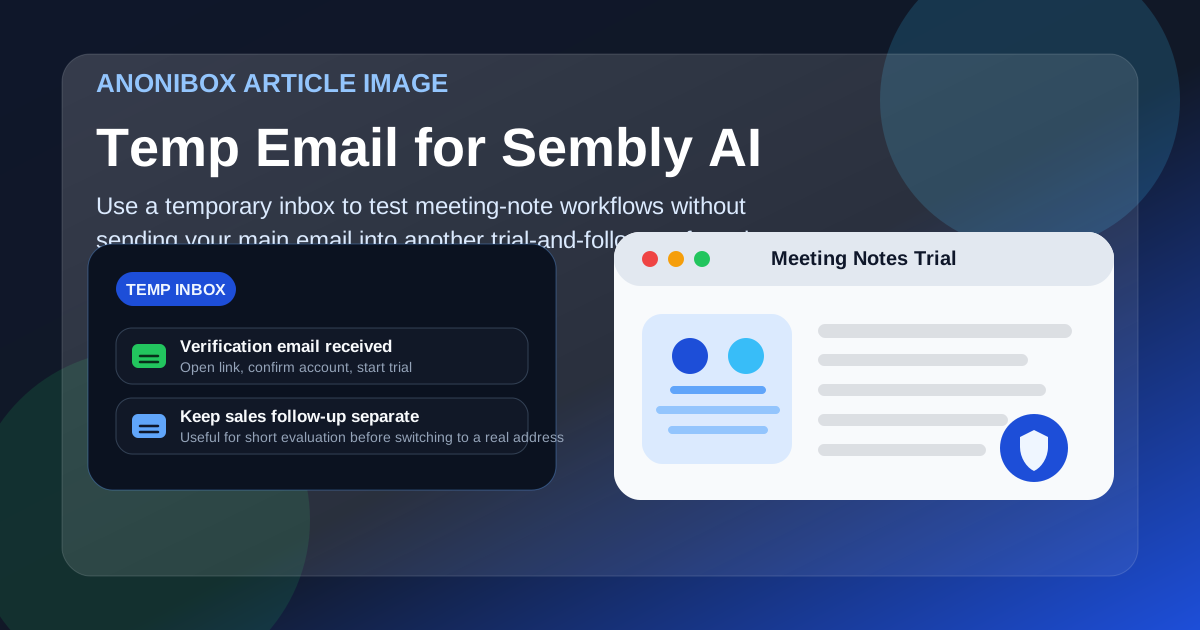
That answer is simple, but the smart way to use a temporary address is a little more nuanced. Meeting transcription and note-taking tools can save time, especially when you are comparing several products in one week. They can also create a lot of inbox noise. The moment you sign up, you may start getting verification emails, onboarding sequences, webinar invites, feature announcements, and sales follow-ups. If you only want to see whether the product fits your workflow, that can feel like a lot of commitment for a quick test.
A temporary inbox gives you a cleaner way to evaluate the tool. You can verify the account, open the first setup messages, and see how the product feels before you connect it to your everyday work address. If you decide it is not for you, your main inbox stays out of that follow-up loop. If you do like it, you can move to a permanent address before the account matters long term.
Why people look for a temp email for Sembly AI
Most people searching this phrase are not trying to do anything shady. They usually want one of three things: a little privacy, a little less spam, or a low-friction way to compare tools. That makes sense. Meeting-note platforms sit close to work communication, calendars, recordings, and team collaboration, so people are often cautious about what they connect and when.
A temp inbox can help when you are:
- testing whether a meeting assistant fits your workflow before sharing your real work email
- comparing several note-taking or transcription tools at the same time
- trying to avoid long sales or nurture sequences from tools you may never keep
- separating personal experimentation from your main professional inbox
- running a quick one-off evaluation for a client, side project, or internal recommendation
That is the real use case: control first, commitment later.
When a temporary email makes sense
A temporary address is usually most useful in the earliest stage of evaluation. You want to see whether the signup works, whether the interface makes sense, and whether the core promise feels relevant enough to continue. For that kind of lightweight testing, a disposable address can be ideal.
It is especially reasonable if you have not decided whether you even want the tool in your stack. Maybe you are comparing it with other meeting tools. Maybe you only need to understand what kind of notes, summaries, or transcript workflow it offers. Maybe you are helping a team shortlist options and you do not want your real inbox tied to every vendor before anyone has made a decision.
In those cases, a temp inbox keeps the trial phase contained.
When a temporary email is the wrong choice
A temp email stops being the best option once the account becomes important. If you want ongoing access, shared history, long-term settings, billing continuity, or teammate invites, you need an email address you can keep. That is not a technicality. It is the difference between a casual test and a workflow you may rely on later.
Avoid leaning on a temporary inbox if you expect to:
- use the account for recurring meetings over time
- invite teammates or stakeholders who may need stable access
- connect important calendars or business workflows
- store notes you may need later for projects, sales calls, or interviews
- upgrade, pay, or depend on account recovery
In short: temporary email is good for testing. It is weak for ownership.
How to use a temp email for Sembly AI safely
1. Decide what you are actually testing
Before you sign up, be clear about your goal. Are you checking transcription quality? Summary usefulness? Meeting-note organization? Ease of sharing? A lot of people create trial accounts without knowing what success looks like, then blame the tool when the test was vague from the start.
Pick two or three real questions, such as:
- Does the tool make post-meeting follow-up faster?
- Are summaries readable enough to share?
- Would I trust this workflow for personal, team, or client use?
2. Create the temporary inbox first
Generate the address before you open the signup flow. That keeps the whole experiment separate from your everyday email habits. If you use Anonibox or another disposable inbox service, make sure you can view incoming messages long enough to complete verification and read the first onboarding instructions.
3. Use the inbox only for the trial stage
Use the temp address for confirmation emails, welcome messages, and the first-run setup. That is where a disposable inbox helps most. You get the access you need without volunteering your long-term address too early.
4. Save anything you may need during the session
Temporary inboxes are not built to be permanent filing cabinets. If the signup email contains a useful link, setup note, or account detail you will need later, save it right away. Do not assume the inbox will always be available exactly as you left it.
5. Switch to a stable address if the tool makes the shortlist
The moment the evaluation turns serious, move the account to an address you control long term. That can be your main work address, a dedicated tool-testing address, or a privacy-friendly alias system that still routes to a permanent inbox. The key is stability.
What to evaluate during the trial
If you are taking the time to test the product, focus on the things that matter in real use instead of just the signup novelty.
How good are the notes and summaries?
Do the notes capture the useful parts of a meeting, or do they feel generic? A trial is only worth it if the output actually saves time. Read the summary like a teammate would. Could someone act on it without joining the call?
How easy is the workflow after the meeting?
A lot of meeting tools look fine during setup. The real question is what happens next. Is it easy to find the meeting, scan the key points, and pull out action items? If the product creates more cleanup work than it removes, that matters more than a slick signup.
Does it fit your privacy comfort level?
People often think only about the email address, but the bigger privacy question is workflow exposure. If a tool will eventually sit near calendars, calls, internal discussions, or client conversations, you should be comfortable with the level of access you are granting. A temp email can limit inbox exposure, but it does not replace good judgment about what you connect.
Would you trust it in a real working week?
Imagine using it for several meetings in a row. Would the output remain helpful, or would it become clutter? Could you share results without extra editing? The point of the trial is not to admire features. It is to decide whether the product makes your actual week easier.
Limitations to keep in mind
A temp email is useful, but it is not magic. Some services limit what you can do with disposable addresses, and some workflows simply work better with a stable identity. You should also expect that trial emails, recovery links, and future access may become harder to manage if you never move the account to a permanent address.
There is also a practical credibility issue. If you end up bringing the tool into a team process, you do not want core access tied to an address you never intended to keep. That can create unnecessary friction later.
Better alternatives if you want privacy without fragility
Sometimes the best move is not a fully disposable inbox, but a middle-ground option. If you already know you may keep the account, consider using:
- a dedicated tool-testing email address
- an email alias that forwards to your main inbox
- a separate workstream address for vendor trials and evaluations
These options give you more control than using your primary email everywhere, but they are still much more stable than a short-lived inbox. For many people, that is the sweet spot.
Common mistakes to avoid
- Using a temp inbox for a long-term account: great for testing, bad for ownership.
- Forgetting to save the verification email: if you need it later, grab it during the session.
- Connecting too much too early: test the product before linking more of your workflow than necessary.
- Comparing tools without a checklist: you will remember the marketing, not the practical differences.
- Assuming privacy ends with the email address: calendar access, recordings, notes, and sharing settings matter too.
So, should you use a temp email for Sembly AI?
Yes — if your goal is a short, careful evaluation. A temp email for Sembly AI is a sensible way to verify the account, explore the product, and keep your main inbox out of early-stage trial follow-up.
Just do not confuse a temporary signup strategy with a long-term account strategy. If the tool proves useful, move to a permanent address before the account holds important notes, shared summaries, or team access. That gives you the privacy benefits of a disposable inbox at the start without creating account-management headaches later.
Used that way, a temporary email is not a gimmick. It is simply a cleaner way to test whether a meeting-notes tool deserves a place in your real workflow.