Yes, you can use a temp email for SMTP2GO if you only want to verify signup, open the dashboard, and compare SMTP relay options without sending every follow-up into your main inbox.
No, you should not keep a disposable inbox attached once sender domains, DNS records, deliverability alerts, billing, suppression management, or team ownership start to matter.
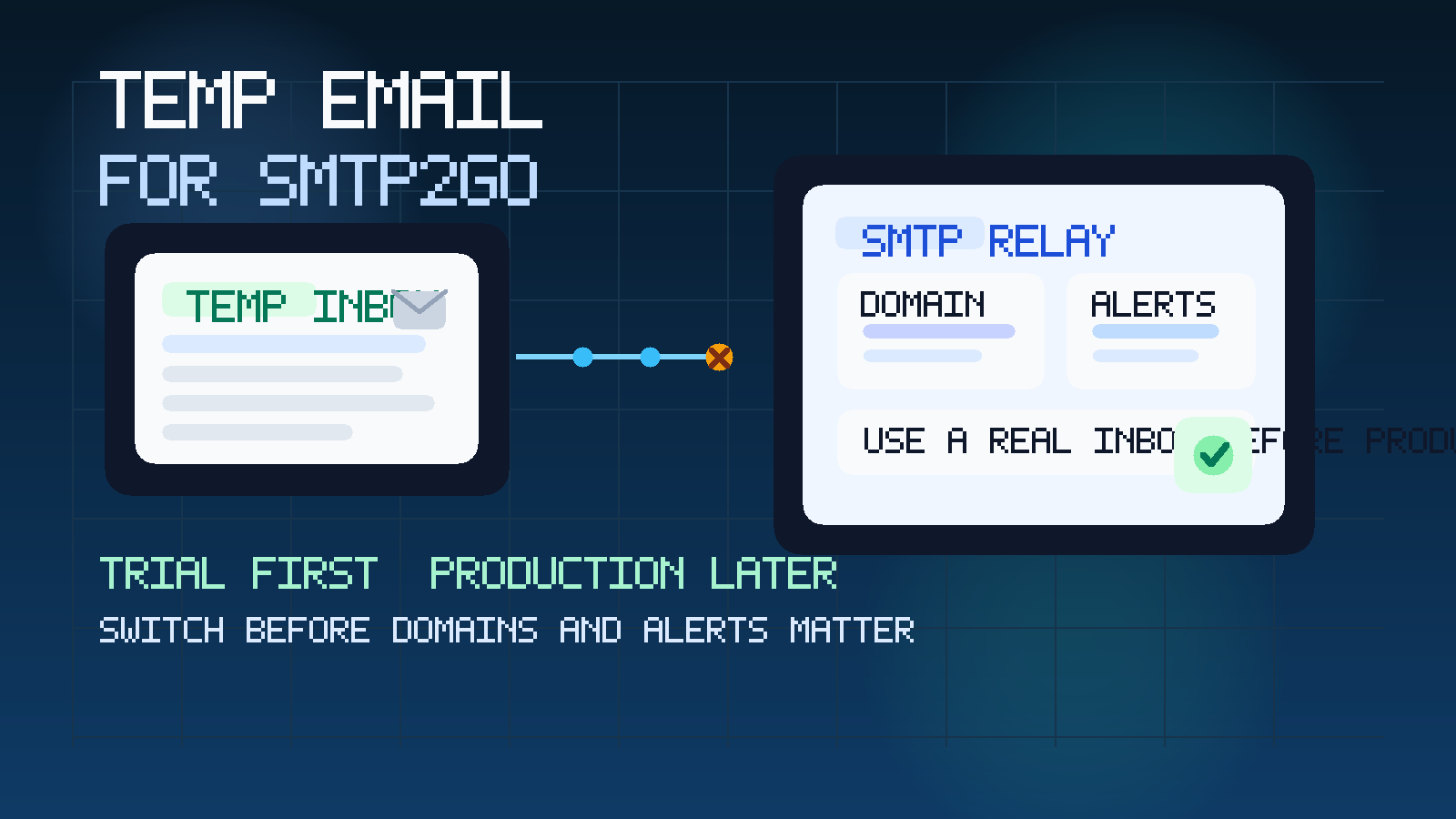
That is the practical answer, but the useful answer is about stage. SMTP2GO sits in a category of software where the first step often feels lightweight. You sign up, confirm an email address, browse the dashboard, maybe look at SMTP credentials, API docs, sender verification, or activity logs, and decide whether the platform belongs on your shortlist. A temporary inbox can be perfectly reasonable at that stage because you are evaluating, not operating.
The risk appears when a trial stops being a trial. The moment an account starts controlling sender domains, production mail flow, delivery visibility, security notices, or account recovery, the inbox on file becomes infrastructure. That is when a temp address stops being a tidy research tool and starts becoming a weak point. If you use Anonibox or another disposable inbox for the first look, the smart move is to switch early if SMTP2GO becomes serious for your business.
Why people look for a temp email for SMTP2GO
The motivation is not complicated. Email infrastructure vendors usually treat a signup as buying intent, and that triggers a familiar sequence: verification messages, onboarding emails, setup suggestions, deliverability tips, demo prompts, and occasional sales follow-up. If you are comparing several SMTP or transactional-email providers in a short window, that traffic adds up quickly.
A temporary inbox helps because it lets you:
- Inspect the trial without exposing your main inbox immediately.
- Keep vendor comparisons separate if you are also looking at SendGrid, Mailgun, Postmark, Mailjet, MailerSend, Resend, SparkPost, or similar tools.
- Reduce long-tail email clutter from platforms that never make the shortlist.
- Stay organized during early research before billing, production DNS, or team workflows are involved.
That is a good fit for Anonibox. It helps you handle the low-commitment stage without turning every trial into a permanent vendor relationship before the product has earned it.
When a temp email for SMTP2GO makes sense
Temporary email works best when the downside of losing access later would be inconvenient rather than damaging. For SMTP2GO, that usually means the first layer of evaluation.
Early signup and first dashboard access
If your goal is simple product inspection, a temp inbox is reasonable. You receive the verification email, open the account, and get a feel for the dashboard, navigation, and initial onboarding without committing your permanent work address yet.
Comparing SMTP relay providers side by side
This is one of the strongest use cases. If you are testing multiple email-delivery products at once, separate inboxes make it easier to tell which setup email, product tour, or reminder came from which vendor. That reduces confusion and keeps the trial process clean.
Low-stakes documentation and setup review
Sometimes you only want to check whether the vendor explains SMTP credentials clearly, whether the API docs feel practical, or whether the dashboard looks understandable enough for your team. A temporary inbox is fine for this kind of lightweight review.
Keeping exploratory vendor traffic away from daily operations
Your normal inbox may already handle production issues, invoices, customer communication, and internal approvals. It does not need to absorb another product sequence just because you wanted a quick look at an SMTP relay platform.
When a temp email becomes the wrong tool
SMTP2GO may begin with a simple signup, but it can move quickly toward real operational importance. That is where disposable email becomes risky.
- Sender domain setup: once the account is tied to live domains, DNS records, and authenticated sending identity, you want long-term inbox ownership.
- Deliverability and reputation alerts: if warnings, bounces, blocks, or account notices matter, a temporary inbox is not the right destination.
- Billing and renewals: invoices, plan changes, and payment notices should go to an address your business actually monitors.
- Team access and role handoff: if multiple people rely on the account, a disposable inbox becomes a brittle foundation.
- Password recovery and admin control: account recovery should never depend on an address that may disappear.
- Suppression management and compliance workflow: once account emails affect opt-outs, sending health, or account governance, you need durable ownership.
A simple rule works here: if missing the next email could create a real delivery, security, or ownership problem, it is time to stop being temporary.
What to evaluate inside SMTP2GO during an early trial
If you use a temp inbox on purpose, use the saved attention on the product rather than the welcome sequence. You are not testing whether a vendor can send follow-up emails. You are testing whether the platform looks trustworthy, usable, and operationally realistic.
Dashboard clarity
Can you quickly understand where to find sending credentials, activity views, sender settings, reporting, and account controls? A good dashboard should feel learnable without too much hunting around.
SMTP and API setup flow
Look at how the product presents SMTP details, API access, or relay instructions. You do not need to launch a production integration during a quick trial, but you should be able to tell whether the setup path seems straightforward or frustrating.
Sender authentication path
Even if you are not ready to connect a real sending domain, inspect how the product explains sender identity, DNS work, and authentication steps. This is often where an email platform reveals whether it is truly built for serious use.
Visibility into sends and failures
Email infrastructure is not just about sending. It is also about understanding what happened after you sent something. Look for signs that the platform gives practical visibility into delivery status, failure context, and troubleshooting workflow.
Deliverability posture
You do not need to pretend a short trial proves deliverability quality, but you can still judge whether the vendor appears to treat deliverability, sender reputation, and sending hygiene as first-class concerns rather than afterthoughts.
Team and ownership readiness
Some tools feel fine for a solo test account but awkward the moment another engineer, operator, or admin needs to touch them. Consider whether the account structure looks like something a real team could own together later.
How to use a temp email for SMTP2GO without creating future problems
1. Generate the inbox before signup
Create the temporary address first so the whole trial stays isolated from your everyday inbox from the first click.
2. Keep one vendor per inbox if you are comparing tools
If you are looking at several SMTP or transactional-email providers, this is where temporary email becomes especially useful. One inbox per vendor keeps messages, links, and notes much easier to manage.
3. Use it for first-touch access only
The best use case is verification, first login, early onboarding, and a short evaluation window. That is enough to judge whether SMTP2GO deserves deeper attention.
4. Save anything important outside the inbox
Do not let a disposable mailbox become your only record of trial details. Save important links, notes, contacts, and observations in your own docs or project notes.
5. Switch to a permanent business address early
If SMTP2GO moves from “interesting” to “likely choice,” update the account before it accumulates dependencies. That means before real sender domains, billing, alerts, shared admin access, or production settings build up around the temporary inbox.
6. Respect the platform’s rules and practical limits
Some vendors tolerate disposable addresses more than others. If a provider rejects temporary inboxes or requires a more stable address for access, do not force it. The point is practical workflow hygiene, not trying to outsmart a signup gate.
Temp email vs. alias vs. permanent team mailbox
People often ask for a temp email when what they really need is a staged inbox strategy.
- Use a temp email for a quick, low-commitment first look.
- Use an alias or dedicated evaluation inbox if the review may last days or weeks and you still want separation from your main mailbox.
- Use a permanent team-controlled mailbox once the platform matters to production sending, deliverability, billing, security, or multi-person ownership.
That progression is usually much smarter than trying to stretch one disposable inbox across the full lifecycle of an email infrastructure account.
A practical example
Imagine a small SaaS team comparing SMTP relay options before a product launch. The developer wants to know which setup feels fastest. The founder wants a credible shortlist. The operator wants confidence that future delivery notices and admin ownership will not become messy. Using a temp inbox for the first SMTP2GO signup can be sensible because it keeps that initial evaluation separate from the company’s day-to-day inboxes.
But once the team starts discussing real sender domains, authentication records, production traffic, teammate roles, or alerting, the account is no longer just a trial. At that point, the disposable inbox becomes a liability. Switching the account to a stable monitored address before production setup begins is the cleaner move.
Common mistakes to avoid
- Keeping the temp inbox attached too long: what starts as inbox protection turns into an admin and recovery problem.
- Mixing several vendors into one disposable inbox: you lose the organizational benefit almost immediately.
- Assuming trial access is the same as production readiness: easy signup does not solve long-term ownership.
- Ignoring alerts and recovery paths: email infrastructure accounts need durable oversight once they matter.
- Expecting temp email to answer deliverability questions: it helps with inbox control, not with proving operational quality on its own.
Where Anonibox fits naturally
Anonibox is most useful at the front of the process. If you only need the verification email, the first login, and a quick comparison window, a privacy-focused temporary inbox helps you inspect SMTP2GO without feeding your permanent address into another long-tail vendor sequence. That is particularly helpful when you are evaluating multiple providers and want to keep early-stage software research orderly.
What Anonibox should not become is the permanent home for an account that controls real sending operations. When SMTP2GO crosses into actual sender ownership, account alerts, or team-admin responsibility, move to an inbox your business can monitor long term.
Final takeaway
A temp email for SMTP2GO is useful for early signup, dashboard review, and provider comparison. It is not a good long-term choice once sender domains, deliverability, billing, alerts, or account recovery become important.
Use temporary email to keep exploratory trials clean. Then, if SMTP2GO earns a real place in your stack, switch early to a permanent monitored address so production email operations sit on stable ground.