If you are wondering whether a temp email for Splunk is useful, the short answer is yes for early trials, alert-rule testing, and one-off evaluations—especially when you want to keep exploratory signup noise out of your main inbox.
It is usually best for verification emails, sandbox access, and short-lived team-invite workflows, but it is not the right long-term address for a production owner account, billing contacts, or critical incident escalation.
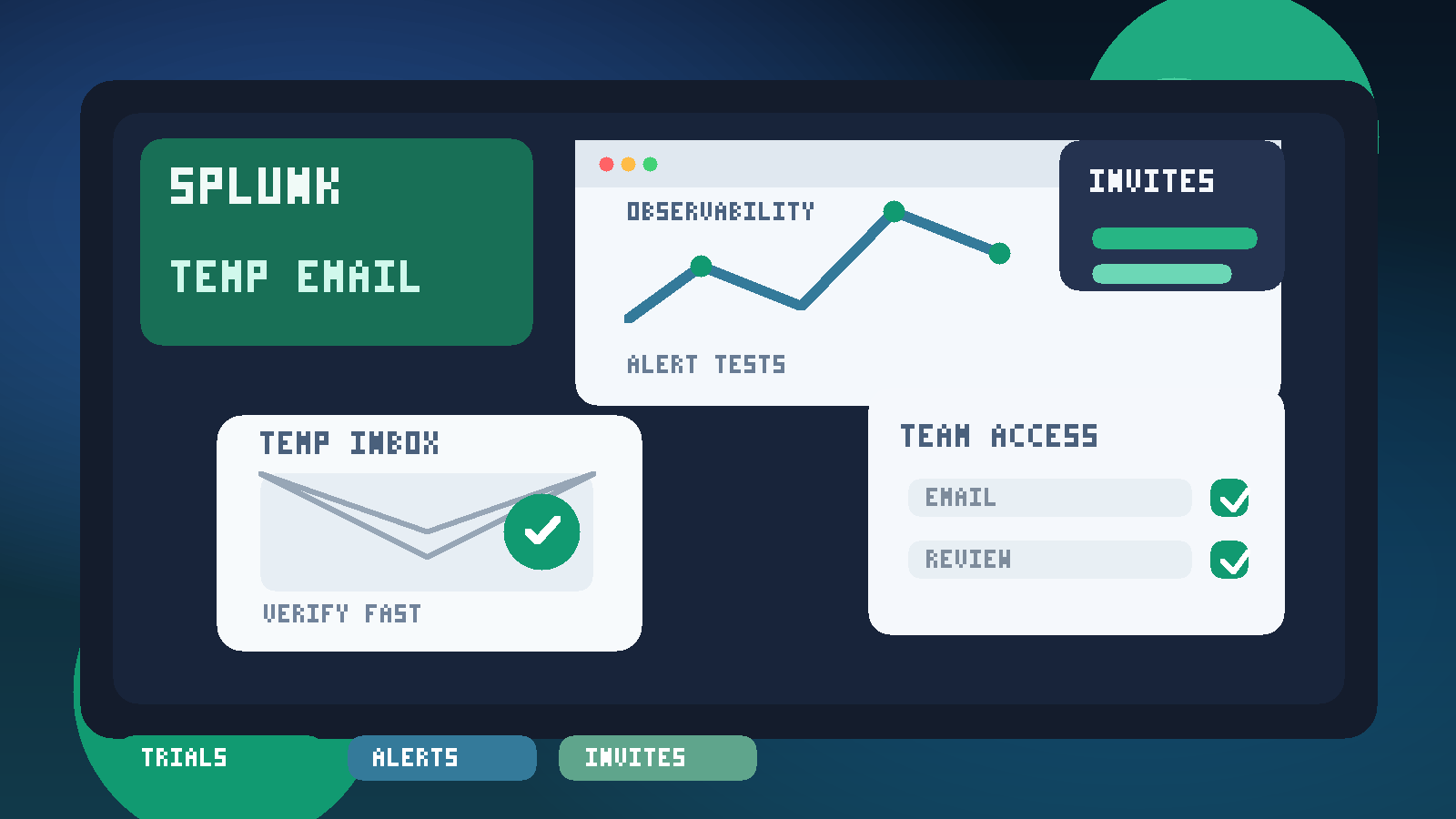
Splunk can sit at the center of a serious monitoring, security, or observability workflow. That makes the early evaluation stage a little tricky. You may want to compare dashboards, alerting behavior, data-ingestion setup, or user management before deciding whether the platform belongs in your real stack. But the moment you start signing up for trials, demos, or test environments, your permanent inbox can begin collecting follow-up email fast: welcome sequences, sales outreach, product updates, webinar invites, onboarding nudges, and repeated requests to book a call.
That is where a temporary inbox can help. Instead of turning a quick Splunk evaluation into a long tail of marketing and admin email, you can isolate the first phase of testing, receive the messages you actually need, and decide later whether the product has earned a permanent work address.
Why use a temp email for Splunk in the first place?
Many teams explore observability and monitoring platforms in short bursts. You might be checking how quickly you can get logs flowing, whether alert routing makes sense, or how easy it is to invite another engineer for a quick review. During that stage, you need access—not a forever relationship with every vendor email sequence attached to the account.
A temp inbox helps with a few practical problems:
- Inbox control: you can separate trial traffic from daily operations email.
- Cleaner comparisons: when you are evaluating multiple platforms, each trial can stay contained.
- Lower exposure: your permanent work address does not have to go into every exploratory signup immediately.
- Faster testing: you can verify the account, read the setup email, and move on to the product itself.
That makes the workflow especially useful for consultants, engineers comparing tools, founders testing infrastructure options, and teams doing quick proof-of-concept work.
When a temporary inbox makes sense
A temp email for Splunk is most useful when the account is clearly temporary too. Think short evaluation cycles, internal demos, and non-production setup work.
Good use cases include:
- Verifying a trial or sandbox account before deeper procurement conversations
- Testing alert rules and seeing what notification emails actually look like
- Reviewing invitation flows for teammates during a limited proof of concept
- Comparing Splunk against other monitoring or observability platforms
- Checking the onboarding experience before you commit real internal contact details
If your goal is simply to answer, “Does this fit our workflow?” then a temporary inbox can be a very reasonable first step.
When you should switch to a permanent address
Temporary email is a tool for the evaluation phase, not a universal best practice. Once Splunk becomes a serious candidate—or especially once an environment matters operationally—you should move to a stable address your team controls.
That usually means switching away from temporary email when:
- The account will be tied to billing, contracts, or renewals
- The user becomes an account owner or admin of record
- The environment is moving from trial to real operational use
- Important security notices or service messages need a durable mailbox
- Your team depends on consistent access recovery and ownership records
In other words, temporary email is good for exploration. Long-term operations need something more durable.
How to use a temp email for Splunk without making a mess
1. Decide what kind of test you are running
Before creating the inbox, be clear about the purpose of the signup. Are you testing dashboards? Log ingestion? Alert emails? Role-based access? Team invites? Knowing the purpose helps you avoid turning a small trial into a sprawling half-production account.
2. Generate the inbox first
Create the temporary address before you start the signup flow. That keeps the entire evaluation inside one disposable channel rather than mixing messages across personal and work inboxes. If you use Anonibox or another temporary email tool, label the purpose so you remember why that inbox exists.
3. Use it for verification and early onboarding
The most natural use is for the initial confirmation email, welcome messages, and first-round setup instructions. That gives you access to the product without committing your everyday address right away.
4. Save anything you actually need
If the trial sends a useful setup guide, invite link, or environment-specific detail, save it somewhere persistent before the temporary inbox expires. Temporary email is convenient, but it is only convenient if you remember it is temporary.
5. Reassess once the platform becomes serious
If Splunk survives the shortlist and your team wants to continue, move the account to a permanent mailbox before the tool becomes important. That transition matters much more than squeezing every last day out of a disposable inbox.
What to evaluate during a Splunk trial
If you are using a temp email for Splunk, the real goal is not the email address itself. The goal is protecting your inbox while you decide whether the platform actually works for you.
Focus on questions like these:
- How hard is data onboarding? Can you connect the sources you care about without too much friction?
- How useful are the dashboards? Do they make your environment clearer, or just busier?
- How good is alerting? Are thresholds, routing, and notifications easy to tune?
- How well do team permissions work? Can you invite reviewers without creating access confusion?
- Does the product fit your workflow? A powerful platform is not the same thing as the right platform.
Those are the buying questions. The inbox strategy is just there to keep the evaluation clean while you answer them.
Alert tests are one of the best reasons to isolate the inbox
One overlooked reason to use temporary email during monitoring-platform evaluations is alert testing. Early in a trial, teams often fire a lot of test notifications. Some of them are intentional. Some happen because thresholds are rough, integrations are incomplete, or sample data is noisy. That is normal.
Routing those first experiments through a temporary inbox can be helpful because it lets you see the email format, timing, and volume without filling a permanent mailbox with messages from an environment you may never keep. You get the signal you need, but the noise stays contained.
That said, if the alerts become meaningful to real people or real systems, temporary email stops being the right place for them. At that point, switch to a stable operations workflow.
Team invites are another common short-term use case
Splunk evaluations often involve more than one person. A developer may want to check instrumentation, an operations lead may want to look at dashboards, and a manager may want to see whether the product feels decision-ready. A temp inbox can help when you are doing lightweight invitation and acceptance testing before you know whether the trial environment deserves long-term ownership.
For example, you might:
- Invite one teammate to validate access and navigation
- Confirm whether role assignments behave as expected
- Review how invitation emails are written and delivered
- Test whether access can be granted and cleaned up quickly
That is a practical evaluation step. Just do not let temporary addresses become the foundation of ongoing admin access once the workspace matters.
What a temp email does not protect you from
A temporary inbox reduces inbox exposure. It does not magically solve every privacy or security issue connected to software trials.
It does not guarantee:
- That a service will always accept a disposable email domain
- That your evaluation activity becomes anonymous
- That the account is appropriate for sensitive data
- That you can recover access forever if you lose track of the inbox
- That you are protected from phishing or careless sharing habits
You still need normal judgment. Use only the data you are comfortable testing with, be cautious with permissions, and avoid treating a throwaway setup like a production-grade environment.
Best practices if you want privacy without losing control
The smartest approach is usually staged trust rather than all-or-nothing privacy.
- Use temporary email for low-commitment evaluation when you only need verification and basic onboarding.
- Use a dedicated work inbox for serious shortlists once the product is genuinely under consideration.
- Use permanent operational ownership for real deployments so access, billing, and recovery stay stable.
This avoids the two common mistakes: giving your permanent address to every platform too early, or clinging to a disposable address long after the account has become important.
If you want a simple rule, it is this: the more replaceable the evaluation is, the more reasonable a temporary inbox becomes. The more important the environment becomes, the more you should move to durable contact details.
Should you use Anonibox for Splunk trials?
If your goal is to keep early vendor email separate from your main inbox, Anonibox can be a practical fit for short-lived verification and evaluation workflows. It works best when you want to inspect the first signup messages, confirm access, and decide whether the platform deserves deeper time and attention.
Just keep expectations realistic. A temporary inbox is a convenience and privacy layer, not a substitute for account governance, security review, or operational ownership. Used at the right stage, though, it can make tool comparisons much less noisy.
Final takeaway
Using a temp email for Splunk is a sensible move when you are testing the platform, reviewing team-invite behavior, or firing early alert checks without wanting a long trail of follow-up email in your permanent inbox. It helps you verify access, keep comparisons organized, and reduce inbox clutter during the exploratory phase.
The key is knowing when to stop. Temporary email is great for short-term trials and lightweight evaluation. Once the account becomes operationally important, move to a stable mailbox your team controls. That balance gives you the privacy benefits up front without creating avoidable problems later.