A temp email for Square Appointments can help with low-stakes testing and one-off setup, but it becomes risky once real client reminders, reschedules, or staff scheduling depend on that inbox.
If you are only evaluating Square Appointments or previewing a booking page, a disposable address can be useful. If the workflow is going live for real appointments, a stable inbox is the safer choice.
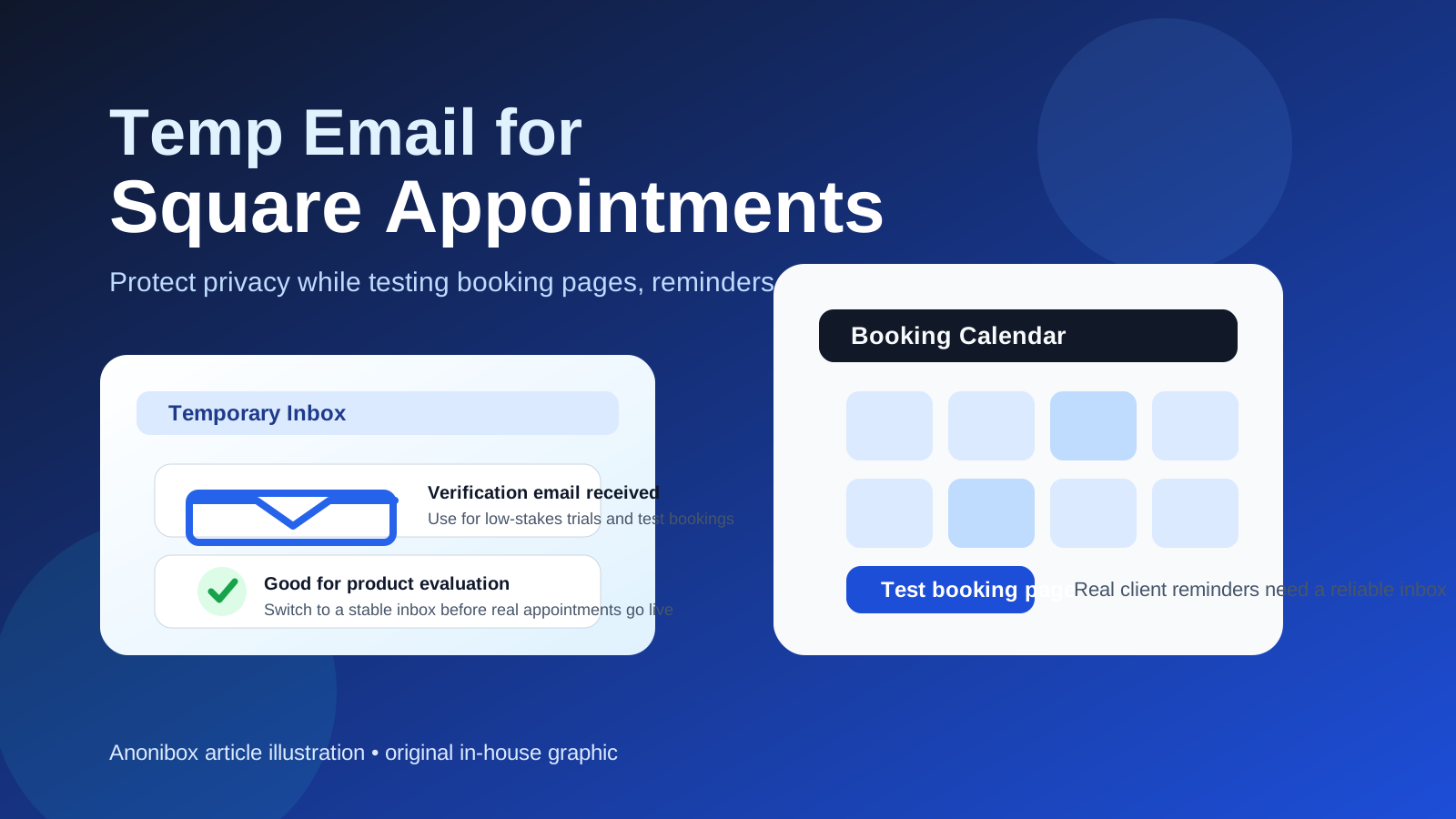
That distinction matters because scheduling tools often start as a quick test and turn into part of an actual customer workflow faster than people expect. What begins as “let me see how this booking page works” can become a stream of confirmations, reminder emails, appointment changes, staff notifications, and account messages. A temporary inbox is great when you want a buffer between product research and your main email address. It is far less reliable when you need a durable communication channel that supports real appointments.
For that reason, the best answer is not “always use a burner address” or “never use one.” The smarter move is to match the email you use to the stage you are in. If you are comparing tools, checking how the signup flow behaves, or testing whether a booking page fits your business, a temporary inbox can save you from long-term inbox clutter. If clients, coworkers, or customers will rely on those messages, you should move to a permanent address before anything important depends on it.
When a temp email for Square Appointments makes sense
There are a few situations where using a disposable inbox is genuinely practical.
- Early product evaluation: You want to see how Square Appointments feels before connecting it to your main business email.
- Booking page testing: You are checking the signup flow, trying sample services, or confirming how notifications look during a trial run.
- Side-by-side comparisons: You are reviewing Square Appointments next to other schedulers such as Calendly, Acuity Scheduling, Cal.com, or Microsoft Bookings and want to keep the follow-up mail separate.
- One-off demos: You only need access long enough to verify the account, open the dashboard, and understand the setup steps.
This is where a tool like Anonibox fits naturally. You still receive the verification message and the first onboarding emails, but you avoid giving your long-term inbox to every service you test. If the platform turns out not to be the right fit, you are not still sorting through weeks of sales nudges and reminder sequences later.
Why people look for a disposable inbox here in the first place
Appointment software sits unusually close to real-world activity. It is not just another dashboard. It is tied to your availability, your clients, your service catalog, and in some setups your team calendar. That makes the early signup feel more personal than a casual newsletter opt-in.
People usually reach for a temp email for Square Appointments because they want to:
- test a booking flow without mixing it into their main business identity too early,
- avoid long-term promotional email while comparing multiple schedulers,
- keep trial accounts separate from customer-facing accounts,
- reduce spam if they are not yet sure the tool is a fit.
Those are all reasonable goals. The mistake is assuming that the same disposable inbox that works for day-one verification will also be safe for day-thirty operations. In scheduling, the most important emails often arrive later, not at signup.
Where a temp inbox starts to become risky
Square Appointments is tied to actual appointment logistics, so losing access to the inbox connected to it can create obvious friction.
1. Reminder and reschedule emails matter more than the welcome email
The first confirmation email is useful, but it is rarely the most important one. In real use, the critical messages are often the later ones: an appointment reminder, a cancellation, a change request, a no-show follow-up, or a notice connected to a live booking page. If your inbox is temporary, expiring, or easy to lose track of, that creates avoidable problems.
2. Staff scheduling and customer communication need continuity
If more than one person is involved, reliability matters even more. A disposable address can be fine for a solo test. It is a weak foundation for any workflow where coworkers, contractors, or customers may expect consistent communication and record-keeping.
3. Account recovery can become harder than expected
Any tool that sends verification, security notices, account changes, or billing-related messages to an email address becomes harder to manage once that inbox disappears. Even if you only planned to “test it for a day,” real software setups tend to linger.
4. You can lose the context you actually needed
Sometimes the useful part of a trial is not the first welcome email but the later messages that reveal how a platform communicates in practice. If the inbox is short-lived, you may lose those examples before you finish comparing vendors.
A practical workflow that keeps privacy without breaking scheduling
The best setup is usually a two-stage one.
Stage 1: Use a temporary inbox for evaluation
If you are just exploring the product, use a disposable address for the first pass. Verify the account, look at the booking flow, send a sample appointment to yourself, and see whether the product feels worth deeper attention.
Stage 2: Switch to a stable inbox before anything real goes live
Once you decide that Square Appointments may actually be used for customer bookings, staff calendars, or business operations, move the account to an email address you control long term. That way you keep the privacy benefit during evaluation without letting temporary infrastructure sit underneath real appointments.
This approach gives you the best of both worlds: privacy during research, reliability during real use.
How to test Square Appointments safely with a temp email
- Create the temporary address first. Start with the inbox you want to use for the trial so the evaluation stays separate from your main address from the beginning.
- Use it only for low-stakes setup. Confirm the account, open the dashboard, and inspect the booking flow. Do not assume it is the final inbox for customer communication.
- Run a realistic sample booking. Send yourself a test booking and review what the confirmation or reminder flow looks like.
- Save what matters. If there are onboarding notes, setup reminders, or useful instructions, store them before the temporary inbox ages out or disappears.
- Decide quickly whether the tool is a real contender. If it is not, let the temporary inbox absorb the leftover vendor follow-up. If it is, move to a stable email before the setup becomes operational.
What kind of user benefits most from this?
This workflow is especially helpful for people who test multiple schedulers at once, such as:
- small business owners comparing booking tools,
- freelancers setting up a service page for the first time,
- salon, coaching, wellness, or consulting operators evaluating appointment software,
- operations teams reviewing several client-facing scheduling platforms in a short window.
In those situations, the goal is not secrecy. It is inbox control. A disposable inbox helps you keep research contained until you know which platform deserves a real long-term setup.
When you should skip the temp email entirely
Sometimes the right answer is to avoid the disposable route from the start.
- If customers will immediately book real appointments.
- If reminders and changes need to be dependable from day one.
- If multiple staff members will touch the workflow.
- If the account may later matter for billing, reporting, or account recovery.
- If you already know the tool is going into production and you are past the evaluation stage.
Once a workflow touches revenue, service delivery, or live client expectations, durability matters more than inbox cleanliness.
A quick decision checklist
Before using a temp email for Square Appointments, ask yourself:
- Am I testing the product, or am I setting up real scheduling?
- Will I need this inbox later for reminders, changes, or account recovery?
- Do clients or teammates depend on this email staying accessible?
- Am I comparing several tools and trying to avoid long-term promotional mail?
- Do I have a stable inbox ready if this trial becomes a real workflow?
If most of your answers point toward research, a disposable inbox makes sense. If they point toward reliability and continuity, switch to a permanent email sooner rather than later.
Final answer
A temp email for Square Appointments is useful when you are doing low-stakes evaluation, testing a booking page, or keeping trial accounts out of your main inbox. It becomes a poor fit once reminders, client communication, staff coordination, or account recovery depend on that address.
That is why the best practice is simple: use temporary email for exploration, then move to a stable inbox before the scheduling workflow becomes real. Done that way, you get the privacy benefits of a burner address without introducing avoidable problems into live appointments.