A temp email for Squarespace can be useful when you want to test the builder, preview templates, or start a trial without giving your main inbox another stream of onboarding emails.
It becomes a poor long-term choice once your site is live, real leads can reach you, a domain or paid plan is attached, or you may need dependable account recovery later.
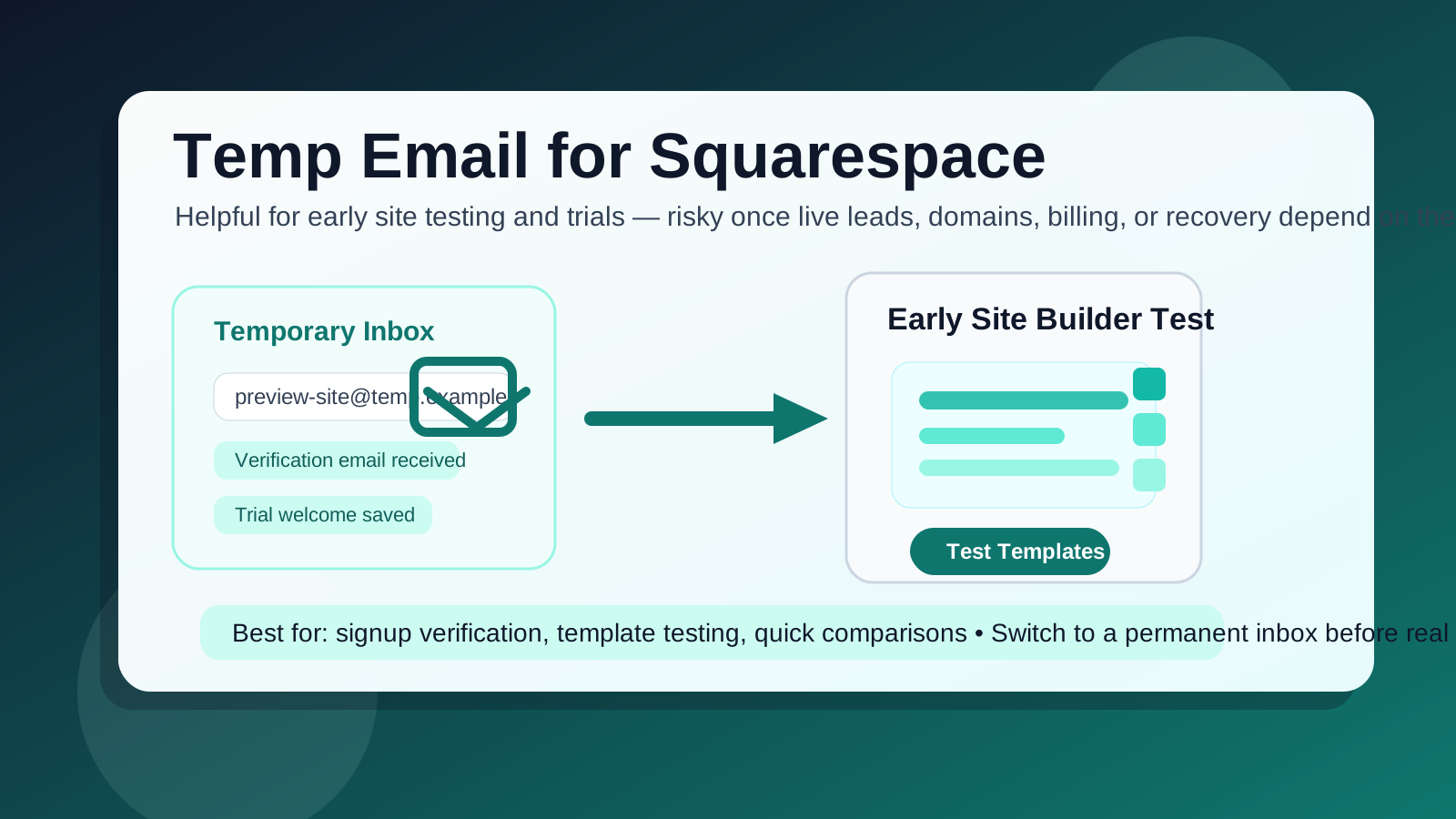
That is the real answer to the “temp email for Squarespace” question: yes, it can help during early testing, but it is usually the wrong foundation for anything public, client-facing, or revenue-related. Website-builder accounts often start as low-stakes experiments and quietly become important. What begins as a quick template test can turn into your portfolio, a campaign landing page, a waitlist, a store, or the site listed in every social bio you own.
If your goal is simply to keep your main inbox cleaner while you evaluate a tool, a disposable address from a service like Anonibox can be a practical first step. The key is using it at the right stage. Temporary email is strongest during evaluation, verification, and short-lived experiments. It becomes risky when ownership, billing, recovery, or real communication depends on it.
Why people look for a temp email for Squarespace
Most people are not trying to do anything sneaky. They are usually trying to create some distance between a casual signup and the inbox they actually rely on every day. That is understandable, especially with website builders, because even a quick trial can trigger welcome emails, setup nudges, product education, template recommendations, promotions, and follow-up reminders.
People usually want a temp email for Squarespace for a few practical reasons:
- They want to explore templates or the editor before committing a permanent address.
- They are comparing Squarespace with other tools like Carrd, Webflow, or Framer.
- They are creating a short-lived concept page, draft portfolio, or private mockup.
- They want to keep a side project separate from their personal or work inbox.
- They are trying to avoid months of email from a tool they may never use again.
Those are all reasonable goals. The trick is knowing where the convenience of a disposable inbox ends and the operational risk begins.
When a temp email for Squarespace actually makes sense
Temporary email works best when the account itself is temporary in practice. If you are only testing, exploring, or evaluating, using a throwaway inbox can be sensible.
1. You are testing the builder before making a decision
Maybe you just want to see how fast the setup feels, whether the templates fit your style, or if the editing experience is simpler than a heavier platform. In that case, a temp inbox can help you get through signup and verification without giving every experiment permanent access to your primary email.
2. You are comparing multiple website platforms at once
People rarely look at one tool in isolation. If you are comparing Squarespace against other site builders, each signup can generate its own stream of onboarding email. A temporary address keeps the evaluation cleaner so you can judge the product rather than drown in follow-up messages.
3. You are building a private proof of concept
A draft wedding site, a personal test page, a portfolio concept, or a one-off internal demo may never become public. If the page is private, reversible, and genuinely low-stakes, a temporary inbox is often fine for the exploration phase.
4. You only need short-term access
Sometimes the goal is very narrow: verify the account, look around the dashboard, inspect the template library, and decide whether to continue. That is a clean use case for disposable email because the account is serving a short-lived decision rather than a long-term project.
When a temp inbox becomes a bad idea
The risk changes as soon as the project stops being a test. Squarespace can sit underneath a surprising amount of real-world activity: contact forms, bookings, newsletter capture, domain settings, subscriptions, store pages, client sites, and marketing campaigns. Once that happens, email is no longer just a signup detail. It becomes part of the account’s continuity.
1. The site is going live
If the page is about to be public, linked in your bio, added to your résumé, or used in a marketing campaign, you should not leave the account tied to a throwaway inbox. Public pages have a way of becoming more important than expected, and a fragile email setup is the wrong thing to discover later.
2. Real leads or inquiries may depend on the site
Even if messages from visitors go somewhere else, the account behind the site may still need updates, notices, or recovery. If the site is meant to attract customers, clients, readers, or subscribers, the account deserves an email address you can keep and monitor.
3. Billing, subscriptions, or domains are involved
This is one of the biggest cutoff points. Once you are paying for a plan, attaching a custom domain, or connecting business-related services, the value of reliable account access is much higher than the value of short-term inbox privacy.
4. Other people may rely on the account
If the project belongs to a client, a team, or a growing business, continuity matters. A disposable inbox may feel convenient in the first hour, but it is a poor ownership model when collaborators or future handoffs are involved.
5. You may need password recovery later
This is where temporary email usually fails people. The page survives, the idea grows, and months later you need a reset link, a security confirmation, or access to an old notification. That is the moment when a throwaway inbox stops feeling clever and starts feeling annoying.
What can go wrong if you keep using the temp email too long?
- You lose recovery access: password resets and security checks become harder when the original inbox is gone or unmonitored.
- You miss important notices: plan updates, billing messages, domain warnings, and account alerts can land in an inbox you no longer check.
- You create messy ownership: client projects and shared sites become harder to hand off cleanly.
- You turn a temporary shortcut into long-term risk: the account setup never evolves even though the project does.
None of these issues usually appear during signup. That is why the mistake is so common. Temporary email feels fine at the beginning because the downside often shows up later, exactly when the site has become worth keeping.
A safer workflow for using a temp email with Squarespace
If you want the privacy benefit without the long-term downside, use a staged approach.
Start with the temporary inbox for evaluation only
Create the temp address before signup so the verification email and first onboarding messages stay isolated from your primary inbox.
Test with a clear purpose
Use the session to answer specific questions: Do the templates fit your needs? Is the editor comfortable? Does the workflow feel easier than alternatives? Could the platform realistically support the kind of site you want to build?
Save anything important immediately
If a verification link, invite, or setup note matters, save it while you still have access. Temporary inboxes are useful for short access, not dependable archiving.
Switch to a permanent address before the site becomes real
The right time to change the account email is before you need it, not after something breaks. If the draft becomes a real project, move to a durable inbox early while the change is still easy.
A separate project inbox is often better than a burner forever
Many people do not actually need disposability long-term. What they really want is separation. In that case, a dedicated project email is usually better than a temporary inbox once the site starts to matter.
A separate permanent address can give you the organizational benefit you wanted in the first place without creating recovery headaches later. It also makes more sense if the site belongs to a side business, creator brand, client engagement, or product launch that may last beyond a quick test.
Realistic examples
Good use case
You want to compare Squarespace with other website builders this weekend, inspect a few templates, and decide whether the platform is worth your time. A temp email is a good fit because the task is short, low-risk, and reversible.
Borderline use case
You are building a quick landing page for a side project and telling yourself it is “just a draft,” but you already suspect you may share it with a few real people. That is usually the point where a separate permanent inbox is smarter than a throwaway one.
Bad use case
You are launching a portfolio site, client page, booking site, online store, or branded business homepage. Do not anchor that to a burner inbox. Use an address you can control later.
Quick checklist before you sign up
- Am I only testing Squarespace, or am I likely to keep this site?
- Will the page go public soon?
- Could real leads, bookings, or inquiries depend on it?
- Will billing, domains, or account recovery matter later?
- Do I need a disposable inbox, or do I really just need a separate long-term project email?
If your answers lean toward short-term, private, and experimental, a temp inbox can make sense. If they lean toward public, ongoing, client-facing, or business-critical, switch to a stable address before the project grows teeth.
Final takeaway
A temp email for Squarespace is useful for early testing, quick comparisons, and keeping another software experiment out of your main inbox. That is the upside, and it is real.
The downside is that Squarespace accounts often move from “casual test” to “important asset” faster than people expect. Use temporary email for the evaluation stage, then move to an inbox you trust before live leads, billing, domains, or recovery depend on it. That way you keep the privacy benefit without building your website on top of a contact method you may regret later.