A temp email for SurveySparrow can be useful for early survey testing, one-off signups, and quick trial evaluation.
It becomes a bad long-term choice once real responses, automations, incentives, team ownership, or follow-up messages actually matter.
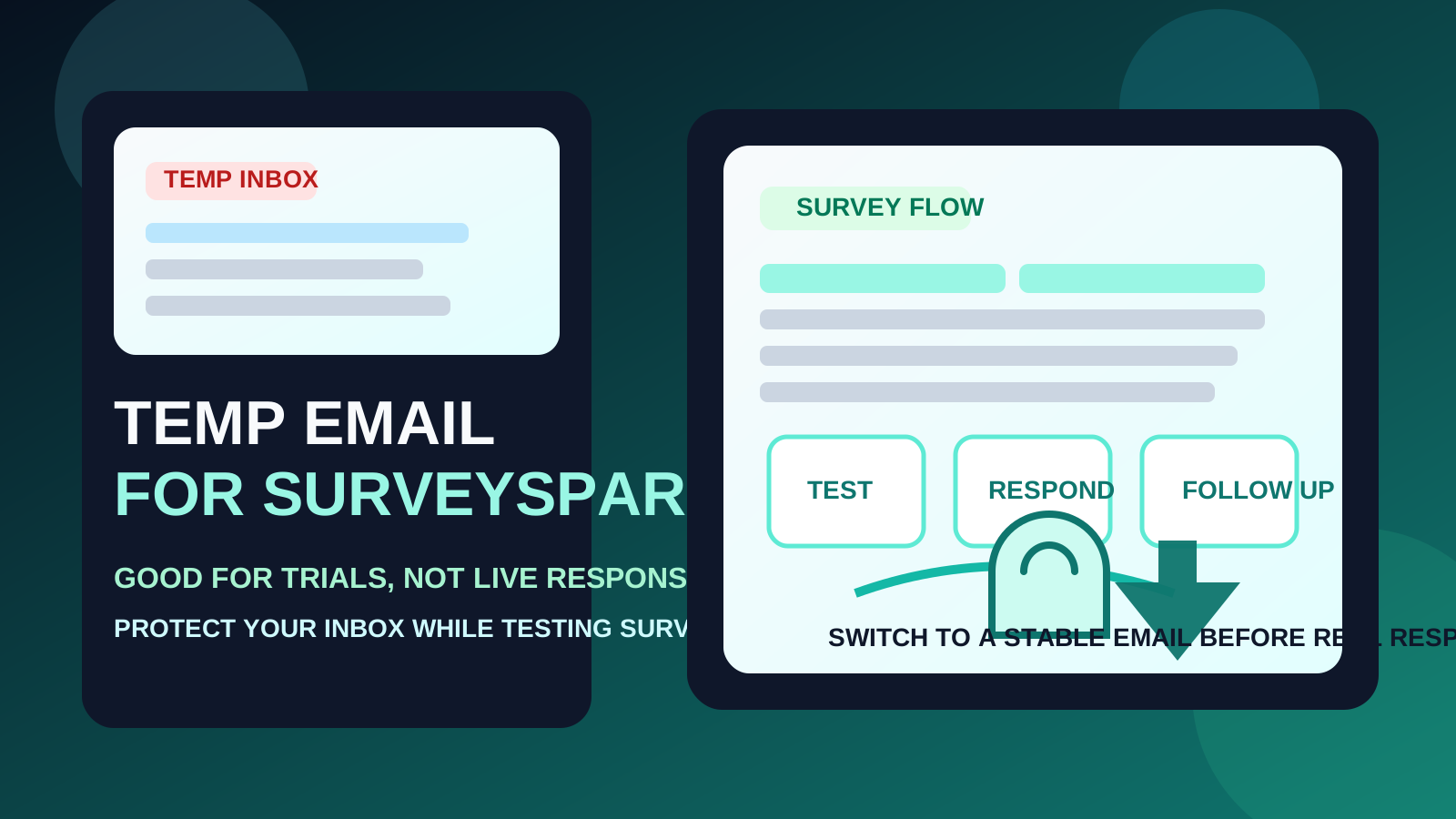
SurveySparrow sits in that awkward middle zone where temporary email can be genuinely helpful at the start and genuinely messy later. If you are only trying to see how the signup flow works, compare it with other survey tools, or test a simple survey path without inviting months of follow-up mail, a disposable inbox is reasonable. If you are about to collect real customer responses, connect automations, send recurring surveys, or rely on reminder emails and notifications, disposable email quickly stops being the smart option.
That distinction matters because survey platforms create more email dependency than many people expect. The first verification email is only the beginning. After that come response alerts, onboarding sequences, reminder messages, survey share notifications, incentive follow-ups, account recovery emails, and sometimes team invites. A service like Anonibox can help you keep the early evaluation stage tidy, but it is not a magic fix for every part of the workflow.
Why people look for a temp email for SurveySparrow
Most people are not searching this because they want to hide from the product. They want to avoid the usual software-trial problem: one curiosity click turns into weeks of onboarding nudges, webinar invites, feature announcements, and sales follow-ups. That is especially common when you are comparing several form, survey, or customer-feedback tools in a short window.
SurveySparrow also shows up in more than one kind of use case. You might be:
- testing a survey builder before your team commits to it
- checking a free trial or demo flow
- previewing respondent journeys for CX or NPS campaigns
- signing up for a one-off survey or research interaction
- comparing it with adjacent tools such as Qualtrics or Google Forms
In those early-stage situations, a temporary inbox gives you separation. You still receive the confirmation link and first setup messages, but you do not hand your permanent inbox to every tool you are merely evaluating.
When a temp email for SurveySparrow makes sense
There are a few situations where using a disposable address is practical rather than reckless.
1. Early product evaluation
If you are only checking the dashboard, onboarding emails, template gallery, or basic survey builder, temporary email is a perfectly sensible filter. You are not committing to a long-term account yet. You are just deciding whether the platform deserves deeper time and attention.
2. Vendor comparison
When you are reviewing several survey tools in a row, inbox clutter becomes a real annoyance. Every platform wants to send setup prompts, tips, sales outreach, and reminders. A disposable inbox keeps those evaluation messages out of the address you use for real work.
3. One-off research or low-stakes signup
If the interaction is short-lived and unlikely to matter later, a temp inbox can be enough. Maybe you only want the first email, or you are verifying a small exploratory workflow without planning to keep the account.
4. Previewing a test survey flow
Teams sometimes want to inspect what the respondent experience looks like before turning a survey into a real campaign. That kind of testing is exactly where temporary email can help. You can look at email touchpoints and the survey flow without binding the experiment to a long-term address.
Where a temporary inbox starts causing problems
SurveySparrow can move from “throwaway test” to “real workflow” fast. That is where disposable email stops being helpful.
1. Response notifications and follow-ups
If you are running real surveys, missing follow-up emails can be more damaging than missing the original signup link. Response alerts, reminder notices, completion messages, and campaign follow-ups often matter more after launch than during setup.
2. Automations and connected workflows
Once a survey platform is tied to live automations, a temporary inbox becomes fragile. You may need to confirm settings, monitor activity, or recover access later. Disposable email is weak at all three.
3. Incentives, rewards, or receipts
Some research or feedback programs send gift-card notices, participation confirmations, or other delayed messages. If you care about receiving those, a burner inbox is a gamble.
4. Team ownership
The moment coworkers, stakeholders, or clients are involved, the email address stops being just your personal experiment. It becomes part of an account another person may need to trust, access, or recover later.
5. Ongoing CX and NPS programs
Recurring feedback programs need stability. If SurveySparrow is going to support customer experience, satisfaction tracking, onboarding feedback, or periodic research, you want an address that stays available and monitored.
Participant vs. account owner changes the answer
The right choice depends a lot on which side of SurveySparrow you are on.
If you are only a participant
A temporary inbox can be fine for a one-off interaction, especially if you do not expect future contact and you are mainly trying to limit spam or keep your primary inbox clean. The risk is relatively low when the entire interaction is disposable.
If you are creating or evaluating an account
You should be more careful. The moment you think the account might survive beyond a quick test, use a stable address you can keep. Even if you want separation from your main inbox, a durable alias or dedicated secondary inbox is usually safer than a burner.
What temporary email actually helps with
Used correctly, a temp inbox solves a few real problems.
- Less inbox clutter: you avoid turning software comparisons into long-term email subscriptions.
- Cleaner experiments: each test can stay separate instead of blending into your permanent account history.
- Lower casual exposure: your primary address does not need to go into every product database immediately.
- Faster decision-making: you can review the tool, save the key messages, and move on.
Those benefits are real. The mistake is assuming they also guarantee continuity, account safety, or dependable long-term access. They do not.
How to use a temp email for SurveySparrow without regretting it
1. Decide whether this is a disposable interaction
Before you sign up, ask a blunt question: if I need an email from this tool in two weeks, will that matter? If the answer is yes, start with a durable address instead.
2. Save the few messages that matter
If you do use a temporary inbox, capture the important pieces right away:
- verification links
- setup notes you may need later
- trial details worth comparing with other tools
- any message tied to incentives, billing, or account configuration
Do not assume you will remember to come back before the inbox expires or gets ignored.
3. Test in one focused session
Temporary email works best when you use it with purpose. Sign up, review the key onboarding steps, inspect the survey builder, test one respondent path, and decide whether the tool is worth promoting to a real account. Dragging the evaluation out for days defeats the whole point.
4. Switch early if the tool becomes real
If SurveySparrow starts looking like a serious candidate, move to a stable inbox before the account accumulates automations, real responses, or team dependencies. Switching too late is how disposable setups create avoidable friction.
5. Use a durable secondary inbox for the middle ground
Sometimes the best answer is not your main inbox and not a burner either. A dedicated secondary address for software trials, research tools, or marketing experiments gives you separation without sacrificing reliability.
Practical examples
Example 1: comparing feedback tools for your team
If you are evaluating SurveySparrow against other platforms and mainly want to inspect onboarding, templates, survey logic, and follow-up email style, a temporary inbox is reasonable. The interaction is exploratory and low-stakes.
Example 2: testing a customer survey before launch
If you only want to see what the respondent journey feels like, a disposable inbox can still work. You are validating the experience, not creating a permanent operating account.
Example 3: running a live feedback program with response alerts
This is where a temp inbox becomes the wrong tool. Once notifications, real submissions, or repeated follow-ups matter, the value of continuity is higher than the value of inbox privacy.
Example 4: joining a survey that promises a later reward
If you care about receiving a gift card, confirmation, or follow-up message, use a stable inbox you can still access later. The tiny convenience of a burner is not worth losing the message you were waiting for.
Common mistakes to avoid
- Keeping the burner too long: temporary email is for early testing, not for live survey operations.
- Ignoring delayed messages: the important email often arrives after signup, not during it.
- Confusing privacy with durability: a less-exposed inbox is not automatically a dependable one.
- Using one throwaway address for every tool: separate evaluations are easier to track when they stay separate.
- Forgetting about team handoff: if other people may need access later, treat the inbox choice as an operational decision, not just a personal preference.
A quick checklist before you use one
- Am I only testing SurveySparrow, or am I setting up something I may keep?
- Will I need response alerts, incentives, or follow-up messages later?
- Could this account become team-owned or client-facing?
- Would a secondary but durable inbox be safer than a true burner?
- Have I saved the key setup emails already?
Final takeaway
A temp email for SurveySparrow is a smart move when you want to test the platform, compare survey tools, or isolate low-stakes signups from your main inbox.
It stops being smart once real responses, automations, reminders, incentives, or team workflows depend on that address. Use temporary email for the evaluation phase, then switch to a stable inbox before the survey process becomes something you actually rely on.