A temp email for SweetProcess is useful when you only want quick access for an early SOP and process-documentation trial and do not want another long onboarding sequence in your main inbox.
It becomes risky once the account starts holding real procedures, training docs, team invites, and recovery paths, because that is when stable ownership matters more than short-term inbox privacy.
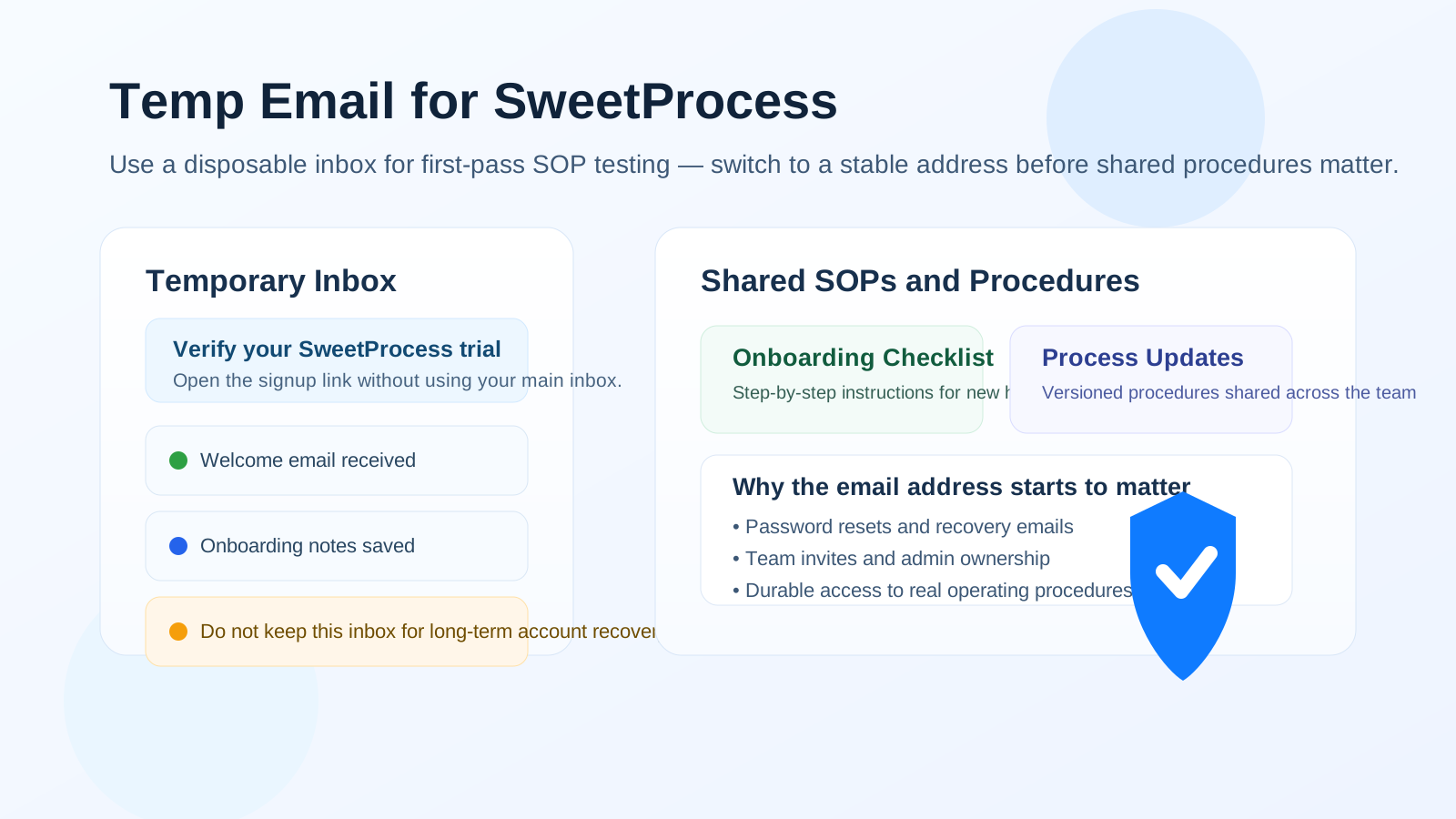
That trade-off shows up quickly with process-documentation software. A tool like SweetProcess is often tested during a comparison phase when someone is trying to organize standard operating procedures, document recurring work, improve team consistency, or reduce training chaos. In that early moment, using a throwaway inbox can feel efficient. You get the verification email, you look around the product, and you avoid giving your main address to another vendor before you know whether the platform is even a serious fit.
That is the good use case. The bad use case starts when the trial stops being a casual look and starts becoming real operational infrastructure. Once you are writing procedures, storing onboarding docs, sharing process steps with coworkers, or relying on that account for future access, the email address on file is no longer just a sign-up detail. It becomes part of your account recovery, your admin control, and your long-term team continuity.
So the honest answer is simple: a temporary inbox can be smart for low-stakes SweetProcess testing, but it is a weak foundation for any account that might soon matter to a real team.
Why people consider a temp email for SweetProcess in the first place
Most people do not look for a disposable address because they are trying to be difficult. They do it because software evaluations create noise.
A single product signup can trigger a welcome email, setup checklist, product-tour sequence, webinar invitations, comparison content, sales follow-up, and re-engagement campaigns for weeks or months afterward. If you are comparing multiple knowledge, SOP, and operations tools in the same week, your main inbox can turn into a mess long before you have chosen anything.
A temp inbox helps in three obvious ways:
- It keeps early evaluation separate from your day-to-day work email.
- It reduces long-tail promotional clutter from products you never adopt.
- It lets you test faster without committing your primary address to every trial you touch.
That is especially appealing when you only want to answer a few first-pass questions: Is the interface clear? Does the procedure editor feel usable? Can you imagine your team maintaining documentation here? Is this promising enough to justify a deeper review?
When using a temp email for SweetProcess makes sense
There are situations where a disposable inbox is perfectly reasonable.
1. You are doing a quick solo evaluation
If you just want to verify the signup flow and spend twenty or thirty minutes looking around the product on your own, a temporary email is a clean option. You are not committing the business. You are simply screening the tool.
2. You are comparing several SOP or process-documentation platforms
During a broader evaluation, you may want separate inboxes for separate vendors so you can avoid mixing onboarding email from five different products. That keeps the research phase tidy and makes it easier to decide which tools deserve a real follow-up.
3. You want to avoid premature sales follow-up
Some teams prefer to inspect a product quietly before opening a real buying conversation. A temp inbox can give you room to explore the basics before your permanent work email enters a sales sequence.
4. You are validating fit before inviting anyone else
Early testing is the key phrase here. If nobody else depends on the account yet, the risk is lower. You are just looking at a sandbox, not building a shared operating system for the team.
When it stops being a good idea
The line becomes clearer the moment the tool starts holding anything you would hate to lose.
1. You are building real SOPs and procedures
As soon as the account contains procedures that matter to onboarding, handoffs, approvals, or recurring operations, the email address behind the account matters too. If the inbox disappears or becomes inaccessible, password resets and account recovery become harder at exactly the wrong time.
2. You are inviting teammates
Once team access enters the picture, the account is no longer a private trial. It becomes shared infrastructure. At that point, a disposable inbox is not a clever shortcut. It is a fragile admin dependency.
3. The account may become the system of record
Process tools often start small and become important quietly. A quick test can turn into the place where onboarding checklists, training instructions, and step-by-step procedures actually live. When that happens, ownership and recoverability matter much more than inbox convenience.
4. You are connecting the tool to real workflows
Even before full adoption, the risk goes up when you connect a process platform to genuine work. The more the account is tied to live operations, the less sense a throwaway address makes.
A safer way to use a temp email during a SweetProcess trial
If privacy matters to you, the smart move is not to avoid temporary email completely. It is to use it only for the stage where it actually helps.
Start with a temporary inbox for first-pass access
Use the disposable address only to create the trial, confirm the account, and inspect the product. This is the low-risk phase where the trade-off is still reasonable.
Evaluate the platform quickly and deliberately
Do not linger for days with a throwaway address attached if the product looks promising. During the first session, answer the practical questions that matter:
- Is it easy to draft and organize procedures?
- Can the structure support the way your team actually works?
- Would people realistically keep these docs updated?
- Does the platform feel simple enough for non-technical teammates?
- Would you trust it as a home for repeatable internal knowledge?
Switch to a stable email before the tool becomes real
If SweetProcess looks like a serious candidate, move the account to a durable address before you invite teammates, document important procedures, or depend on recovery emails. For many teams, that means a shared business-controlled inbox rather than one employee’s personal account.
Confirm recovery and admin ownership early
Do not wait until later to fix account ownership. Later is when the account already matters, and that is exactly when cleanup becomes annoying.
Common mistakes people make
- They keep the temp inbox longer than intended. What begins as a quick test drifts into real usage.
- They invite coworkers too early. Now multiple people depend on an account tied to a throwaway address.
- They store meaningful documentation before changing the email. Recovery risk shows up only after valuable work already exists.
- They treat inbox privacy as more important than account continuity. That is backwards once the tool becomes operational.
- They forget which disposable address they used. That sounds silly until a password reset is the only way back in.
What to do if you already signed up with a temp email
If you already opened a SweetProcess trial with a throwaway inbox and the account now looks useful, fix it early rather than hoping it will never matter.
- Change the account email immediately to a stable address you or your team control.
- Confirm the new address and make sure future recovery messages go there.
- Review who has admin access so account ownership is not dependent on one fragile contact point.
- Save essential setup details such as billing contacts, workspace notes, or onboarding information in the right business systems.
- Retire the temporary address from this workflow once the account becomes operational.
This is much easier when you do it during evaluation than after the platform already contains procedures your team uses every week.
If you want privacy without the downside, use a staged approach
The best long-term answer is usually a staged contact strategy.
Stage one: use a temporary inbox for anonymous or low-stakes product screening.
Stage two: if the product earns a deeper review, move to a stable email address your team controls.
Stage three: once adoption is real, make sure the account belongs to a durable business-owned identity with clear recovery access.
This approach keeps the upside of privacy while avoiding the classic mistake of letting a disposable inbox become part of real operations. If you want a simple way to do that first-pass screening, a temporary address from a service like Anonibox can keep your main inbox cleaner while you decide whether SweetProcess deserves a permanent place in your stack.
So, should you use a temp email for SweetProcess?
Yes, for a quick trial. No, for a real workspace.
That is the clearest answer. A temp email for SweetProcess is a practical choice when you are only checking the signup flow, exploring the interface, or doing a first-pass SOP software comparison. It helps you avoid extra sales and onboarding email before you know whether the platform is worth serious attention.
But once the account starts holding procedures, training docs, shared process knowledge, or team access, the disposable inbox becomes the wrong tool for the job. At that point, stable ownership matters more than short-term inbox hygiene.
Use the temporary address to evaluate. Switch to a durable address before you adopt. That keeps your privacy strategy useful instead of letting it become a future account-recovery headache.