Considering a temp email for TMetric? It can be useful for early signup and trial verification, but it is a poor long-term choice once the workspace starts holding real timesheets, billable work, project ownership, or team access.
Yes, you can use a temp email for TMetric if you only want to test the signup flow, open the verification message, and compare the product. You should switch to a real inbox before the account becomes important to billing, reporting, recurring notifications, or admin recovery.
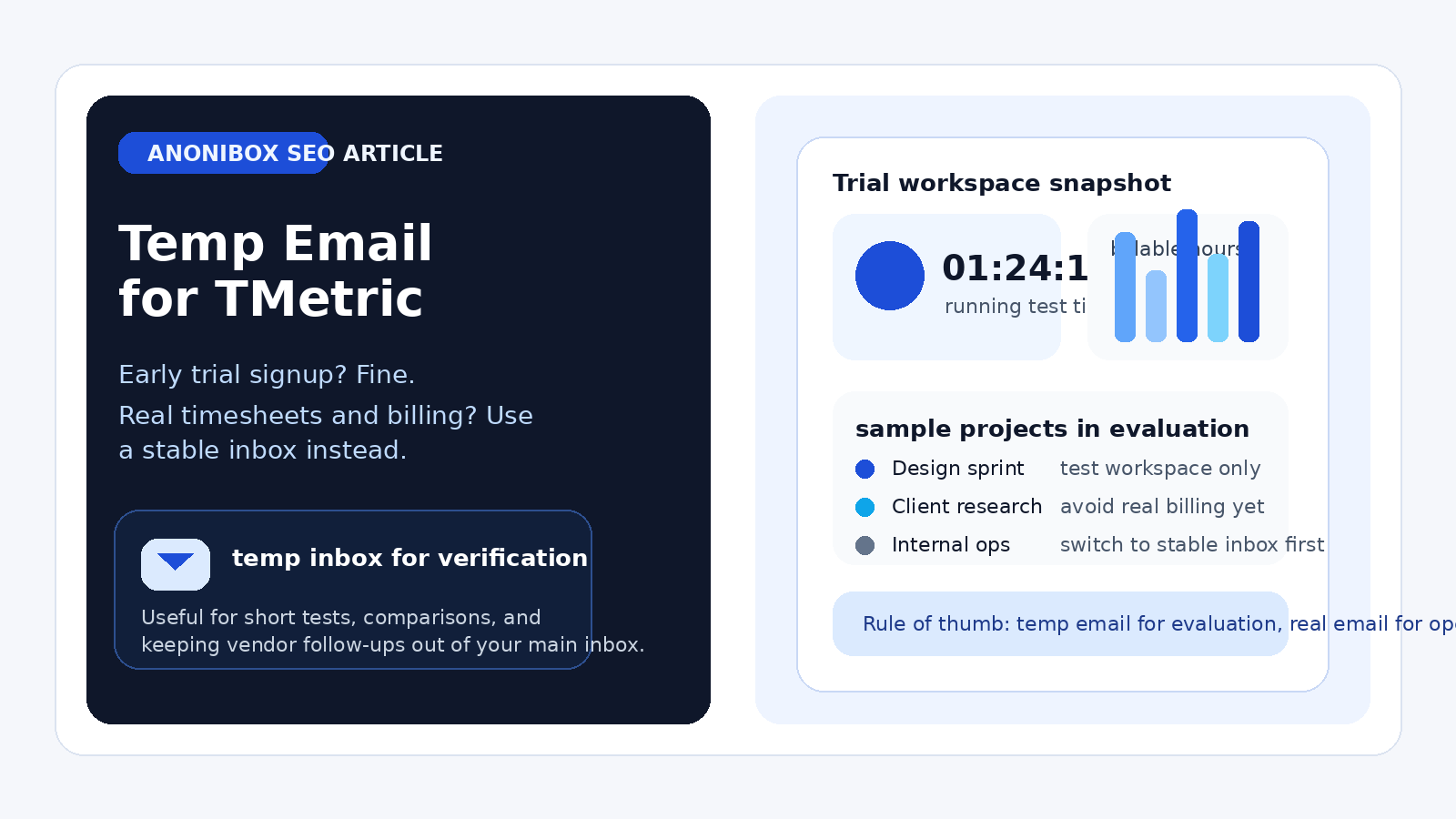
That answer may sound simple, but it matters because time-tracking tools do not stay “temporary” for very long. A fast test can turn into the place where you store working hours, billable rates, project budgets, client-facing reports, and team permissions. So the real question is not just whether a disposable inbox works. The better question is what stage of evaluation you are in.
If you are still comparing tools, a temporary inbox keeps your main email cleaner. If you are starting to depend on TMetric for real work, a throwaway address can become a liability. Using a separate inbox from Anonibox or another temp-email provider is reasonable for the first stage. It is much less reasonable once the account begins to matter operationally.
Why people look for a temp email for TMetric
Most people searching this keyword are not trying to do anything shady. They usually want one of three things:
- to verify a free trial without giving every vendor their main inbox right away,
- to compare several time-tracking tools at the same time without drowning in onboarding email, or
- to test whether the product feels useful before inviting coworkers or connecting real projects.
That is a practical use case. Time-tracking vendors often send welcome sequences, setup reminders, feature tours, “book a demo” nudges, and follow-up sales email after signup. If you are also evaluating Clockify, Harvest, Hubstaff, Toggl Track, TimeCamp, or another nearby tool, your inbox can get crowded quickly. A temporary address gives you a clean testing lane.
When a temp email for TMetric makes sense
A disposable inbox is usually fine during the earliest part of evaluation, especially when you are still deciding whether TMetric deserves a spot on the shortlist.
1. You only want to see the product before sharing your real address
Sometimes you just want to know whether the interface feels intuitive. Can you start a timer quickly? Can you understand the workspace layout? Does it look like something you would actually want to use every day? In that situation, the email address is mostly a gate to the trial, not a long-term account identity.
2. You are comparing multiple time-tracking tools in one round
If you are doing side-by-side evaluation, separate inboxes reduce confusion. Each product can send its own verification link, welcome email, and trial reminders without mixing into your main work inbox. That makes it easier to keep the comparison clean.
3. You are testing alone before bringing in a team
A solo trial is lower risk than a real deployment. If you have not invited coworkers, started depending on alerts, or connected the account to ongoing workflows, using a temporary inbox for the first pass is generally manageable.
4. You want to avoid long-term marketing clutter
Sometimes the best reason is the simplest one: you do not want a permanent trail of follow-up email from a tool you might never use again. A temp address can keep evaluation lightweight.
When a temp email for TMetric becomes a bad idea
The downsides show up when the account starts becoming real rather than experimental.
Real timesheets need a stable owner
If you are logging hours that affect payroll, client billing, or internal reporting, the email on the account stops being a convenience detail. It becomes part of how you recover access, confirm changes, and manage accountability. A temp inbox is weak for that job because it may expire, disappear, or become hard to revisit later.
Team access and admin control raise the stakes
The risk increases further once teammates, managers, or contractors are involved. If the original account owner used a disposable inbox and later loses access to it, ownership cleanup can turn into avoidable friction. That is especially annoying if the workspace controls permissions, reporting access, or billing-related settings.
Client billing workflows are not a throwaway use case
If you rely on tracked hours to support invoices, client budgets, or billable work, the account has crossed the line from “trial” to “business system.” At that point, the inbox behind the account should be durable, monitored, and recoverable.
Important notifications can go missing
Even if the temporary inbox works on day one, the bigger problem is day thirty or day ninety. Password resets, login notices, workspace invitations, and account updates are much less helpful if they land in an address you no longer check or no longer control.
A practical rule: use temp for evaluation, real email for operations
If you want a simple decision rule, use this one:
- Use a temp email when you are only testing signup, first login, and basic product fit.
- Use a real email once the account starts holding anything you would care about a month from now.
That line is much more useful than trying to make one permanent yes-or-no rule for every situation.
How to test TMetric safely with a temporary inbox
If you decide to use a temporary email during evaluation, do it deliberately rather than casually. A small amount of process saves headaches later.
Step 1: create the temporary address before signup
Generate the inbox first so all verification and onboarding email stays in one place. Do not bounce between your main inbox and a temp inbox during the same trial unless you already know you are switching over.
Step 2: complete verification and save the useful messages
Open the verification email, finish setup, and keep a copy of any details you may need during the test period. That might include the confirmation link, initial login details, or a first-run checklist.
Step 3: evaluate the product fast and on purpose
Do not let a temporary-inbox trial drift for weeks. Use the first session to answer the real questions:
- Is the timer workflow easy enough for your team?
- Can you understand timesheets and reports without extra explanation?
- Does the tool feel suitable for billable work or just simple internal tracking?
- Would you trust this workspace for real project ownership later?
The more clearly you answer those questions early, the easier it is to decide whether the trial should become a real account.
Step 4: switch to a permanent inbox before the account matters
If TMetric makes the shortlist, move it onto an email address you actually control long-term. Do that before teammates depend on it, before reports become important, and definitely before the account becomes tied to real billing or internal operations.
Three common scenarios
Solo freelancer comparing tools
A freelancer testing TMetric against a few alternatives can reasonably start with a temporary inbox. The goal is product comparison, not permanent setup. If the tool wins and becomes part of how client hours are tracked, switching to a stable inbox should happen immediately.
Agency manager testing reporting for a team
This is more borderline. A manager can still use a temp inbox for a first look, but once the trial moves into evaluating billable rates, team coordination, or report sharing, the account should live on a permanent address. Too many people may end up depending on it.
Operations lead exploring a company-wide rollout
For a larger rollout, a temp inbox is best kept to a very short initial test. Company-wide tools need stable ownership, documented access, and predictable recovery paths. The bigger the deployment, the less sense a throwaway inbox makes.
Mistakes to avoid
- Letting the temp inbox become the real account owner: this is the most common mistake.
- Inviting teammates too early: do not build real collaboration on a disposable foundation.
- Forgetting about password resets and admin notices: short-term convenience can create long-term recovery problems.
- Using the same temp inbox for too many tools: that defeats the point of keeping trials organized.
- Waiting too long to switch: the best time to move to a real inbox is before the account becomes important, not after.
Does a temp email hurt the trial itself?
For a simple trial, usually not. If the goal is only to sign up, verify the address, and explore the interface, a disposable inbox often works well enough. The real issue is not trial access. The real issue is account continuity after the trial.
Think of it this way: a temporary email is good at helping you open the door. It is bad at being the key you rely on later.
What is the safest setup if you like TMetric?
If the trial goes well, the safest next move is to put the workspace on an inbox that is:
- stable over time,
- accessible to the right owner or admin,
- checked regularly, and
- appropriate for account recovery and important notices.
That could be your normal work email, a dedicated operations inbox, or another controlled address your team plans to keep. The exact choice matters less than the principle: long-term tools deserve long-term contact details.
Final answer
A temp email for TMetric is a reasonable tool for early evaluation, quick verification, and inbox hygiene while you compare time-tracking options. It stops being a good idea once the workspace begins to matter for timesheets, project ownership, billing, reports, or team coordination.
So if you are only testing the waters, a disposable inbox can help. If you are about to rely on the account, switch to a real one before the trial turns into infrastructure. That keeps the convenience of a clean test without creating avoidable account problems later.