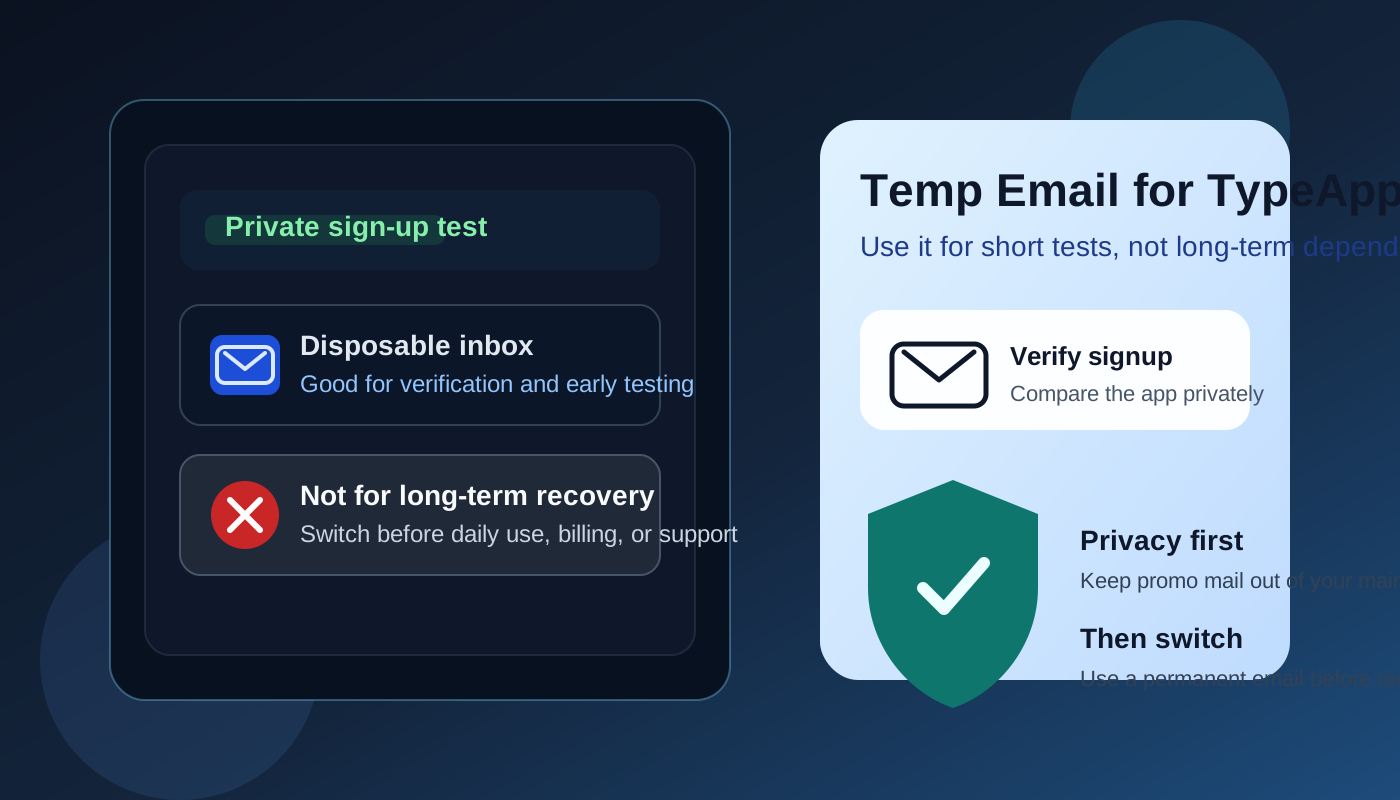
A temp email for TypeApp can be useful for private sign-up testing, but it becomes a poor long-term choice once real inboxes, device access, or account recovery depend on that address.
Use a disposable inbox for quick evaluation only, then switch to a permanent monitored email before TypeApp becomes part of your daily mail workflow.
Why people search for a temp email for TypeApp
This question makes sense. TypeApp sits in the same category as other modern email apps people test before they fully commit. You may want to see how the app feels on your phone, compare it with BlueMail, Spark Mail, Edison Mail, or Airmail, and decide whether it deserves a place in your regular routine. During that early stage, many people do not want another product signup tied to their main inbox right away.
A temporary inbox solves that first problem neatly. It can receive the verification email, the welcome message, and the first onboarding sequence without sending more promotional email into the address you actually rely on. If your goal is basic evaluation, that is a reasonable privacy move.
The catch is that TypeApp stops being a lightweight test very quickly. Email apps are not like one-off newsletter signups. Once you connect real accounts, depend on mobile notifications, or expect smooth recovery after a reinstall, the address behind the app account matters much more than it did during the first five minutes.
Short answer: yes for a short test, no for long-term dependence
If you only want to unlock the signup, see the interface, and compare the app with other mail clients, a temp email for TypeApp is fine. It keeps the trial private and prevents immediate follow-up clutter in your permanent inbox.
If you plan to keep using the app, connect important inboxes, pay for upgrades, or trust it as part of your daily communication stack, a burner address becomes fragile. Password resets, billing notices, support replies, and account recovery all work better when the account belongs to an email address you still control months later.
When a temp email for TypeApp makes sense
There are a few situations where using a disposable address is practical rather than reckless.
- You are comparing several email apps at once. If TypeApp is only one option on your shortlist, a temp inbox keeps the trial clean and separate.
- You only need the initial verification email. For a basic sign-up and first login, a disposable inbox often does the job.
- You want less promotional follow-up. Product tours, upgrade nudges, and “come back” reminders are common after sign-up. A temp inbox keeps that noise out of your main address.
- You are doing a private personal test. Sometimes the real question is simply whether the app feels good to use on your devices before you attach anything important to it.
This is where a service like Anonibox fits naturally. It gives you a throwaway inbox for the early trial stage so you can receive the code or link you need without instantly committing your long-term address.
Where a temp address starts creating real risk in TypeApp
Connected accounts raise the stakes
TypeApp is not just a static profile page. It is an app people use to pull multiple mailboxes into one daily workflow. Even if the sign-up address is separate from the inboxes you connect, it still matters for account management. If you later need confirmation emails, settings changes, or help from support, the temporary address can become the weak link.
Mobile use means routine reauthentication happens
Phones get replaced, operating systems update, apps get reinstalled, and notification permissions break. Those moments are normal. They are also exactly when a forgotten burner inbox becomes annoying. What felt convenient during testing can become the missing piece that slows you down when you need the app working again quickly.
Daily triage is not a throwaway scenario
Once you begin checking multiple inboxes through TypeApp every day, the account stops being a harmless experiment. Swipe actions, notification habits, unified views, and account preferences all become part of your routine. At that point, the question is no longer “Can I sign up privately?” It becomes “What happens when I need to maintain this setup later?” A disposable inbox is rarely the best answer to that second question.
Account recovery is the obvious failure point
Recovery is where temporary email choices usually fall apart. If you need a reset link, a security notice, or confirmation of an account change, you want those messages going to an inbox you can still access. A temp address is convenient right up until the day it matters.
Paid features or billing make permanence more important
If you ever upgrade, subscribe, or attach payment details, the account should live behind an email address you monitor long term. Receipts, support exchanges, renewal notices, and billing alerts belong somewhere stable, not in an inbox that only existed to reduce signup friction.
A safer way to test TypeApp without creating a future mess
You do not have to choose between total exposure and careless throwaway behavior. A staged setup works better.
1. Start with a temp inbox for the signup
If your goal is low-risk evaluation, use a disposable address for the first verification email and the initial welcome messages. That keeps your real inbox out of the earliest marketing loop.
2. Evaluate the app quickly and on purpose
Do not let the trial drag on vaguely. Use the first session to answer concrete questions:
- Does the interface feel fast enough on your device?
- Is the unified inbox useful or cluttered?
- Are notifications helpful or noisy?
- Does the app fit how you actually process email day to day?
- Would you trust it with personal, work, or recovery-sensitive mail?
The more deliberate the test, the easier it is to decide whether the app deserves a permanent setup.
3. Switch to a real email before deeper reliance
If TypeApp makes the shortlist, swap the account over to a permanent monitored address before you get too attached to the setup. That is the cleanest moment to make the change. Waiting until after you rely on the app usually creates unnecessary friction.
4. Keep privacy and permanence separate
A good rule is simple: use temporary email for evaluation privacy, but use a stable email for anything tied to continuity. That includes recovery, billing, support, and long-term multi-device use.
When you should skip the temp email idea entirely
Sometimes the better answer is to skip the burner inbox from the start.
- You already know you want to use TypeApp regularly.
- You plan to connect important work or personal accounts immediately.
- You expect to rely on the app across multiple devices.
- You may need support or paid features soon.
- You do not want to risk any friction around future account recovery.
In those cases, the privacy gain from a disposable inbox is smaller than the future maintenance cost.
A practical checklist before you decide
- Use a temp email if you only want a private sign-up test and a quick look at the app.
- Switch to a permanent address if you keep the app, connect meaningful accounts, or depend on it across devices.
- Do not rely on a burner inbox for recovery, billing, or long-term support.
- Save important verification details early if you plan to test first and decide later.
- Keep the trial focused so the temporary setup does not quietly become your permanent setup by accident.
Final takeaway
A temp email for TypeApp is useful when the goal is simple sign-up privacy and fast evaluation. It can keep marketing follow-up out of your main inbox while you decide whether the app is worth keeping.
It becomes a weak foundation once TypeApp turns into part of your real communication setup. Connected accounts, mobile reauthentication, support, billing, and recovery all push you toward an address you can still access later. The smart move is to use a disposable inbox for the trial stage only, then switch to a permanent monitored email before the app becomes something you actually depend on.
That way you get the privacy benefit up front without creating a headache for your future self.