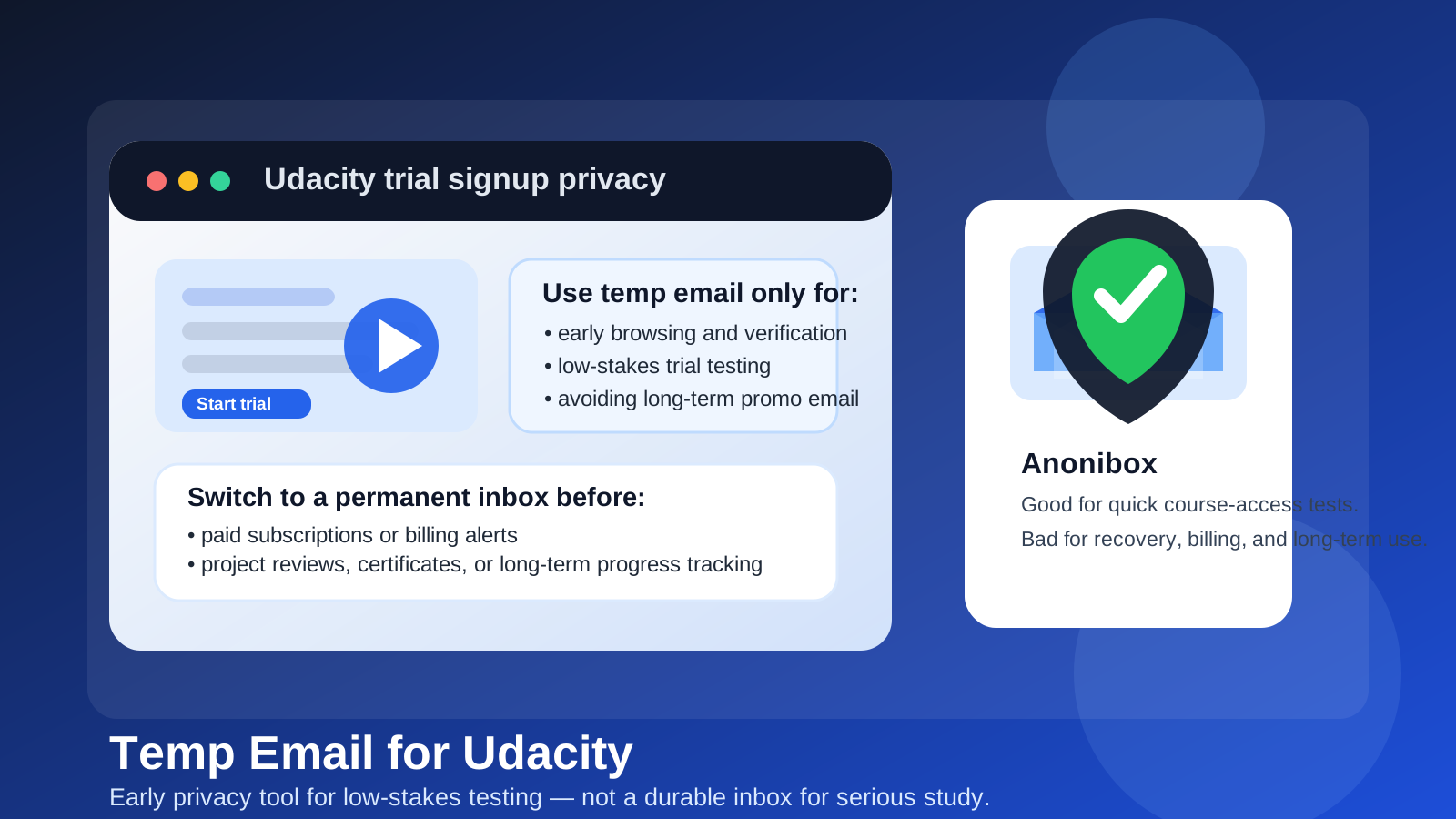
If you are wondering whether a temp email for Udacity is a good idea, the short answer is yes for early browsing, free-trial testing, and low-stakes signups, but no for anything tied to long-term study, billing, project feedback, or account recovery.
A disposable inbox can reduce promotional email and let you test the platform with less exposure, but once you care about saved progress, paid programs, or important notices, you should move to an address you actually control long term.
That trade-off matters because Udacity sits in the middle of two different user behaviors. Some people just want to explore a course catalog, compare learning platforms, or see how onboarding works before committing. Others plan to stay for weeks or months, finish projects, pay for subscriptions, and keep a record of what they completed. A temporary address can help with the first case, but it becomes fragile fast in the second.
When a temp email makes sense for Udacity
Using a temporary email for Udacity can be reasonable when your goal is simple evaluation rather than long-term enrollment. You may want to see whether the interface feels usable, whether the catalog matches your learning goals, or whether the trial flow is worth completing before you hand over your normal inbox.
Good low-risk use cases include:
- checking whether a free lesson, sandbox, or introductory course is worth your time
- testing the signup flow before deciding whether you want a real account
- comparing Udacity with other platforms such as Coursera, Udemy, edX, Codecademy, or DataCamp
- keeping early research separate from your personal or work inbox
- avoiding weeks of promotional email after a one-time test
That is where a service like Anonibox fits naturally. If you want one inbox for one short evaluation, it gives you a clean buffer between your real address and a platform you may never use again.
Why people use temporary email for learning platforms in the first place
Online learning sites do not just send one verification message. If you create an account, you may also get reminders to continue a course, upgrade prompts, limited-time discounts, onboarding sequences, suggested programs, webinar invites, and notices about unfinished lessons. None of that is inherently bad, but it can become noisy if you are comparing multiple platforms at once.
A temp inbox solves a practical problem: you can receive the confirmation email you need without turning a quick evaluation into a long-term marketing relationship. That matters even more if you are researching several services on the same day and do not want your main inbox buried under trial follow-ups.
Where a temp email becomes risky on Udacity
Temporary email is a weak choice the moment your account starts to matter. That usually happens sooner than people expect. Even if the original signup was casual, the account can quickly become tied to learning progress, subscription status, saved projects, community notices, or proof that you completed something important.
Be especially careful if any of these become relevant:
- saved progress: if you are actively working through lessons, losing access to the inbox can make recovery harder later
- billing and renewals: paid plans, receipts, failed-payment warnings, or renewal notices should not go to an inbox that disappears
- project reviews or support: if the platform sends meaningful account notices, you want an address you can reliably monitor
- password resets: a disposable inbox is a bad recovery anchor for any account you care about
- certificates or completion records: if you want a durable record of finishing coursework, temporary email adds avoidable risk
In other words, temporary email works best before commitment, not after it.
How to use a temp email for Udacity safely
If you do want the privacy benefit, use it deliberately rather than by habit. A simple workflow reduces the chance that you create a fragile account by accident.
1. Decide whether you are browsing or enrolling
Before signing up, be honest about your intent. Are you just checking the platform for ten minutes, or are you likely to start real coursework this week? If it is only an evaluation, a temp inbox is reasonable. If you already expect to pay, complete assignments, or revisit the account often, skip the disposable address and start with a permanent one.
2. Create the temporary inbox first
Generate the inbox before you begin the signup flow so all confirmation and onboarding messages stay in one place. That avoids mixing trial messages into your personal email right away.
3. Use it only for the early account-verification stage
The safest way to think about it is this: the temp inbox is for proving that the signup works, not for anchoring a serious learning account forever. Once you know the platform is worth using, switch the email address in account settings to one you control permanently.
4. Save anything important immediately
If the platform sends a useful link, setup note, or confirmation that you may need later, save it somewhere else right away. Do not assume the inbox will still be available when you remember it next week.
5. Move to a real inbox before money or milestones enter the picture
The moment you attach billing details, start a meaningful course path, or care about completion history, update the account email. That is the clean handoff point.
What a temp email is good at on Udacity
People sometimes treat temporary email as either always smart or always reckless. The reality is narrower. It is useful for a few specific jobs:
- reducing marketing clutter while you compare platforms
- creating a privacy buffer during early research
- testing whether the product experience feels worth deeper commitment
- keeping one-off signup experiments out of your main inbox
Those are real benefits. If you evaluate tools often, that kind of inbox hygiene adds up.
What a temp email is bad at on Udacity
It is much weaker for anything that depends on continuity. Learning platforms are not just login screens. They are long-running accounts, and long-running accounts need stable recovery options.
A temporary inbox is a poor fit for:
- multi-week or multi-month learning plans
- paid subscriptions or employer-sponsored access
- records you may need later for career or portfolio reasons
- support issues that require follow-up across several days
- accounts where losing access would be expensive or frustrating
If any of that sounds like your use case, the privacy win is not worth the operational weakness.
A better long-term setup
If you want privacy without the fragility of a throwaway inbox, a separate permanent learning email is often the better answer. That gives you most of the organizational benefit of temp mail without the recovery risk. You can still keep course promotions away from your main inbox, but you do not lose control over billing alerts, password resets, or account history.
That middle-ground approach usually works well for people who:
- take several online courses each year
- want a cleaner boundary between personal email and platform accounts
- expect to return to old coursework later
- may need completion records, receipts, or support messages in the future
Think of it this way: temporary email is for testing. A dedicated permanent inbox is for studying.
Questions to ask before you sign up
If you are still unsure, run through this quick checklist:
- Am I only exploring the platform, or do I expect to stay?
- Would losing access to this inbox hurt me next month?
- Will I attach payment information?
- Do I care about saved progress, certificates, or account recovery?
- Am I trying to avoid spam, or am I trying to manage a real long-term account?
If the goal is just privacy during evaluation, a temp inbox is fine. If the account will hold anything valuable, move to a durable address early instead of waiting for a problem.
Common mistake: leaving the temp email in place too long
The biggest mistake is not using temporary email at signup. It is forgetting to switch away from it after the test phase. People often create a trial account, come back later, buy something, complete part of a course, and only then realize the account is still tied to an address they never intended to keep.
That is how a useful privacy shortcut turns into an avoidable recovery headache. If the trial becomes real, update the email while you still have easy access to the account.
Final answer
A temp email for Udacity is useful for early course browsing, basic verification, and low-stakes trial testing. It helps protect your real inbox when you are still deciding whether the platform deserves more of your attention.
But it is the wrong tool for anything serious. If you care about progress, billing notices, password resets, project follow-up, or long-term access, switch to a permanent email you control. Used that way, temporary email is a smart privacy filter rather than a risky foundation for an account that might matter later.