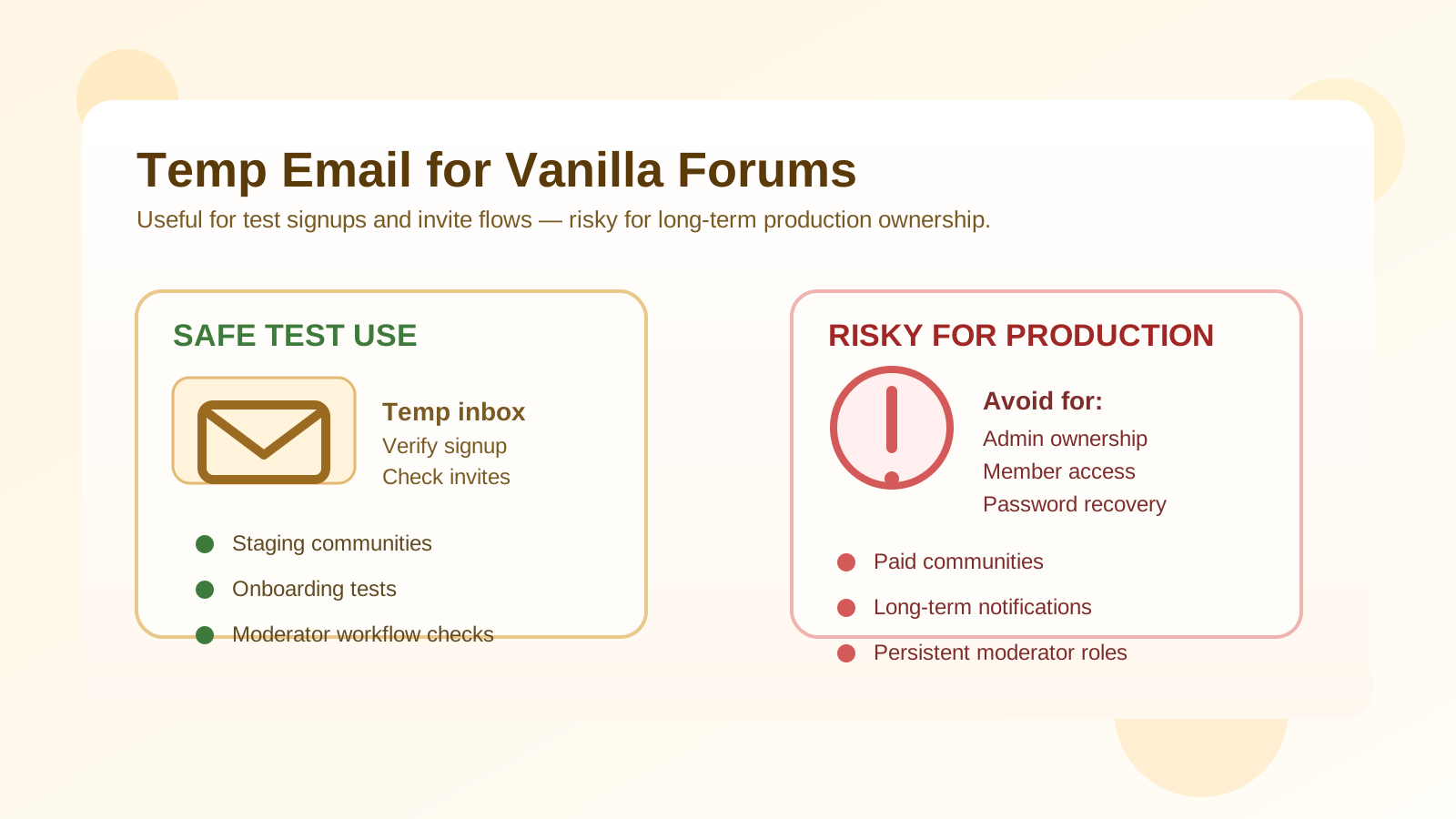
Yes, a temp email for Vanilla Forums can be useful when you are testing signups, invite flows, moderation workflows, or a new community setup. It is a practical choice for short-lived staging accounts, but it is a poor choice for production admins, paid members, long-term notifications, and account recovery.
If you only need to verify an account, click through onboarding, and see how a forum experience behaves, a temporary inbox can keep your main address cleaner. But once a Vanilla Forums account matters to real members, billing, moderation, or ownership, you should switch to a durable email address you control long term.
Why someone would use a temp email for Vanilla Forums
Vanilla Forums, now often associated with Higher Logic Vanilla, is used for branded communities, support forums, customer spaces, and member hubs. During early setup, teams often create several accounts just to answer practical questions:
- What does the signup and verification flow look like?
- Do invitation emails arrive quickly and clearly?
- What permissions does a new member receive by default?
- How do moderator approvals, password resets, and notification settings behave?
- Does the community feel usable before real members are invited in?
For that kind of short-term testing, a temporary inbox is often enough. You can receive the verification message, activate the account, and observe the workflow without tying every experiment to your everyday personal or work mailbox.
When a temp email makes sense in Vanilla Forums
1. Staging or sandbox community tests
If you are setting up a fresh community or checking configuration changes, a temporary inbox helps you create disposable test members quickly. That is especially handy when you want to simulate first-time users, different invite states, or one-off moderation scenarios.
2. Testing member onboarding
Many community managers want to see exactly what a new user receives: welcome emails, verification prompts, digest settings, and profile-completion nudges. A throwaway inbox lets you inspect those messages without cluttering a real mailbox.
3. Reviewing invite-only workflows
If your community relies on invitations, private groups, or approval steps, a temporary address can help you verify whether invite links, access grants, and follow-up emails behave the way you expect.
4. Comparing community tools before rollout
Some teams evaluate Vanilla Forums alongside other platforms such as Discourse, XenForo, Flarum, or Invision Community. In that comparison stage, a disposable inbox keeps each trial isolated so your primary inbox does not absorb every product email forever.
When a temp email is the wrong choice
A temporary inbox is useful for quick testing, but it becomes risky once the account matters beyond the first session.
Do not use it for production admins
Your main administrator or owner account should never depend on an expiring inbox. If you lose access to the inbox, account recovery becomes harder at exactly the moment you need reliability most.
Do not use it for paid or member-critical communities
If the account is tied to member access, subscription status, billing notices, event updates, or private discussion access, a disposable address creates unnecessary risk. Missing one important email can lock someone out or break trust with the community.
Do not use it for long-term moderation or support roles
Moderators and support staff need durable communication. They may receive abuse reports, escalation alerts, digest emails, login warnings, and role changes over time. A temporary inbox is fine for a throwaway test moderator, not for a real ongoing one.
Do not use it for your only recovery path
Password resets and security notifications are exactly the kind of messages you do not want to lose. If the account has any lasting value, move it to a permanent address before the forum goes live or before people start depending on it.
How to use a temp email for Vanilla Forums safely
1. Decide whether the account is truly disposable
Before you sign up, ask a simple question: is this account only for a short test, or could it accidentally become important later? If there is any chance it will become a real admin, moderator, or production member account, start with a durable address instead.
2. Generate the inbox before you begin
Create the temporary inbox first so the whole test stays organized. If you use a service such as Anonibox for early signup checks, keep that address tied only to this specific experiment instead of reusing it across unrelated tools.
3. Complete verification immediately
Temporary inboxes are best when you use them right away. Open the confirmation email, click the activation link, and capture any essential setup details before you move on.
4. Document what you are testing
It is easy to spin up several test accounts and forget which one was meant for which scenario. Label your checks clearly: public signup, invited member, moderator flow, digest behavior, or approval workflow. That way you learn something useful instead of just creating noise.
5. Replace the email before go-live
If the account proves valuable, update the address to a permanent mailbox before launch or before real members start depending on it. That small handoff prevents a lot of recovery and notification headaches later.
Common risks people underestimate
Notification drift
Communities often send more email than people expect: welcome messages, mention alerts, private-message notices, digest emails, moderation notifications, and security prompts. A temporary inbox is fine when you are measuring that behavior, but not when you need to keep receiving it.
Ownership confusion
In fast-moving projects, a throwaway test account sometimes becomes the account everyone keeps using. That is how temporary choices turn into long-term problems. If a test admin account starts accumulating permissions, integrations, or history, migrate it to a stable email immediately.
False confidence about recovery
People often assume they will remember the password and never need the inbox again. In real life, admins rotate devices, browsers autofill the wrong thing, people leave teams, and login issues happen. Recovery paths matter more than they seem on day one.
Best practices for community managers and forum admins
- Use temp emails only for short-lived test accounts: signup checks, role testing, onboarding previews, and invite-flow experiments.
- Keep admin ownership on durable addresses: especially any account connected to permissions, billing, or policy decisions.
- Separate testing from production: do not let staging shortcuts leak into the live community.
- Review email-dependent features: digests, mentions, moderation queues, password resets, and notifications should all be tested deliberately.
- Retire disposable accounts cleanly: once the test is done, remove or relabel them so they do not confuse future admins.
What this looks like in practice
Imagine you are launching a customer community and want to test first-run behavior before inviting real users. A temporary inbox is perfect for creating a fake member, receiving the verification email, checking the welcome flow, and seeing whether the first permissions set feels right. You can repeat the process for a moderator test account or an invite-only test member without filling your main mailbox with every automated message.
Now imagine that same test account becomes the default admin because the project moves quickly and nobody circles back. That is where the risk starts. The inbox may expire, the password-reset path becomes unreliable, and important security or notification emails may disappear. The difference is not the platform. It is whether the account stayed a test account or quietly became production infrastructure.
Where Anonibox fits naturally
Anonibox makes sense when you want a clean, separate inbox for fast verification and short-term community testing. It is useful for checking whether the Vanilla Forums signup flow works, whether invite emails land correctly, and whether the member journey feels polished before you expose it to real people.
That said, Anonibox should be part of a testing workflow, not a substitute for durable account ownership. Once a community account matters for real members, moderation, or recovery, switch to a long-term email address you actively manage.
Final answer
A temp email for Vanilla Forums is a smart tool for early community testing, one-off signups, and workflow checks. It is not the right foundation for production admin accounts, paid members, persistent notifications, or anything you may need to recover later.
Use a temporary inbox to learn quickly, keep your main inbox cleaner, and test with less friction. Then, before the account carries real responsibility, move it to a permanent address so your forum stays manageable, recoverable, and reliable.