Yes — a temp email for VidCruiter can make sense when you want to review an interview invite, test an early recruiting workflow, or keep exploratory signups out of your main inbox.
No — it is the wrong long-term address once a real interview, reminder sequence, candidate portal login, or account recovery flow starts to matter.
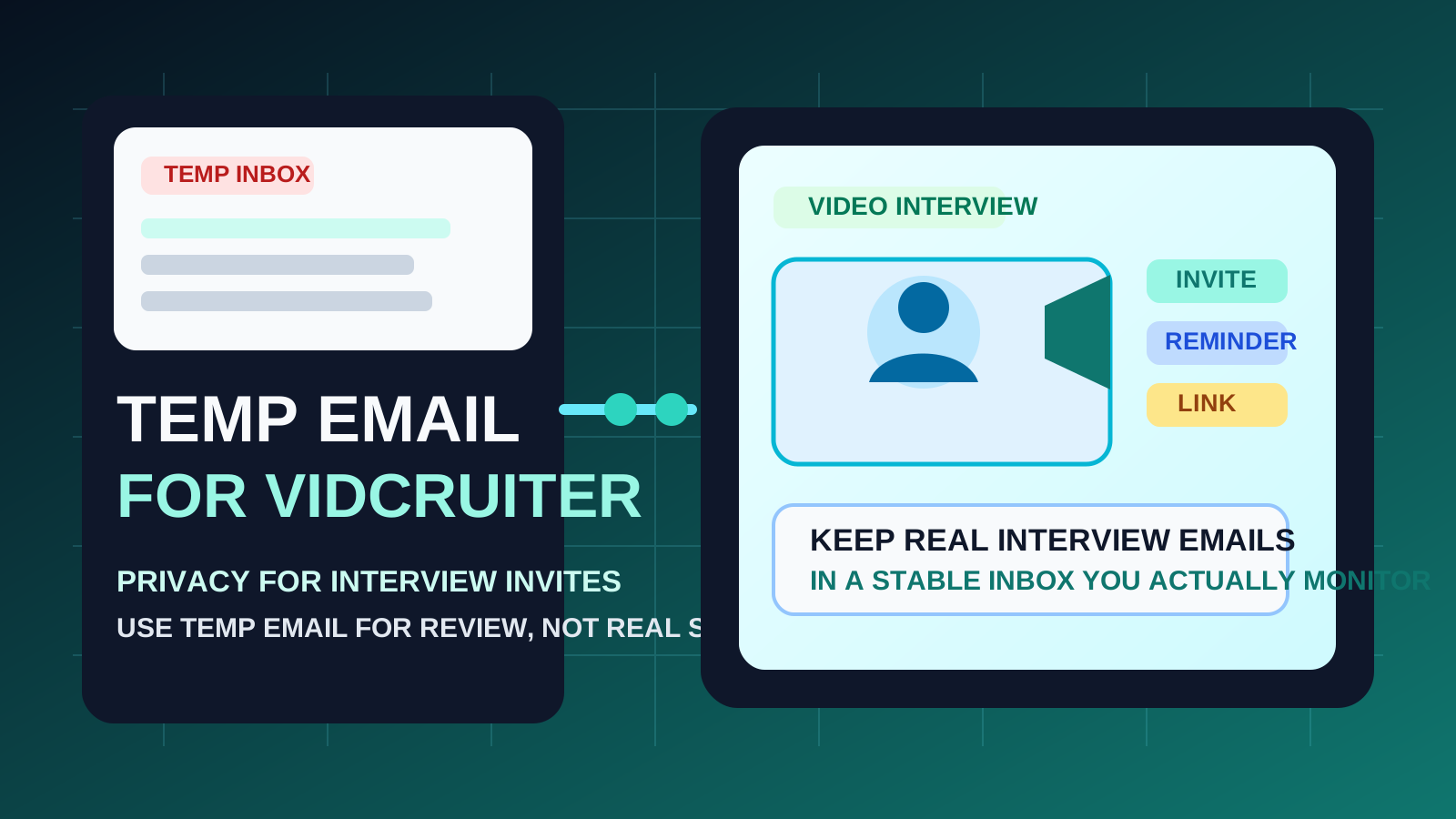
If you are dealing with VidCruiter as a candidate, recruiter, or hiring operations team, the real question is not whether a disposable inbox can receive the first email. It usually can. The better question is whether that inbox still makes sense after the process becomes time-sensitive, collaborative, or important enough that missing one message would create friction.
That is where temporary email can be useful but limited. A service like Anonibox is helpful when you want privacy during low-stakes exploration: checking an unexpected invite, comparing recruiting software vendors, or keeping early-stage signups away from your long-term inbox. It stops being helpful once the email address becomes part of a real hiring workflow.
Why people look for a temp email for VidCruiter
VidCruiter sits close to hiring communication, and hiring communication gets messy fast. Depending on how an organization uses the platform, the inbox tied to it may receive interview invitations, scheduling notices, candidate instructions, reminders, evaluation follow-up, product demo outreach, onboarding messages, or access-related emails later in the process.
That creates two very normal use cases for temporary email:
- Candidates may want to inspect an unfamiliar invite before connecting it to the personal inbox they use for serious job opportunities.
- Recruiters or hiring teams may want to evaluate the software, compare vendors, or test a workflow without sending every trial and sales follow-up message into a main work mailbox.
Those are reasonable privacy goals. The mistake is assuming the same disposable setup that works for first contact will also work well once the process becomes real.
What makes VidCruiter different from a casual signup
A temp inbox works best when the cost of missing a later message is low. VidCruiter is often not that kind of environment. It is closer to scheduling and interview logistics than to a throwaway newsletter or one-time discount code.
Even when the first message feels simple, later emails can matter more than the original signup:
- video interview instructions
- live or recorded interview deadlines
- reminders and reschedules
- candidate status updates
- workspace or team invitations for recruiters
- trial follow-up and account recovery messages
Missing a marketing email is annoying. Missing an interview change, a portal link, or a reminder tied to a real hiring process is expensive. That is why a temp email for VidCruiter is best treated as an early-stage privacy tool rather than a permanent communication plan.
When using a temp email for VidCruiter makes sense
1. You want to inspect an unexpected invite before trusting it
If a company or recruiter you do not fully recognize sends you toward a VidCruiter workflow, using a temporary inbox can help you look at the first message more carefully before tying that interaction to the address you use for real interviews. This is especially reasonable if the role is unfamiliar, the outreach was cold, or you are still deciding whether the opportunity is worth your time.
2. You are evaluating the product as recruiting software
If you are on the employer or operations side and you are comparing interview platforms, a temp email is a clean way to test the first-run experience. You can see how account creation works, how quickly verification arrives, what the onboarding feels like, and how aggressive the follow-up sequence becomes without immediately putting your main business inbox into another vendor funnel.
3. You are separating exploratory job-search traffic from serious interviews
Some job seekers apply broadly at first, then narrow hard once the serious conversations begin. A temporary inbox can help keep low-priority or early-stage workflows out of the stable address you reserve for confirmed interview loops and important employer communication.
4. You are comparing multiple interview or hiring platforms at once
Teams sometimes review several tools in parallel. If you are looking at platforms adjacent to existing Anonibox-covered topics like HireVue or Spark Hire, a temporary inbox can reduce clutter while you compare setup friction, onboarding quality, and the amount of sales follow-up each vendor triggers.
When a temp email for VidCruiter becomes risky
1. A real interview is scheduled
Once you have an actual interview deadline or appointment, reliability should beat privacy. If the process includes reminders, browser checks, updated instructions, or last-minute changes, a disposable inbox is no longer the smart option.
2. The employer or recruiter is clearly legitimate
There is a big difference between screening unknown outreach and continuing with a verified opportunity. Once you know the company is real and the role matters, a stable inbox is usually the safer choice.
3. You need continuity beyond the first message
For recruiters, hiring ops teams, or procurement reviewers, the same rule applies. If the evaluation turns into a real software review, pricing conversation, internal pilot, or shared workspace, the account will probably need long-term continuity. That is a poor fit for temporary email.
4. You may need to log in again later
Account recovery is one of the easiest ways a disposable inbox becomes a liability. If you expect to revisit the account, retrieve access, or hand the workflow to another teammate, choose an address that will still exist when you need it.
5. You are using one throwaway inbox for too many hiring workflows
Temporary email helps when it creates separation. It stops helping when everything — job boards, interview tools, candidate portals, and recruiter outreach — gets dumped into one low-attention inbox. At that point you have recreated the clutter problem in a less reliable place.
A safer workflow that actually works
The most practical setup is staged, not extreme:
- Use temporary email only at the exploratory stage. That is the right moment for first-touch review, vendor testing, or low-stakes screening.
- Read and save the important first messages immediately. If there is a verification link, interview deadline, or useful setup detail, do not leave it buried in a disposable inbox.
- Decide quickly whether the process is becoming real. If yes, switch to a stable inbox before the stakes rise.
- Keep serious hiring communication in an address you actively monitor. That includes reschedules, live interview logistics, final interview loops, workspace invites, and anything you may need days later.
That is where Anonibox fits best: as a privacy buffer during exploration, not as a replacement for dependable communication once the process matters.
Candidate example
Imagine you receive a VidCruiter interview invite after applying to several roles in one week. You are not fully sure which employer it is tied to, and you want to confirm that the opportunity is legitimate before linking it to your primary job-search address. A temporary inbox can help you inspect the first invite and understand the context.
But the moment the employer confirms a real interview or gives you deadlines, the smart move is to shift the conversation to a stable inbox. That keeps reminders, reschedules, and follow-up instructions in a place you actually trust yourself to check.
Recruiter or hiring-ops example
Your team is comparing interview platforms and wants to see how VidCruiter handles trial signup, onboarding, and early product communication. A temporary inbox is reasonable for that evaluation stage. You can measure how clean the setup feels and how noisy the follow-up is without routing every vendor interaction into your main operations mailbox.
If the platform makes the shortlist and turns into a deeper review, pilot, or procurement conversation, switch to a permanent team-controlled email early. Do not wait until access, internal coordination, or account recovery becomes important.
Common mistakes to avoid
- Waiting too long to switch: once the workflow becomes time-sensitive, a disposable inbox is usually the wrong tool.
- Forgetting to save key details: interview instructions, links, and deadlines should be captured right away.
- Using temp email as a substitute for judgment: it reduces inbox exposure, but it does not prove an invite is legitimate.
- Ignoring account recovery risk: if you might need that login later, choose an inbox you will still control.
- Mixing low-priority tests with high-priority interviews: temporary email should create boundaries, not blur them.
Quick checklist: should you use a temp email for VidCruiter?
- Are you only reviewing an invite or testing a workflow, rather than managing a real ongoing interview process?
- Would inbox separation help you avoid clutter or unnecessary vendor follow-up?
- Have you saved any important messages immediately?
- Do you have a stable email ready for the moment scheduling, reminders, or account continuity start to matter?
If the answer is yes, temporary email can be a smart early-stage tool. If the process is already central to an actual hiring decision, a permanent inbox is the safer move.
Final answer
A temp email for VidCruiter is useful at the beginning, not at the center of a serious hiring workflow. It can help candidates review early invites more privately and help recruiting teams test the platform without dumping every trial and follow-up into a permanent inbox.
But once interviews, reminders, account access, or ongoing collaboration matter, switch to a stable address. Used that way, Anonibox gives you the privacy buffer you want during exploration without creating fragile communication once the stakes go up.