Yes, using a temporary email for salary guide downloads can be a smart way to get compensation reports, recruiter playbooks, and hiring-market PDFs without giving every publisher long-term access to your main inbox.
It works best for early research and low-commitment downloads; if a source becomes genuinely useful, move to a stable job-search inbox before you rely on future updates, alerts, or recruiter follow-up.
That distinction matters because salary guides are one of the most common lead magnets in hiring and recruiting. A company promises a fresh salary benchmark, a city-by-city compensation chart, a remote-work pay report, or an annual hiring trend PDF. You enter your email, download the file, and then the real sequence begins: newsletter mail, webinar invites, recruiter check-ins, product promos, and repeat nudges that keep arriving long after you got the one report you wanted.
A temporary inbox gives you a cleaner way to handle that exchange. You still receive the download link and the first useful messages, but you do not automatically turn one curiosity click into months of inbox clutter. For privacy-conscious job seekers and career researchers, that can be a simple improvement with very little downside.
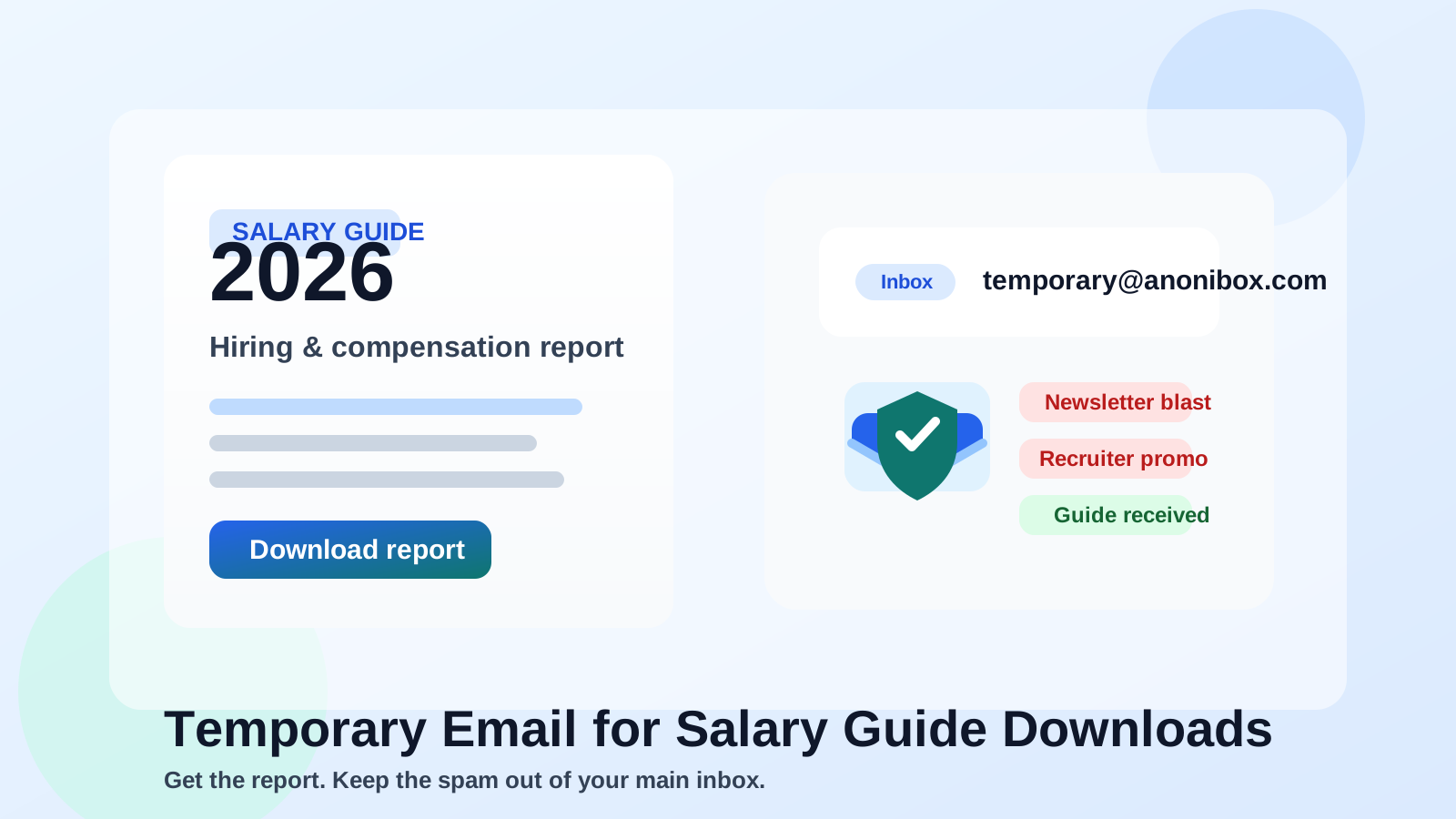
Why salary guide downloads create so much inbox noise
Salary guides rarely exist just to be helpful. They are usually part of a lead-generation funnel. Recruiters, hiring platforms, job boards, compensation software companies, and career brands use them to attract attention and start an email relationship. That is not automatically bad. Some guides are genuinely useful. But it does mean the real product is often the follow-up.
Once you download the guide, you may start getting:
- weekly job-market newsletters
- recruiter outreach framed as “helpful compensation insights”
- event invitations, webinars, and hiring trend sessions
- promotions for premium reports, resume services, or job platforms
- repeat campaigns from related brands or partner lists
If you download guides from several sources while comparing markets, locations, or industries, that follow-up stacks quickly. A temporary inbox is useful because the value of the report is usually immediate, while the email burden is long tail.
When a temporary email makes sense
A temporary address is most useful when the download is informational rather than relationship-driven. Good examples include:
- you want a one-off salary benchmark for a city, role, or industry
- you are comparing several compensation guides from different publishers
- you want to check whether a guide contains real data or just generic marketing
- you are researching quietly and do not want your everyday inbox tied to every download form
- you are exploring a new field and expect most downloads to be low-value after the first read
In those cases, the main goal is simple: get the file, review the data, and decide whether the source deserves more attention. You do not necessarily want a long-term relationship with every site offering a “2026 salary guide.”
When a temporary email is the wrong choice
Not every salary guide is just a PDF gate. Sometimes the source behind the guide is a recruiter, hiring community, or career platform you may actually want to hear from later. If the report comes from a firm you trust, or if you expect ongoing updates to matter, a throwaway inbox can become a liability.
Be more careful when:
- the publisher is a serious target for networking or future roles
- you want updated versions of the guide later in the year
- the download also creates an account you may need to access again
- you expect the same source to send job alerts, recruiter invites, or event access that you actually value
- you are using the guide as the start of a deeper relationship, not a one-time download
In those situations, a separate permanent job-search inbox is usually better than a fully temporary one. You still protect your main account, but you keep continuity for anything important.
The best workflow: temporary first, permanent later if earned
The smartest approach is usually not all-or-nothing. It is staged.
- Use a temporary inbox for first contact. Download the salary guide, confirm the email if needed, and see what actually arrives.
- Judge the source by the first few messages. Did they send the promised guide cleanly, or did they immediately bury you under unrelated campaigns?
- Promote trusted sources to a stable inbox. If the publisher turns out to be useful, move future subscriptions or conversations to a dedicated long-term job-search address.
- Let low-value funnels expire. If the guide was thin, outdated, or just a sales hook, you have lost almost nothing.
This is where Anonibox fits naturally. If you are comparing salary resources, recruiter content, or compensation reports across several sites, using a temporary inbox for the first step lets the source prove its value before it earns a place in your real workflow.
How to use a temporary email for salary guide downloads without missing what matters
1. Know what you are actually trying to get
Before you submit any form, decide whether you only want the PDF or whether you may care about the sender long term. That one decision changes whether temporary email is appropriate.
2. Download and save the file right away
Many salary guides are delivered through a link in the confirmation email. Open it promptly, download the report, and save it locally. Do not assume you will want to revisit the inbox later.
3. Watch the first day of follow-up
The first few messages tell you a lot. A useful source may send an updated chart, a data methodology note, or a relevant industry brief. A low-value source often jumps straight into aggressive nurturing.
4. Separate research from active applications
Compensation research and live job applications should not always share the same communication channel. A temporary inbox is good for research. A dependable inbox is better for interviews, referrals, and employers you seriously want to hear from.
5. Move worthwhile publishers to a dedicated search inbox
If one source repeatedly produces genuinely useful data, subscribe again using a separate job-search address you control long term. That way you keep the value without opening your personal inbox to everyone else.
Practical examples
Here is when temporary email usually works well:
- You want three different software-engineering salary guides to compare how each one treats remote pay bands.
- You are testing whether a recruiting firm’s “salary report” contains real numbers or just generic career advice.
- You want a compensation PDF from a niche hiring newsletter, but you are not ready to join its broader mailing list.
And here is when it is less suitable:
- You are already talking with a recruiter from the same firm that published the guide.
- You want quarterly updates from the same compensation provider.
- You expect the email account to double as access for tools, saved reports, or future event registration.
Common mistakes to avoid
- Using temporary email for everything: not every download is disposable. Some sources become genuinely useful.
- Forgetting to save the report: if the whole point was the file, capture it immediately.
- Mixing serious recruiter communication with throwaway research: a salary guide signup is not the same thing as an active hiring conversation.
- Assuming all follow-up is spam: sometimes the second or third message is where the genuinely useful material appears.
- Giving your main inbox too early: if the relationship is still unproven, your default should be containment.
A quick checklist before you enter your email
- Do I only need the guide once, or do I want long-term updates from this source?
- Would I care if I never heard from this publisher again after today?
- Is this a research download or the start of a real recruiter relationship?
- Would a separate permanent job-search inbox be a better fit than a fully temporary one?
- Am I prepared to save the report immediately and move on?
If your answers lean toward one-off research, a temporary inbox is usually the cleanest option. If they lean toward ongoing value, use a separate permanent inbox instead.
Final answer
Using a temporary email for salary guide downloads is a practical way to get compensation data without turning every curiosity click into a long-term email relationship. It is especially useful when you are comparing multiple reports, testing the quality of a publisher’s content, or protecting your main inbox during a job search.
The key is to match the email type to the level of trust. Use a temporary inbox for low-commitment downloads, and switch to a stable job-search address once a source proves useful enough to deserve future access. That keeps your research flexible, your inbox cleaner, and your privacy more under your control.