Yes, a temporary email generator for antivirus free trials is a practical way to verify the trial, compare security tools, and keep long-term vendor follow-up out of your main inbox. It works best during early evaluation, not for the antivirus account you plan to keep for renewals, billing, device management, or recovery.
Antivirus trials often begin with an email gate: download links, activation prompts, onboarding tips, upgrade offers, renewal reminders, and “your trial is ending” campaigns arrive fast. A temporary inbox gives you a clean place to collect the messages you actually need, while protecting your permanent address until you decide which product is worth a real account.
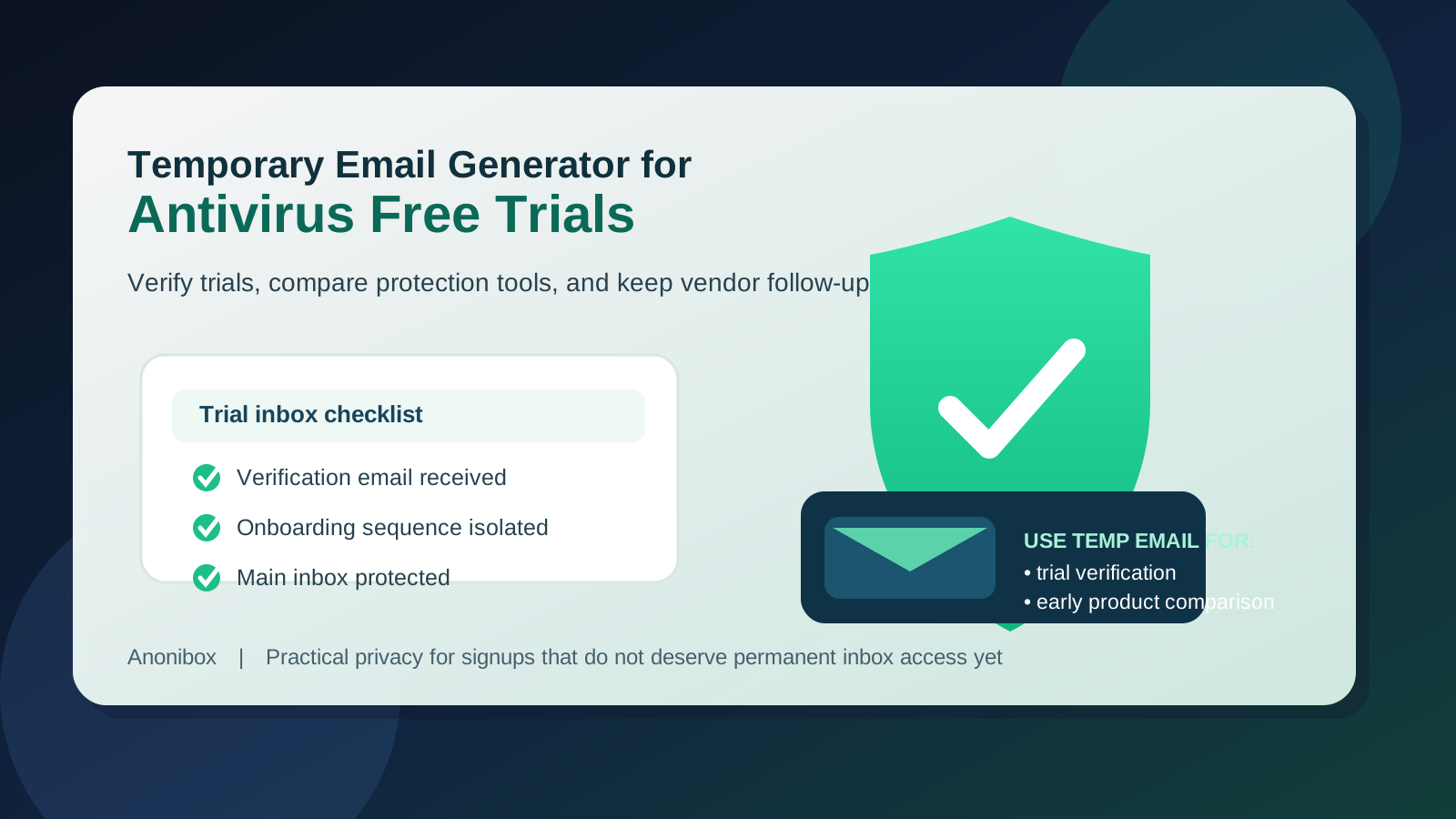
Why antivirus free trials create inbox clutter so quickly
Security software companies have a strong reason to follow up after signup. Antivirus products are subscription businesses, and vendors want to move trial users toward paid plans, device expansion, browser add-ons, identity extras, VPN bundles, and auto-renew upgrades. Even when the product itself is legitimate and useful, the email volume can become annoying if you are testing several tools at once.
That matters because antivirus shopping is often comparison-driven. You may want to install two or three options, compare detection settings, check system impact, review notification behavior, and decide whether a product feels calm and usable or noisy and intrusive. During that phase, you usually need only a handful of emails: the account verification link, the initial download or activation message, maybe one setup guide, and perhaps one reminder that the trial is expiring.
You do not necessarily want every vendor keeping your main inbox in its marketing sequence before you have even chosen a winner.
When a temporary email generator makes sense for antivirus free trials
A temporary inbox is usually a good fit when you are still in the research stage and the account is disposable from a business-process point of view. That includes situations like:
- comparing multiple antivirus products side by side before paying for one
- testing the install and onboarding flow on a spare device or lab machine
- checking whether the free trial is genuinely useful or just a gated demo
- reviewing features such as scans, quarantine controls, web protection, or browser alerts before sharing your permanent email
- keeping promotional follow-up separate from your daily personal or work inbox
If your goal is simply to see how the trial behaves, a temporary address is often enough. Tools like Anonibox are helpful here because they let you receive the verification message you need without turning a quick product test into a long-running marketing relationship.
When you should not rely on a temporary inbox
Antivirus software eventually stops being a casual trial and becomes an account you may depend on. That is the point where a disposable inbox stops being smart.
You should switch to an address you control long term if you plan to:
- buy the subscription
- store payment details
- manage multiple devices or family seats
- save license keys and renewal notices
- recover the account later
- use bundled features like cloud backup, identity monitoring, or password management
In other words, a temporary inbox is good for evaluation. It is not the right home for an account that will protect real devices over time.
How to use a temporary email generator for antivirus free trials
1. Generate the inbox before you start comparing vendors
Create the temporary address first. That keeps each trial neatly isolated and prevents you from casually giving out your primary email just because the signup form is in front of you.
2. Use it for verification and early activation only
Most trial flows need you to confirm the email address or click a download link. That is exactly where a temporary inbox helps. You get the message, verify the account, and move on to the part that matters: testing the software.
3. Judge the product by the product, not the nurture sequence
It is easy to get distracted by polished welcome emails, countdown reminders, or upgrade offers. Try to focus on the practical questions instead:
- How easy was installation?
- Does the interface make sense?
- How noisy are the alerts?
- Does the scan behavior feel lightweight or heavy?
- Are important settings easy to find?
- Does the product push extra bundles too aggressively?
Those answers matter more than whether the marketing emails looked nice.
4. Save the information you actually need
If the trial sends an activation code, download link, or feature summary you want to keep, save it somewhere stable before the inbox expires. Temporary addresses are useful precisely because they are not permanent, so do not assume the message will always be there later.
5. Move the winner to a permanent address
Once one antivirus product makes the shortlist, switch to a long-term email you control. That way billing notices, renewal reminders, device alerts, and recovery steps all go to a place you can rely on.
What to compare across antivirus free trials
If you are using a temporary inbox to compare products, make the comparison worthwhile. Instead of judging trials only by price or brand recognition, look at how the software behaves in practice.
System impact
Does the product feel heavy during scans or updates? A free trial should tell you quickly whether the tool slows your machine down enough to become annoying.
Alert quality
Some products are calm and clear. Others feel like a constant stream of warnings, upsells, and prompts. A trial is the best time to notice that difference.
Feature depth
Check what is actually included during the trial. Some tools expose real protection settings and useful controls. Others mostly showcase premium bundles while limiting the experience.
Cross-device practicality
If you eventually want to cover multiple devices, pay attention to whether account management feels simple or messy. This matters once you move beyond a disposable test account.
Renewal pressure
Some vendors are relatively restrained. Others lean hard on countdowns, upgrade prompts, and bundle nudges. If the sales pressure feels exhausting during the trial, that is useful information.
Benefits of using a temporary inbox for antivirus trials
- Less inbox clutter: you avoid months of marketing from products you never choose.
- Cleaner comparisons: each trial can stay separated instead of blending into your normal email history.
- Better privacy: your permanent address does not have to be shared at the first click.
- Faster testing: you can verify, install, and compare without dragging an early trial into your long-term communications.
Common mistakes to avoid
The main mistake is treating a temporary inbox like a permanent account. That can backfire if you later need license emails, refund notices, or recovery links.
Other common mistakes include:
- signing up for several trials and forgetting which inbox belonged to which vendor
- failing to save the activation message before the temporary inbox disappears
- assuming the trial experience tells you everything about long-term account management
- keeping a disposable email attached after you decide to pay for the product
A simple rule helps: use the temporary inbox during the “should I even consider this?” stage, then graduate to a stable inbox once the product becomes real.
A practical example
Imagine you want to compare three antivirus tools over a weekend. You are not ready to buy, and you do not want three vendors sending you discount ladders, renewal nudges, and cross-sell offers for months. You generate a temporary inbox, use it to verify each trial, collect the onboarding emails, and test the products on a spare machine.
By Sunday night, one product clearly feels best. At that point, you create or switch to an address you plan to keep, attach that address to the winning account, and let the trial inbox go. That workflow gives you the privacy benefit up front without creating future account-management problems.
Final takeaway
A temporary email generator for antivirus free trials is a smart tool for early comparison shopping. It lets you receive verification links and setup messages, compare multiple security tools, and keep your main inbox out of long-running promotional sequences while you decide what is actually worth paying for.
Just keep the boundary clear: temporary inboxes are great for trial access, but a real antivirus subscription deserves a real long-term email account. Use the disposable address for evaluation, save the messages that matter, and switch to a stable inbox once the product is protecting devices you care about.