A temporary email generator for candidate assessment software free trials can help you compare testing platforms without flooding your main inbox with activation links, reminder sequences, and vendor follow-up before any tool has actually earned a place on your shortlist.
Yes — it is useful for early-stage evaluation and side-by-side comparisons. No — it is not the right long-term inbox once real candidate invites, shared team workflows, or account recovery start to matter.
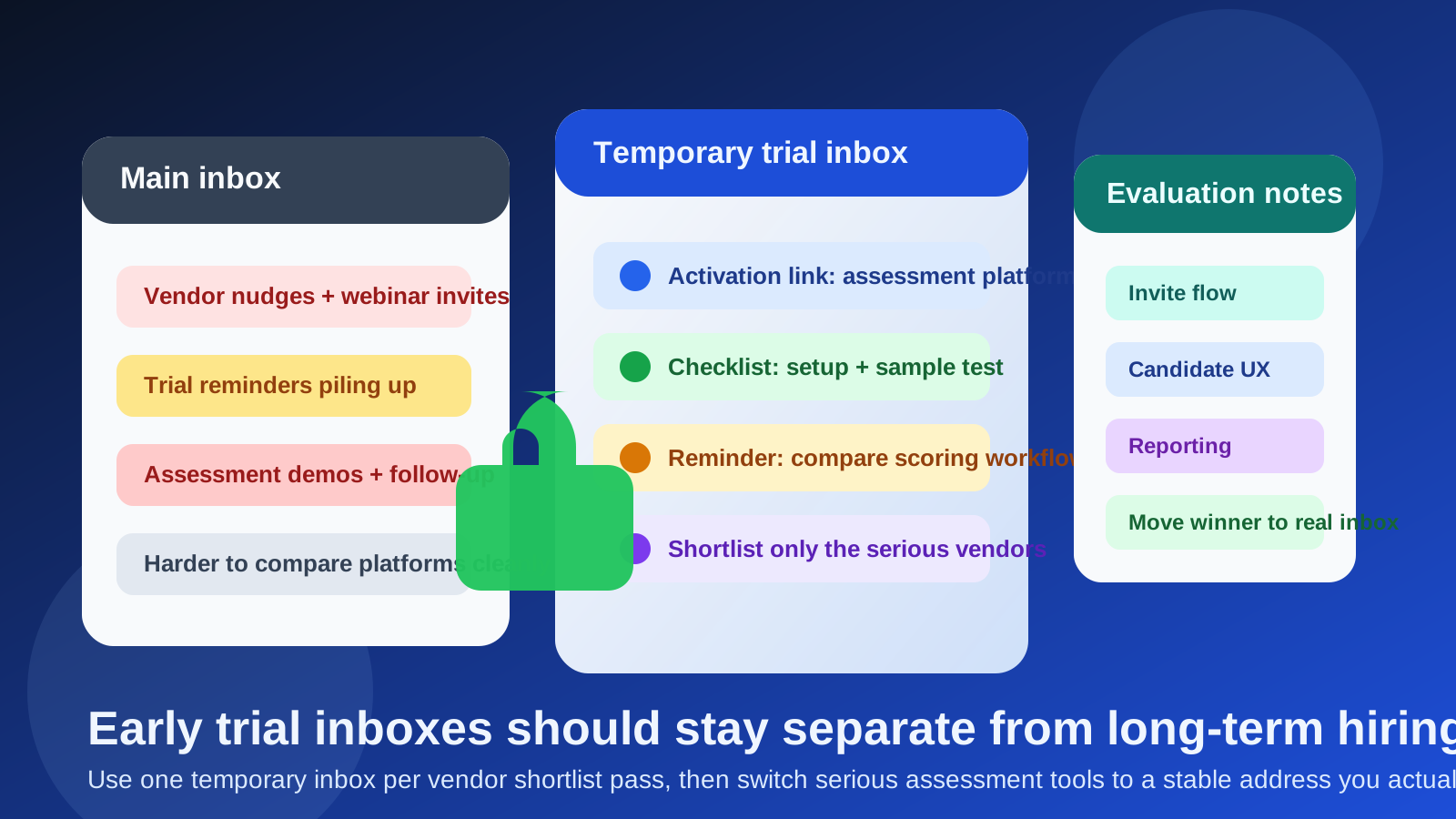
Why this use case matters
Candidate assessment software tends to look simple at the beginning. You open a free trial, verify an email, click through a dashboard, maybe create a sample test, maybe invite one teammate, and then decide whether the tool deserves a deeper review. In practice, though, that trial phase can get noisy fast. Vendors often send activation emails, onboarding prompts, webinar invitations, feature tours, pricing nudges, and “just checking in” follow-up before you have even finished the first walkthrough.
If you are evaluating several assessment tools in the same week, all of that traffic can bury the messages you actually care about. A temporary inbox creates a buffer between your everyday email and the marketing-heavy early phase of software research. It also makes it easier to see which vendors are lightweight and helpful versus which ones immediately turn a simple trial into a long-term inbox commitment.
This is where a service like Anonibox fits naturally. It gives you a controlled inbox for first-pass evaluation, so you can test candidate assessment software without handing every vendor permanent access to the email address tied to your broader work or personal life.
What counts as candidate assessment software?
This category covers tools used to screen or evaluate candidates before interviews or during early hiring stages. Depending on the role, that may include:
- skills testing platforms,
- coding and technical challenge tools,
- cognitive or aptitude assessment software,
- behavioral and personality screening tools,
- job simulation products, and
- structured pre-employment testing suites.
These tools are often evaluated alongside applicant tracking systems, video interviewing software, background check vendors, and scheduling tools, but they have their own trial pattern. Many require account verification, sample assessments, score views, invite templates, and branded follow-up messages early in the journey. That makes them a strong fit for temporary-inbox testing before you move a serious contender into a permanent communication flow.
When a temporary email generator helps most
1. You are comparing several platforms at once
If you are shortlisting multiple assessment vendors, separate inboxes make it much easier to stay organized. You can see which tool sends the activation email fastest, which one buries core setup information under marketing, and which one makes the first experience feel clean and practical.
2. You are still in evaluation mode, not implementation mode
There is a big difference between “we are curious about this tool” and “we are ready to roll this out.” A temporary inbox works best in the curiosity stage. It lets you test the basics without tying your main work address to every product you touch.
3. One person is doing the initial screening
Many software evaluations begin with one recruiter, talent operations lead, founder, or HR generalist doing the first pass. In that case, a temporary inbox can keep the trial self-contained until the product is strong enough to share with a wider team.
4. You want cleaner procurement hygiene
Trial clutter is not just annoying. It can distort your process. When every vendor keeps emailing, following up, and trying to book time, it becomes harder to compare products on substance. A temporary email generator helps keep vendor communication in the “test first, decide later” lane.
What you can safely test with a temporary inbox
For early-stage evaluation, a temporary inbox is often enough to validate the first layer of a candidate assessment product. You can usually assess:
- how fast account creation works,
- whether email verification is required,
- how many messages arrive in the first day,
- how clear the initial setup workflow feels,
- whether sample assessments are easy to launch,
- how transparent the platform is about roles, seats, or limitations, and
- whether the vendor is helpful, neutral, or aggressively sales-driven during trial onboarding.
That is more valuable than it sounds. The way a product handles the first few hours of evaluation often reveals what the broader customer experience will feel like. If a platform creates friction early, it may not become easier once your team is deeper in the tool.
Where a temporary inbox becomes risky
A temporary email generator is a good fit for testing. It becomes a weak fit when continuity matters. Candidate assessment software is often connected to live workflows, and once you cross into that stage, a disposable or short-lived inbox can create avoidable problems.
You should move away from a temporary address when you start doing any of the following:
- sending real candidate invitations,
- building production assessments for active roles,
- adding multiple recruiters or hiring managers,
- relying on password resets or long-term account access,
- reviewing score reports over time, or
- entering procurement, security review, or contract discussions.
At that point, the question is no longer inbox cleanliness. It is operational reliability. A serious evaluation needs a stable address that your team actually monitors and controls long term.
A practical workflow for evaluating candidate assessment software
If you want to use a temporary email generator for candidate assessment software free trials without creating confusion later, use a simple process.
- Shortlist three to five vendors. More than that usually creates noise instead of clarity.
- Create one temporary inbox per vendor. This keeps verification links and follow-up messages separated.
- Log the basics immediately. Note sign-up speed, first impressions, and any friction points.
- Test one realistic workflow. Create a sample assessment, review scoring, and inspect reporting instead of only browsing menus.
- Evaluate candidate experience. Ask whether the invite flow, instructions, timing, and interface would feel reasonable to an actual applicant.
- Promote only the strongest vendors to a real inbox. Once a product becomes serious, move it into a stable business email flow.
This gives you a cleaner, more disciplined process than opening trials casually and then letting every vendor keep access to your everyday mailbox forever.
What to compare during the free trial
Inbox management is only part of the decision. The trial should still focus on product fit. For candidate assessment software, pay close attention to:
- Assessment quality: are the templates credible, relevant, and adaptable?
- Role fit: does the platform actually serve the kinds of roles you hire for?
- Candidate experience: is the invite clear, the timing reasonable, and the interface intuitive?
- Scoring and reporting: can recruiters and hiring managers interpret results quickly?
- Workflow flexibility: can you customize instructions, deadlines, and screening logic?
- Integrations: does the platform work with your ATS, interview tools, or downstream hiring process?
- Team access: can multiple reviewers collaborate cleanly when needed?
A temporary inbox helps you reach this stage without turning your main mailbox into a dumping ground for products that may never make it past the first screen.
Common mistakes to avoid
Using one inbox for every trial
If all vendors share the same inbox, comparison gets messy fast. Separate inboxes or clearly separated trial flows make evaluation cleaner.
Judging only the marketing
A polished onboarding sequence does not guarantee a good product. Use the trial to test candidate flow, reviewer workflow, and reporting quality, not just email polish.
Keeping a temporary inbox too long
The biggest mistake is treating an early-stage evaluation setup like a production setup. Temporary addresses are for filtering and comparison, not for long-term ownership of real hiring activity.
Ignoring candidate experience
It is easy to focus on admin features and forget the applicant side. But the real test is whether candidates can complete the assessment clearly and fairly without confusion.
Opening too many tools at once
Every extra trial adds more emails, more setup, and more mental overhead. A smaller shortlist usually leads to better decisions.
When to switch from temporary to permanent email
The handoff point is simple: switch when the vendor stops being speculative and starts becoming operational. If you are inviting candidates, sharing the account internally, discussing pricing seriously, or relying on future access to reports and workflows, use a permanent business address that belongs in your hiring process.
Think of temporary email as a screening layer, not a forever layer. It helps you protect your inbox and reduce low-value follow-up while you decide what deserves deeper attention. Once a platform becomes real, the communication channel should become real too.
Final answer
Using a temporary email generator for candidate assessment software free trials is a smart move when you are exploring, comparing, and filtering vendors. It keeps trial clutter out of your main inbox, makes side-by-side evaluation easier, and gives you more control over early vendor contact.
The limit is just as important as the benefit: once the product becomes part of a real hiring workflow, switch to a stable email address you control and monitor consistently. That way, you get the privacy and organization benefits of temporary inboxes without creating reliability problems when assessments start affecting real candidates and real hiring decisions.