Yes — using a temporary email generator for digital risk protection software free trials is a smart way to verify a DRP trial and keep early vendor outreach out of your main inbox.
It works best during shortlisting, proof-of-concept signups, and feature comparisons; once a platform becomes serious, switch to a permanent address your team controls.
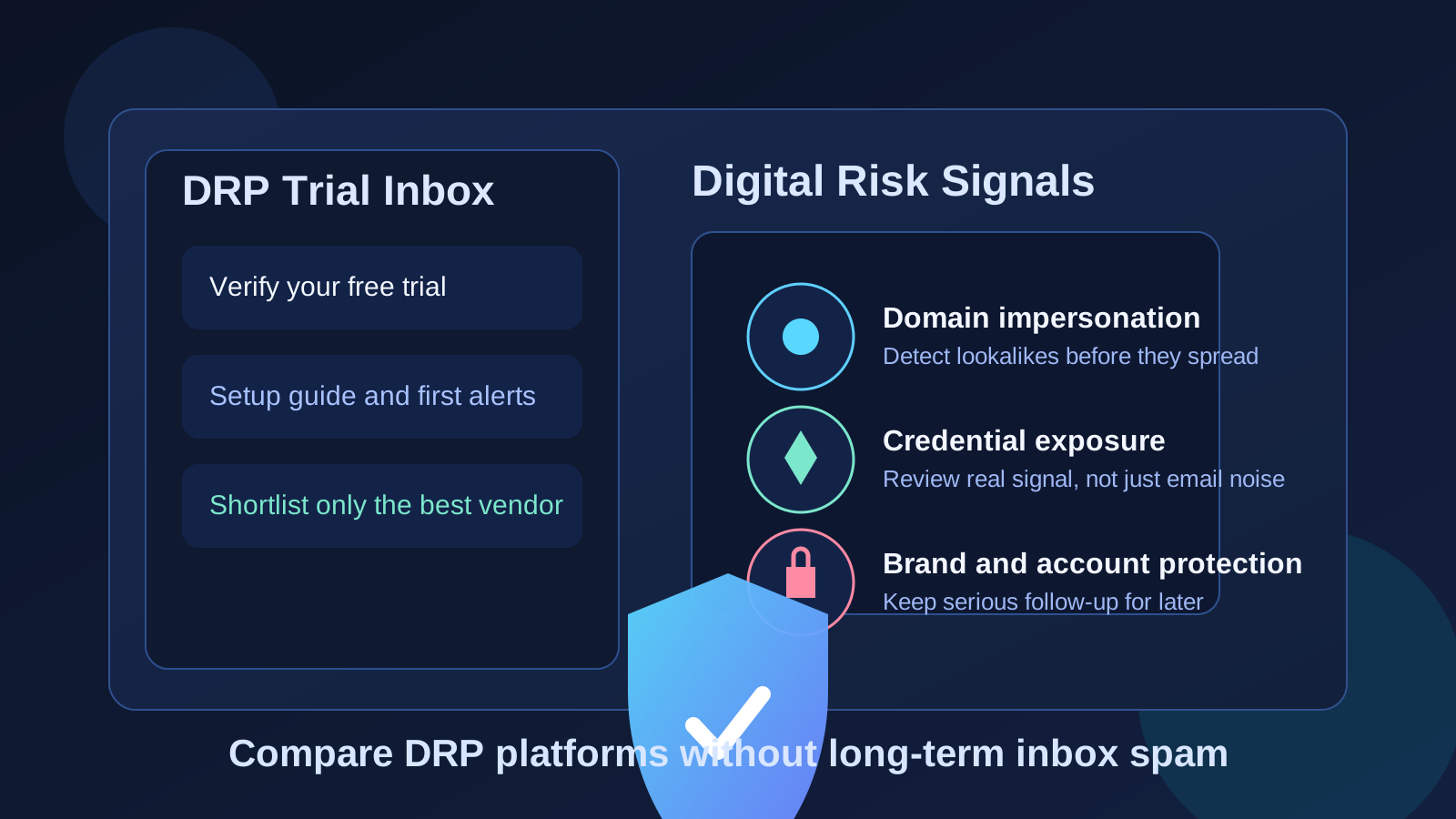
That approach matters because digital risk protection platforms usually sit at the edge of several noisy workflows at once. Vendors want to send onboarding links, threat briefings, executive-summary decks, analyst follow-up, integration guides, and demo reminders almost immediately after signup. If your team is comparing several DRP products in the same week, that can turn one evaluation cycle into a long tail of email you never really asked for.
A temporary inbox lets you collect the messages you actually need at the beginning — account verification, first-login instructions, trial activation details, and maybe a starter checklist — without committing your long-term work address to every platform on day one. That keeps the trial organized and makes it easier to decide which product deserves deeper access, a real stakeholder meeting, and production planning.
What digital risk protection software usually covers
Digital risk protection software is meant to help organizations monitor and reduce exposure across the public internet. Depending on the vendor, that may include brand impersonation, phishing domain monitoring, exposed credentials, fake social profiles, marketplace abuse, leaked data, dark-web chatter, executive impersonation, and other signals tied to external risk. Some platforms go deeper into takedown workflows and analyst support. Others focus on search, alerting, and prioritization.
Because the category touches brand security, privacy, and external visibility, buyers often evaluate multiple tools before involving a bigger internal group. That makes it a very good fit for a temporary-email-first workflow. You can gather enough information to compare coverage, usability, and alert quality before routing everything into a shared security mailbox or a stakeholder distribution list.
Why a temporary inbox helps during DRP trials
- Less long-term sales clutter: DRP vendors often run multi-step nurture sequences after signup. A temporary inbox keeps those messages contained until you know which tools are worth the noise.
- Cleaner product comparisons: when each trial has its own inbox, it becomes easier to track which platform sent the clearest setup instructions, the most useful alerts, or the most aggressive follow-up.
- Lower exposure during early research: your permanent work address does not need to be handed to every vendor before your team has even agreed on a shortlist.
- Faster internal filtering: you can separate “interesting demo” products from “real procurement candidate” products before they reach shared inboxes or leadership threads.
When it makes sense to use a temporary email generator
A temporary inbox is most useful during the earliest stage of evaluation. That includes:
- Signing up for a free trial or self-serve sandbox
- Reviewing a guided product tour or starter onboarding sequence
- Testing search coverage, monitoring categories, or alert examples
- Comparing pricing gates, setup friction, and trial limitations across vendors
- Separating casual research from tools your team may actually buy
If you are just figuring out whether a DRP platform is even relevant to your environment, a temporary inbox is usually enough. It lets you open the product, inspect the workflow, and decide whether the vendor deserves a real conversation.
When you should stop using a temporary inbox
Temporary email is helpful at the start, but it is not the right answer forever. Once a platform moves from “interesting trial” to “serious candidate,” you usually want to switch to a permanent address that your team can monitor. That becomes especially important when:
- You want to invite multiple stakeholders into the evaluation
- You are connecting the tool to real domains, brands, or social assets
- You need formal quotes, legal review, security questionnaires, or procurement follow-up
- You want continuity for analyst discussions, support threads, or incident-related alerts
- You expect the vendor to send deliverables that should live in a durable mailbox
In other words, temporary email is great for the exploration phase. It is a poor fit for ongoing ownership. If a DRP platform earns a place on the shortlist, move it to the mailbox your team expects to use for real vendor management.
How to use a temporary email generator for DRP trials
1. Create the inbox before you start comparing vendors
Do this first, not halfway through the trial. Starting with the temporary address keeps the entire evaluation clean from the beginning.
2. Use it for verification and first-login messages
Most DRP tools gate access behind email verification. That is the perfect use case. You get the link you need without tying your main address to every vendor immediately.
3. Save the messages that actually matter
Keep copies of the useful parts: login instructions, pricing notes, integration prerequisites, or the first platform summary you may want to compare later. Ignore the rest.
4. Evaluate the product, not the nurture sequence
A polished trial email campaign does not mean the platform has good signal quality. Judge the tool by what it actually helps you find and prioritize.
5. Promote only the strongest candidate to a permanent mailbox
When one or two vendors clearly stand out, shift those conversations to the real address your team will use for legal review, procurement, and long-term account ownership. That is the moment a service like Anonibox stops being the main mailbox and becomes a useful filter at the front of the process.
A practical checklist for comparing digital risk protection trials
Once you are inside the product, focus on evaluation questions that matter in real operations:
- Coverage: Does the platform monitor the channels and risk types you actually care about, such as phishing domains, fake social profiles, leaked credentials, or marketplace abuse?
- Signal quality: Are the alerts useful and prioritized, or does the platform overwhelm you with noisy low-confidence findings?
- Investigation workflow: Can analysts quickly move from alert to evidence, context, and recommended action?
- Takedown and remediation: Does the platform only detect issues, or can it also support takedown requests, case tracking, and remediation steps?
- Reporting: Are executive summaries and analyst views both clear enough for their audience?
- Integrations: Can the tool fit into your SIEM, ticketing, case-management, or brand-protection workflow if you proceed?
- Operational fit: Will your team realistically keep using this, or is the workflow too heavy for the value it provides?
These questions matter more than whether a vendor sends six onboarding emails in the first three days. The inbox strategy should make evaluation easier, not become the evaluation itself.
Common mistakes to avoid
- Using one inbox for every vendor: that defeats the point of keeping trial communications organized.
- Forgetting to save important setup details: temporary inboxes are best for short-term use, so keep anything important before it disappears.
- Leaving a serious finalist on a disposable address too long: if the tool is moving toward procurement, switch to a durable mailbox.
- Confusing privacy with secrecy: a temporary inbox is about reducing noise and early exposure, not making exaggerated promises about anonymity or legal protection.
- Letting marketing determine the shortlist: the best DRP platform is the one that matches your actual risk model, not the one with the loudest follow-up campaign.
An example of the workflow in practice
Imagine a security team comparing three DRP vendors after a spike in phishing domain lookalikes and executive impersonation attempts. They are not ready to involve procurement yet. Instead of using the shared security mailbox for all three trials, the team starts each signup with a temporary inbox, captures the verification messages, and spends a day comparing asset discovery, alert quality, and takedown visibility.
Two products feel noisy and generic, so the team lets those inboxes expire and moves on. One vendor surfaces better evidence and a clearer workflow, so that conversation gets promoted to the team’s permanent mailbox for stakeholder review and legal follow-up. That is the real value of the approach: less clutter, faster elimination, and more focus on the tool that actually earned attention.
Final takeaway
A temporary email generator for digital risk protection software free trials workflow is a practical way to compare DRP vendors without inviting every early-stage signup into your long-term inbox forever.
Use a temporary address for verification, onboarding, and first-pass evaluation. Then, when a platform proves useful enough for deeper review, switch to the permanent address your team wants tied to contracts, support, and ownership. That keeps the research phase lightweight while still giving serious candidates the continuity they need.