If you are comparing recruiting schedulers, a temporary email generator for interview scheduling software free trials is a practical way to verify accounts, test workflows, and keep vendor follow-up out of your main inbox.
It works best for first-pass evaluation. Once a platform is going to handle real candidates, shared calendars, or team ownership, switch to a permanent work address you actually intend to keep.
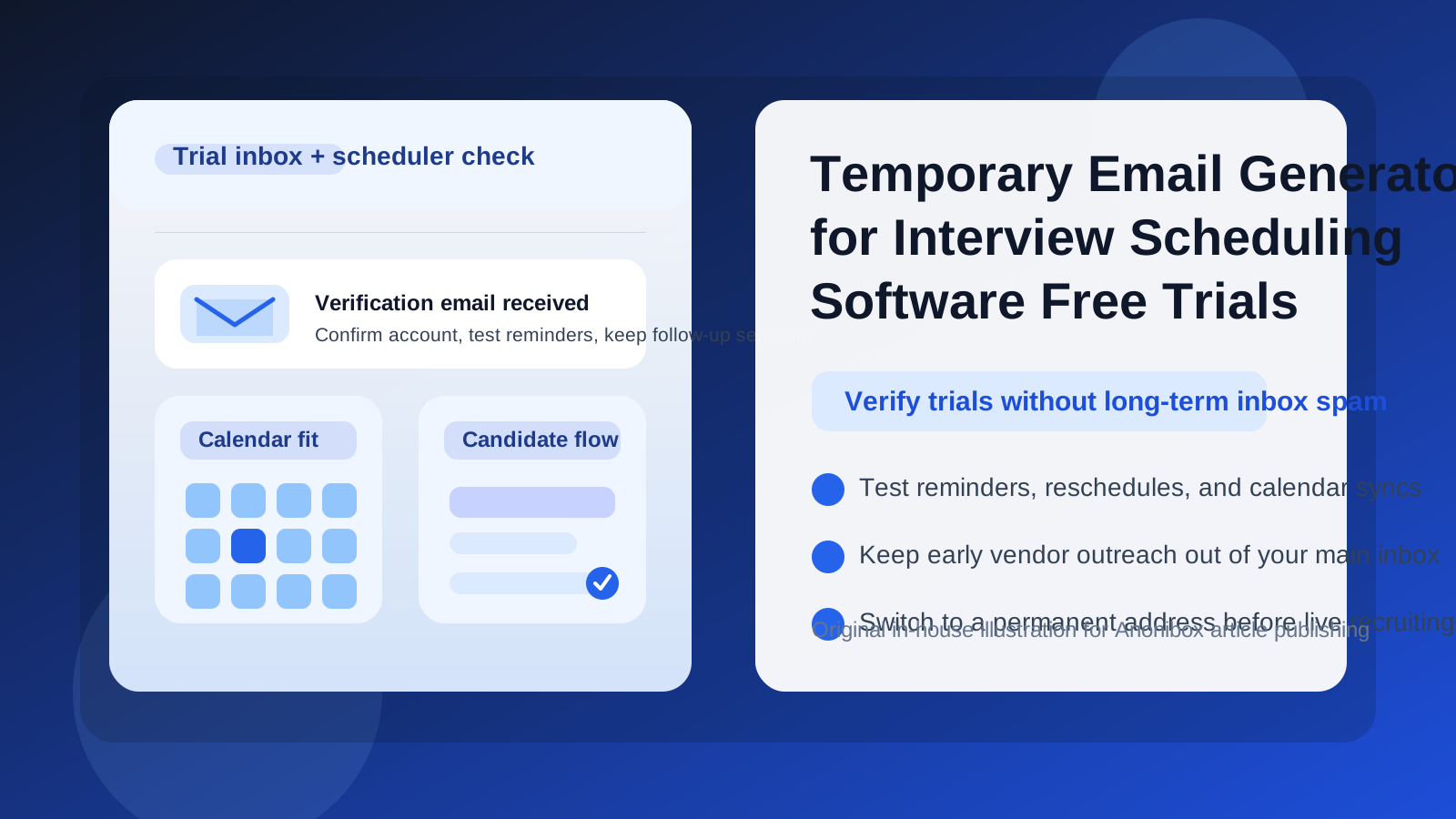
Why this workflow makes sense
Interview scheduling tools usually sit behind email-gated trials. Before you can test booking links, panel coordination, reminders, reschedules, interviewer availability, or calendar syncing, you often need to create an account and verify it by email. That part is normal. The problem is what comes next: welcome sequences, product tips, webinar invites, “book a demo” nudges, pricing outreach, and regular follow-up from every vendor you touched during research.
If your team is evaluating multiple tools at once, that noise adds up fast. A temporary inbox gives you a clean lane for the trial itself without immediately committing your main work address to every marketing and sales sequence. You still get the verification email and early onboarding messages you need, but you keep the messy first-pass comparison stage separate from your real long-term communication channel.
When a temporary email is useful for interview scheduling trials
- Comparing several scheduling platforms before deciding which one deserves a deeper demo
- Testing candidate self-scheduling flows without mixing trial emails into your normal recruiting inbox
- Reviewing onboarding, reminder templates, and calendar-connection prompts during early research
- Checking whether the product actually solves coordination pain before talking to sales
- Keeping exploratory trials separate from the mailbox your hiring team uses every day
This is especially useful when you are still asking basic questions like: Does the scheduler handle multi-interviewer loops well? Can it prevent double-booking? Is the time zone handling reliable? Are reschedule flows clear? Does it play nicely with your calendar stack and ATS?
When you should not keep using a temporary inbox
A temporary inbox is best for the evaluation stage, not for permanent ownership. Once the tool becomes a serious finalist, you should move to a stable address your team controls. That matters even more if the platform will store live interview schedules, integrate with a production ATS, send candidate reminders, or be used by multiple recruiters and coordinators.
In other words, use a temporary inbox to reduce early noise, not to avoid having an accountable owner. If the product is going to touch real candidate communication, shared workflows, or contractual billing, that handoff to a permanent email should happen before real operations begin.
How to use a temporary email generator for interview scheduling software free trials
1. Create the inbox before you sign up
Start with the separate inbox first so the entire evaluation stays contained from the beginning. If you use a tool like Anonibox for this stage, keep a small note with which inbox belongs to which vendor so you can track verification links and welcome messages without confusion.
2. Use it only for trial activation and early product exploration
The temporary address is ideal for account verification, initial setup, first-run onboarding, and basic feature checks. It is not the right place to anchor a production recruiting workflow or long-lived shared ownership.
3. Capture the messages you actually need
In many trials, only a few emails matter right away: the verification link, a getting-started guide, maybe a reminder-test email, and sometimes an integration or calendar-connection notice. Save the useful messages, ignore the rest, and focus on the product experience.
4. Test the real scheduling workflow, not just the signup
A lot of tools look polished in the first five minutes. The real evaluation begins when you simulate the messy parts of scheduling: back-and-forth availability, reschedules, group interviews, interviewer conflicts, recruiter handoffs, and candidate reminder timing. That is where the good products separate themselves from the merely decent ones.
What to evaluate inside the trial
Candidate experience
Does the booking flow feel simple and trustworthy? Can a candidate choose times without creating an account? Are confirmations clear? Is rescheduling easy, or does the process create extra friction? If you are hiring at scale, tiny usability issues can create avoidable drop-off.
Interviewer coordination
Look at panel support, round-robin rules, interviewer availability logic, buffer settings, and conflict prevention. The best tool is not the one with the prettiest dashboard. It is the one that helps your team avoid coordination mistakes and manual chasing.
Calendar behavior
Calendar sync is one of the easiest places for a trial to look fine on the surface and fail in daily use. Check how the platform handles blocked time, tentative holds, reschedules, time zones, and last-minute changes. If interview scheduling software cannot manage calendar reality, it does not matter how nice the rest of the interface looks.
ATS and workflow fit
Even during an early trial, pay attention to how the scheduler is supposed to fit beside your ATS, recruiting CRM, or candidate communication process. Does it seem built for the kind of hiring motion you actually run, or does it assume a workflow that would force your team into awkward workarounds?
Notifications and follow-up
Because this article is about temporary inboxes, notifications deserve extra attention. Review confirmation emails, reminders, cancellation messages, and organizer notices. Are they readable? Do they feel too generic? Would they be acceptable for real candidate communication later on? A trial should show you whether the system is operationally solid, not just feature-rich.
A practical comparison checklist
If you are testing more than one vendor, compare them on the same handful of criteria:
- How fast was signup and verification?
- How clear was the first-use setup?
- How well did the candidate booking page work?
- Could you test reminders and reschedules easily?
- How well did the tool handle multiple interviewers or calendar conflicts?
- Did the onboarding emails help, or were they mostly sales pressure?
- At what point would you need to move from a temporary inbox to a permanent team address?
This kind of structured comparison is where temporary inboxes help most. Each vendor stays in its own lane, and your main mailbox stays free for the tools that actually make the shortlist.
Common mistakes to avoid
- Keeping the temporary inbox too long: once the tool becomes a real contender, move ownership to a permanent address.
- Testing only the signup: the real value is in reminder behavior, reschedules, time zones, and interviewer coordination.
- Ignoring team workflow: a scheduler may look great for one recruiter and still fail for a multi-user hiring team.
- Judging the vendor by the email campaign: marketing sequences are not the same thing as product quality.
- Forgetting to save important trial messages: verification links and setup notes are useful; random nurture emails usually are not.
Should you use a temporary inbox for every recruiting tool trial?
Not automatically. If you already know you want a full demo and expect the trial to turn into a real pilot, starting with a permanent work address may be simpler. But if you are exploring several options, trying to protect your main inbox, or just want a low-friction first look before sales engagement, a temporary inbox is a smart filter.
The goal is not to be evasive. It is to keep early research tidy. That way you can compare scheduling workflows, notification quality, calendar behavior, and recruiter coordination without turning a normal evaluation process into weeks of extra inbox clutter.
Final takeaway
A temporary email generator for interview scheduling software free trials is a useful first-step workflow for recruiting teams that want to compare tools without absorbing every vendor’s long-tail follow-up into their main mailbox. Use it to verify the trial, test scheduling flows, and judge whether the platform actually reduces coordination work.
Then, if a product proves itself, switch to a stable team-owned address before you involve live candidates, shared calendars, or production recruiting operations. That gives you the best of both worlds: a cleaner evaluation process up front and a more accountable setup when the tool starts to matter.