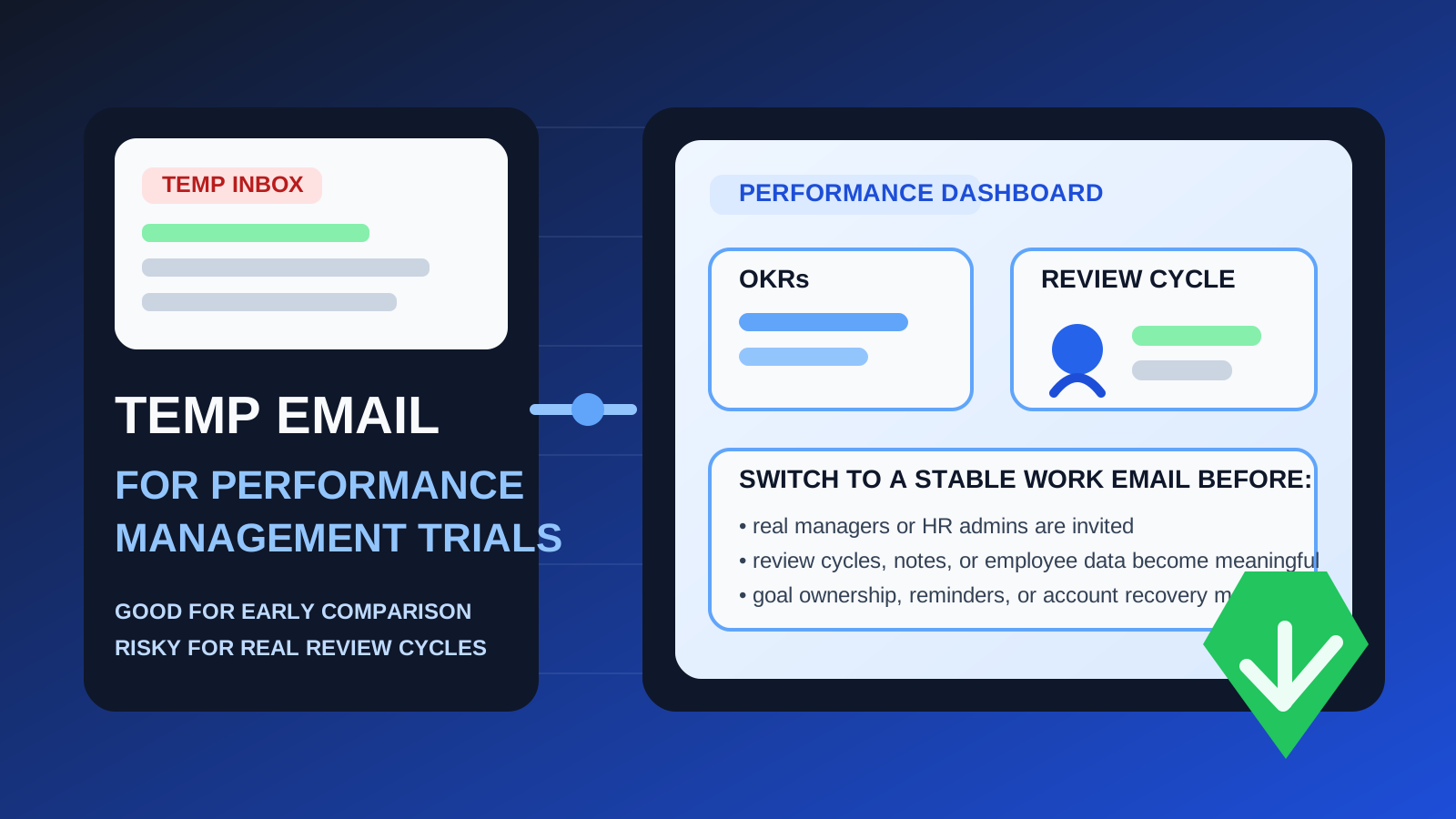
Yes, using a temporary email generator for performance management software free trials can be a smart way to compare review, feedback, and OKR platforms without giving your main work inbox to every vendor too early.
It stops being a smart choice once the account starts holding real manager access, employee review cycles, goal data, or recovery responsibility.
That is the practical answer behind this keyword. Teams researching performance management tools often want to compare a few platforms, open the trial, verify the account, explore templates, and see how the workflow feels before they commit to a sales conversation or hand over a permanent team inbox. That is reasonable.
The problem is that performance management software can become operational faster than people expect. One moment you are just checking the admin dashboard. A few days later you may be testing review cycles, inviting managers, loading sample teams, examining goal alignment, or comparing how different platforms handle 1:1 notes and performance documentation. At that point, the inbox behind the account matters more than it did during signup.
A temporary address is most useful during the short research phase. It helps you capture the verification email, the welcome sequence, and the first setup links without letting every vendor turn your main inbox into a months-long nurture campaign. A tool like Anonibox can help create that buffer while you decide whether a platform deserves deeper attention.
But if the trial starts becoming a real pilot, a shared internal evaluation, or the beginning of a real performance process, the account should move to a stable work-owned address before the platform becomes sticky.
Why this category is a good fit for temporary inboxes
Performance management vendors rarely stop at one confirmation email. Sign up for a few free trials and you may quickly collect onboarding sequences, webinar invites, benchmarking content, buyer guides, meeting requests, setup reminders, and “can I show you one feature?” follow-ups. That is normal from their side, but it creates noise on yours.
A temporary inbox is useful because it gives you:
- a clean evaluation lane for one product or one round of trials
- fewer distractions in your main work inbox
- better separation between casual research and tools your team may actually adopt
- an easier way to compare vendors without mixing trial emails into everyday HR, people-ops, or leadership communication
That is especially helpful if you are reviewing several kinds of tools in the same cluster, such as review platforms, OKR tools, employee feedback systems, manager effectiveness platforms, or broader people-management suites.
When a temporary email makes sense during a free trial
You are still building a shortlist
If your real goal is simply to narrow options, a temporary inbox is a sensible move. You do not yet know which platform deserves a deeper pilot, so there is no reason every vendor needs your permanent team address from minute one.
You only need access to the first-run experience
Sometimes the early questions are basic: Is the interface understandable? Do review templates look configurable? Is goal tracking clear? Can you tell whether the product is built for managers, HR, or executives? A disposable inbox is fine for that stage.
You are evaluating alone or with a very small internal circle
The approach is safest when one person or a very small evaluation group is exploring the product without inviting a wider set of stakeholders or loading anything real into the account.
You want to prevent sales follow-up from overwhelming your main inbox
This is one of the most practical reasons. Early software research creates marketing gravity. If you are not ready for procurement conversations, separating those emails can keep the evaluation process much calmer.
When the disposable approach starts to break down
Performance management tools are not like signing up for a one-off newsletter. They often become tied to people data, shared workflows, and recurring cycles. That is where a temporary inbox becomes risky.
1. Manager and admin ownership matter quickly
Even in a trial, somebody becomes the practical owner of the workspace. That person controls settings, permissions, notifications, templates, and often the first evaluation structure. If the account owner lives behind a throwaway inbox, future administration becomes more fragile than it needs to be.
2. Review cycles can stop feeling “temporary” fast
Once you start mapping a real review cycle, testing manager sign-off flows, or comparing self-review and calibration options, the account is no longer just a disposable experiment. It may still be a trial, but it is already holding decisions and structure that matter.
3. Goal and OKR testing can create real internal dependency
Many teams use free trials to see whether the goal-setting workflow is practical. The moment leaders or managers start entering real objectives, owners, or progress notes, the workspace becomes more important than the original signup choice suggested.
4. Recovery and handoff become harder later
Password resets, suspicious-login warnings, email verification prompts, and ownership transfers all depend on the account email. These issues usually appear after the platform has become useful, not before. That is why the original shortcut can become annoying at exactly the wrong time.
5. Shared evaluations need a durable home
If HR, people ops, department leads, or executive stakeholders are all looking at the same workspace, the owner inbox should already be something the organization can maintain. Disposable access and shared evaluation do not mix well for long.
A simple rule that works well
Use a temporary email only while the account is temporary in every other sense too.
If you are simply testing the signup flow, product layout, and first impression, a temporary inbox can be efficient. If the workspace may turn into a real pilot, a team comparison, or a serious vendor finalist, move it to a stable work-controlled email before that transition happens.
That keeps the privacy benefit while avoiding the most common account-ownership messes later.
How to use a temporary email generator for performance management software free trials safely
1. Decide what kind of test you are running
Before you sign up, answer one question honestly: is this just a first-pass comparison, or is there a real chance the account becomes your team’s pilot workspace? If it is first-pass research, a temporary inbox is fine. If the answer is probably yes, begin with a durable email instead.
2. Keep the first session focused
Do not let the vendor’s email sequence define your evaluation. Go in with a short checklist such as:
- Can you create and manage review cycles without confusion?
- Are goals and OKRs visible in a way managers will actually use?
- Can admins control permissions cleanly?
- Do feedback requests, 1:1 notes, or check-ins feel practical?
- Is reporting good enough for managers, HR, and leadership?
That kind of focused test helps you stay objective and keeps the account temporary if the platform does not make the shortlist.
3. Avoid loading real employee data too early
If the inbox behind the account is disposable, treat the workspace as disposable too. Use sample teams, placeholder names, or tightly controlled test structures rather than anything that could become operationally important.
4. Save the few emails that actually matter
During early evaluation, you usually only need a handful of messages: the verification email, the login link, maybe a setup guide, and possibly an onboarding checklist. Capture those quickly and spend the rest of your time inside the product, not buried in follow-up campaigns.
5. Move to a stable address before inviting real stakeholders
This is the most important step. If your shortlist gets serious and managers, HR, or leadership want access, switch to a stable work-owned email before the platform becomes a shared system. That timing prevents most later cleanup.
What to evaluate during the trial besides the signup flow
The point of using a temporary inbox is not just privacy. It is to create space for a better product evaluation. Once you are in the trial, focus on the things that actually drive the purchase decision.
Review workflow depth
Can the platform handle self reviews, manager reviews, peer input, approvals, calibration, and reminders in a way that fits your organization? A polished homepage matters far less than a usable review workflow.
Goal setting and alignment
If the product positions itself around OKRs or performance goals, look closely at how goals are assigned, updated, rolled up, and reported. Many tools look similar in a demo but feel very different when you try to manage a real cadence.
Permissions and role clarity
Performance tools usually touch sensitive conversations. Check whether admin roles, manager access, employee visibility, and workflow ownership are all easy to understand. This is exactly why a long-term owner email matters.
Reporting and exports
Can your team get meaningful data out of the system? Dashboards are nice, but practical exports, review-status visibility, and leadership-ready summaries often matter more during final selection.
Notification quality
Since these platforms depend heavily on reminders, pay attention to how the product communicates. Too little guidance creates confusion. Too much automation becomes noise. A good trial shows whether the platform can support a healthy review rhythm instead of creating inbox fatigue.
Signs it is time to stop using the disposable inbox
Switch to a permanent address if any of these become true:
- the tool is now a real finalist
- you want multiple stakeholders in the same workspace
- you are testing real review cycles or goal structures
- the account may hold real employee or manager information
- you would be annoyed if a password reset depended on an inbox you no longer controlled
At that point, the account has crossed the line from temporary research to meaningful system evaluation.
Common mistakes to avoid
Letting the trial account quietly become the production account
This is the classic error. The team signs up quickly, likes the product, keeps using the same workspace, and only thinks about inbox ownership later when a problem appears.
Using the temporary inbox to avoid making a real owner decision
A disposable inbox is useful for privacy and inbox hygiene. It is not a substitute for deciding who in the organization should own a serious evaluation or pilot.
Adding real stakeholders before the account is stabilized
If managers or HR leaders are now involved, the owner email should already be durable. Shared evaluation raises the stakes immediately.
Judging the tool by the email campaign instead of the product
Vendors will email. That is part of the category. Use the temporary inbox to contain the noise, then evaluate the actual review and goal workflow rather than the quality of the nurture sequence.
Final takeaway
A temporary email generator for performance management software free trials is a practical way to protect your main inbox while you compare review, feedback, and OKR platforms in the early research stage.
It becomes the wrong long-term setup once the account starts touching real manager access, employee data, goal tracking, or recovery responsibility. Use the temporary inbox to explore, verify, and compare; then move to a stable work-owned address before the platform becomes part of a real performance process.
That gives you the privacy and inbox-control benefits of a disposable signup without letting a small shortcut become a bigger ownership problem later.