A temporary email generator for workflow automation software free trials lets you verify signups, compare automation platforms, and keep vendor follow-up out of your main inbox during early testing. Use a temporary inbox for confirmation emails and first-day onboarding, then switch to your real work address only when a platform makes your shortlist.
That approach works well for workflow automation tools because even a short trial can trigger welcome emails, template recommendations, integration prompts, webinar invites, pricing nudges, and repeated demo requests. If you are testing several vendors at once, separating those messages from your daily work inbox makes the evaluation cleaner and easier to manage.
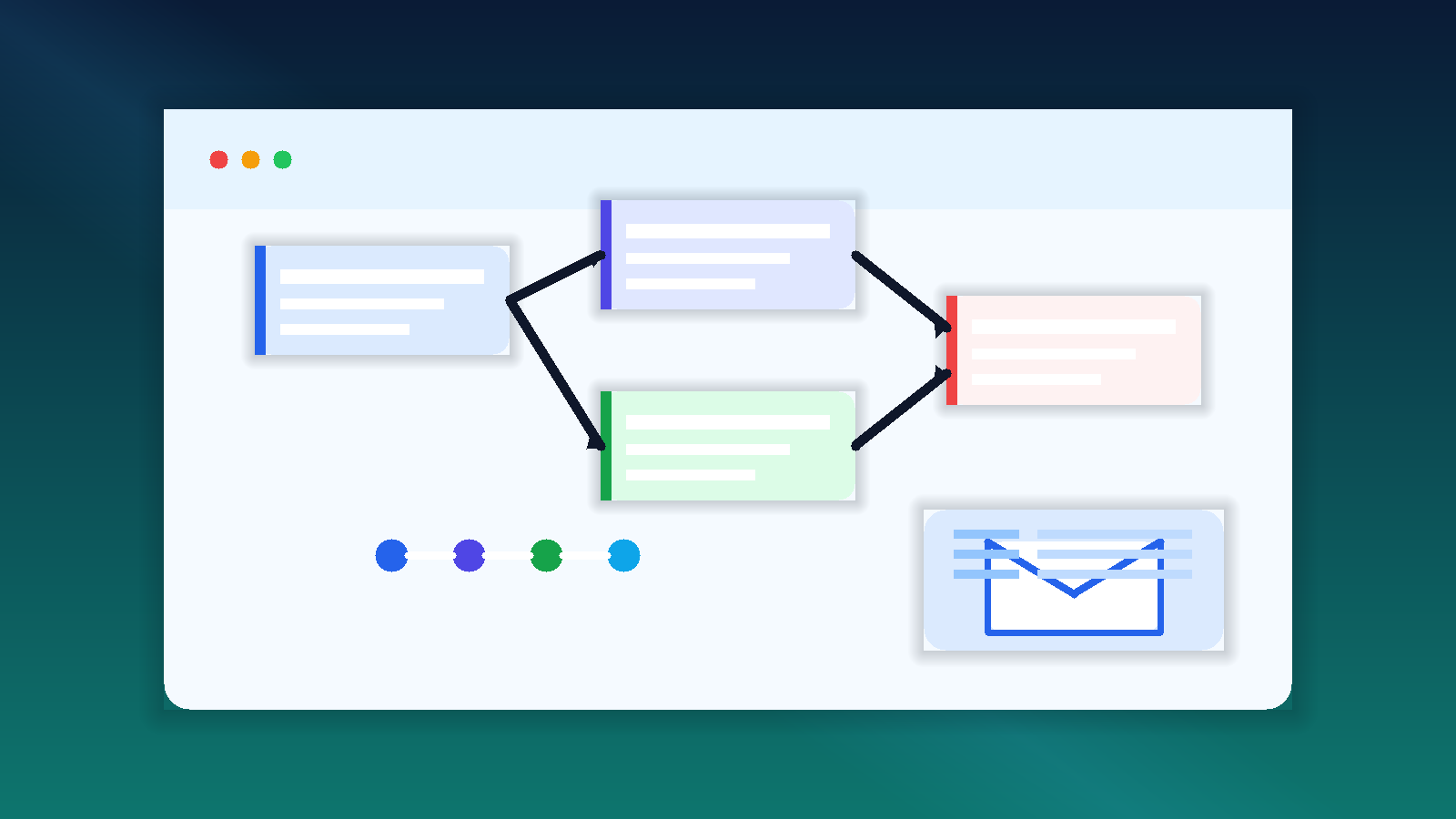
Why workflow automation free trials can flood your inbox
Workflow automation software usually sits at the center of other tools. Vendors know buyers are thinking about approvals, alerts, ticket routing, lead handoffs, finance workflows, onboarding sequences, and integrations with the rest of their stack. Because of that, the free trial is rarely just a simple account activation. It often comes with setup walkthroughs, integration suggestions, template galleries, use-case emails, comparison sheets, and fast follow-up from sales.
That is not automatically a problem. The issue is volume. If you sign up for several platforms in the same week, your main inbox can fill with messages from products you are only testing once. A temporary inbox gives you a clean buffer for the early stage so you can focus on building and comparing workflows instead of sorting through long-term nurture campaigns.
When a temporary inbox makes sense for workflow automation evaluations
- You are comparing multiple platforms side by side. Maybe you want to see how different tools handle multi-step workflows, logic branches, approvals, and integrations before you talk to sales.
- You only need first-pass access. Early on, you usually just need the verification email, the welcome message, and the first setup instructions.
- You are still validating fit. If you are not sure whether you need no-code automation, low-code orchestration, or basic trigger-action workflows, a temporary inbox keeps exploration lightweight.
- You want less vendor follow-up. A trial can be useful even when a product never reaches your shortlist. Your inbox does not need to carry that decision forever.
- You are doing internal research for a team. Temporary inboxes make it easier to isolate each test while you take notes on reliability, pricing, and workflow depth.
How to use a temporary email generator for workflow automation software free trials
1. Create the inbox before you start signing up
Generate the address first so the entire evaluation stays separate from your normal email. That way the activation link, product tour, and any follow-up messages all land in one place instead of mixing with customer conversations or internal work.
2. Use one inbox per vendor or evaluation batch
If you are comparing only two or three tools, one temporary inbox per vendor can make your notes cleaner. If you are reviewing a larger batch, use separate inboxes for each evaluation round. The goal is simple: make it obvious which messages belong to which product.
3. Save the messages that actually matter
Most trials only require a few important emails: the verification link, initial login details, security notices, maybe an integration checklist, and sometimes a template or onboarding guide. Save those and ignore the rest. If a product becomes a serious finalist later, move the account to your permanent work email.
4. Judge the platform by the workflow, not the marketing
A polished onboarding sequence does not mean the automation product is the right fit. Use the trial to answer practical questions:
- Can non-technical teammates build and edit workflows without constant help?
- How clearly does the tool show triggers, conditions, retries, and failure states?
- Are approvals, human handoffs, and exception paths easy to model?
- Do integrations feel broad and useful or mostly superficial?
- Can you audit what happened after a workflow runs?
- Does pricing change sharply once you exceed task, run, or connector limits?
What to compare during a workflow automation free trial
Workflow automation platforms can look similar on a landing page and feel very different in actual use. A temporary inbox helps you enter the product cleanly, but the real value comes from comparing the right things once you are inside.
Connector quality and setup friction
Many vendors promise hundreds of integrations. That sounds impressive, but raw connector count is not the same as practical coverage. Test the specific systems your team already uses. A trial is only useful if the product can connect to your CRM, help desk, forms, spreadsheets, messaging tools, storage, or internal apps with a reasonable amount of setup effort.
Logic depth
Simple trigger-action workflows are common. The harder question is what happens when a workflow needs branches, approvals, delays, fallback rules, formatting steps, human review, or exception handling. If you expect real business processes rather than toy automations, test those paths early.
Error handling and observability
Broken automations create silent problems. Look for clear logs, retry controls, failure alerts, and ways to inspect what happened step by step. A platform that is easy to launch but hard to troubleshoot can become expensive later.
Permissions and governance
Workflow tools often touch customer data, finance actions, or internal approvals. During a trial, check whether the platform supports role controls, audit trails, shared ownership, and basic governance. That matters even in early evaluation, especially if several people are collaborating on the same automation.
Template usefulness
Templates can accelerate testing, but they should not distract you. Good templates help you understand the product’s structure. Bad templates just create noise. Use them as shortcuts, not as proof that the platform is ready for production.
When to switch from a temporary inbox to your real work email
A temporary inbox is best for the early stage: verification, first login, and basic product exploration. Once a platform becomes a real contender, switch to the email address your team wants tied to procurement, security review, and long-term ownership.
That handoff point usually happens when one or more of these are true:
- You need team invites or shared admin access.
- You want a deeper demo or technical workshop.
- You are moving into security, procurement, or legal review.
- You need the vendor to connect the trial to a real implementation discussion.
Until then, keeping the trial in a temporary inbox reduces clutter and limits unnecessary exposure of your main address. If you already use Anonibox for quick signups and one-off evaluations, this is exactly the kind of workflow where it helps most.
Common mistakes to avoid
- Using one inbox for every vendor forever. That makes messages harder to track and reduces the benefit of clean comparisons.
- Forgetting to save important setup emails. Temporary inboxes are useful because they are lightweight, so capture any account details you may need later.
- Evaluating only the easy demo workflow. Test the approval chain, the exception path, and at least one real integration.
- Letting sales cadence shape your opinion. The platform that emails you the most is not necessarily the platform that automates best.
- Staying on a disposable address too long. Once a tool becomes a serious finalist, move it to the permanent account your team will actually manage.
A practical checklist for comparing workflow automation trials
- Create a fresh temporary inbox before signup.
- Verify the account and save the activation email.
- Build one simple workflow and one multi-step workflow.
- Test at least one real connector your team cares about.
- Review logs, retries, and error messages.
- Check user permissions and collaboration controls.
- Compare run limits, connector limits, and pricing triggers.
- Move only the serious finalists to your real work email.
Final takeaway
A temporary email generator for workflow automation software free trials is a practical way to keep early product research organized. You still get the verification emails and setup instructions you need, but you avoid filling your main inbox with long follow-up sequences from every platform you test.
For automation buyers, that small habit pays off quickly. It keeps your evaluation cleaner, makes side-by-side comparisons easier, and helps you focus on the features that matter: integrations, logic, reliability, governance, and cost. Use a temporary inbox for early access, switch to your permanent work address when a product becomes a real finalist, and let the software earn a place in your stack before it earns a permanent place in your inbox.