If you want to explore Bumeran without giving your main inbox permanent exposure right away, using a temp email for Bumeran is a sensible first step.
Yes, it can help you verify your account, test job alerts, and separate early recruiter traffic from serious applications — as long as you switch to a stable email once a real opportunity starts moving.
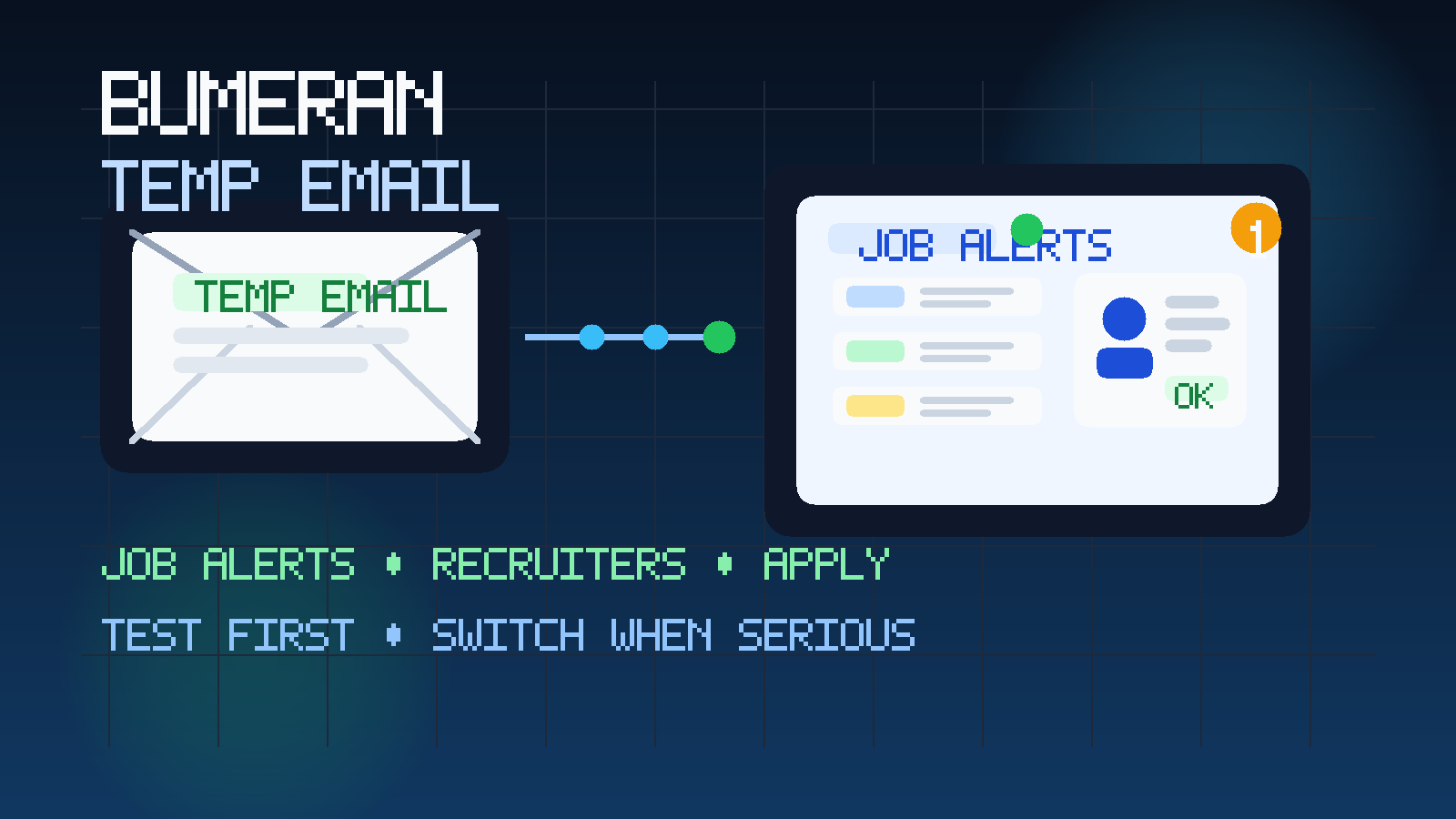
That balance matters because job boards are useful, but they can also get noisy fast. If you are comparing several platforms, setting alerts in multiple cities, or quietly checking the market before a serious job search, your inbox can fill with recommendations, reminders, confirmations, and recruiter messages long before you decide which platform is actually worth your time.
Using a temporary inbox at that early stage helps you keep research separate from long-term communication. You still receive the signup link, the first notifications, and the account emails you need to evaluate the platform, but you do not automatically turn one experiment into months of low-value inbox clutter. When you later find a role that matters, you can move the conversation to an email address you monitor every day.
That is where a service like Anonibox fits naturally. It is not about hiding from legitimate employers. It is about controlling when a platform gets durable access to your real inbox and keeping your job search organized while you figure out which channels are actually helping.
Why people look for a temp email for Bumeran
Most people searching this are not trying to avoid every message forever. They usually want one of four things: privacy, inbox control, better organization, or a lower-risk way to test a platform before treating it as part of a real application pipeline.
- You want to test the platform first. Maybe you are not sure whether Bumeran is useful for your role, location, or industry.
- You do not want immediate inbox spillover. Alerts, profile reminders, and recommendations can pile up quickly when you are also using other job boards.
- You are still in research mode. Sometimes you are checking salary ranges, employer names, and hiring volume before you are ready to apply seriously.
- You want cleaner separation. A dedicated or temporary inbox helps keep exploratory traffic away from the address you use for banking, bills, family messages, or active interview threads.
That is a reasonable approach, especially if Bumeran is only one stop in a broader regional job search. It fits the same use case that already makes sense on nearby platforms such as Computrabajo, InfoJobs, and Talent.com: use a low-friction inbox first, then upgrade to a durable address when an opportunity becomes real.
What kinds of emails might Bumeran send?
While the exact mix depends on how you use the platform, job boards like Bumeran commonly generate several kinds of email traffic:
- account verification and welcome emails
- saved-search and job-alert notifications
- profile-completion prompts
- application confirmations
- employer or recruiter outreach
- security and password-reset messages
- recommendations based on your activity
None of those emails are automatically bad. In fact, some are useful. The problem is volume and timing. At the start of a search, you may not yet know whether the platform is producing good leads. A temp inbox lets you judge signal versus noise before you commit your main address to ongoing traffic.
When using a temp email makes sense
1. You are only testing Bumeran
If you have not decided whether it belongs in your regular job-search stack, a temporary inbox is a clean way to get through signup and observe the first few days of activity. You can see whether the jobs look relevant, whether alerts arrive too often, and whether recruiter contact seems useful or generic.
2. You are comparing several job boards at once
Many job seekers do not rely on one platform. They test several. In that context, a temp inbox helps keep Bumeran traffic from getting mixed together with every other board you are trying. That makes it easier to answer a practical question: which platform is actually bringing worthwhile opportunities?
3. You are doing quiet market research
Sometimes you are not fully job hunting yet. You may just want to understand what roles are available, which employers are active, or whether a location is hiring for your niche. A temporary inbox works well for that because the goal is information, not relationship-building.
4. You want to limit early recruiter exposure
Recruiter contact can be valuable, but not all recruiter contact is high quality. Some messages are broad, mismatched, or obviously mass-sent. Using a temp inbox early lets you evaluate the quality of that outreach before sharing an address you intend to keep using for serious conversations.
When a temp email is the wrong tool
A temporary inbox is useful for early filtering, but it is not a full job-search system. Once something important starts happening, reliability matters more than the extra privacy buffer.
- Do not keep using a temporary inbox once you are actively interviewing for a role you care about.
- Do not rely on it for long hiring timelines that may involve repeated follow-up.
- Do not leave important application threads in an inbox you might stop monitoring.
- Do not use it as the only contact point if you may need account recovery or password resets later.
If a recruiter reaches out about a promising role, or if you apply to something you genuinely want, that is the point where you should move to a stable job-search email that you check consistently. Missing an interview invite or assessment link is a much bigger cost than dealing with a few extra alerts.
A practical workflow that works well
If you want privacy without undermining your own search, this is the safest structure.
Use the temp inbox for signup and observation
Start with the temporary address during account creation. Verify the account, confirm the alerts you want to test, and let the first wave of platform emails arrive there.
Watch the quality of the traffic
Ask practical questions. Are the roles relevant? Are the alerts too broad? Are recruiter messages credible and specific, or just generic noise? Is the platform useful in your location and field?
Save anything promising outside the inbox
Do not let a temporary inbox become your filing cabinet. If you see strong jobs, save the job titles, links, employer names, deadlines, and notes in your own spreadsheet or document. That way you still have control if you later stop using the temporary inbox.
Switch serious opportunities to a stable address
Once an employer conversation becomes real, move to a permanent email address dedicated to your job search. That gives you better continuity for scheduling, interview follow-up, attachments, and account recovery.
Keep the boundary clear
The temp inbox is for testing and filtering. The stable address is for real opportunities. If you keep those roles separate, you get the privacy benefit without creating avoidable hiring risk.
How Anonibox fits this use case
Anonibox works best here as a screening layer. It lets you explore a platform like Bumeran without handing over your long-term inbox on the first click. That is useful when you are checking whether alerts are relevant, seeing whether recruiter messages are any good, or simply avoiding a surge of job-board email while you compare options.
Used well, it does not replace your serious job-search inbox. It protects it. You can keep exploratory signups separate, observe how much traffic the platform generates, and then decide whether Bumeran has earned a place in your normal workflow.
Privacy and scam red flags to watch for
Even when a platform itself is legitimate, the wider job-search ecosystem still attracts scams. A temporary inbox helps reduce exposure, but it is not the whole solution. Stay alert for behavior that signals a low-trust opportunity.
- Pressure to move off-platform immediately: be cautious if the first message pushes you to WhatsApp, Telegram, or another informal channel with no real context.
- Vague job descriptions: if the role barely explains responsibilities, pay structure, or employer identity, slow down.
- Urgent requests for personal information: real employers may eventually need documents, but not at the first message from a random contact.
- Too-good-to-be-true compensation: unusually high pay for low effort is a classic bait pattern.
- Requests for money: never pay upfront for equipment, training, processing, or “guaranteed” placement.
If something feels off, verify the employer independently. Look up the company website, confirm that the role exists somewhere official, and do not send identity documents, bank details, or login codes just because a message mentions your profile.
Should you use a temporary inbox for actual applications?
Usually only at the very beginning. If you are browsing, testing alerts, or sending a low-stakes first application, a temp inbox can be fine. But if you are applying for roles you genuinely want, a dedicated long-term job-search address is the safer choice. The reason is simple: real hiring moves across days or weeks, and you do not want to lose track of interview updates, assessment links, or employer replies.
A good compromise is to treat Bumeran in stages. Use a temporary inbox to decide whether the platform deserves attention. Once it does, move the important conversations to an address you control long term. That protects your privacy without hurting your reliability.
Final takeaway
A temp email for Bumeran is a smart option when you want to explore job alerts, check recruiter traffic, and protect your main inbox during the early research phase of a job search.
It works best as a filter, not as a permanent home for serious hiring conversations. Use it to test the platform, judge the quality of the alerts, and keep your search organized. Then, when a role becomes real, switch to a stable address so you stay reachable for the messages that actually matter.