Yes — using a temp email for Shine.com is a smart way to sign up for job alerts, test recruiter traffic, and keep your main inbox cleaner during the early stage of your job search. It works best for account creation, alert subscriptions, and first-pass applications, then you should switch to a permanent monitored address once a real opportunity starts moving forward.
If you are applying broadly, updating your profile, or comparing multiple job boards at once, a temporary inbox can reduce clutter and give you more control over who gets your long-term contact details. That matters on platforms where saved searches, recruiter outreach, and repeated follow-up emails can pile up quickly.
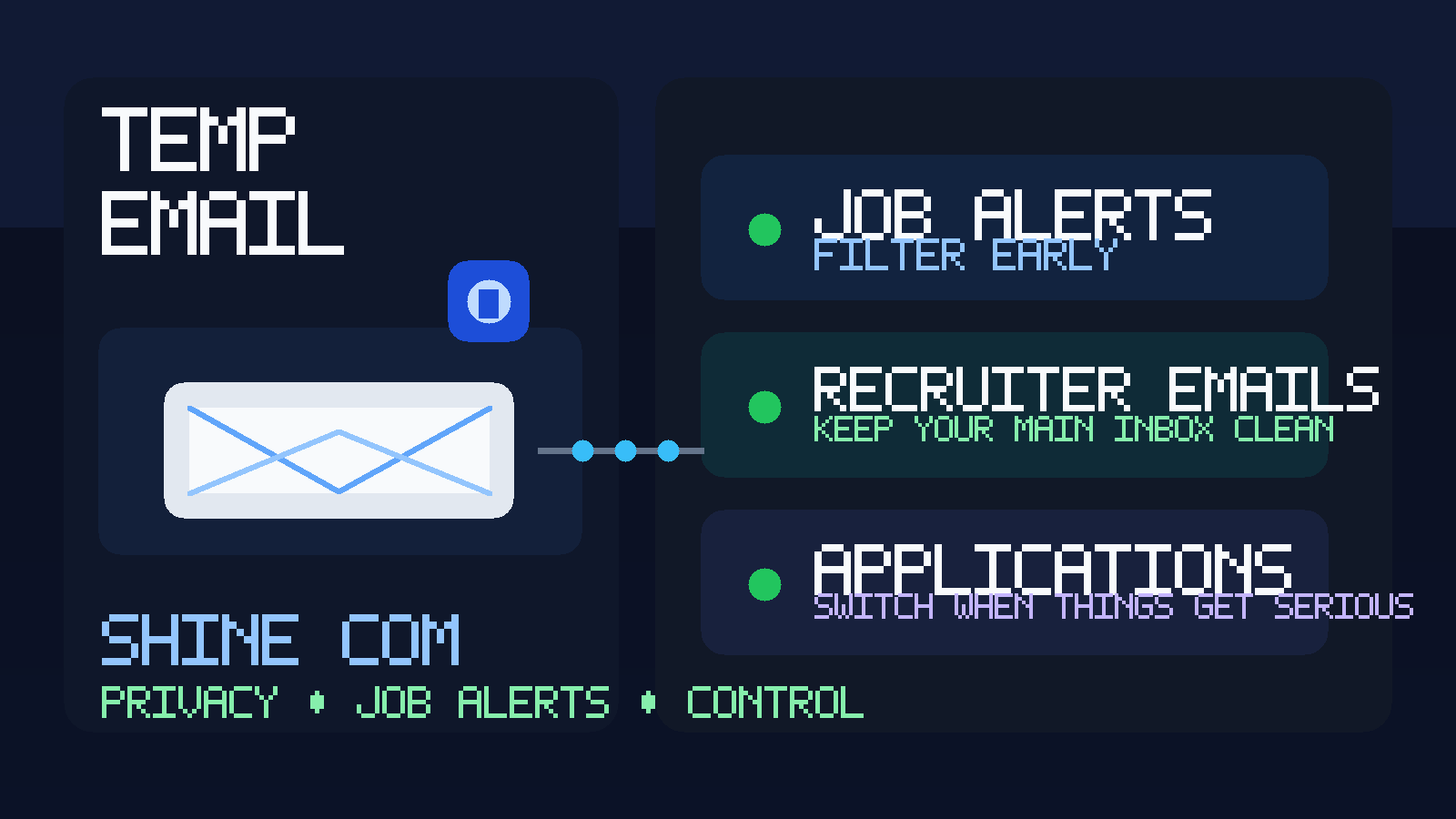
Shine.com sits in a part of the job-search ecosystem where volume matters. One profile update can lead to alerts, recruiter messages, reminder emails, and platform nudges across days or weeks. None of that is automatically bad. In fact, some of it is useful. But if you are also using Naukri, Foundit, TimesJobs, Freshersworld, Apna, or other hiring platforms at the same time, your personal inbox can become a mess very fast.
That is why the best temp email workflow is not about hiding forever. It is about staying organized while you decide which alerts, companies, and recruiters deserve ongoing access to your real address. A tool like Anonibox can help you create that buffer so you can screen interest without immediately turning your main inbox into a permanent job-search archive.
Why people use a temp email for Shine.com
There are a few practical reasons job seekers reach for a disposable or temporary inbox before signing up for a platform like Shine.com:
- They want to test the platform first. Maybe you want to create an account, check how useful the listings are, and see how many alerts arrive before committing your everyday email.
- They are applying across multiple sites. If you are already active on several job boards, keeping each stream separated makes it easier to spot which platform is actually producing quality leads.
- They want less inbox clutter. Saved search notifications, role recommendations, profile prompts, and recruiter campaigns can quickly bury more important messages.
- They care about privacy. Not every job seeker wants their primary personal or work address circulating widely during the earliest research stage.
Used well, a temp email gives you breathing room. You still receive the verification email and the first useful notifications, but you control when a platform graduates from “just testing” to “real long-term contact.”
When a temporary inbox helps most
A temp email for Shine.com is usually most useful in the first part of the process, not the last.
Good use cases
- creating an account to explore job categories and salary ranges
- subscribing to alerts for a narrow role, city, or skill set
- testing whether recruiter outreach on the platform is relevant or noisy
- uploading a profile for broad discovery while keeping your permanent inbox protected at first
- separating one job board’s messages from the rest of your search stack
If your goal is simple evaluation and inbox control, temporary email is a good fit.
When it is not the best choice
- when you are deep in a real interview process
- when an employer is sending interview links, assessments, or offer documents
- when you need reliable long-term access for account recovery
- when an HR team is moving into onboarding or compliance paperwork
At that point, convenience matters less than continuity. Serious employers need a dependable way to reach you, and you do not want an important message tied to an inbox you stop monitoring.
How to use a temp email for Shine.com the right way
The safest and most useful approach is simple.
1. Create the inbox before you sign up
Generate the temporary address first, then use it consistently for the Shine.com account. That keeps the platform’s alerts, verification emails, and recruiter traffic in one place from day one.
2. Use it for verification and early filtering
Open the confirmation email, finish setup, and let the first wave of messages arrive. Watch what kind of traffic you actually get. Are the job alerts relevant? Are recruiters contacting you about roles that match your profile? Or are most emails generic and repetitive? That early pattern tells you whether the platform deserves a more permanent place in your workflow.
3. Save what matters immediately
If a message contains a verification link, recruiter contact, assessment invite, or a role you genuinely want to pursue, save the details outside the temporary inbox. Do not assume you will remember it later, and do not assume you want every serious conversation trapped in a disposable account forever.
4. Switch to a permanent address for real opportunities
If a recruiter is legitimate, the role is a strong match, and the conversation starts becoming specific, move the thread to an email address you check reliably. That gives you continuity for interviews, resume updates, salary discussions, and any formal next steps.
5. Keep one inbox per purpose if needed
If you are using several job platforms at once, it can help to separate them. One inbox for a major job-board test phase, another for freelance marketplaces, another for networking communities, and your main email only for live opportunities. The goal is clarity, not complexity for its own sake.
What kinds of emails should you expect?
When you sign up for a job platform like Shine.com, messages usually fall into a few buckets:
- verification and welcome emails
- saved search alerts
- recommended jobs based on your profile or activity
- recruiter outreach or profile unlock notifications
- resume/profile completion nudges
- marketing or partner promotions
Not all of these are equally valuable. A temporary inbox lets you see the ratio before you decide whether this source belongs in your permanent communication flow.
Privacy benefits of using a temp email for Shine.com
The privacy gain is not magical, but it is real.
- Your main inbox stays cleaner. That makes it easier to notice messages that actually matter.
- You control escalation. Instead of giving every platform your long-term address upfront, you decide when access has been earned.
- You reduce unwanted carryover. Even after a job search cools down, old platforms and broad recruiter lists can keep generating mail. A temporary inbox limits that spillover.
- You stay organized. Job-board traffic is easier to audit when it is isolated rather than mixed into banking, personal, school, or day-job email.
This is especially helpful if you are exploring a market quietly, testing new locations, or running a confidential search while still employed.
Important limits and trade-offs
A temp email is not perfect, and it is not a long-term replacement for normal communication.
Some employers move fast. A recruiter might email and then call within hours. A hiring team could send a test link, updated JD, or interview instructions to the address on file. If you stop monitoring that inbox too soon, you can miss the exact opportunity you were trying to protect.
There is also a professionalism trade-off. For early platform signups, a temporary inbox is often fine. But for direct communication with a real company, it usually makes sense to use an address that looks stable, professional, and reachable over time.
So the right question is not “Should I always use temporary email?” It is “At what stage does this conversation become important enough to move to my normal hiring channel?”
Scam and spam red flags to watch for
Job platforms can attract both legitimate recruiter outreach and low-quality or suspicious messaging. A temporary inbox helps with volume, but it does not remove judgment from the process.
- messages pushing you to move instantly to WhatsApp or Telegram without company context
- vague “urgent hiring” notes with no real job description
- requests for payment, ID scans, bank details, or sensitive documents too early
- interview promises before any serious screening
- links that do not match the claimed employer domain
- roles with unrealistic salary promises and no clear company footprint
If a message looks off, verify the employer independently. Search the company, confirm the recruiter’s identity, and move carefully. Temporary email can help contain suspicious traffic, but it should be paired with common-sense screening.
Best practices if you want both privacy and results
- Check the inbox regularly during active applications. A temp inbox only works if you actually monitor it.
- Use clear tracking. Keep notes on which recruiters, companies, and applications matter.
- Do not use it forever. Move serious leads to a permanent email once the conversation becomes real.
- Do not send sensitive documents casually. Resume? Often fine. Bank details, government IDs, or onboarding forms? Only after independent verification and at the right hiring stage.
- Keep your profile claims consistent. Privacy tools help, but misleading profile details do not.
If you treat the temporary inbox as an early-stage filter instead of a forever identity, you get most of the benefit without creating new problems.
When should you switch away from the temp email?
A good rule is to switch once one of these happens:
- you are speaking with a named recruiter or hiring manager about a real opening
- you are scheduling interviews or receiving test links
- you expect multi-step follow-up over several days or weeks
- an employer may send offer, verification, or onboarding paperwork
At that stage, reliability matters more than inbox insulation. You can still keep your search organized — just move the conversation to a dependable address you actively maintain.
Final answer
Yes, using a temp email for Shine.com is a practical move for job alerts, early recruiter traffic, and first-stage platform testing. It helps you protect your primary inbox, compare signal versus noise, and avoid committing your long-term email address before you know whether the platform is worth deeper use.
Just do not confuse a good early-stage privacy tactic with a permanent communication strategy. Use temporary email to get set up, screen the flow, and stay organized. Then, when a recruiter or employer becomes real, switch to a stable address so you do not miss the opportunity you actually want.