Yes — you can use a temp email for Jobsora to sign up for job alerts, saved searches, and early applications without giving your main inbox to another job platform too early. It is a simple way to keep a wide job search organized while you decide which leads are actually worth pursuing.
That works best during the exploration stage. If a real employer, recruiter, or interview process starts moving forward, switch to a stable address you check every day so you do not miss something important.
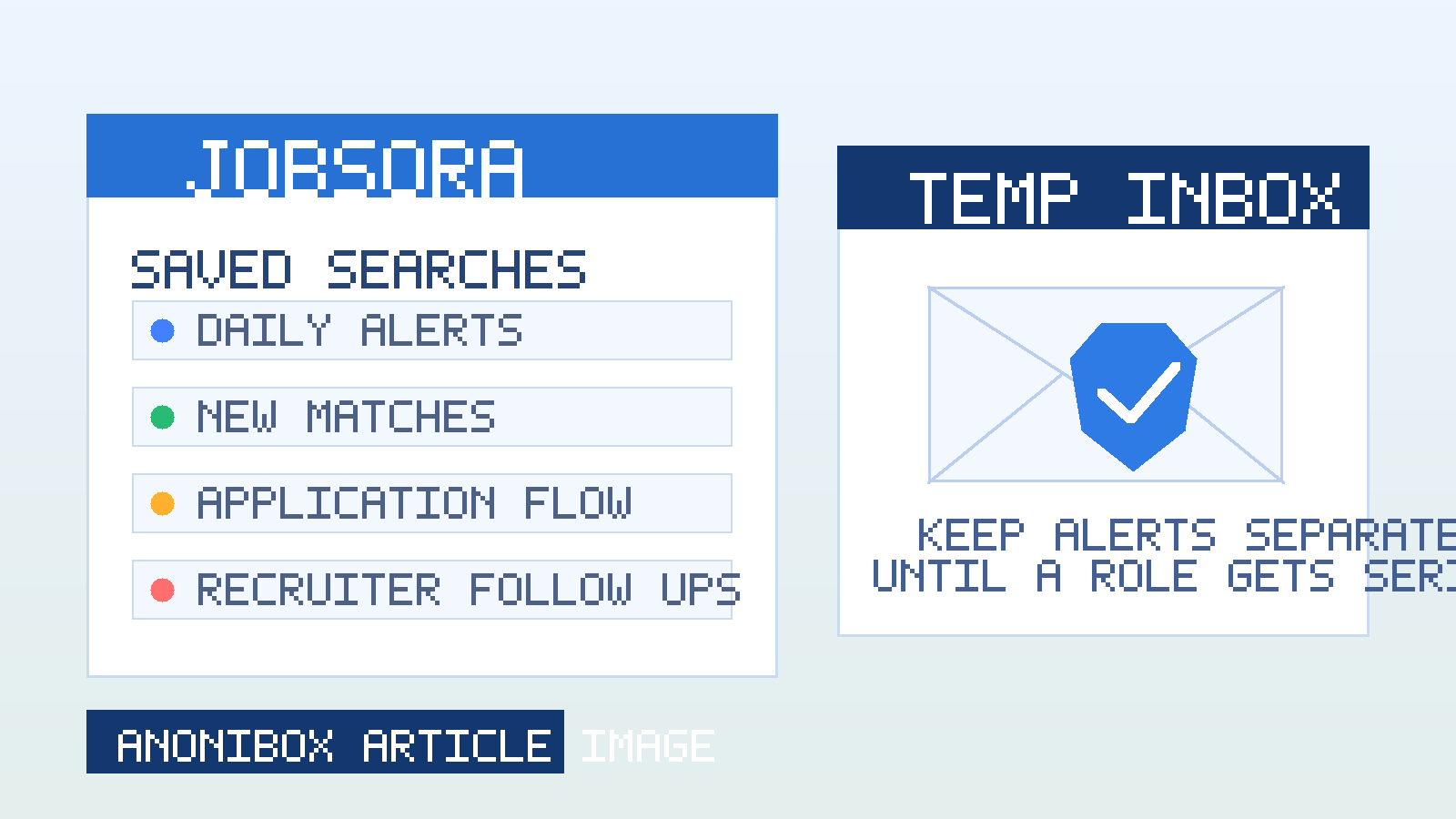
Why people look for a temp email for Jobsora
Jobsora appeals to job seekers for the same reason other search-heavy job aggregators do: it lets you cast a wide net quickly. Instead of checking dozens of employer sites one by one, you can search titles, compare locations, save filters, and watch for fresh postings from one dashboard. That convenience is useful, especially early in a search when you are still figuring out which roles, cities, salary bands, or industries deserve your attention.
The downside is email volume. The moment you create an account, verify an address, save searches, or turn on notifications, your inbox can start collecting alerts, reminders, profile prompts, recommendations, and follow-up messages. Even when those emails are legitimate, they can pile up fast if you are also testing LinkedIn, Indeed, Jooble, Careerjet, Jobrapido, Talent.com, or regional boards at the same time.
A temp inbox gives you a practical middle ground. You still receive the emails you need for setup and short-term testing, but you keep control over when Jobsora earns access to the address you use for everything else. For most people, that is not about secrecy. It is about inbox hygiene, privacy, and keeping a broad search from turning into background noise.
What Jobsora can send to your inbox
People often underestimate how many different messages a job platform can generate once an account is active. Depending on how you use Jobsora, your inbox may start receiving:
- email verification messages
- saved-search alerts for roles, locations, or keywords
- recommended jobs based on recent browsing
- application-related confirmations or redirects
- prompts to complete or improve your profile
- reactivation emails after a quiet period
- general marketing-style reminders to come back and search again
Some of those messages can be genuinely useful while you are actively looking. The issue is not that they exist. The issue is that most job seekers do not know at the start which alerts will be valuable and which ones will just become more inbox clutter. Using a temp email for Jobsora lets you judge that with real messages instead of guesswork.
When using a temp email for Jobsora makes sense
1. You are testing alert quality
One of the strongest reasons to use a temporary inbox is to see whether Jobsora is actually sending useful alerts. Are the jobs relevant to your target title? Are the locations right? Are the listings fresh enough to matter? Or are you getting broad results that look similar to what you already receive elsewhere? A separate inbox makes that evaluation easy.
2. You are comparing several job platforms at once
If you are running the same search across multiple boards, separate inboxes can help you compare them more honestly. You can see which platform is producing better alerts, better-fit roles, or more useful timing without mixing every message into one overloaded mailbox.
3. You want a cleaner early-stage workflow
A lot of job searches begin with exploration rather than commitment. Maybe you are not sure whether you want remote work, hybrid roles, another city, or a full industry pivot yet. A temp email lets you test Jobsora during that exploratory phase without immediately tying it to your main personal or long-term professional inbox.
4. You are trying to limit list growth and spam
Even legitimate platforms can create long tails of email. If a board turns out not to be very helpful for your field, a separate inbox makes it much easier to walk away from that experiment without spending weeks unsubscribing and cleaning up your main account.
When a temp email is the wrong tool
A temporary inbox is useful, but it is not the right answer for every step of a job search.
It is usually the wrong tool when:
- you are already in active interviews with an employer you care about
- you expect time-sensitive follow-up over several weeks
- you are about to share important paperwork or identity information
- you are using an inbox that may expire before you can revisit employer replies
If a role becomes serious, reliability matters more than strict separation. The smartest move is often to start with a privacy-first or temporary address for testing, then move high-value conversations to a stable inbox before interviews, assessments, or offer-stage communication begins.
How to use a temp email for Jobsora without missing good opportunities
1. Decide what the inbox is for
Give the separate address a clear job. Good examples include: verifying an account, testing saved searches, measuring alert quality, or keeping one job board isolated from the rest of your search. If you do not define the purpose, you are more likely to lose track of it later.
2. Use it for setup and early filtering
Jobsora sign-up, alert experiments, and broad discovery are good places to use a temp inbox. This is where you want flexibility most, because you still do not know whether the platform belongs in your long-term workflow.
3. Monitor it consistently while it is active
A separate inbox only helps if you actually check it. If you are testing Jobsora for several days, look at the messages often enough to judge their value. A lot of people create separation and then forget the separate mailbox exists, which defeats the point.
4. Move real employer conversations to a stable address
If a recruiter reaches out with a role that genuinely interests you, or if an employer starts responding consistently, do not let an experimental mailbox become a weak link. Move the conversation to a permanent email you own and monitor daily.
5. Keep notes on where you applied
Even a simple tracker helps: company name, role, date, platform, inbox used, and whether you should switch to your main application email. That small habit reduces confusion and makes it much less likely that an important response gets buried.
What kind of Jobsora activity is safest to keep in a temp inbox?
Saved searches and daily alerts
This is the easiest category to separate. Alerts are useful only if they stay relevant. If Jobsora sends weak matches or too much volume, you can stop using that inbox without touching your main address.
Profile prompts and platform reminders
These messages are often low stakes. Keeping them in a temporary or secondary job-search inbox can make your main email feel much calmer while you decide how much you want to engage with the platform.
Early-stage applications
This can still work if the role is low priority and you are mainly testing the platform flow. But once you apply to a job you actually care about, it is smarter to use a dependable mailbox so you do not miss follow-up questions, interview invitations, or assessment links.
Privacy benefits beyond spam reduction
The obvious benefit of using a temp email for Jobsora is less clutter, but there is more to it than that.
- Better separation: job-board traffic stays out of the inbox you use for everything else.
- Cleaner comparisons: you can judge whether Jobsora deserves a permanent place in your search workflow.
- More control over exposure: if one platform becomes noisy, you can retire that address instead of cleaning up your primary email.
- Less decision fatigue: alerts, recommendations, and profile nudges do not compete with everyday personal and work messages.
That is why privacy-conscious job seekers often pair job-board testing with a separate workflow. A tool like Anonibox can help you create that first layer of separation so you can browse widely without handing your main inbox to every platform on day one.
Red flags to watch for on any job platform
A temp inbox helps reduce exposure, but it does not replace common sense. Be cautious if a supposed recruiter or employer:
- wants to move you off-platform immediately to WhatsApp, Telegram, or another informal channel
- asks for identity documents, banking details, or payment before a normal hiring process exists
- uses vague descriptions with unusually high pay and urgent pressure
- sends links or attachments that do not match the employer’s real domain
- cannot clearly explain the company, role, or next step
A separate inbox can contain that noise, but you still need to verify whether the opportunity itself is legitimate.
Temp inbox vs. dedicated long-term job-search inbox
This is where many people get stuck. They assume they have to choose between full disposable email and using their main personal address for everything. In reality, there are three levels:
- Main personal or professional inbox: best for serious, ongoing communication you cannot afford to miss.
- Dedicated long-term job-search inbox: best for active applications, interview processes, and a sustained search.
- Temporary inbox: best for exploration, testing, signup verification, and low-commitment alert experiments.
For most job seekers, the smartest approach is to use the third option at the top of the funnel and the second option once real applications start mattering. That way you get the privacy benefit without creating unnecessary risk.
A practical workflow that works well
- Create a temp or secondary inbox before signing up for Jobsora.
- Use it to verify the account and set up only a few searches you actually care about.
- Watch the quality and frequency of alerts for a short period.
- Apply selectively rather than blasting the same résumé everywhere.
- Move serious employer conversations to a stable inbox before interviews or assessments.
- Stop using the temporary address if Jobsora is not worth keeping in your rotation.
This keeps your search organized without making you harder to reach when the right opportunity finally appears.
Final answer
Using a temp email for Jobsora is a practical way to protect your privacy during the early stages of a job search. It lets you test alerts, saved searches, and platform quality without letting another stream of job-board email spill directly into your main inbox.
Just use it deliberately. Temporary email is best for exploration and filtering, not for high-stakes follow-up. When a role becomes real, switch to a stable address you control and monitor consistently. That balance gives you the privacy benefits of separation without risking missed opportunities.