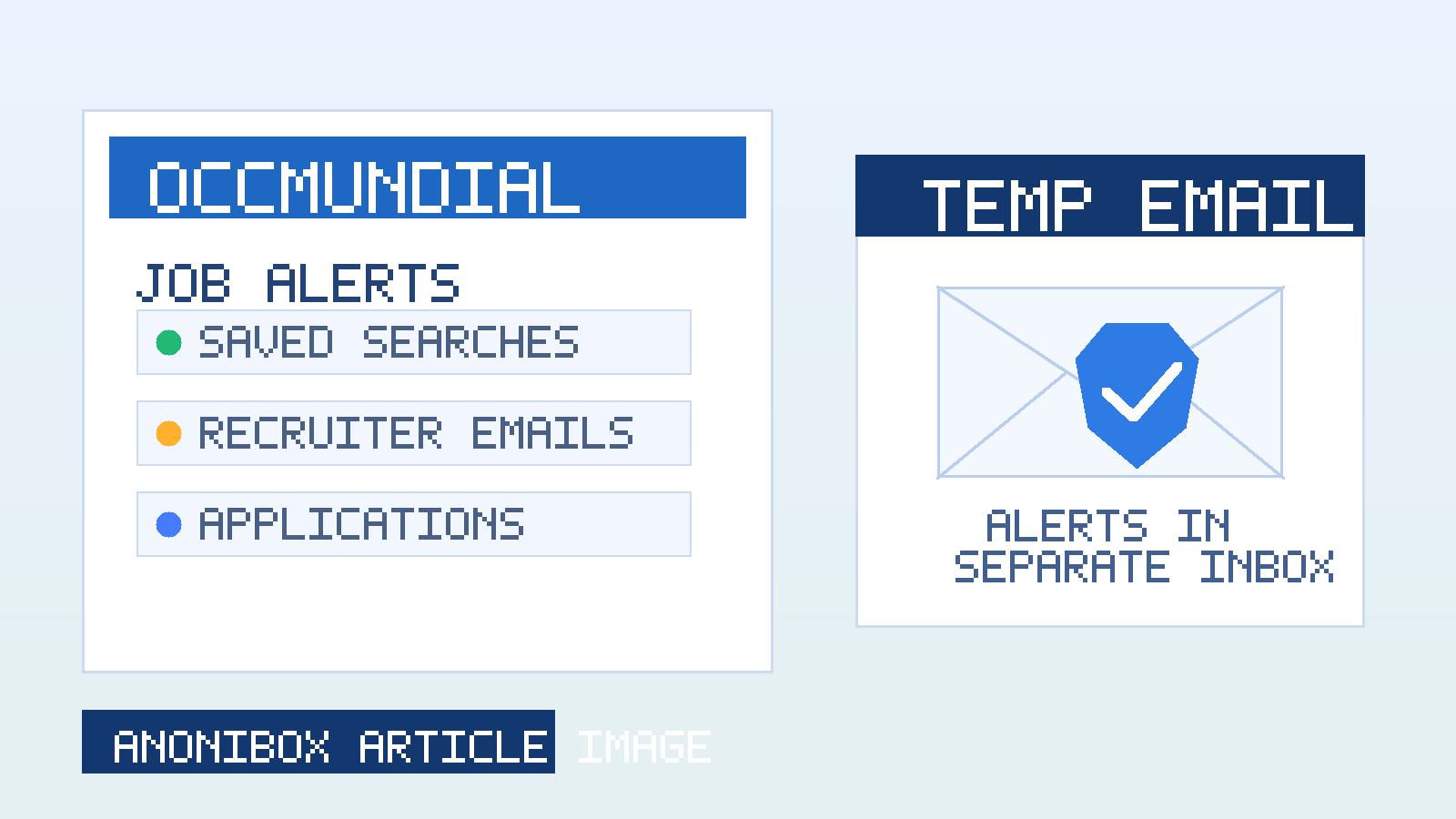
Yes—using a temp email for OCCMundial can help you keep job alerts, recruiter follow-ups, and early applications out of your main inbox while you decide which opportunities are worth your attention. It is a simple privacy step that makes a busy job search easier to manage.
The key is using it at the right stage. A temporary or dedicated job-search inbox works best for account creation, saved searches, alert subscriptions, and early employer contact. Once a role becomes serious, you can switch to a permanent address you plan to monitor long term.
Why someone would use a temp email for OCCMundial
Job platforms are useful because they centralize listings, recruiter outreach, and saved search alerts. The trade-off is email volume. Once you sign up, your inbox can start collecting daily alerts, employer messages, profile prompts, reminder campaigns, and marketing follow-ups. If you are applying broadly, that noise adds up fast.
Using a temp email for OCCMundial gives you a cleaner way to separate exploration from commitment. You can browse roles, test the platform, and see whether the quality of listings matches your goals without pushing all of that traffic into the same inbox you use for personal life, banking, travel, or long-term professional contacts.
That separation is especially useful if you are:
- researching new employers without wanting weeks of alerts afterward
- testing multiple job boards at the same time
- trying to keep recruiter traffic organized during a short job-search sprint
- protecting your main address from long-term list growth and spam
- applying from a region where third-party recruiter outreach can be noisy
What a temp inbox helps with on OCCMundial
Account setup and email verification
If you only want to create an account, confirm your email, and see how the platform works, a temporary inbox is often enough for that first step. You get the verification message and any immediate onboarding emails without committing your primary inbox right away.
Saved searches and alert experiments
Many job seekers create several alert combinations before they find the right mix of role, city, salary, and seniority filters. A temp inbox lets you test how often those alerts arrive and whether they are actually useful before you let them follow you for months.
Early-stage privacy
When you are still deciding whether a platform belongs in your workflow, a separate inbox keeps your search quieter. That matters if you are also on other regional job sites, staffing platforms, and recruiter networks at the same time.
When a temp email is a good fit—and when it is not
A temp email is best for early-stage activity. Think of it as a screening tool, not a forever identity.
It is a good fit when you want to:
- open an account and inspect the platform first
- check whether alerts are relevant before keeping them
- segment one board from the rest of your job search
- reduce clutter in your main inbox during broad applications
It is not the best fit when you are:
- deep in interviews with a company you care about
- sharing long-term contact details for offer paperwork
- expecting important follow-up over several weeks
- using a mailbox that expires before you can revisit employer messages
That last point matters. If the inbox disappears quickly, you do not want to miss a real recruiter reply, interview confirmation, or document request. A lot of people solve this by using a privacy-first secondary inbox rather than a very short-lived throwaway for every single application.
How to use a temp email for OCCMundial without creating problems for yourself
1. Start with a purpose
Do not create a temporary inbox just because you can. Decide what it is for. Good examples: testing alerts, browsing listings, setting up an account, or separating one job-board workflow from your main mailbox.
2. Keep it tied to a simple tracking system
Use a spreadsheet, notes app, or even a plain text file to record which inbox you used, which roles you applied for, and when you should switch to a permanent address. That prevents confusion later.
3. Move serious conversations to a stable inbox
If an employer starts responding consistently, switch before the process gets important. You want a permanent, monitored email on any application that reaches interview, assessment, offer, or onboarding stages.
4. Keep your profile professional
A temp inbox can help with privacy, but it should not make you look careless. Your CV, application answers, and profile details still need to be professional, accurate, and easy for employers to understand.
5. Check the mailbox regularly while it is active
Even an early-stage inbox needs attention. A lot of job seekers create separation and then forget to monitor the separate address. That defeats the point.
Best practices for alerts, recruiter messages, and off-platform applications
OCCMundial can generate more than one kind of email. Treat them differently.
Alerts and newsletters
These are the easiest to route through a temporary or secondary inbox. If the alerts are useful, keep them. If not, you can drop that inbox or unsubscribe without cleaning up your main address.
Recruiter outreach
This is where judgment matters more. If the recruiter looks legitimate and the role fits, move the conversation to a stable inbox once you know you want to continue. If the message is vague, pushy, or suspicious, keeping it inside a separate job-search inbox gives you more distance and less exposure.
Direct applications
If you apply to a role you genuinely want, do not let an expiring mailbox become the reason you miss a response. Temporary email works best as an entry filter. For high-priority roles, reliability matters more than strict separation.
Privacy benefits beyond simple spam reduction
Most people think about temporary inboxes as anti-spam tools, but there is more to it than that. A separate address also helps you control where your job-search activity lives.
- Cleaner boundaries: your personal conversations stay separate from recruiter traffic.
- Better triage: you can judge which boards and alerts are actually worth keeping.
- Less inbox fatigue: you are not mixing role alerts with everyday life.
- More control: if one source becomes noisy, you can retire that address instead of cleaning up your main account.
That is one reason privacy-conscious job seekers often use a dedicated workflow with a tool like Anonibox. The goal is not to hide from legitimate employers. It is to keep your search organized until you know which conversations deserve your long-term contact details.
Red flags to watch for when using any job board
A temporary inbox can reduce exposure, but it does not replace common sense. Be careful if a supposed recruiter or employer:
- moves you off-platform immediately to WhatsApp, Telegram, or another informal channel
- asks for identity documents, banking details, or payment before a normal hiring process exists
- uses vague role descriptions with unusually high pay and urgent pressure
- sends links or attachments that do not match the employer’s real domain
- cannot clearly explain the role, company, or next step
A separate inbox helps contain that noise, but you still need to verify the opportunity itself.
Should you use a fully disposable inbox or a dedicated long-term job-search inbox?
For most people, the smartest answer is: use the right level of separation for the stage you are in.
A fully disposable inbox is useful when you are testing the platform, checking email volume, or creating a low-risk account you may not keep. A dedicated long-term job-search inbox is better when you expect real employer contact and need a stable place to manage ongoing applications.
If you are actively applying, the second option is usually safer. It gives you privacy without risking missed messages. Disposable email is strongest at the top of the funnel. Dedicated secondary email is strongest once real opportunities appear.
A practical workflow that works well
- Create a temp or secondary inbox for OCCMundial sign-up and alert testing.
- Set up only the searches you actually care about.
- Watch what arrives for a few days: alerts, employer contact, newsletters, and platform nudges.
- Apply carefully rather than blasting the same CV everywhere.
- Move serious employer conversations to a stable professional inbox before interviews or assessments.
- Retire or stop using the temporary inbox if the platform is not worth keeping in your workflow.
This gives you the benefit of privacy without making yourself harder to reach when it counts.
Final answer
Using a temp email for OCCMundial is a practical way to protect your privacy during the early part of a job search. It helps you test alerts, separate recruiter traffic, and keep your main inbox from filling up with messages you may not want long term.
Just use it deliberately. Temporary email is great for exploration, account setup, and early filtering. For important applications and real employer conversations, switch to a stable inbox you control and check consistently. That balance gives you the privacy benefits without creating unnecessary risk for serious opportunities.