Use a temp email for Resend when you only want to test the first signup flow, inspect the dashboard, or compare email API vendors without feeding your main inbox into another product sequence.
Do not keep a disposable inbox attached once Resend is tied to real sender domains, production alerts, team ownership, or account recovery, because those workflows need a permanent address you control long term.
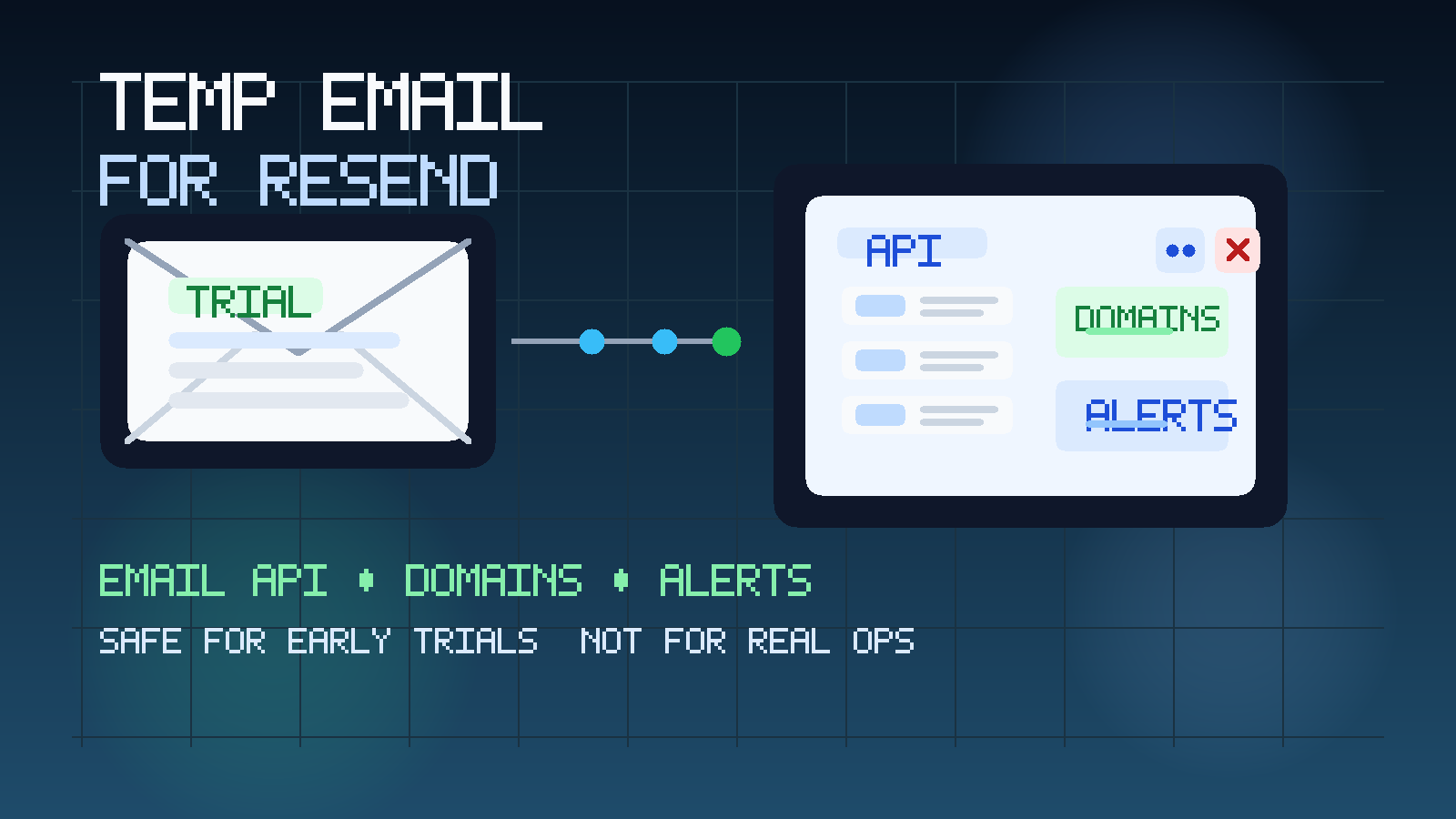
That is the practical answer, but the better answer is about stage. People search for a temp email for Resend because they want a low-friction way to look at an email API product without committing their everyday inbox to every welcome sequence, docs update, product tip, and sales nudge that often follows a signup. That is a sensible move in the early research phase, especially if you are comparing several email infrastructure tools at once.
A temporary inbox can be useful for that first layer of evaluation. You still receive the verification email, the first-login link, and any immediate onboarding instructions, but you keep exploratory vendor traffic away from the mailbox you actually rely on for customers, billing, and production notifications. A tool like Anonibox fits well at that point. The important thing is knowing where temporary email stops being helpful and starts becoming risky.
Why someone would use a temp email for Resend
Email API tools sit in an awkward middle ground. The first interaction often feels lightweight: sign up, verify an email, skim the dashboard, maybe test templates, maybe look at developer docs, maybe invite one teammate. But if the product becomes real for your business, the account quickly starts touching important things like sender domains, API keys, billing, webhooks, event visibility, and security-sensitive recovery paths.
That is why a temp inbox can make sense at the beginning:
- Inbox control: you can inspect the product without turning your main address into another vendor nurture target.
- Cleaner comparisons: if you are testing several email APIs, separate inboxes make it easier to track which onboarding messages came from which platform.
- Lower commitment: you can judge the first experience before deciding whether the tool deserves a durable place in your stack.
- Better privacy during research: your main work inbox does not need to be attached to every tool you investigate.
Used that way, temporary email is not about gaming the system. It is about keeping early-stage product research organized and controlled.
When a temp email for Resend makes sense
A temporary inbox is strongest when the downside of losing access later would be annoying rather than operationally harmful. For Resend, that usually means the earliest part of the evaluation.
First dashboard access
If your goal is simply to see the product, read the first onboarding emails, and judge whether the dashboard looks promising, a temp inbox is reasonable. You are exploring, not yet depending on the account.
Comparing email API vendors side by side
Teams often look at multiple tools in a short burst. You may already be checking providers such as SendGrid, Mailgun, Postmark, or MailerSend. In that situation, a separate inbox for each vendor makes the comparison cleaner. You avoid mixing welcome emails, setup reminders, and product tips together.
Testing low-stakes early workflow
Maybe you only want to confirm that signup is smooth, the dashboard is understandable, and the initial docs are clear enough for your team. Temporary email works well for that narrow use case.
Keeping exploratory vendor traffic away from production mailboxes
If your main inbox already handles customer issues, invoices, vendor renewals, and internal operations, adding exploratory API-platform noise is rarely helpful. A temp inbox prevents “just looking” from becoming another long tail of messages in the wrong place.
When a temp email becomes the wrong tool
The weak point is not the first verification email. The weak point is what happens when the account graduates from trial to infrastructure.
- Real sender domains: once the account matters to domain verification, DNS setup, or real sending identity, you want a durable inbox tied to long-term ownership.
- Production alerts: if delivery issues, account notices, or security-related emails matter, temporary email becomes a bad gamble.
- Team ownership: once multiple people rely on the account, a disposable mailbox is the wrong foundation.
- Billing and renewals: invoices, payment notices, and account changes should not depend on an inbox that may disappear.
- Password recovery and admin access: any account that controls real sending should use a permanent monitored address.
A simple rule helps here: if missing the next email could cause a real business problem, it is time to stop being temporary.
What to evaluate inside Resend during an early trial
If you are using a temp inbox on purpose, use the saved attention on the product itself. The goal is not to collect welcome emails. The goal is to decide whether the platform belongs on your shortlist.
Dashboard clarity
Can a developer or operator quickly understand where core actions live? A strong first impression is not about flashy visuals. It is about whether the product feels learnable without too much friction.
Sender identity workflow
You do not need to complete a full production setup to judge whether the path looks sensible. Pay attention to whether the transition from testing to real sender domains seems straightforward or confusing.
Templates and sending workflow
If your team will eventually send transactional or product emails, look at how easy it seems to manage templates, iterate on content, and understand the send pipeline. Early usability signals matter.
Events, visibility, and troubleshooting posture
Even during an early evaluation, you can look for clues about how the platform handles event visibility, error context, and operational feedback. You do not need to invent guarantees here. You just want to know whether the product appears built for real operational use.
Team and handoff readiness
Some tools feel fine for a solo tester but awkward once another developer, ops lead, or founder needs access. Consider whether the account structure looks like something your real team could own together later.
How to use a temp email for Resend without creating future problems
1. Generate the inbox before you sign up
Start with the inbox so every verification message and first-touch email stays grouped from the beginning. That keeps exploratory traffic out of your permanent mailbox immediately.
2. Use it only for early-stage access
A temp inbox is best for low-stakes actions such as initial signup, first verification, and a short review of the dashboard. That is enough for a first-pass evaluation.
3. Save anything you would hate to lose
Do not treat a disposable inbox as your system of record. Save key links, notes, account details, rep contact information, or setup observations elsewhere while you review the product.
4. Keep one vendor per inbox when comparing tools
If you are checking several providers, this is where temp email gets especially useful. One inbox per vendor makes the comparison cleaner and reduces confusion around which platform sent which message.
5. Switch early if the product becomes serious
The best handoff happens before real dependencies appear. If Resend moves from “interesting” to “likely choice,” update the account to a permanent inbox before real domains, keys, alerts, billing, or team roles accumulate around it.
6. Respect platform rules and practical limits
Some SaaS products accept temporary inboxes more readily than others. If a provider rejects disposable email or requires a more durable address, do not fight that reality. The point is practical workflow hygiene, not forcing a signup path that clearly is not intended for disposable use.
Temp email vs. alias vs. shared team mailbox
Sometimes people ask for a temp email when what they really need is a more persistent but still separate contact path. These options solve different problems.
- Use a temp email when you only need a fast, low-commitment first look.
- Use an alias or dedicated evaluation inbox when the review may run for days or weeks and you still want separation from your main mailbox.
- Use a shared permanent mailbox when the tool is entering real team ownership, production sending, billing, or security-sensitive territory.
That progression is usually smarter than trying to force one inbox strategy across the entire lifecycle of an email infrastructure account.
A practical example
Imagine a small product team reviewing two or three transactional email vendors for an upcoming launch. The developer wants to see how setup feels. The founder wants confidence that the platform is credible. The operator wants to know how future alerts and account ownership might work. At that stage, a temp inbox for the first Resend signup can be perfectly reasonable. It keeps the early evaluation isolated while the team decides whether the product is even worth deeper work.
But once the team starts discussing real sender domains, production email, teammate access, or incident visibility, the disposable inbox stops being a convenience and starts being a weak point. That is the moment to move the account to a stable address that the right people can monitor long term.
Common mistakes to avoid
- Keeping the temporary inbox attached too long: what starts as inbox protection turns into an ownership problem.
- Mixing multiple vendors into one disposable inbox: you lose the organizational advantage almost immediately.
- Confusing trial access with production readiness: a clean signup experience does not remove the need for stable admin ownership later.
- Forgetting recovery and security: if the account ever matters, recovery email matters too.
- Expecting temporary email to solve deliverability or compliance questions: it only helps with inbox management and early privacy, not broader email infrastructure decisions.
Where Anonibox fits naturally
Anonibox is a sensible fit at the front of the process. If you only need the verification email, the first login, or a short evaluation window, a privacy-first temporary inbox helps you inspect the tool without handing your main mailbox to yet another vendor sequence. That is especially useful when you are comparing several providers, screening products quietly, or simply trying to keep API-platform research tidy.
What Anonibox should not become is the permanent home for an account that handles real sender identity, account alerts, or team ownership. Temporary email is useful for exploration. Durable inboxes are for infrastructure.
Final takeaway
A temp email for Resend is a good idea when you only want to test the first signup flow, compare email API vendors, or inspect the dashboard without committing your main inbox yet. It gives you a cleaner, more private evaluation phase.
It is a bad idea once the account is tied to real sender domains, production alerts, billing, team ownership, or password recovery. Use temporary email for the early look, then move serious sending infrastructure to a permanent monitored address you can trust long term.