Usually no — you should not use your work browser profile for job applications if that profile is tied to employer accounts, sync, history, or managed extensions.
A personal browser profile on a personal device is safer because work-linked history, autofill, downloads, SSO, and synced tabs can leave a clearer trail than most job seekers expect.
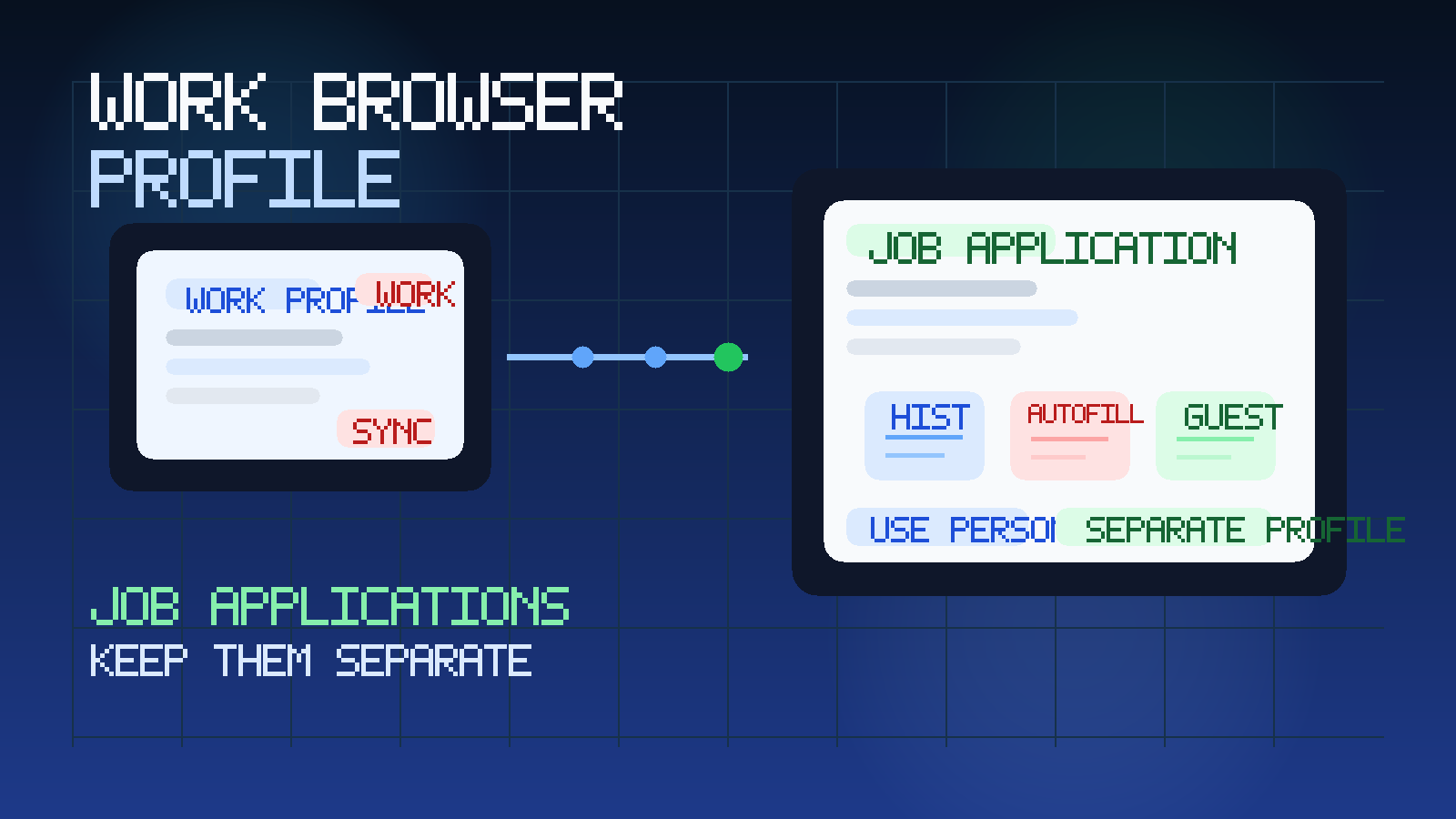
People usually think about job-search privacy in terms of email first. That makes sense: recruiter messages are the most obvious giveaway. But the browser profile you use matters almost as much. Modern browsers are not just windows to the web. They store identity, history, bookmarks, downloads, autofill, saved addresses, password prompts, extensions, and sometimes direct ties to your work account. If that whole environment belongs to your current employer, job applications can leave a much more detailed trail than you intended.
This is especially relevant if your employer encourages you to sign into a managed Chrome, Edge, or similar browser profile for everyday work. Once that profile is synced with company identity, browser management, or device policies, private job-search activity stops being purely private. Even if nobody is actively watching your screen, the setup can create history, suggestions, login traces, downloads, notification artifacts, or account-level records that are simply not under your control.
If you are already trying to keep your search discreet, the goal should be consistency. That means personal email, personal device, personal calendar, personal browser profile, and careful boundaries around which services get your long-term contact details. A tool like Anonibox can be useful for low-commitment job-board signups, resume-template downloads, or other early-stage research you do not want tied to your main inbox forever. But for real applications, stability matters more than disposability. The browser side of the workflow still deserves the same level of caution.
Short answer: avoid work browser profiles for real job applications
If you have a personal alternative, use it. A dedicated personal browser profile is a much better default for job applications than a work-managed one.
That is true even if:
- the work profile is already open and convenient
- you are applying after hours
- the job site only takes a few minutes to complete
- you plan to use private browsing inside the work profile
- you think the employer probably is not checking
Convenience is real, but it is the wrong reason to route a confidential search through employer-managed tools.
Why browser profiles matter more than people think
A browser profile is often your real online workspace. It remembers where you have been, who you are signed in as, what you downloaded, what forms you filled in, which tabs you reopened, which bookmarks you saved, and sometimes which devices or accounts are connected together. When that profile is a work profile, it may also interact with corporate identity systems, browser management policies, and security extensions.
That means job applications are not just a temporary web visit. They may touch applicant tracking systems, résumé uploads, cover-letter drafts, screening questions, salary fields, portfolio links, coding challenges, meeting invites, and follow-up portals. All of that can create a pattern.
What a work browser profile can expose
1. Browsing history and search suggestions
The simplest risk is still one of the biggest: the profile may keep a visible history of career pages, applicant portals, recruiter sites, assessment platforms, and company research. Even if nobody digs through your history intentionally, those traces can surface indirectly through address-bar suggestions, recently visited pages, or synced history across devices.
If you have ever started typing a URL and watched the browser offer a suspiciously specific suggestion, you already know how easily history can reveal context at the wrong time.
2. Autofill and saved personal data
Job applications often ask for repeating details: name, phone number, address, LinkedIn URL, portfolio links, and previous answers. Browsers love to save those fields. On a work profile, that can blur personal job-search data with the same profile you use for internal company work. It also increases the chance that personal details appear as suggestions while you are screen sharing, presenting, or filling in unrelated forms.
3. Synced tabs, bookmarks, and recent activity
Many browser profiles sync across multiple devices or sessions. That can mean tabs, bookmarks, or recently opened pages follow you farther than you expect. A saved bookmark to another company’s careers page is not catastrophic, but it is the kind of quiet breadcrumb that undermines a confidential search.
The same goes for downloaded job descriptions, interview prep docs, or candidate portal links that sit in a synced workspace long after you forgot about them.
4. Work identity and SSO traces
This is where the issue becomes more serious. A work browser profile may be tied to company identity through Google Workspace, Microsoft 365, single sign-on, device management, or browser enterprise policies. When you open job sites, create accounts, or authenticate into portals from that profile, the surrounding identity context may not be as separate from work as it feels.
The problem is not that every job site suddenly tells your employer you are applying elsewhere. The problem is that your employer controls more of the environment than you do, which makes private activity easier to connect, log, or reconstruct later.
5. Extensions and employer-managed browser controls
Some work browser profiles include security extensions, web filters, data-loss-prevention controls, password managers, or compliance plugins. These tools often exist for valid business reasons, but they still change the privacy model. A job application completed in a browser loaded with employer-managed extensions is simply not the same as one completed in a clean personal profile.
You may not even know exactly what an extension can see, block, or log. That uncertainty is part of the reason not to use the profile for sensitive career moves.
6. Downloads, uploads, and recent files
Applications often involve uploading a résumé, downloading a job description, saving an assessment brief, or attaching a portfolio sample. Those actions can leave traces in downloads history, recent files, cloud-sync folders, or browser prompts. If the work profile is part of a larger managed ecosystem, those breadcrumbs may persist longer than you think.
When the risk gets higher
Not every situation carries the same level of exposure. The risk is much higher when several of these stack together:
- the browser profile is signed into a company-managed account
- the device itself is employer-owned or monitored
- browser sync is enabled across work devices
- you are also using work Wi-Fi or a work VPN
- the profile has security or compliance extensions you do not control
- you are filling applications during the workday on the same machine you use for internal tasks
In other words, the browser profile is often not an isolated problem. It becomes one piece of a wider employer-managed trail.
Does incognito or private browsing solve the problem?
Not completely. Private browsing can reduce some local history, but it does not turn a work profile into a private environment. It does not remove the fact that you are still on a work device, inside a work-managed browser context, often with work identity nearby and possibly with employer-managed extensions or policies still in play.
Private browsing is useful for reducing clutter. It is not a reliable confidentiality strategy for job applications.
What you should use instead
1. A personal device if possible
This is the cleanest option. A personal laptop, tablet, or phone gives you more control over the browser, the files, the accounts, and the notifications involved in your search.
2. A dedicated personal browser profile
Even on a personal device, it helps to create a separate browser profile just for job searching. That keeps application tabs, recruiter portals, saved résumés, and interview links away from your everyday browsing. It also makes the whole process easier to manage without involving employer tools.
3. A stable personal email for real applications
For legitimate applications, use an inbox you plan to keep checking. The site already has a related guide on why work email is the wrong choice for job applications, and the same logic applies here: real hiring workflows often continue for weeks.
4. Temporary email only where it makes sense
Temporary email is most useful for low-commitment or low-trust activity around the edges of a job search: career newsletters, résumé-builder trials, webinar registrations, or questionable job boards that may generate spam. For actual employer applications, keep the email stable. For everything around that, tools like Anonibox can help reduce noise without tying every exploratory click to your main inbox.
How to set up a safer browser workflow for job applications
You do not need an elaborate privacy stack. A simple setup is enough for most people:
- Create a separate browser profile on your personal device for job-search activity only.
- Do not sign that profile into work Google, Microsoft, or other employer accounts.
- Keep recruiter email, candidate portals, and interview links inside that profile.
- Save your résumé, cover-letter drafts, and portfolio links in personal storage you control.
- Use bookmarks intentionally so you can track applications without mixing them into your normal browsing.
- Turn off unnecessary sync features if you want tighter separation.
That setup is usually enough to avoid most accidental leakage without making your search harder to manage.
What if you already used your work browser profile?
Do not panic. One application from the wrong profile does not guarantee a disaster. But it is worth cleaning up and changing the habit before it becomes your default.
Practical steps:
- move future applications to a personal browser profile immediately
- remove saved job-site logins from the work profile if appropriate
- delete downloaded application files from work-managed folders if they do not belong there
- check bookmarks, recent tabs, and autofill suggestions for obvious leftovers
- stop using the work profile just because it is already open
The goal is not to erase every trace perfectly. The goal is to stop creating more of them.
How this fits with other job-search privacy risks
Browser profiles are only one layer. If you are serious about confidentiality, think in systems. Keep your search off work hardware where you can. Avoid employer-owned email. Be careful with company networks. The site already covers adjacent questions like work laptops for interviews and work Wi-Fi for interviews. The same pattern shows up here too: if the infrastructure belongs to your employer, assume you have less privacy than you think.
Common mistakes to avoid
- Using the work profile because it autofills everything: convenience is exactly what makes it tempting and risky.
- Assuming incognito fixes the problem: it only reduces some local traces.
- Separating email but not browsing: a private inbox helps, but it is only part of the workflow.
- Applying from a synced work profile on a managed laptop: this stacks multiple avoidable risks together.
- Uploading personal application files into work-managed cloud folders by accident: keep job-search documents in personal storage.
Final answer
In most cases, no, you should not use your work browser profile for job applications. A work-linked profile can expose your search through history, autofill, synced activity, managed extensions, downloads, and identity traces that are easy to underestimate.
A personal browser profile on a personal device is the better default. It gives you more control, fewer breadcrumbs, and a cleaner boundary between your current employer’s systems and your next opportunity.