Yes — a separate calendar is usually a smart choice for job referrals if you want better privacy, cleaner follow-up tracking, and less risk of work or household calendars exposing your search.
It works best when the calendar lives in a personal account you actually monitor, not a forgotten side calendar that causes you to miss recruiter intros, referral check-ins, or scheduling changes.
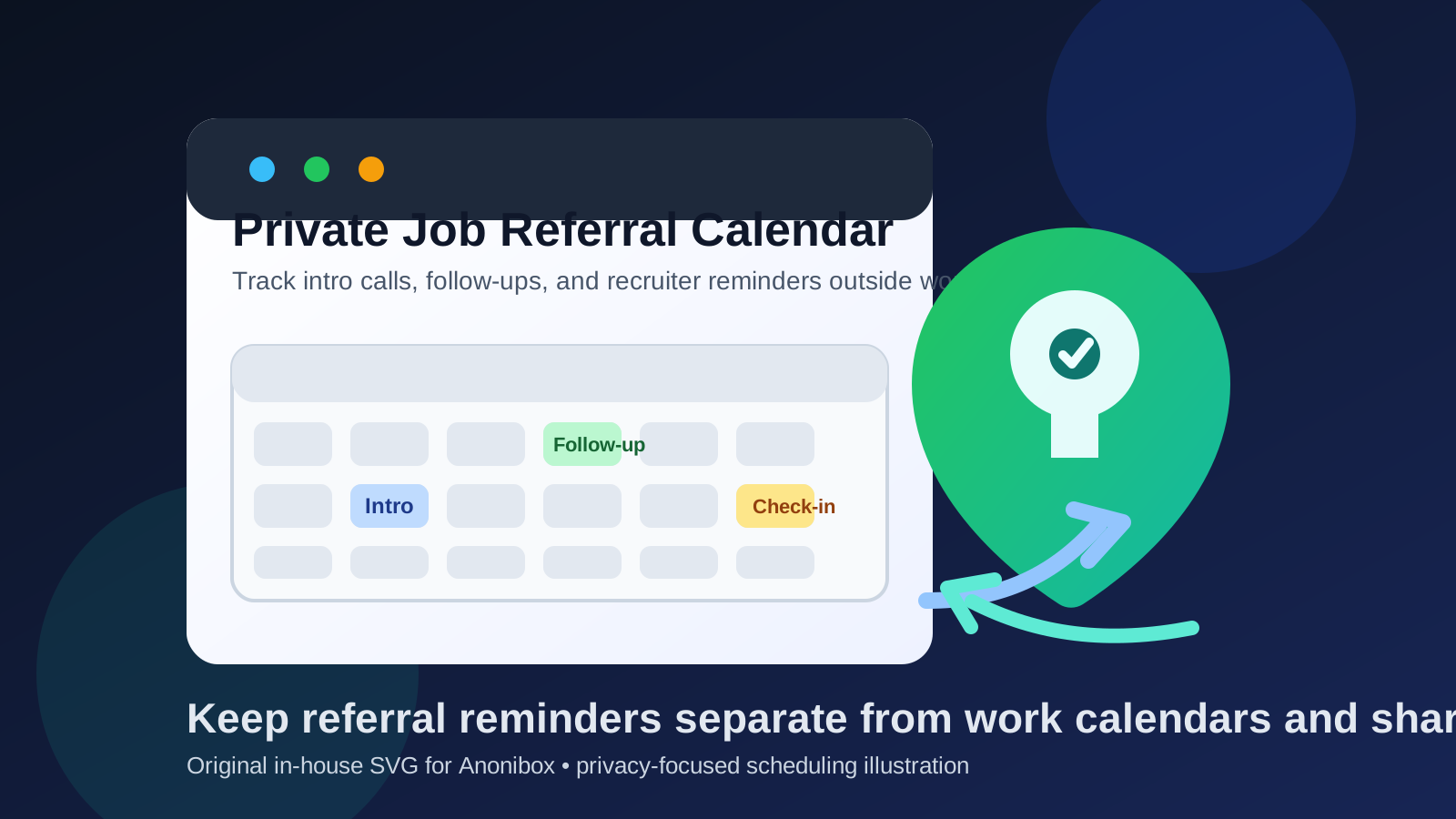
People often think about email first when they want a more private job search. That makes sense, but referrals create a scheduling trail too. A friend says they will introduce you to a recruiter. Someone from the company asks when you are free for a quick call. A hiring team circles back a week later and offers two time slots. Even when a referral has not turned into a formal interview yet, it can still create reminders, call blocks, meeting links, follow-up nudges, and time-sensitive tasks that you may not want mixed into your work calendar or a shared family calendar.
A separate calendar can solve that neatly. It gives you one place to manage referral-related timing without putting the trail on employer-managed tools or spreading it across the same calendar that handles school pickups, medical appointments, travel, and everything else. The trick is to make it separate enough for privacy, but stable enough that you never miss something important.
Why job referrals create calendar privacy issues
Referrals feel less structured than job applications and formal interviews, so people often underestimate how much scheduling they involve. In practice, referrals can create a surprising amount of calendar activity:
- reminders to send a resume or portfolio after an introduction
- follow-up dates if the employee contact does not reply
- quick intro calls with internal recruiters
- availability holds for coffee chats, screening calls, or networking conversations
- time blocks to prepare for a conversation about a referred role
If all of that lands on a work calendar, you create an unnecessary visibility problem. If it lands on a shared personal calendar, you create an unnecessary exposure problem at home. A separate calendar is often the simplest middle ground.
What counts as a separate calendar?
A separate calendar does not always mean a totally new device or a complicated privacy setup. Usually it means one of three things:
- A dedicated calendar inside your personal account: often the easiest option. You keep using an account you control, but job referrals live on their own calendar.
- A separate personal account for your job search: useful if you want stronger boundaries between everyday life and career moves.
- A calendar paired with a separate job-search inbox: helpful if you already route some career communication into a distinct email workflow.
The important question is not whether it is technically a new calendar. The important question is who controls it, who can see it, and which devices display its notifications.
Why a separate calendar is usually a good idea for job referrals
1. It keeps referral activity off work systems
If you are employed, your work calendar is usually the worst place to manage referral timing. Event titles, reminder popups, synced mobile alerts, and visible busy blocks can all reveal more than you intended. Even if nobody is actively reading your events, employer-managed systems are simply the wrong home for a confidential search.
A separate calendar keeps referral timing outside that environment. That matters even before interviews start, because repeated “quick call,” “follow up,” or company-name reminders can create a pattern over time.
2. It prevents job-search clutter from taking over your personal calendar
Some people avoid the work-calendar problem, but then drop everything into the same personal calendar they share with a partner or use for every daily obligation. That is better than using employer tools, but it is not always ideal. Referral check-ins can get lost between dentist appointments, travel holds, birthdays, and family logistics.
A separate calendar gives you cleaner organization. You can see job-search timing at a glance without turning your everyday schedule into one big mixed stream.
3. It makes follow-up timing easier to manage
Referrals often move in awkward bursts. You may hear nothing for several days, then suddenly get a request for availability or a recruiter reply that needs a fast answer. A separate calendar makes it easier to set a reminder for “check back if no response by Friday” or “send thank-you note after intro call” without burying those tasks in unrelated events.
4. It gives you better notification control
Calendar privacy leaks often happen through surfaces you were not thinking about: lock-screen previews, watch notifications, desktop popups, tablet widgets, or reminders on a work laptop. When referral scheduling sits on its own calendar, you can adjust the notification style, visibility, and device sync more intentionally.
When a separate calendar is especially useful
It is not equally necessary for everyone, but it becomes much more useful when:
- you are searching confidentially while still employed
- you expect several referral conversations at the same time
- you share your main personal calendar with a partner or family
- you already use separate email, browser, or phone workflows for your job search
- you want one place to manage intros, reminders, and early-stage scheduling before formal interviews begin
If that sounds like your situation, a separate calendar is usually worth the small setup effort.
When it may be more than you need
A separate calendar is useful, but it is not mandatory for every job seeker. If you only have one or two casual referrals, your personal calendar is private, and nobody else can see it, creating a whole new account may be unnecessary. In that case, a dedicated sub-calendar inside your existing personal account may be enough.
The goal is not maximum complexity. The goal is enough separation to keep referral timing private and manageable. If your normal personal calendar already gives you that, a lighter setup can be fine.
The best setup for most people
For most people, the strongest balance is a dedicated referral calendar inside a personal account they already use and trust. That gives you separation without making the workflow fragile.
Why that usually works well:
- you can check it from personal devices you already monitor
- you avoid building a throwaway system you forget to open
- you can color-code referral events separately from other life events
- you can customize reminders without affecting the rest of your calendar
- you can archive or hide the calendar after the search ends
If your search is more sensitive, a separate personal account can make sense too. Just do not make the setup so isolated that fast-moving referral follow-ups become easy to miss.
Best practices for using a separate calendar for job referrals
Use a calendar you will reliably check
This is the biggest rule. Privacy is not helpful if it turns into missed opportunities. Referrals sometimes move slowly and then suddenly become urgent. Your calendar needs to be separate, but it also needs to be part of your actual routine.
Keep event titles clear but discreet
There is no need to write overly revealing event titles. Something like “Referral follow-up,” “Intro call,” or “Private meeting” is usually enough. You can keep fuller details in the notes field if needed.
Store links and names in the event notes
If a referral turns into a recruiter chat, save the meeting link, name, role, company, and any preparation notes inside the calendar event. That way you are not digging through old messages five minutes before a call.
Set sensible reminders
Usually one reminder early enough to prepare and one closer to the event is enough. Too many notifications create noise, and noisy systems are easier to ignore.
Do not sync it to work-managed devices unless you accept that risk
A separate calendar loses much of its privacy value if you immediately connect it to your employer-managed laptop, phone, or browser profile. If the device is controlled by work, assume that notifications, cached data, and account traces may not stay private.
How a separate calendar fits with the rest of a privacy-conscious job search
A separate calendar works best when it fits a wider but realistic privacy workflow. That does not mean you need a complicated stack of burner accounts. It usually means choosing stable personal tools instead of work-owned ones.
For example, many people pair a separate calendar with:
- a personal email or stable alias for real recruiter communication
- a separate browser profile for applications and meeting links
- a dedicated notes doc or tracker for applications and referrals
- a temporary inbox like Anonibox only for low-trust signups, gated downloads, or early-stage exploration where long-term access is less important
That last point matters. A real referral is usually not the right place for an expiring inbox or a contact point you barely monitor. Once a real person is introducing you to a real opportunity, reliability matters more than maximum throwaway separation. A separate calendar should support that reliability, not undermine it.
Common mistakes to avoid
- Using your work calendar “just once”: one referral event can still leave a visible trace.
- Creating a calendar you never check: separation is not helpful if follow-ups get missed.
- Letting lock-screen previews stay fully visible: privacy leaks often happen through reminders, not through deliberate sharing.
- Keeping everything in your main household calendar: it may be private enough, but it can still become cluttered and overly visible.
- Relying on memory instead of reminders: referrals are easy to lose when they do not yet feel like formal interviews.
A quick checklist before you decide
- Who owns this calendar account?
- Who can see the event titles, notes, or reminders?
- Which devices will show these notifications?
- Will I reliably check this calendar every day?
- Do I want referral timing mixed with work tools or shared household planning?
If those questions point toward employer visibility, shared access, or a cluttered everyday calendar, a separate calendar is probably the better choice.
Final answer
Yes — using a separate calendar for job referrals is usually a smart move. It keeps referral timing more private, makes follow-ups easier to track, and reduces the chances that work systems or shared calendars will expose your search.
The best version is not a forgotten side calendar. It is a reliable personal calendar you control, with sensible notifications and enough separation from employer-managed tools to protect your privacy without making you miss real opportunities.