No — public Wi-Fi is usually a poor choice for job referrals because shared networks can expose account activity, message previews, and personal job-search details while also adding avoidable reliability problems.
If you have no better option, keep the task short, avoid sensitive account changes or private attachments, and move follow-up messages to a trusted connection as soon as you can.
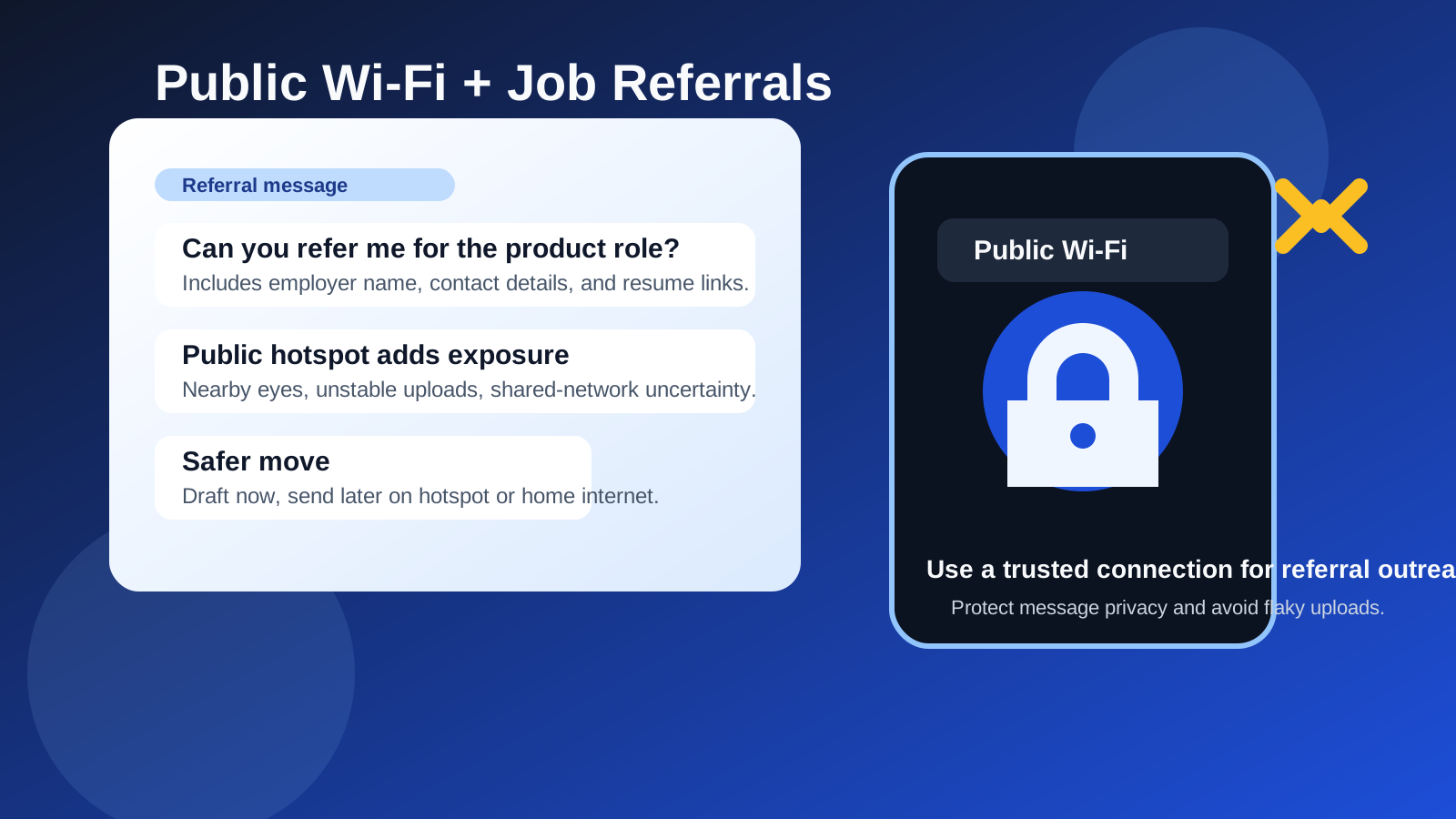
That short answer matters because job referrals are not just casual browsing. They often involve LinkedIn messages, email threads, shared resumes, recruiter introductions, calendar coordination, or private notes about where you are applying next. Even if the referral itself seems simple, the surrounding activity can expose more than you intended.
Many people ask for referrals while sitting in airports, coffee shops, hotels, libraries, or coworking spaces because that is when they have time. The convenience is real. So is the risk. Public Wi-Fi does not automatically mean disaster, and modern websites using HTTPS are far safer than the open-web days of the past, but shared networks still create more opportunities for account mix-ups, shoulder surfing, unsafe captive portals, weak device hygiene, and unreliable communication.
If you already try to keep your job search separate from your everyday digital life, this is the same kind of decision. A tool like Anonibox can help you limit email exposure in low-trust or early-stage situations, but network choice matters too. A careful privacy workflow loses some of its value if the actual referral request happens over a connection you do not control.
Why job referrals are more sensitive than they look
People sometimes think a referral is just a quick message: “Hey, would you be willing to refer me for this role?” In practice, it usually involves more context than that.
- You may reveal a confidential job search: especially if you are employed and not ready for your current company to know you are looking.
- You may open multiple accounts: LinkedIn, Gmail, Outlook, Slack, Teams, a careers page, or a shared document all in one session.
- You may send supporting material: a resume, portfolio, role link, or short note explaining why you are a fit.
- You may discuss people and companies by name: including recruiters, hiring managers, old coworkers, and target employers.
- You may need fast follow-up: if the other person answers quickly, timing suddenly matters.
That combination makes referrals more sensitive than basic content reading. You are not just consuming public information. You are actively exposing your intent, your accounts, and sometimes your professional relationships.
Main risks of using public Wi-Fi for job referrals
1. More account exposure while switching between services
Referral workflows often bounce between platforms. You might look up a role on a company site, copy it into a LinkedIn message, open your email for a resume attachment, then check your calendar. Every extra login and open tab creates another chance to leave traces behind or stay signed in somewhere longer than you meant to.
On a public network, that does not mean someone can magically read everything on a modern encrypted site. It does mean you are operating in a less controlled environment. Fake login pages, malicious captive portals, insecure redirects, and sloppy device habits become more expensive mistakes when the subject is your career search.
2. Message previews and shoulder surfing
One of the most ordinary risks is also one of the most realistic: people nearby can simply see too much. Referral requests often mention company names, hiring teams, job titles, and your availability. If you are in a crowded cafe, gate area, or coworking table setup, private career moves can stop being very private.
This is especially awkward if you are using LinkedIn, personal email, or messaging tools with visible notification banners. Even without technical snooping, public spaces create visual exposure.
3. Shared-network uncertainty
On your home connection or mobile hotspot, you have a clearer sense of what network you are on. Public Wi-Fi is murkier. Network names can be confusing, login splash pages can be misleading, and you may not know who manages the router, how often it is updated, or what logging takes place.
That uncertainty does not automatically make every public network hostile, but it does remove control. For something routine like reading headlines, many people accept that trade-off. For referral outreach tied to your reputation and job search, it is less attractive.
4. Reliability problems at bad moments
Referral conversations are often time-sensitive. A former coworker may answer right away and ask for your latest resume. A recruiter may respond while you are still online. Public Wi-Fi can be slow, unstable, or interrupted by sign-in timeouts. That can make you look disorganized when the real problem is the network.
Reliability matters just as much as privacy in this situation. A dropped upload, half-sent message, or delayed reply can create needless friction during a moment when you want to seem prepared.
5. Account spillover between personal and work contexts
People on public Wi-Fi often use whatever device is already open. That can mean a work laptop, work browser profile, or work-managed phone. In that case, the network is not the only issue. You may also be mixing job-search activity with employer-visible devices, accounts, or traffic patterns. That is a separate risk, but public Wi-Fi often appears together with it because people are working remotely when they decide to send referral messages.
Is public Wi-Fi ever acceptable for job referrals?
Sometimes, yes — but only for lighter, lower-risk parts of the process.
For example, public Wi-Fi may be acceptable for:
- reading a company careers page without logging in
- saving a job link to review later
- drafting a referral message offline before sending it later on a safer connection
- checking whether someone already replied, without opening attachments or changing account settings
Those tasks are not risk-free, but they are lower stakes than signing into multiple services, uploading a resume, or sending detailed personal information.
Where public Wi-Fi becomes much less appealing is when you are logging into email, opening private documents, attaching files, copying personal contact details, or moving between several accounts while discussing real opportunities.
Better alternatives to public Wi-Fi
If you want a cleaner answer than “maybe, but be careful,” the better answer is to use a connection you trust more.
Use your mobile hotspot or cellular data
For most people, this is the simplest upgrade. A phone hotspot or direct mobile connection usually gives you a more controlled environment than a random shared network. It is not a magic shield, but it removes a lot of public-network uncertainty.
Wait until you are on home internet
If the referral is important and not urgent to the minute, waiting is often the smartest move. A message sent an hour later from a calmer, more private setup is usually better than a rushed message sent immediately from a noisy, exposed environment.
Draft now, send later
If inspiration strikes while you are out, write the message in notes or a draft email, collect the job link, and send it once you are back on a trusted connection. This preserves momentum without forcing the actual referral exchange onto public Wi-Fi.
Separate the early research from the sensitive follow-up
You can do light browsing on the move and save the private parts for later. That split works well for people who want convenience without treating every step of the job search the same way.
If you absolutely must use public Wi-Fi, follow this checklist
- Confirm the network carefully: make sure you are joining the correct network, not a lookalike name.
- Prefer HTTPS pages and avoid warnings: if the browser complains, back out instead of clicking through.
- Keep the session short: handle only what is necessary.
- Avoid sending sensitive attachments: especially resumes with home address details or other personal identifiers if you can wait.
- Turn down screen exposure: lower brightness a bit, angle the screen away from others, and be mindful of visible notifications.
- Do not use a work-managed device if you can avoid it: mixing public Wi-Fi and employer-controlled hardware is an ugly combination for a confidential search.
- Log out or close what you do not need: fewer open services means less spillover.
- Move the next step elsewhere: once the immediate task is done, continue the conversation from a safer connection.
How email privacy fits into referral outreach
Referral requests often lead to email exchanges: “Send me your resume,” “Here is the recruiter contact,” or “Use this careers link and let me know once you apply.” That is where inbox separation can help.
Not every referral should use a temporary address. If a real person is helping you and you expect continued follow-up, reliability matters. But for early-stage exploration, low-trust forms, or situations where you do not want your primary inbox spread widely yet, a service like Anonibox can reduce exposure and keep your search more organized.
The point is not to make yourself hard to reach. The point is to decide which channels deserve your main identity and which ones do not. Public Wi-Fi creates one layer of exposure; broad email sharing creates another. Thoughtful separation helps with both.
Red flags that should make you stop immediately
- the network login page looks odd, broken, or inconsistent with the venue
- you are being asked to sign in repeatedly to different services
- someone nearby can clearly see your screen
- the referral request suddenly turns into document sharing, identity details, or account changes
- the only device available is your employer-controlled laptop or phone
If any of those show up, that is a good moment to stop treating the task as “quick” and move it to a safer setup.
Final answer
Public Wi-Fi is usually not the best choice for job referrals. The combination of shared-network uncertainty, visible messaging, multiple account logins, and flaky reliability makes it a poor fit for a part of the job search that often reveals more than you think.
If the task is truly low-risk, brief, and unavoidable, you can sometimes get away with doing the minimum and finishing later on a better connection. But if you want the cleanest habit, use a trusted network, keep your referral workflow separated from work-managed tools, and protect both your inbox and your account activity with the same care you already give the rest of your job search.