Usually yes, if you are using your own device and a reliable VPN, but it is optional rather than essential for job referrals.
A personal VPN can hide some network activity from the local Wi-Fi or ISP, but it will not hide your identity from the employee, recruiter, referral form, or employer you contact.
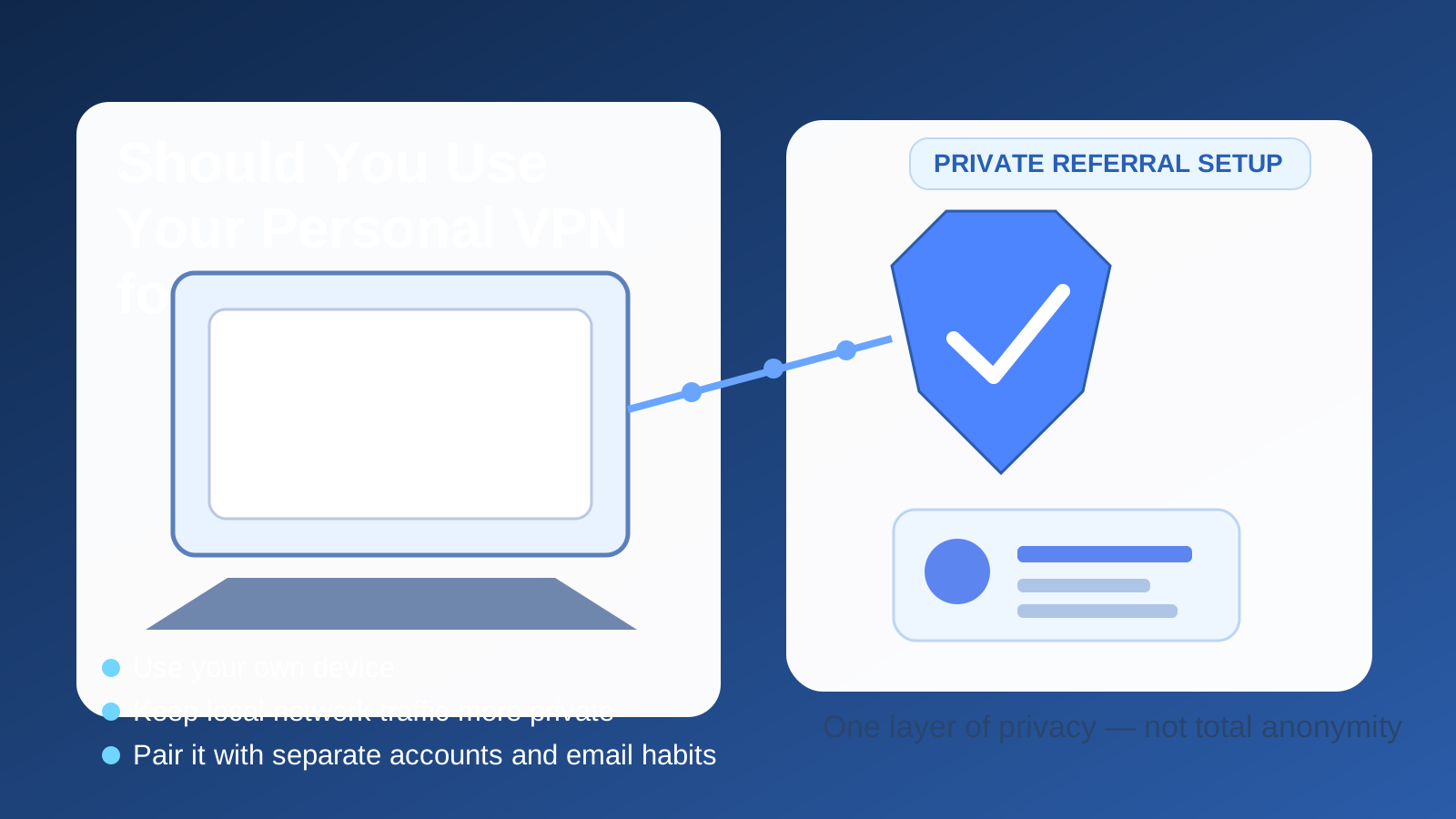
That distinction matters because job referrals sit in an awkward middle ground between casual browsing and a full job application. You are often messaging a real person, opening referral links, checking internal or external candidate portals, and sometimes uploading a resume earlier than you expected. A personal VPN can make that activity a little more private on the network side, but it does not magically turn a referral workflow into an anonymous one.
If you are trying to keep your job search quiet, the best answer is not “VPN or no VPN.” The better question is whether your whole setup makes sense: your own device, your own browser profile, a private connection, a separate email path when appropriate, and no employer-controlled tools mixed into the process. A personal VPN can fit into that stack well. It just should not be the only thing you trust.
Short answer: a personal VPN is usually fine for job referrals
For most people, a personal VPN is a reasonable choice when asking for job referrals, opening referral links, or reviewing recruiter follow-ups on a personal device. It can reduce how much the local network can observe about your browsing patterns, and it can keep your home IP or temporary Wi-Fi connection out of the direct path.
But it helps most at the network layer. It does not erase the bigger signals involved in referral activity, including your LinkedIn profile, your email address, your resume, your browser session, the referral form you submit, or the fact that you are contacting someone about a role.
Why referrals create a different privacy problem
Job referrals are different from ordinary browsing because they usually connect your identity to a specific opportunity through another person. You might be:
- sending a message to an employee or recruiter
- opening a referral link tied to a person inside the company
- filling out a short referral intake form
- uploading a resume or portfolio earlier than you would in a standard application flow
- checking status messages, scheduling links, or confirmation emails over several days
That means privacy risks rarely come from just one place. The network matters, but so do your accounts, your browser history, your saved logins, and whether you are using anything controlled by your current employer.
What a personal VPN can help with during job referrals
1. More privacy on shared or untrusted networks
If you are on hotel Wi-Fi, airport Wi-Fi, coworking internet, a conference network, or another connection you do not fully control, a personal VPN is a sensible extra layer. It helps keep the local network from getting as clear a picture of what sites you are visiting and when.
2. Less direct exposure of your home IP
Some job seekers simply do not like exposing their home IP address to every service they touch. That is a reasonable preference. A personal VPN can replace that direct network origin with the VPN exit location instead.
3. Cleaner habits when you already use a privacy-first setup
If your normal browsing routine already includes your own VPN, your own browser profile, and your own device, there is no special reason to turn the VPN off just because you are making a referral-related visit. A tested, familiar setup is often better than changing things midstream.
What a personal VPN does not do
It does not hide you from the person making the referral
If you are reaching out to a former coworker, a recruiter, or an employee connection, they still know who you are from the message, profile, resume, or email address you use.
It does not hide you from the site you log into
If you sign into LinkedIn, a company hiring portal, a referral form, or an applicant tracking system, those services can still connect your actions to your account, cookies, session identifiers, and browser fingerprint. A VPN does not cancel that.
It does not fix a bad privacy setup
If you are using a work laptop, a work browser profile, a work Slack account, or a work VPN, switching on a personal VPN does not solve the bigger issue. Employer-controlled hardware and accounts are usually a much larger privacy risk than the difference between one internet route and another.
When using your personal VPN makes the most sense
- You are on your own device: your own laptop or phone is still the cleanest starting point.
- You are away from home: public or semi-public networks are where a personal VPN helps the most.
- Your VPN is stable: if it works reliably for normal browsing, email, and referral forms, there is little downside.
- You want a quiet, compartmentalized job-search workflow: a personal VPN works well alongside a separate browser profile and referral-only inbox habits.
When it adds little value
If you are already on your own trusted home Wi-Fi, on your own device, in a clean browser profile, and using your own accounts, a personal VPN is more of a nice extra than a requirement. It can still be fine to leave on, but it is not the thing that makes or breaks privacy in that scenario.
In other words, a personal VPN is useful, but the biggest wins usually come from avoiding employer-controlled tools and keeping your referral activity separated from your normal work environment.
When a personal VPN can create friction
Location mismatch
Some referral systems, recruiter forms, or anti-fraud tools behave differently if your IP appears to jump countries or regions. If your VPN exit node is far away from your real location, you may trigger extra verification, confusing geo-detection, or a less believable location story.
Slower form loads or email verification loops
Most VPNs work fine, but a weak server can slow down links, login flows, or embedded forms. Referral workflows are lighter than video interviews, yet you still do not want technical friction when you are trying to respond quickly.
Overconfidence
The biggest mistake is thinking a personal VPN makes the whole process private by itself. It does not. If you open a referral link in a browser already signed into your main professional accounts, or you forward recruiter messages through the wrong inbox, the VPN is not the part that decides your privacy outcome.
Better alternatives to worry about first
If you want to reduce exposure during job referrals, these steps usually matter more than the VPN itself:
- Use your own device. Do not start referral activity on a work laptop or work phone if privacy matters.
- Use your own connection. Home internet, a personal hotspot, or your own mobile data is usually cleaner than employer or public Wi-Fi.
- Use a separate browser profile. That helps prevent autofill leaks, accidental tab crossover, and cross-account confusion.
- Use the right email path. For early-stage outreach or form gating, many people prefer a separate inbox or alias strategy. Anonibox can fit naturally into that workflow when you want to avoid pushing every exploratory message into your long-term personal inbox.
- Keep work accounts out of it. No work Slack, work Outlook, work Teams, work GitHub, or work VPN in the loop unless you are comfortable with the visibility trade-off.
Personal VPN vs work VPN for job referrals
This is where people often get tripped up. A personal VPN and a work VPN are not the same privacy choice.
A personal VPN is something you control for your own network privacy. A work VPN routes your traffic through employer-controlled systems that may log domains, timing, policy events, or identity-linked traffic patterns. If you want a confidential referral setup, your own VPN is usually far better than a work VPN. If the choice is between a personal VPN and no VPN on your own network, either can be acceptable. If the choice is between a personal VPN and a work VPN, the personal VPN is the cleaner option for privacy.
A practical checklist before you send a referral message
- Are you on your own device rather than employer hardware?
- Are you using your own account, not a work-managed account?
- Is your VPN exit location close enough to avoid odd geo-mismatch issues?
- Are you using a browser profile that will not autofill unrelated work details?
- Are you comfortable with the email address attached to the referral follow-up?
If those answers are good, using your personal VPN is perfectly reasonable. If several of them are bad, focus on fixing the broader setup first.
Final answer
Yes, you can use your personal VPN for job referrals, and in many situations it is a smart privacy habit. It is especially useful on shared networks or when you prefer not to expose your home IP directly. But it is only one layer. It will not hide your identity from the company, the employee referring you, or the sites you sign into.
The strongest setup is simple: your own device, your own accounts, your own browser profile, your own connection, and a personal VPN if you want the extra network privacy. Treat the VPN as a supporting tool, not a magic shield, and your referral workflow will usually be both safer and more practical.