A temp email for Wix Bookings is useful for quick setup tests, low-stakes booking-page previews, and early trial signups.
It becomes a weak setup once real appointment reminders, client inquiries, reschedules, or account recovery depend on that inbox.
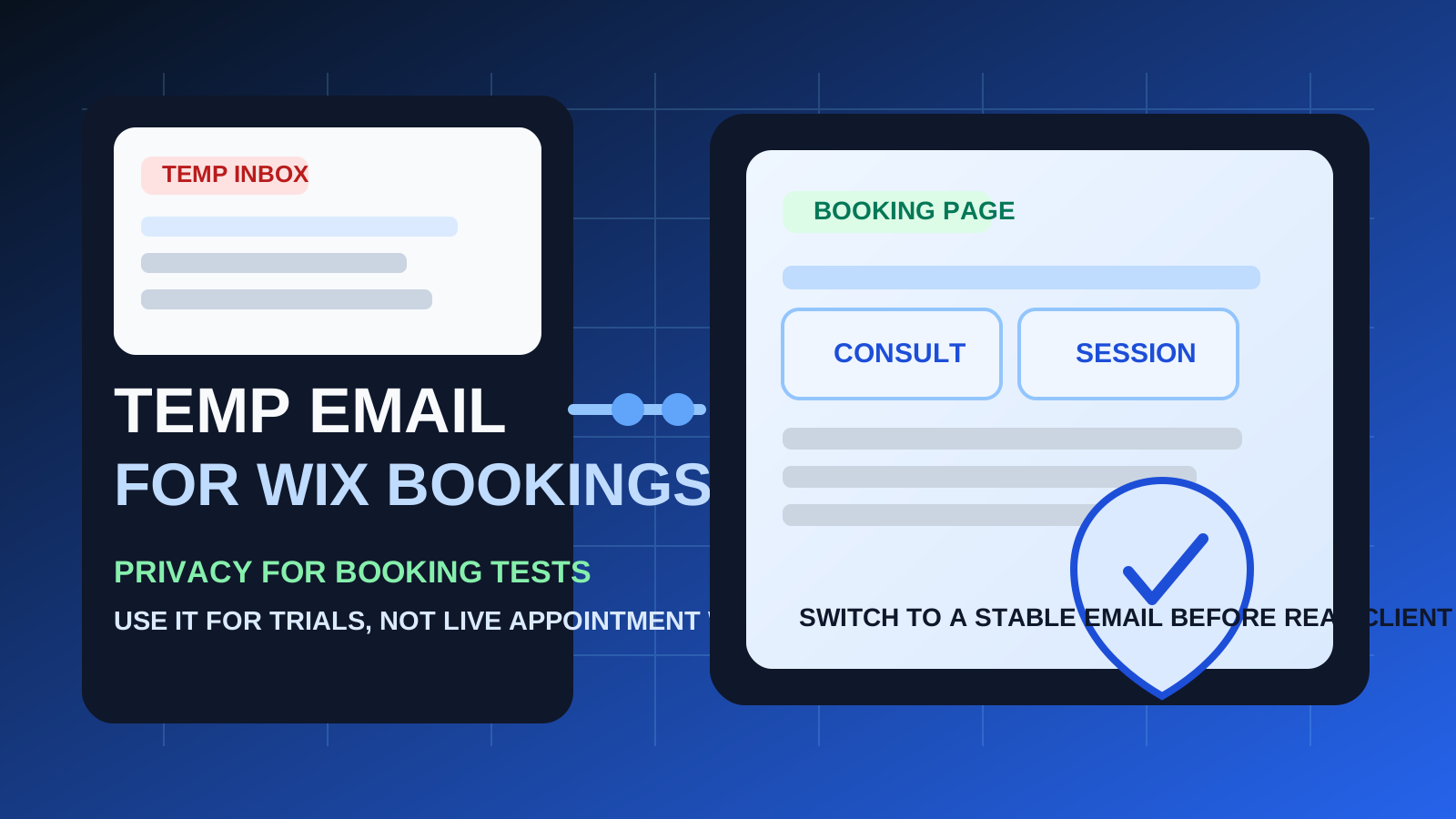
If you are exploring Wix Bookings for appointments, consultations, classes, or service scheduling, a temporary inbox can help you keep your main email out of another SaaS onboarding funnel until you know the tool is worth using. That is especially handy when you are comparing several booking platforms at once and do not want every welcome sequence, upsell email, and follow-up prompt landing in your long-term inbox.
But Wix Bookings is also the kind of tool where email continuity matters sooner than many people expect. Confirmation emails, booking changes, reminder messages, customer replies, and account recovery can all become important fast. A temporary inbox is fine when the goal is evaluation. It is much less reliable when the workflow starts touching real clients, live appointments, or anything you may need to revisit later.
The practical answer is not “always use a burner address” or “never use one.” The smarter move is to match the email you use to the stage you are in. If you are testing Wix Bookings, checking how the booking page behaves, or deciding whether the service fits your business, a temporary inbox can be a clean privacy buffer. If the account is becoming part of real operations, you should switch to a stable inbox before anything important depends on it.
When a temp email for Wix Bookings makes sense
There are a few situations where a disposable inbox is genuinely practical.
- Early product evaluation: you want to see how setup works before giving Wix another long-term contact address.
- Booking-page testing: you are previewing the customer flow, trying sample services, or reviewing confirmation emails.
- Side-by-side comparisons: you are comparing Wix Bookings with tools like Calendly, SimplyBook.me, or Square Appointments.
- Inbox hygiene: you want to separate low-stakes trials from your main work or personal inbox.
- One-off research: you only need access long enough to confirm the account, inspect the dashboard, and decide whether to continue.
In those cases, a service like Anonibox can help you verify the signup, capture the essential onboarding emails, and avoid committing your real inbox too early.
Where a temporary inbox starts becoming risky
Wix Bookings may begin as a simple trial, but it can quickly turn into a live communication channel. That creates a few weak points for disposable email.
1. Reminders and reschedules matter more than the first signup
The first verification email is rarely the most important one. Once appointments enter the picture, the critical messages often arrive later: confirmations, booking changes, reminder emails, cancellation notices, or follow-up messages tied to a real customer interaction. If your inbox expires or you stop watching it, the workflow becomes fragile.
2. Account recovery can become a problem
If you plan to keep using the setup, return to it later, or recover access after a break, a temporary address stops being convenient and starts being a liability. Disposable email works best when the account itself is temporary too.
3. Real client communication needs continuity
Once the booking page is public, your inbox is no longer just a signup detail. It is part of how appointments, questions, updates, and operational messages move around. That is the point where a stable address usually makes more sense than a throwaway one.
4. Staff and shared workflows increase the stakes
If you are connecting calendars, assigning services, sharing ownership, or relying on notifications inside a team workflow, missed emails become more expensive. Temporary email is usually too flimsy for that stage.
A simple rule of thumb
Use a temp email for Wix Bookings when you are evaluating the tool, not when you are depending on it.
If you only want to explore the dashboard, test the booking flow, or compare pricing and setup steps, disposable email can be reasonable. If the account is about to support real appointments, customer reminders, or ongoing scheduling, switch to a permanent inbox first.
How to use a temp email for Wix Bookings safely
1. Decide whether this is a trial or a real rollout
Before you sign up, be clear about the goal. Are you just testing? Comparing vendors? Previewing the booking experience? If yes, a temporary inbox can help. If you already expect the account to become part of your real appointment system, start with the stable address you actually want to keep.
2. Save the emails that matter right away
During a short evaluation, you usually only need a few messages:
- the verification email
- the welcome or setup guide
- any onboarding links you may want later
- trial details worth comparing against competitors
Capture those while you still have access instead of assuming the inbox will be there later.
3. Test the workflow on purpose
Do not open the account and leave it half-finished. Move through the important questions in one focused session. For example:
- How quickly can you create a public booking page?
- Are the service options, availability rules, and confirmations easy to understand?
- Does the customer-facing flow feel clean enough for your business?
- Do the onboarding emails add value or just create clutter?
This is where temporary email genuinely helps. It lets you inspect the product without committing your long-term inbox to every experiment.
4. Switch before anything customer-facing goes live
The moment you plan to accept real appointments, depend on reminders, or keep the account long-term, replace the disposable inbox with a permanent one. Do not wait until after real messages have started flowing.
When a permanent inbox is the better choice
Use a stable email address from the start if any of these are true:
- you expect to keep the Wix Bookings account beyond a quick trial
- you are launching real booking pages for customers or clients
- you need dependable confirmation and reminder emails
- you may need account recovery later
- you are connecting calendars, staff schedules, or recurring services
- you want a professional address tied to your long-term business workflow
For those situations, the small privacy benefit of a burner address is usually outweighed by the cost of missed or inaccessible messages.
Realistic examples
Example 1: comparing booking tools for a small business site
If you are deciding between Wix Bookings and other scheduling platforms, using a temporary inbox is reasonable. You can verify the account, review the setup flow, and judge how much vendor email arrives before you decide which tool deserves a permanent place in your workflow.
Example 2: previewing the customer booking experience
If you only want to see how a service page, calendar selection, or confirmation email looks, disposable email can still make sense. The goal is testing, not continuity.
Example 3: launching live services
If you are about to accept real consultations, classes, beauty appointments, lessons, or other bookings, a stable inbox is the safer move. At that point, missed reminders and inaccessible messages stop being a minor inconvenience and start affecting real customers.
Common mistakes to avoid
- Treating a live workflow like a throwaway test: temporary email is for evaluation, not reliable operations.
- Forgetting about follow-up messages: the biggest risk is often not the first verification email but what comes afterward.
- Waiting too long to switch: if the platform is clearly staying, update the email early.
- Using one disposable address for every trial: separate tests are easier to track when you do not blur them together.
- Ignoring customer expectations: if people are relying on bookings, use an inbox you will actually monitor.
A cleaner evaluation workflow
If you want the privacy benefit without creating unnecessary fragility, this is the practical middle ground:
- Use a temporary inbox for first-pass Wix Bookings evaluation.
- Read and save the essential onboarding emails immediately.
- Test the booking flow in one focused session.
- Switch to a stable inbox before real appointments or client messages matter.
That gives you the best part of temporary email — less long-term inbox clutter — without pretending it is the right solution for every stage of scheduling.
Final takeaway
A temp email for Wix Bookings is helpful when you want to test signup flows, preview booking pages, and compare scheduling tools without handing over your main inbox too early.
It is not the best long-term choice once reminders, reschedules, account recovery, and real client communication begin to matter. Use disposable email for the evaluation phase, then move to a stable address before the booking workflow becomes something you actually rely on.